Amazon SES is a popular choice for sending emails at scale.
But managing email infrastructure through SES can become difficult as your sending needs grow.
Some of the common issues users report include:
The initial setup can be technical, especially for beginners.
There is a steep learning curve for managing email infrastructure.
Customer support can be slow when you need help.
The interface can feel less intuitive than newer platforms.
Managing email settings and sending limits can become difficult as your needs grow.
Because of these limitations, some businesses look for alternatives that are easier to manage, offer better support, or give them more control over their email infrastructure.
I compared the top Amazon SES alternatives for transactional emails, bulk email, and high-volume sending. I looked at deliverability, features, pricing, ease of use, infrastructure, and sending capabilities.
In this guide, I will share what I found and help you choose the right Amazon SES alternative for your needs.
If you need cold email infrastructure, these are the options I would consider:
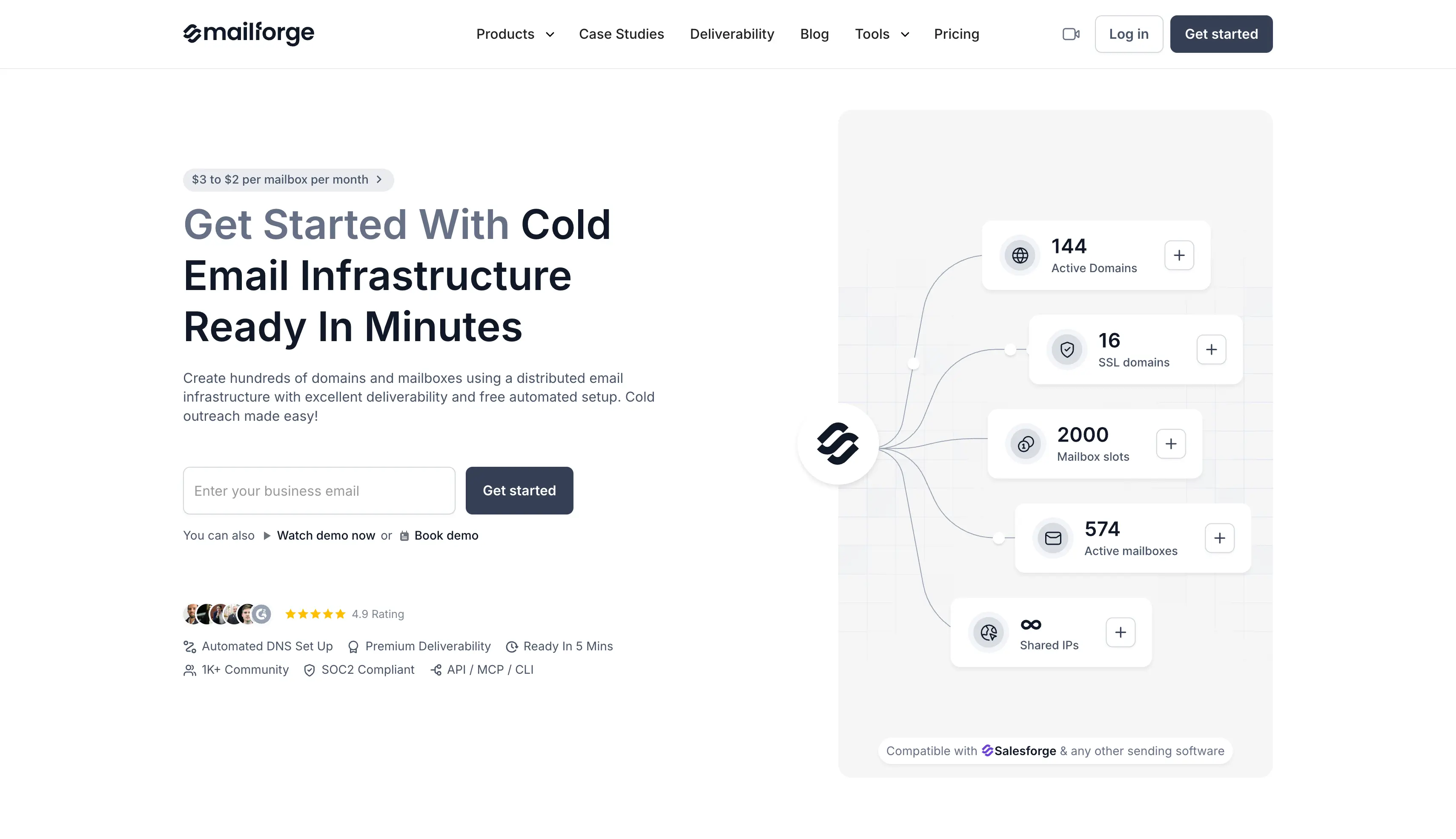
Mailforge: Best for GTM teams and agencies that need affordable domains and mailboxes for cold email.
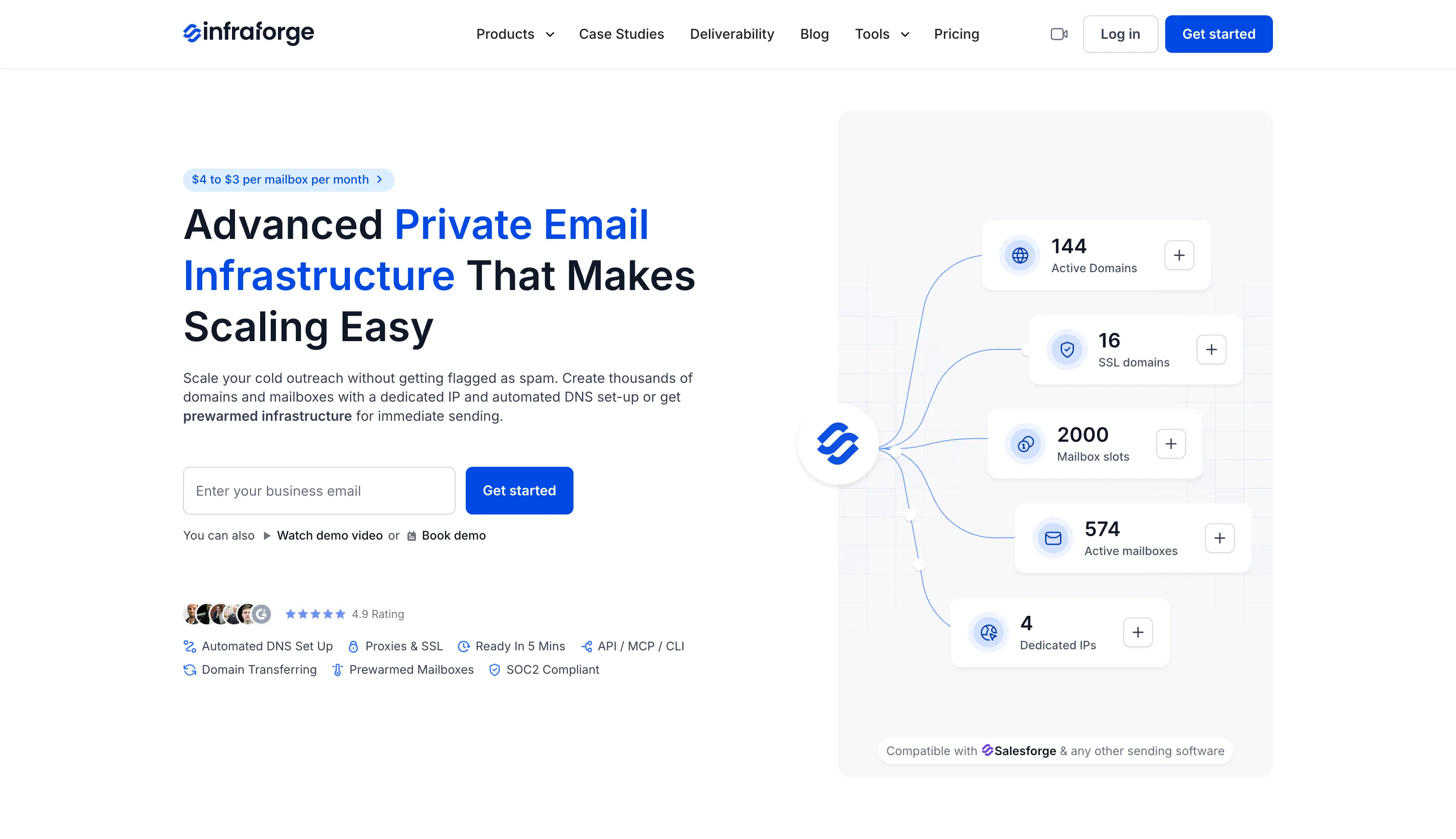
Infraforge: Best for teams that need private email infrastructure and dedicated IPs.
Zapmail: Best for teams that want ready-to-use Google Workspace and Microsoft 365 mailboxes.
Mailreef: Best for technical teams that want more control with their own dedicated mail server.
For transactional email, these are the options I would consider:
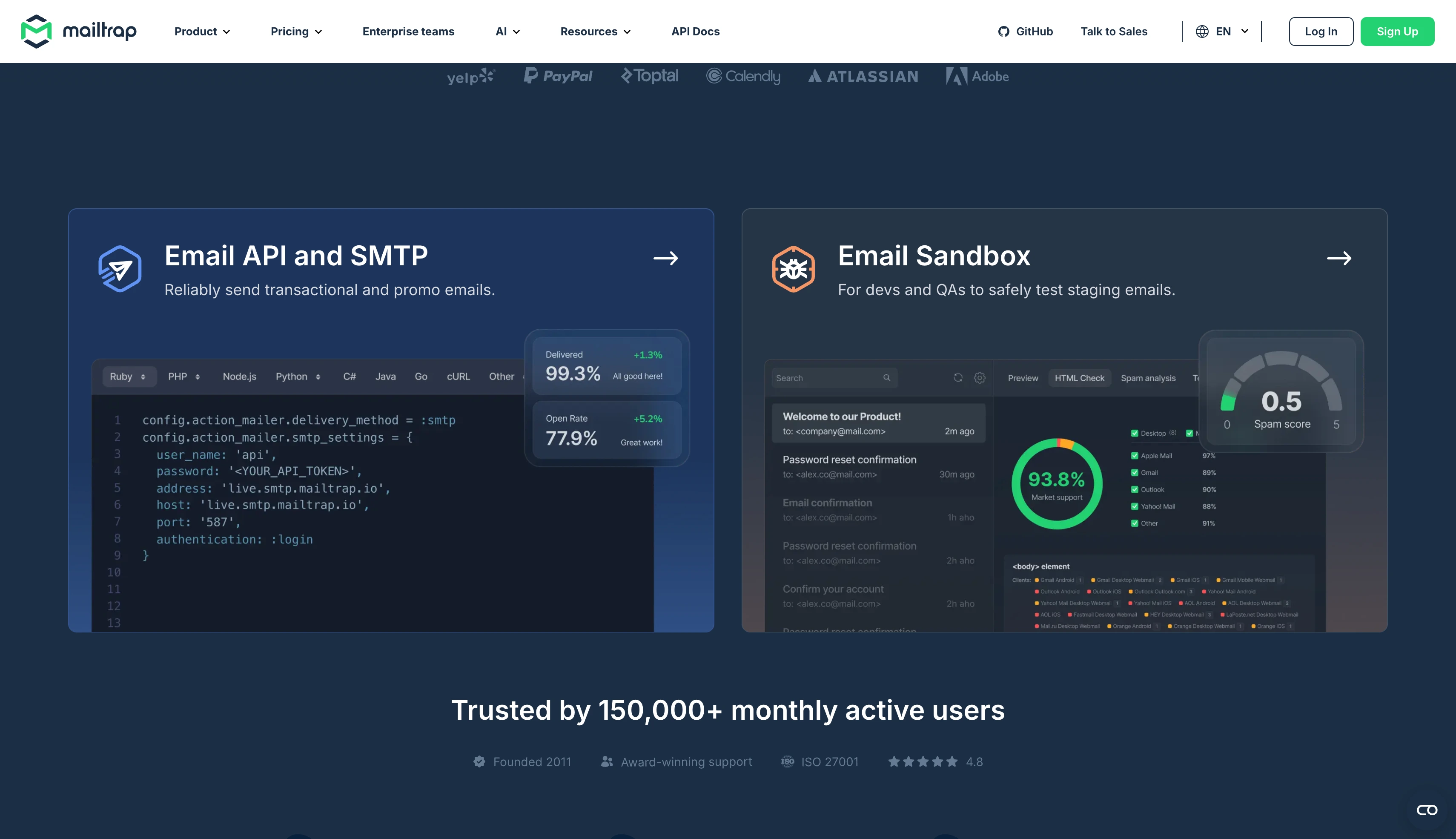
Mailtrap: Best for teams that want to test and send transactional emails from one platform.
Postmark: Best for teams that care about fast and reliable transactional email delivery.
Mailgun: Best for developers who need email APIs, validation, and flexible sending options.
SendGrid: Best for teams that want email alongside their existing Twilio services.
The first four focus on email infrastructure, domains, and mailboxes, while the last four focus on transactional email APIs and sending.
Why People Look for Amazon SES Alternatives
There are several reasons businesses look for alternatives to Amazon SES:
Pricing: New SES pricing plans can increase costs as your email volume grows.
Extra IP costs: Dedicated IPs come with additional monthly charges.
Technical setup: You need to manage domains, SPF, DKIM, DMARC, sending limits, and other email settings.
No regular inbox: SES is built for sending emails, not for managing everyday inboxes and replies.
Steep learning curve: SES can take time to understand if you are not familiar with email infrastructure.
Limited outreach features: You need other tools for sales sequences, follow-ups, LinkedIn outreach, and other outbound activities.
More tools to manage: You may need separate tools for mailboxes, lead data, outreach, and other parts of your email setup.
Because of these limitations, businesses may look for alternatives that are easier to manage or better suited to their needs. The right option depends on whether you need transactional email, bulk email, marketing email, or outbound email infrastructure.
How I Compared These Amazon SES Alternatives
I compared each Amazon SES alternative using the same criteria:
Setup: How easy it is to get started and configure.
What you get: Whether it provides domains and mailboxes or only an email-sending API.
DNS: Whether SPF, DKIM, and DMARC are set up for you.
Warm-up: Whether email warm-up is included, available as an add-on, or not offered.
Pricing: The cost of sending 10,000 and 100,000 emails per month, including additional charges.
Cold email: Whether the provider allows cold email and outbound campaigns.
Support: What support options are available and what each plan includes.
I used the publicly available plans and pricing for each provider. I did not include enterprise plans or providers that require a sales call to get pricing.
Best Amazon SES Alternatives for Bulk Email Sending
Check this table to get quickly overview of each Amazon SES alternatives for bulk email sending.
1. Mailforge: Best for Affordable Domains and Mailboxes for Cold Email
Mailforge is a distributed email infrastructure platform for cold email. It gives you domains and mailboxes that are ready to use. You do not manage servers or handle the technical setup yourself.
Mailforge is used by 10,000+ businesses, from one-person teams to Fortune 500 companies.
You manage every domain and mailbox from one place, then connect them to the sending software you already use.
Mailforge runs on a shared IP pool. That keeps setup simple and the cost per mailbox low.
Why Mailforge Is on This List of Amazon SES Alternatives
Mailforge is a good option if you are moving away from SES. You get ready-to-use infrastructure for cold email instead of an email API that needs more setup.
The platform handles the technical work, including DNS configuration and mailbox hosting. You buy mailboxes in slots, with a minimum order of ten, and there is no free trial.
The main limitation is the shared IP setup. You share sender reputation with other senders in the pool, though Mailforge says that is the safer choice if you expect a high volume of spam complaints.
Key Features
Fast setup: Create domains and mailboxes and get your infrastructure ready in minutes.
Pre-warmed domains and mailboxes: Buy mailboxes that are ready to send instead of warming them yourself.
Automated DNS: Set up SPF, DKIM, DMARC, and custom tracking automatically when you add a domain.
Bulk management: Handle domain and email creation in bulk from one place, even at high volume.
Bulk DNS updates: Update DNS records across multiple domains without doing them one by one.
Domain forwarding: Redirect secondary domains to your main website or a landing page inside the platform.
Domain flexibility: Add domains to Mailforge or transfer them in and out. There is no lock-in.
Multiple workspaces: Keep domains and mailboxes organized by client, project, or team.
Flexible sending: Connect your mailboxes to Salesforge or other sending software.
MCP and CLI: Manage parts of your email infrastructure through AI clients and custom workflows.
Mailforge Pricing
Billing cycle
Price per mailbox slot
Monthly
$3 per slot per month
Annual
$2.40 per slot per month, with two months free
Add-ons: minimum order is 10 mailbox slots. Domains cost $14 a year for .com. SSL and Domain Masking costs $2 per domain per month, or $6 per domain per year.
2. Infraforge: Best for Private Email Infrastructure and Dedicated IPs
Infraforge is a private email infrastructure platform for cold email. Every mailbox runs on its own dedicated server with its own IP address.
That means no other sender can damage your reputation. You control it entirely.
You can also buy pre-warmed mailboxes and domains. That lets you start sending straight away instead of warming them yourself.
Why Infraforge Is on This List of Amazon SES Alternatives
SES sells dedicated IPs, but nothing to send from. You still buy domains, create mailboxes and set up DNS yourself, then warm the IP for weeks before it carries your full volume.
Infraforge gives you the IPs and the mailboxes together, with DNS handled. The first domain and mailbox go live in about five minutes.
Multi-IP provisioning matters most for agencies. You can put each client on a separate dedicated IP, so one client's bad week does not affect the others.
There is no free trial, so you buy mailboxes to test it. Dedicated IPs also cost several times what SES charges, though you are paying for managed infrastructure rather than a bare IP address.
Key Features
Dedicated IP infrastructure: Every mailbox runs on dedicated servers with its own IP address.
Pre-warmed mailboxes: Mailboxes and domains are ready to send on day one, so you skip the two to four week warmup.
Multi-IP provisioning: You can assign several dedicated IPs to one account. Each IP has its own reputation.
Unlimited domains and mailboxes: DMARC, SPF and DKIM are set up automatically on every domain.
Bulk generators: The domain generator creates multiple domains in one click. The mailbox generator builds several inboxes at once.
Domain forwarding: You can point secondary domains at your main website or a landing page inside the platform.
Live reporting and monitoring: You get alerts on every mailbox so you catch deliverability issues before they burn a domain.
Masterbox: You can see every email across every account in a workspace from one view.
SSL and domain masking: Secure redirection protects your primary brand domain.
Workspaces: You can organize by project or client and move domains and mailboxes between them.
White-label and reseller program: Agencies can run Infraforge under their own brand and earn a 20% revenue share.
API and Forge MCP CLI: You get full programmatic control over mailboxes, domains and IPs.
Native integration: Infraforge connects directly to Salesforge and any other sending tool.
Infraforge Pricing
Billing cycle
Price per mailbox slot
Quarterly
$4 per slot per month
Annual
$3.32 per slot per month, with two months free
Add-ons: minimum order is 10 mailbox slots. Domains cost $14 a year for .com. Dedicated IPs cost $99 per IP per month, Masterbox costs $7 to $9 per workspace per month, and SSL and domain masking costs $2 per domain per month.
3. Zapmail: Best for Ready-to-Use Google Workspace and Microsoft 365 Mailboxes
Zapmail sells Google Workspace and Microsoft 365 mailboxes for cold outreach. It buys the accounts from Google and Microsoft, then sets them up for you.
Each workspace gets its own domain with full admin access. Mailboxes connect to your sending tool automatically, so you do not have to create app passwords.
Zapmail only provides the mailboxes. It does not run your campaigns.
Why Zapmail Is on This List of Amazon SES Alternatives
Pick this if you want mailboxes on the providers your prospects already use, rather than an SMTP relay. Sending from Google and Microsoft accounts usually helps inbox placement.
Each workspace holds one domain. That keeps every mailbox on its own reputation instead of sharing one admin account across a fleet. Every plan uses US or EU accounts.
Warmup is not included, and pre-warmed mailboxes are a separate purchase. API access needs the top Pro plan, which is a big jump from the entry plan.
The headline per-mailbox rate only applies on yearly billing at the top volume tier. On the Starter plan the effective rate is noticeably higher.
Key Features
Official Google Workspace and Microsoft 365 mailboxes: These are Business Starter accounts, not legacy or educational ones.
One domain per workspace: Each mailbox keeps its own reputation instead of sharing an account.
US and EU IP accounts: Every plan uses US or EU hosted accounts.
Automated DNS configuration: SPF, DKIM, DMARC and custom tracking domains are set up for you.
OAuth connection: Mailboxes connect to your sending tool without manual app passwords.
50+ integration options: These include Instantly, Smartlead, ReachInbox, Reply and Lemlist.
Pre-warmed mailboxes: These are available as a separate purchase.
ZapShield, deliverability tests and AI Insights: Test credits are included on every plan.
AI workflow tools: Instant Domain Genie suggests domains. Smart Mailbox Namer creates handles. Persona Snapshots generates profile images.
Zapmail API: You can create mailboxes and pull deliverability data through code on the Pro plan.
Zapmail Pricing
Plan
Price
Mailboxes included
Starter
$39 a month
10 Google mailboxes
Growth
$99 a month
30 mailboxes
Pro
$299 a month
100 mailboxes
4. Mailreef: Best for More Control With Your Own Dedicated Mail Server
Mailreef gives you your own mail server for cold email. You rent the whole server instead of paying for each mailbox.
Each server comes with its own dedicated IP. You can add as many mailboxes as your sending needs.
You cannot sign up on your own. You book a demo first, and Mailreef checks who you are before opening an account.
Why Mailreef Is on This List of Amazon SES Alternatives
Choose this if what you liked about SES was owning your sending setup. You get the server, the IP and the mailboxes together, and Mailreef reports 99.9% server uptime.
Mailreef warms everything before you get it. The server, the domains and the mailboxes all arrive ready, where most providers only pre-warm the mailboxes.
Check the pricing model carefully. You pay a flat monthly fee for the server, then a small charge on every send, which adds up at high volume.
There is no free trial and no self-serve signup. Testing it means booking a call and paying for at least one month.
Key Features
Dedicated mail server: You get your own server with no shared resources and no rotating IPs.
Dedicated IP address: Each server has its own IP, so your reputation is yours alone.
Unlimited free inboxes: Mailreef lists 150+ mailboxes per server and describes inboxes as unlimited. You do not pay per mailbox.
Bring your own domain: You can use domains you already own, or buy new ones in one click.
1-click mailbox creation: SPF, DKIM and DMARC are created automatically.
Pre-warmed server, domains and mailboxes: You can run campaigns from day one.
Delivery consulting live chat: You get hands on support from deliverability experts who can diagnose issues as they happen.
Screening for spammers: Accounts are screened before onboarding, which keeps the environment clean.
Developer API access: You also get server and mailbox monitoring.
Smartlead and Instantly integration: Mailboxes export into either sequencer.
Mailreef Pricing
Plan
Price
Commitment
Agency
$240 a month
12 months
Agency Flex
$249 a month
Month to month
Enterprise
Custom pricing
Custom
Best Amazon SES Alternatives for Transactional Emails
These four replace SES as a sending API. Like SES, they do not sell you mailboxes, and their acceptable use policies do not permit unsolicited outreach.
Feature
Mailtrap
Postmark
Mailgun
SendGrid
Best for
Separate transactional and bulk streams
Fast and reliable delivery
Validation and flexible sending
Email alongside Twilio services
Starting price
$15/mo for 10,000 emails
$15/mo for 10,000 emails
$15/mo for 10,000 emails
$19.95/mo for 50,000 emails
API and SMTP
REST API, SMTP, webhooks, SDKs
REST API, SMTP, webhooks, SDKs
REST API, SMTP, webhooks, SDKs
REST API, SMTP, webhooks, SDKs
Email validation
Not offered
Not offered
Built in, 5,000 on Scale
2,500 included on Pro
Dedicated IP
Business plan and above
From $50/mo, Pro and above
$59/mo per IP
Included on Pro
Separate streams
Yes, independent IP pools
Yes, Message Streams
Via IP pools
No
Log retention
3 to 30 days by plan
45 days on every plan
1 to 30 days by plan
3 to 7 days by plan
AI agent support
Official MCP server and skills
Skills for AI coding agents
Not published
Not published
Free plan
4,000 emails a month
100 emails a month, never expires
100 emails a day
60-day trial only
These four replace Amazon SES as a sending API; they do not sell mailboxes, and their acceptable use policies do not permit unsolicited outreach. Prices verified August 2026.
5. Mailtrap: Best for Keeping Transactional and Bulk Email Separate
Amazon SES will send your email, but it will not protect your sender reputation while doing it.
Mailtrap approaches this differently. Transactional and bulk email run on completely separate sending streams, and each stream has its own dedicated IP pool.
Because the streams are separate, a bad marketing send cannot drag down your password resets. The SDKs, the analytics and the AI agent tooling all work on top of that separation.
Why Mailtrap Is on This List of Amazon SES Alternatives
The separate sending streams are the main reason to choose Mailtrap over SES. On SES everything sends through the same reputation, so one bulk campaign can affect your receipts.
You can also get started quickly, in about five minutes from account creation to your first production send.
Mailtrap configures deliverability for you. SPF, DKIM and DMARC are set up automatically once your DNS records are in place, and DKIM keys rotate every month with no manual work.
Dedicated IPs, automatic warmup, SSO and 24/7 priority support all start on the Business plan. Log retention runs up to 30 days, and the built-in marketing suite handles straightforward campaigns rather than deep multi-step automation.
Key Features
Independent IP pools per stream: Complaints from bulk email stay on the bulk IPs. Your transactional email is not affected.
Official SDKs: You get libraries for Node.js, Ruby, PHP, Python, .NET, Elixir and Java. There are also 25+ framework snippets for Laravel, Symfony, Django, Rails and Next.js.
Modern tooling integrations: Mailtrap connects natively to Vercel and Supabase. Its MCP for email server works with VS Code, Cursor and Claude.
Agent skills: Your AI agents can send email, manage templates and configure domains.
Automatic email authentication: SPF, DKIM and DMARC configure themselves, and DKIM keys rotate monthly.
Dedicated IPs with automatic warmup: The Business plan and above warms your IP for you. You skip the manual two-to-four-week ramp.
Provider-level analytics: You can see delivery status, bounces, opens and clicks for each mailbox provider, domain and stream. Every paid plan includes this with no add-ons.
Mailtrap Pricing
Plan
Price
Emails per month
Free
$0
4,000, capped at 150 a day
Basic
From $15 a month
10,000 to 100,000
Business
From $85 a month
100,000 to 750,000
Enterprise
From $750 a month
1.5M to 2.5M
You can start on the Free plan without a card. Basic gives you more seats, click tracking and IP whitelisting. Business is where the deliverability features arrive. You get a dedicated IP with automatic warmup, SSO and 24/7 priority support. Enterprise adds a deliverability manager and custom onboarding on top of that.
Separate subscription: Email Sandbox starts at $17 a month, or $14 on annual billing. Its free tier covers 50 test emails a month.
6. Postmark: Best for Fast and Reliable Transactional Email Delivery
Postmark is an email delivery service for transactional email. It handles messages like receipts, password resets, and order confirmations, where reliable delivery matters more than price.
Postmark also sends newsletters and promotional email. Those run on a separate system, so campaigns cannot slow down your receipts.
It vets every new sender before live sending opens and does not allow spammers.
Why Postmark Is on This List of Amazon SES Alternatives
Choose Postmark if you left SES because of deliverability issues rather than price. It claims delivery up to 4x faster than other providers, and one customer reported an 11% improvement in open rates over SES.
Message Streams are the main difference. Marketing and transactional email run on separate systems, so a bad campaign cannot slow down your password reset emails. Postmark also publishes detailed documentation and migration guides for moving off SES.
There is nothing between the 100-email free tier and the 10,000-email paid plan. Postmark has no annual billing, and dedicated IPs need the Pro plan plus at least 300,000 emails a month.
Key Features
Message Streams: Transactional, broadcast and inbound traffic are isolated at the infrastructure level.
Unlimited daily send limit: Every paid plan removes the daily cap.
45-day full message retention: You can extend it from 7 to 365 days on Pro and Platform.
Transparent overage rates: Every plan publishes its per-1,000 rate up front.
Suppression management: Postmark removes bounced and complained addresses for you on every plan.
Premium support on every plan: Postmark reports a 95% customer happiness rating and does not charge extra for it.
Responsive templates: You get responsive email templates and an editor for your transactional messages.
Data retention: Every plan keeps 45 days of full message history, extendable on Pro and Platform.
DKIM, SPF and DMARC: Postmark sets up your email authentication during account setup.
Inbound email processing: This is available on Pro and Platform.
Bulk Email API and SDKs: Paid plans include the bulk API, sandbox mode, event webhooks and official SDKs.
Postmark Pricing
Plan
Price
Emails included
Free
$0
100 a month, never expires
Basic
$15 a month
From 10,000
Pro
$16.50 a month
From 10,000
Platform
$18 a month
From 10,000
Add-ons: dedicated IPs from $50 a month per IP, on Pro and above at 300,000+ emails a month. DMARC monitoring from $14 a month per domain. Custom activity retention from $5 a month. Billing is monthly only.
7. Mailgun: Best for Email APIs, Validation, and Flexible Sending
Mailgun is an email API and SMTP service for developers. It is owned by Sinch.
The platform is split into four products. Send handles sending, Optimize gives you email deliverability insights, Validate cleans your lists, and Inspect tests your emails.
If you are replacing SES, Send is the one you need.
Why Mailgun Is on This List of Amazon SES Alternatives
Email validation is the main reason to pick Mailgun. You can check addresses before you send without paying for a second service, and Scale includes 5,000 validations a month.
Data residency is the other reason. You can send through the US or the EU from a single account, and both Foundation and Scale come with a free first month.
Check the data retention before you pick a plan tier. Free and Basic keep 1 day of logs, Foundation keeps 5 days, and you need the Scale plan for 30 days.
Phone support, subaccounts and SAML SSO also start on Scale, so agencies get pushed up a tier before their volume requires it. Dedicated IPs cost more than double the SES standard rate.
Key Features
Email validation included: You can check addresses before sending. Scale includes 5,000 validations a month.
US and EU data regions: You can send from either region on a single account.
RESTful email API and SMTP relay: You get SDKs and a full webhook system.
Inbound routing: Automatic routing rules send incoming mail where you want it. Basic gives you 5 inbound routes and Foundation gives full access.
Email template builder and API: This starts on Foundation.
Automated dedicated IP warm-up: Dedicated IP pools come with Scale.
Send Time Optimization: This is available on Scale.
Authentication protocols: These include SPF, DKIM, DMARC and BIMI.
Subaccounts, SAML SSO and RBAC API keys: These start on Scale.
Unlimited users: Every plan above Basic includes them.
Mailgun Pricing
Plan
Price
Emails included
Free
$0
100 a day
Basic
$15 a month
10,000 a month
Foundation
$35 a month
50,000 a month
Scale
$90 a month
100,000 a month
Enterprise
Custom pricing
Custom
Add-ons: additional dedicated IPs cost $59 per IP per month, and one is included on Foundation 100k and Scale. Extra validations cost from $1.20 per 100 on Basic and Foundation, and from $0.80 per 100 on Scale.
8. SendGrid: Best for Email Alongside Existing Twilio Services
SendGrid is Twilio's email platform. It covers both transactional email and marketing campaigns, so you get sending and marketing tools from one vendor.
The two are sold as separate products with separate bills. Paying for one does not give you the other, which catches out most new customers.
Why SendGrid Is on This List of Amazon SES Alternatives
Pick SendGrid over SES if you already pay Twilio for SMS and voice. Adding email means one less supplier to approve and one less bill to track.
The Pro plan carries most of what you would want. It includes a dedicated IP, subuser management, single sign-on, 2,500 free email validations a month, and 1,000 team members. Essentials gives you one.
The free plan is a 60-day trial at 100 emails a day, and then it ends. Searchable email activity is 3 days on Essentials and 7 days on Pro, with longer history sold as an add-on.
The jump from Essentials to Pro is steep. You pay 4.5x more for 2x the emails, and at 50,000 emails a month both Mailgun Foundation and Postmark cost less.
Key Features
Marketing automation: Marketing Campaigns adds a drag and drop editor, audience segmentation and reporting for marketing emails and email campaigns.
SMTP and API: You get client libraries and interactive API docs.
Dedicated IP on Pro and Premier: IP pooling and automated warm-up are included.
Email Address Validation API: Pro includes 2,500 free validations a month. Premier includes 5,000.
Subuser management and single sign-on: These start on Pro.
EU data residency: This is available on paid plans.
Event webhooks: The trial gives 1, Essentials gives 2, and Pro gives 5.
Reputation and delivery visibility: You also get suppression management, link branding and reverse DNS.
Email content testing: Pro includes 60 credits a month, and you can buy more.
1,000 team members: Pro and Premier let you add up to 1,000 users. Essentials allows one.
SendGrid Pricing
Plan
Price
Emails included
Free trial
$0 for 60 days
100 a day
Essentials
From $19.95 a month
50,000 a month
Pro
From $89.95 a month
100,000 a month
Premier
Custom pricing
Custom
Add-ons: additional dedicated IPs are a paid add-on. Email testing credits cost $18 for 30, $30 for 60, $40 for 100, $200 for 500, and $800 for 2,000. Marketing Campaigns is a separate subscription.
How to Choose the Right Amazon SES Alternative
Work through these questions before you buy.
What are you sending? Cold outreach and transactional email need different products. Getting this wrong is what put most people on SES to begin with.
Do you need mailboxes or just a relay? SES, Postmark, Mailgun, SendGrid and Mailtrap give you a pipe. Mailforge, Infraforge, Zapmail and Mailreef give you mailboxes and domains.
Which SES plan would you be on? New accounts start on Essentials at $0.16 per 1,000, not the $0.10 rate you see quoted.
Shared or dedicated IPs? Shared is cheaper and works fine at moderate volume. Dedicated pays off once you send enough to build your own reputation.
Is warmup included? Check this before you compare prices. It changes the total cost on every tool here.
What does the acceptable use policy say? Read it. Postmark and the other transactional providers will close your account for cold outreach.
What happens at 10x your volume? Volume based pricing and pay as you go rates look cost effective until your sending grows.
Can you separate clients? If you run agency work, check for workspaces or subaccounts before you buy.
What support options do you get? Some providers keep phone support and advanced features on higher plans only.
Is the interface user friendly? A user friendly interface matters if non-developers on your team will manage mailboxes.
Which Amazon SES Alternative Should You Pick?
The right choice depends on what you are sending and how much control you need over your email infrastructure.
If you need transactional or bulk email, Amazon SES can still work well if you have the technical resources to manage it. But if you are looking for an alternative for cold email, you need infrastructure built around domains, mailboxes, and outbound sending.
For cold email, I would start with Mailforge. It gives you ready-to-use domains and mailboxes without the technical setup that comes with SES.
If your sending volume grows and you need more control over your infrastructure, Infraforge is the better option.
For most cold email teams, Mailforge is the easiest place to start, while Infraforge gives you a path to scale.
FAQs About Amazon SES Alternatives
1. What Are Some Alternatives to Amazon SES?
For bulk email and cold outreach, the main alternatives are Mailforge, Infraforge, Zapmail and Mailreef. For transactional email, they are Postmark, Mailgun, SendGrid and Mailtrap. Which group fits depends on what you are sending.
2. Is Amazon SES Good for Cold Email?
No. SES gives you a sending API but no mailboxes, no domains, no warmup and no reply inbox. Cold outreach also sits outside the AWS acceptable use policy, and a bounce spike on a cold list can trigger an account review.
3. How Much Does Amazon SES Cost in 2026?
New accounts start on the Essentials plan at $0.16 per 1,000 emails. That drops to $0.14 above 10M and $0.11 above 100M. The Pro plan costs $0.22 per 1,000 plus $105 per account per region each month. The $0.10 à-la-carte rate is only available to accounts that used SES before June 2025.
4. Will AWS Suspend My Account for Cold Outreach?
It can. AWS monitors bounce and complaint rates and pauses sending when they cross its thresholds. Cold email produces higher bounce rates than opted-in email, which is why cold senders end up under review more often.
5. What Is the Cheapest Amazon SES Alternative?
Mailforge at $3 per mailbox slot per month is the cheapest way to get cold email mailboxes. For transactional sending, Mailgun, Postmark and Mailtrap all start at $15 a month for 10,000 emails.
6. What Replaces Amazon SES if I Need Mailboxes, Not Just SMTP?
Mailforge, Infraforge, Primeforge, Zapmail and Mailreef all sell mailboxes and domains rather than relay access. Mailforge and Infraforge give you SMTP mailboxes on shared or dedicated IPs. Primeforge and Zapmail give you Google Workspace and Microsoft 365 accounts.
7. Does Amazon SES Include Email Warmup?
No. SES has no warmup product, so you buy one separately or build the ramp yourself. Warmforge is included free with every Salesforge plan with unlimited warmup slots. It also runs standalone at $9 per mailbox slot per month.