I've spent over a decade in B2B sales, starting as an SDR and rising to VP. Throughout, the challenge remained the same.
I tried plenty of strategies along the way, but I kept hitting the same problem: I could not scale past a certain volume without my deliverability falling apart.
The infrastructure was always the bottleneck, not the copy.
That is the reason I ended up building the Forge stack, full disclosure. It includes three different types of cold email infrastructure, built to match your budget and your volume, and to hold up when you scale.
If you are new to cold email, I have covered the tools that get you started fast too.
Below are the eight cold email infrastructure tools I recommend, sorted by budget and volume.
Let's get into it.
Short on time? Here is the quick version.
Primeforge, Mailforge, and Infraforge are all built by Salesforge and run from one login, so you can pick the mailbox type that fits, real Google/Microsoft mailboxes, shared IPs, or dedicated IPs, and move between them as you scale without changing tools.
Each is a separate subscription.
Before the tools, here is what separates infrastructure that inboxes from infrastructure that quietly burns your domain. Five things matter.
If a tool misses two or more of these, it is closer to a fancier Gmail than real infrastructure.
Here is how the leading options stack up on the things that actually move inbox placement and email deliverability.
Mailforge is highlighted as the best overall pick for most senders, and cold email outreach requires reliable email accounts for each domain.
I have grouped these by what they are actually good for, not by a forced ranking. The first three are the ones I reach for most. The rest each have a narrower fit.
Primeforge solves a specific problem: getting legitimate Google Workspace and Microsoft 365 mailboxes built for cold outreach, without the manual setup or the sketchy workarounds.
Because most prospects sit on Google or Microsoft, sending from the same providers (ESP matching) is one of the most reliable ways to land in the primary inbox, which is why it leads this list.
These are real provider mailboxes, not repurposed personal accounts and not EDU loopholes that break when Google updates a policy.
They arrive pre-configured with automated DNS, US IP addresses, and mailbox profile pictures, and they ship pre-warmed, so they are ready to send in about 30 minutes without a separate warm-up wait.
If your deliverability strategy leans on the trust that Google and Microsoft mailboxes carry, Primeforge gives you that without the risk of loophole-based providers, and the managed hosting means no server maintenance on your side.
Like the rest of the stack, it is reachable through the Forge MCP server and CLI, so you can provision and manage mailboxes programmatically from Claude, Cursor, and other AI clients.
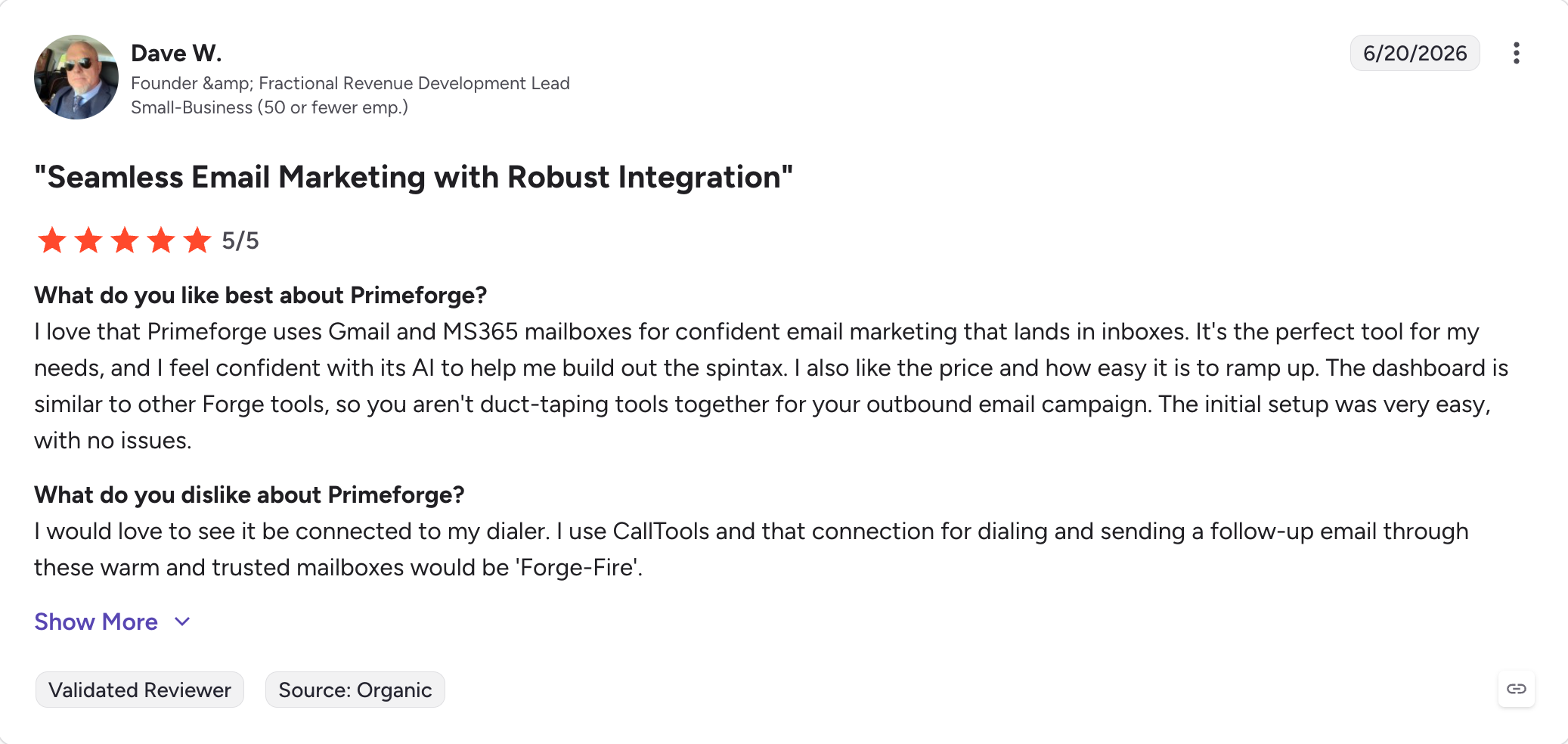
Best for: Teams that specifically want the deliverability reputation of Google Workspace or Microsoft 365 mailboxes without long manual setup.
Mailforge is a distributed cold email infrastructure platform.
It helps create hundreds of domains and mailboxes on a shared IP pool, includes automated DNS setup, and hands you accounts that work with any sending tool. Infrastructure is ready in roughly five minutes.
It is built for cold email senders, outbound agencies, and SDR teams who want infrastructure fast and cheap without touching DNS or maintaining servers.
The setup is very easy: you pick your domains, and Mailforge configures SPF, DKIM, DMARC, and a custom tracking domain on every one automatically, with no DNS knowledge required on your side.
The shared IP model is what keeps the price down. At $3 to $2 per mailbox it is one of the most affordable options on the market. Because Mailforge only provides the infrastructure, your mailboxes plug into whatever cold email automation tool you send from.
If you run Salesforge, the two share one login and domains flow straight into your sequences with no export step. If you send from another tool, the SMTP servers work there too.
It is also wired into the Forge MCP server and CLI, so you can spin up and manage domains and mailboxes programmatically from Claude and other AI clients.
The honest trade-off is the shared pool itself, which I get into below.
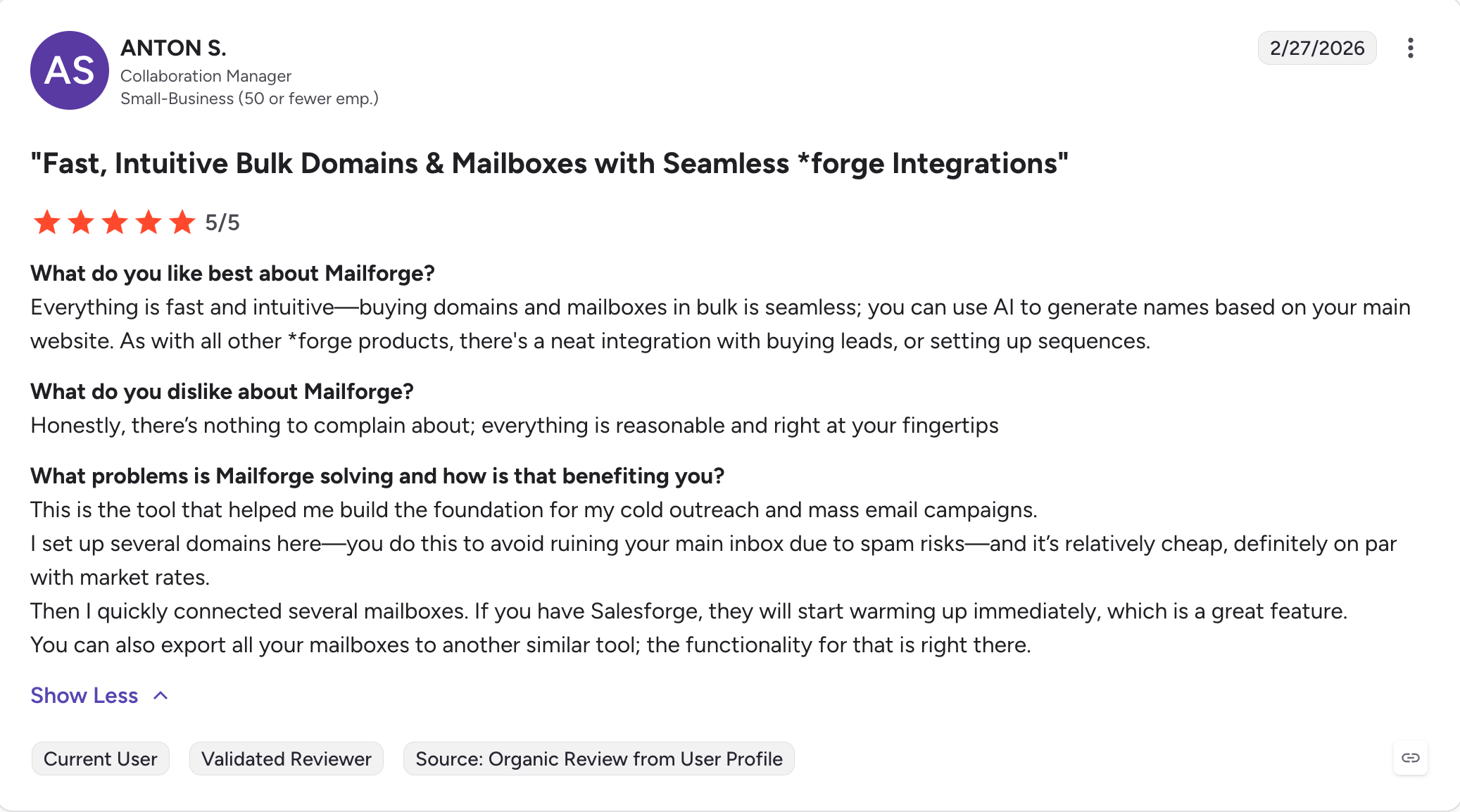
Best for: Solo founders, consultants, and agencies scaling to 100-plus inboxes who want affordable infrastructure without the DNS headache.
If Mailforge gets you started fast, Infraforge helps you scale even faster.
It is a private cold email infrastructure platform with dedicated IPs, built for high-volume control. This cold email platform is for senders who have outgrown shared pools.
The audience is high-volume senders, agencies juggling multiple clients, and advanced outbound teams that need full control over their IP reputation.
Dedicated IPs are the whole point: your sending reputation is yours alone, with no exposure to noisy neighbors, and for anyone sending serious volume that control is worth the higher price.
It scales without friction. You can spin up thousands of domains and mailboxes, push DNS changes across all of them at once with bulk management, and lean on sender rotation and smart sending limits to protect deliverability.
The Masterbox dashboard shows mailbox activity across every domain in one view, which is what makes it workable for an agency that needs to manage multiple client accounts across multiple workspaces, especially with pricing tied per workspace.
Plus, the full API & Forge MCP server and CLI plug into any sending tool and into Claude and other AI clients for programmatic management at scale. and the full API plugs into any sending tool.
The feature I would point to first is prewarmed infrastructure: instead of waiting weeks, you can pick up infrastructure that is already warmed and start sending cold email campaigns sooner.
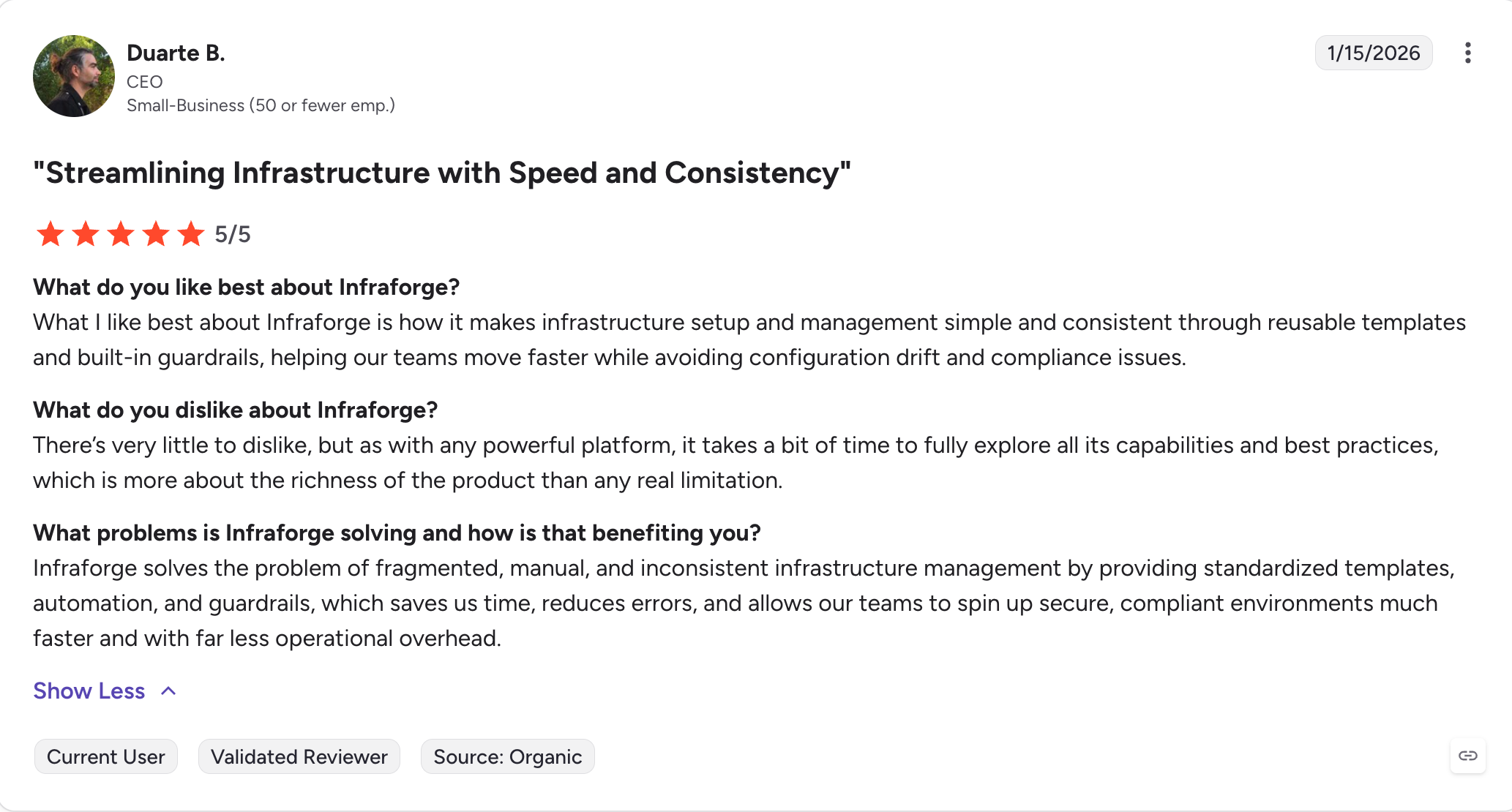
Best for: Agencies and RevOps teams sending 100,000-plus a month who need dedicated IPs, bulk control, and reliability where downtime means lost pipeline.
Maildoso keeps things simple. It registers your domains, sets up mailboxes, configures authentication, then sends you off to your sending tool of choice.
There is nothing flashy about it, and for a beginner, that is a strength.
It runs on shared IPs with heavy rotation, and its deliverability reputation is solid, one of the better ones among shared-IP providers.
It now sells both SMTP and Google Workspace mailboxes, and self-healing mailboxes pause a burned account for 14 days, then bring it back into rotation automatically.
The main friction is that there is no free trial, though a 30-day money-back guarantee softens that, and there is no annual plan, only monthly or quarterly billing.
No setup fee, 30-day money-back guarantee, domains included.
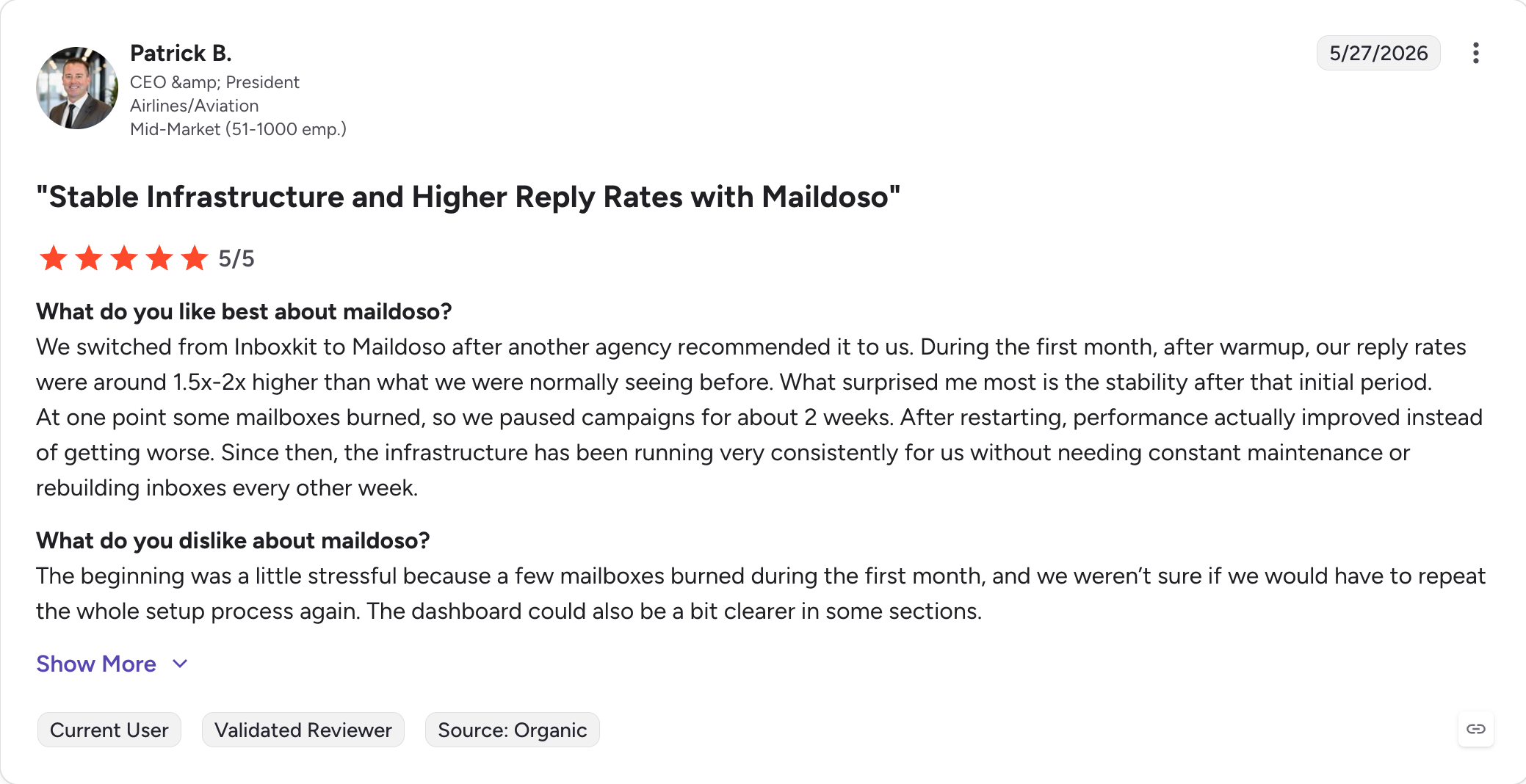
Best for: Beginners who want a no-frills SMTP or Google Workspace setup on flexible monthly or quarterly billing.
Mailreef sits between plug-and-play and full control for cold email infrastructure setup.
It provisions domains, mailboxes, and prewarmed servers, and includes sizing guidance that helps plan inbox setup by recommending how many domains and mailboxes you need to hit your goals without tripping spam filters.
The flexibility is real, and you can create unlimited mailboxes on your server. But it is not beginner-friendly, and you will want some infrastructure knowledge to get the most from it.
The cost model is the thing to watch: Mailreef charges per send on top of the plan fee, which adds up at volume.
Best for: Mid-size technical teams that understand infrastructure and want flexibility over hand-holding.
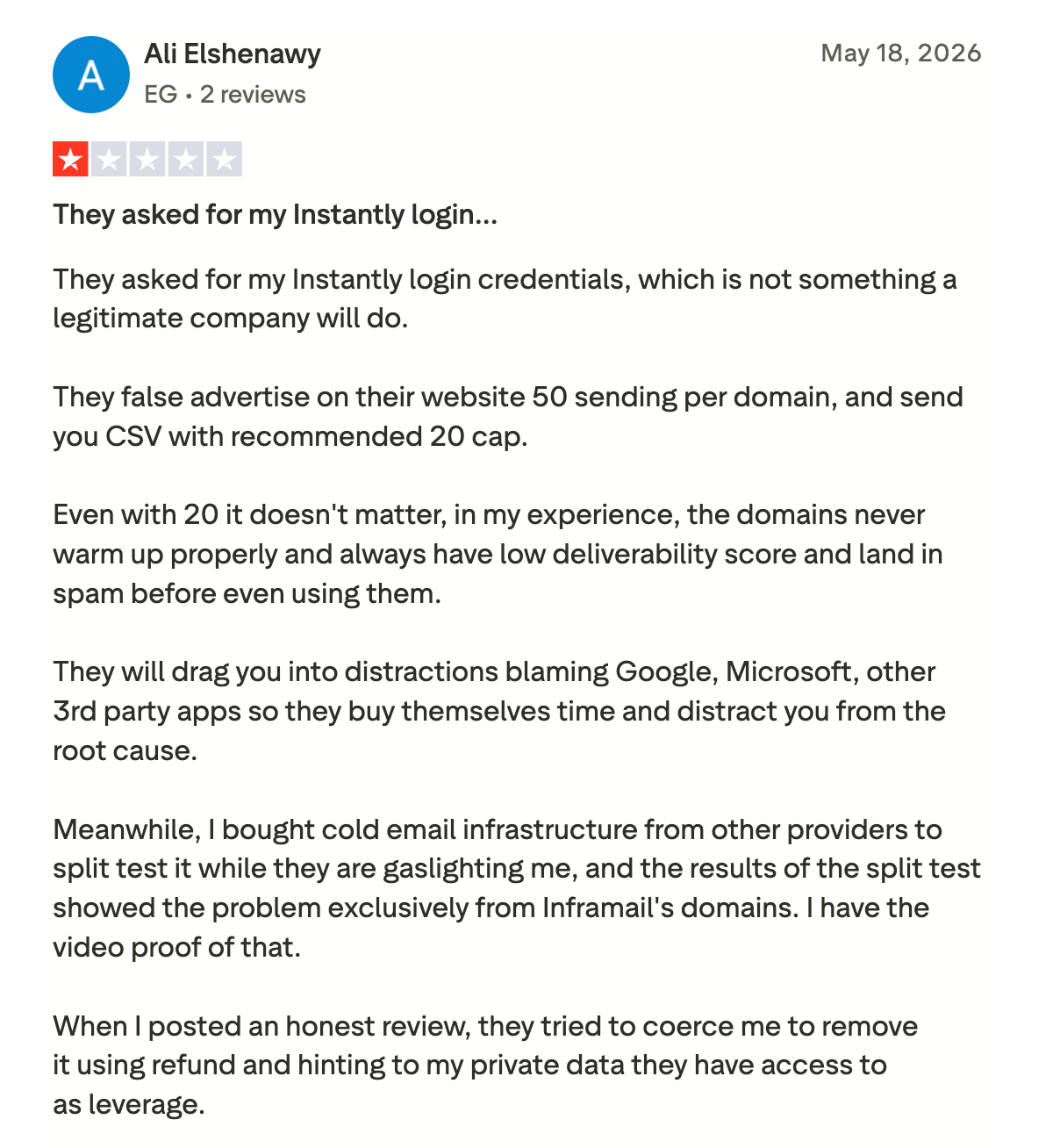
Inframail is the Microsoft specialist, built for Microsoft-based cold email campaigns. It provisions Outlook mailboxes and domains under a dedicated US-based IP, with unlimited inboxes on a flat plan.
If your outreach runs on Microsoft, it does that one job well, and setup takes about three clicks.
The flat-rate, unlimited-inbox model is appealing for teams running multiple accounts under one Outlook-focused setup.
The catch is how narrow it is: there is no Google Workspace option at all, the warm-up runs on a shared pool rather than fully isolated, and there is no IP rotation, so it is built for one provider and one style of sending.
Best for: Solo founders and small agencies running Microsoft-based outreach under ~10,000 sends a day.
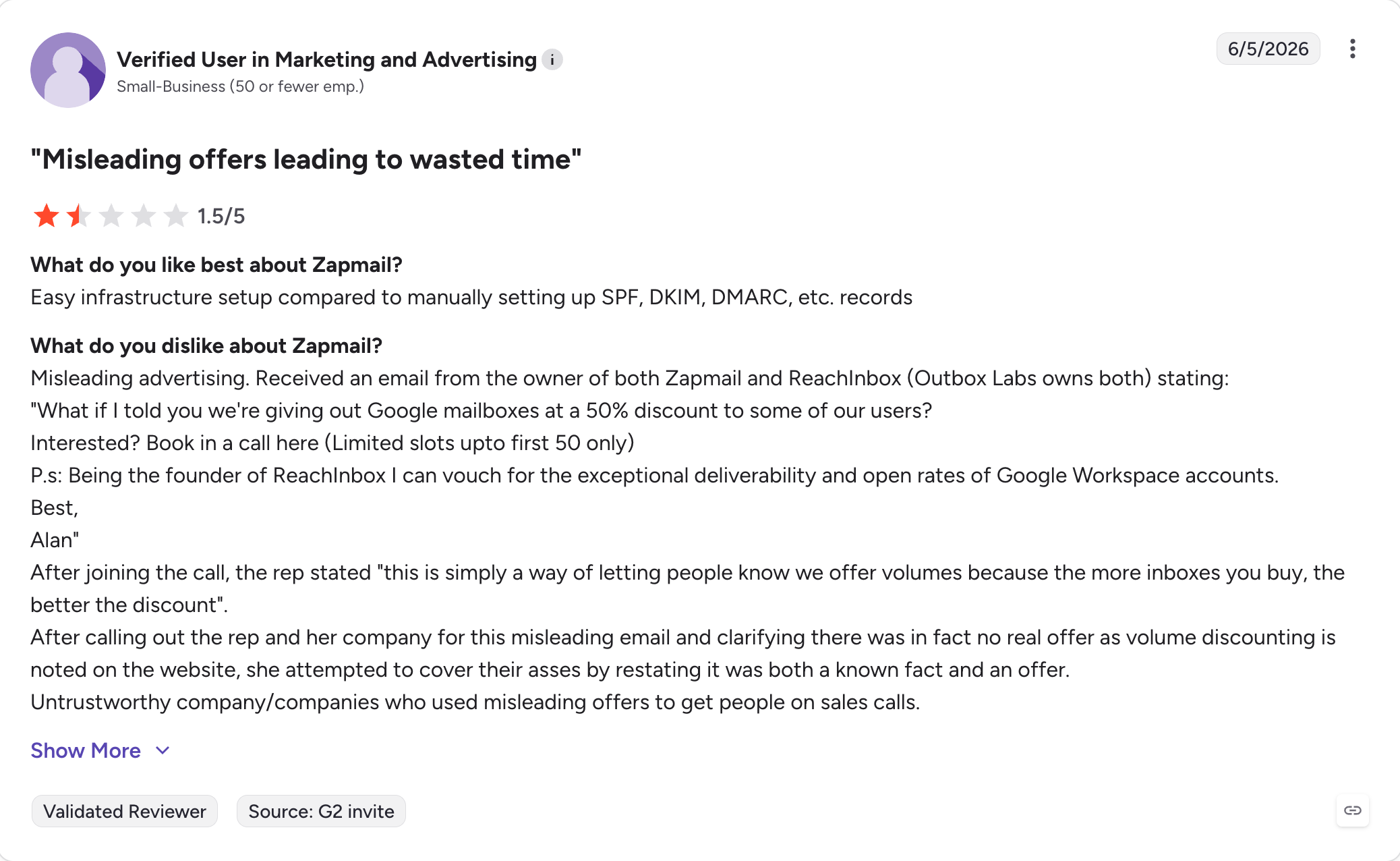
Zapmail offers bulk Google Workspace and Microsoft 365 mailboxes at a low entry price, with automated DNS, a clean dashboard, and a low-cost cold email setup for teams that want mailboxes fast.
Some accounts come prewarmed, so you can start sooner, and some users pair it with a cold email automation tool because it integrates with most sending tools.
The price and speed make it an easy on-ramp for someone just getting started.
However, Zapmail is not the strongest email infrastructure setup for scaled sending. That's because it runs on shared IPs with no control over your neighbors, and multiple users report deliverability slipping as volume climbs.
From roughly $32.50/month for 10 mailboxes. [VERIFY live]
Best for: Solo founders and low-volume testers who want cheap mailboxes fast and do not yet need dedicated infrastructure.
These are the tools most people start with, and all three are excellent at what they were built for. But Google Workspace, Outlook, and SendGrid are not a true cold email platform on their own.
Google Workspace and Outlook give you secure, branded mailboxes on shared provider IPs you do not control. There is no warm-up, no custom tracking domain, no blacklist alerting, and hard sending caps (Google limits accounts to around 2,000 emails a day), so infrastructure tools are what help keep outreach out of spam and in the recipient’s primary inbox.
If you send high cold volume, you risk flagging the domain. SendGrid, on the other hand, is built for transactional and marketing email at scale: its lower plans use shared IPs with no dedicated option, and you still need external warm-up, blacklist monitoring, and bounce alerts to run cold outreach safely.
The takeaway is cold email campaigns need a cold email infrastructure setup and warm-up layer on top of these, which is exactly what the seven tools above provide.
Best for: Internal team email and transactional sends, paired with dedicated infrastructure and a warm-up tool like Warmforge if you also run cold outreach.
If you have decided against provider mailboxes and want distributed infrastructure instead, this is the next decision, and it is the cleanest way to choose between Mailforge and Infraforge.
The useful part: because both run from one login under Salesforge, you do not have to bet on the wrong one.
Start on Mailforge's shared IPs while volume is modest, then move to Infraforge's dedicated IPs as you scale, without switching tools or re-learning a dashboard.
They are separate subscriptions, but the handoff is one login with no migration friction.
Once you have decided on infrastructure, there is a second question: which mailbox provider should you send from, and how strong is the inbox setup behind it?
Both Google Workspace and Microsoft 365 carry strong sender reputations and support better domain reputation, which is why Primeforge offers real mailboxes on both. The right choice often comes down to where your prospects are.
Microsoft 365 mailboxes can land better when you are emailing enterprise and Microsoft-heavy industries, while Google Workspace mailboxes tend to perform well across SMB and tech audiences.
What matters more than the provider is that the mailboxes are legitimate and correctly configured. Repurposed personal accounts and EDU-loophole mailboxes break the moment a provider tightens its policies, which takes your campaigns down with them.
Mailboxes built for cold outreach, with US IPs, automated DNS, and properly set DNS records, hold up.
If you want to run both providers and split your sending, that is a reasonable way to diversify reputation risk, and it is simple to set up with provider-grade mailboxes.
The tools on this list are more alike on the pricing page than they are once you send real volume.
This is exactly where cold email software starts separating on deliverability, control at scale, and the key features that actually affect performance.
That is where you need to ask yourself: do you control your sending reputation, or are you renting a slice of someone else's?
For most senders, the most reliable answer is to send from the providers your prospects already use.
Primeforge gives you real Google Workspace and Microsoft 365 mailboxes with US IPs and automated DNS for $4.50 to $3.50 per mailbox (billed annually), ready in about 30 minutes, and ESP matching helps you land in the primary inbox rather than the promotions tab.
If you want to keep costs down or scale into the thousands, the other two Forge options fit different needs.
Mailforge runs shared-IP infrastructure from $3 to $2 per mailbox (billed annually), and Infraforge gives you dedicated IPs from $4 to $3 per mailbox (billed annually) with prewarmed infrastructure and bulk control.
All three run from one login under Salesforge, so moving between them is not a migration, it is a setting.
Start with Primeforge for reliable provider mailboxes, and lean on Mailforge or Infraforge when budget or volume calls for it.
You can explore the app for free before you buy any mailboxes by signing up on Primeforge.
They are cold email infrastructure providers and services that provision domains and mailboxes, handle email infrastructure setup and technical pieces of DNS setup, configure SPF, DKIM, and DMARC, and route your sends through infrastructure built for outreach rather than team email. They let you scale cold email without burning your primary domain.
For anything past a handful of sends a day, yes. Gmail and Outlook cap volume, give you no IP control, and do not reliably keep outreach in the recipient's primary inbox at scale, while also offering no real warm-up or blacklist alerts, which is why teams often move from basic inboxes to specialized cold email tools. Cold outreach at scale needs dedicated infrastructure and warm-up layered on top.
Shared IPs are cheaper, warm faster, and suit most solo senders and small to mid teams, which is Mailforge. Dedicated IPs give you full reputation control for high-volume sending, which is Infraforge. You can start shared and move to dedicated as you scale.
It depends on your send volume and how conservatively you ramp. A common approach is to keep each mailbox under roughly 30 to 50 sends a day across several mailboxes rather than pushing one hard. As volume grows, some platforms let you connect unlimited email accounts, while higher-scale setups may also prioritize plans with unlimited email accounts to support expansion without per-mailbox pricing pressure. Mailforge and Primeforge both include mailbox calculators to estimate this.
Most shared-IP options run $2 to $4 per mailbox per month. Mailforge starts at $3 to $2 per mailbox (billed annually), and Infraforge at $4 to $3 per mailbox (billed annually) plus $99/month per dedicated IP. Some third-party tools use flat monthly plans from roughly $33 to $240 a month. Where offered, monthly billing can push the effective price higher than annual billing. Some infrastructure providers also price by domain or mailbox, which can add extra cost for those assets; for example, some charge separately per domain and per mailbox. While a few offer a free plan, others do not.
No. Both are built by Salesforge and share one login, but they are separate subscriptions. Mailforge uses shared IPs for fast, affordable scaling; Infraforge uses dedicated IPs for high-volume control, so the right cold email platform depends on whether you need shared-IP speed or dedicated-IP control.

