
Maildoso is a good cold email infrastructure provider. It gives you SMTP mailboxes, handles DNS setup, and connects with cold email tools.
But there are a few limitations that may make you look for Maildoso alternatives:
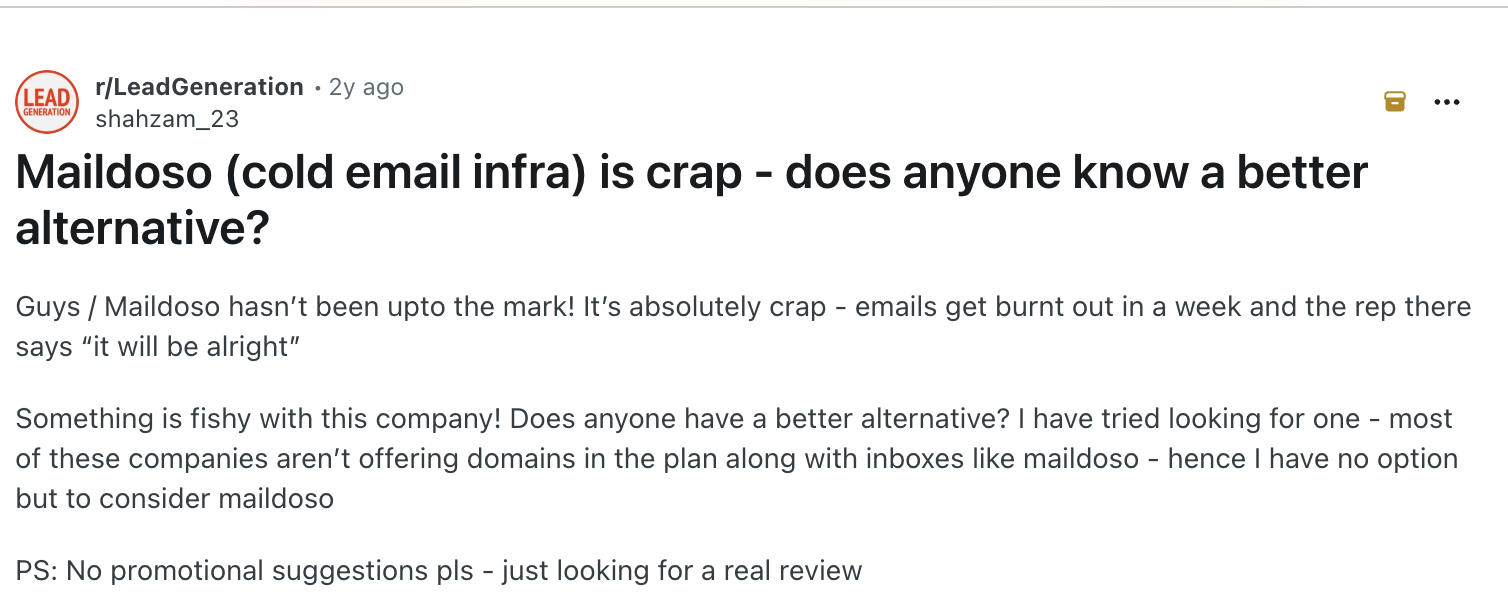
I’ve set up cold email infrastructure across several tools in this space. I’ve also seen domains get lost, deliverability drop, and infrastructure need to be rebuilt.
This list covers 7 Maildoso alternatives, what they cost, and who each one is best for.
I’ve kept the list focused on email infrastructure, so these are providers that give you the domains and mailboxes you need for cold email.
Let’s get started.
Short on time? Here are the top three.
The other four cover specific needs: InboxKit for an all-round managed setup, Zapmail for pre-warmed Google and Microsoft mailboxes, Mailreef for high-volume technical teams, and Inframail for Microsoft-only bulk sending.
Here are the core reasons people look for Maildoso alterantives. All these points are gathered from review and community websites like G2 and Reddit.
Shared IP burn risk: Your mailboxes share IPs with other cold emailers, so a bad neighbor can drag your email reputation down. In late 2025, its pool and domains landed on the SURBL blacklist and disrupted campaigns network-wide.
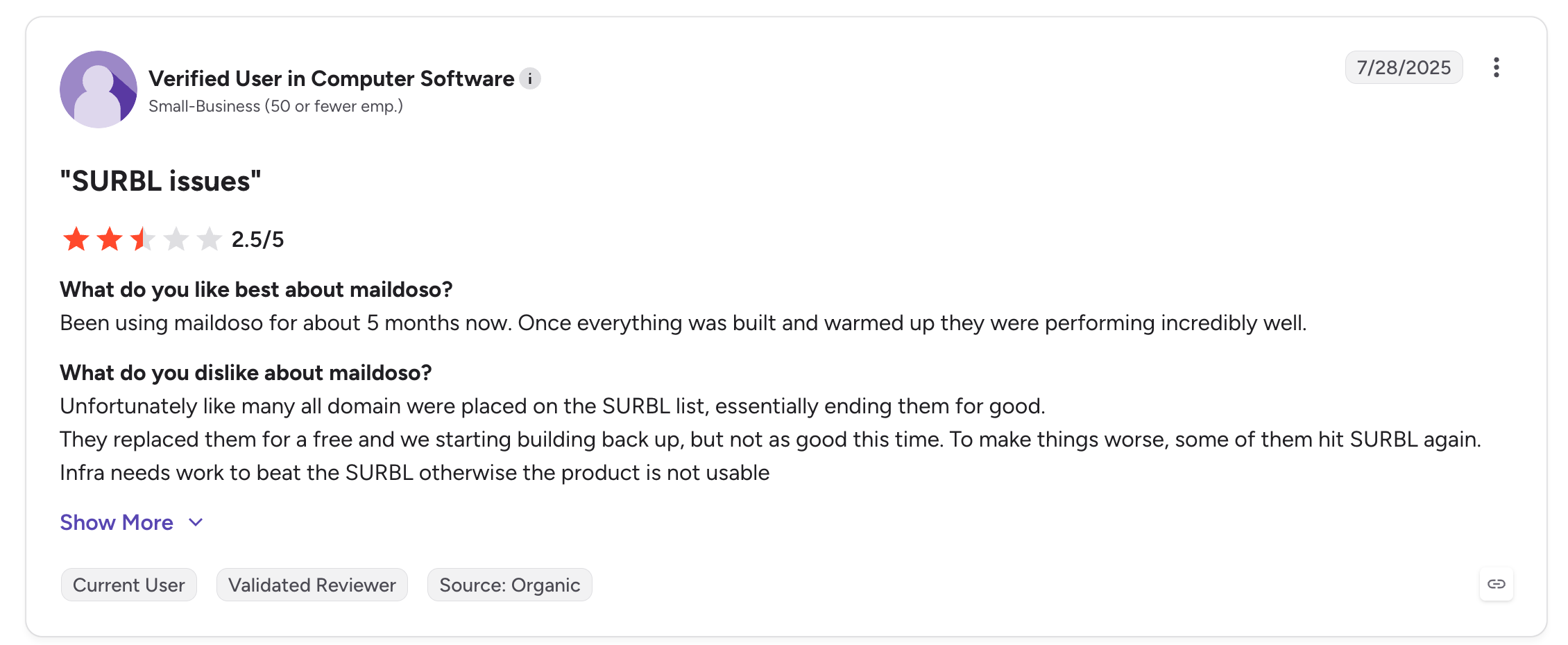
Source: G2
Billing concerns: You can pay monthly, but free domains are only offered on quarterly plans. This often forces users into a 3-month commitment if they want the best pricing, and there’s no free trial to test first.
Messy dashboard at scale: The interface is clean at first and cluttered once you add inboxes. You cannot sort accounts by creation date, and there is no folder view or grouping.
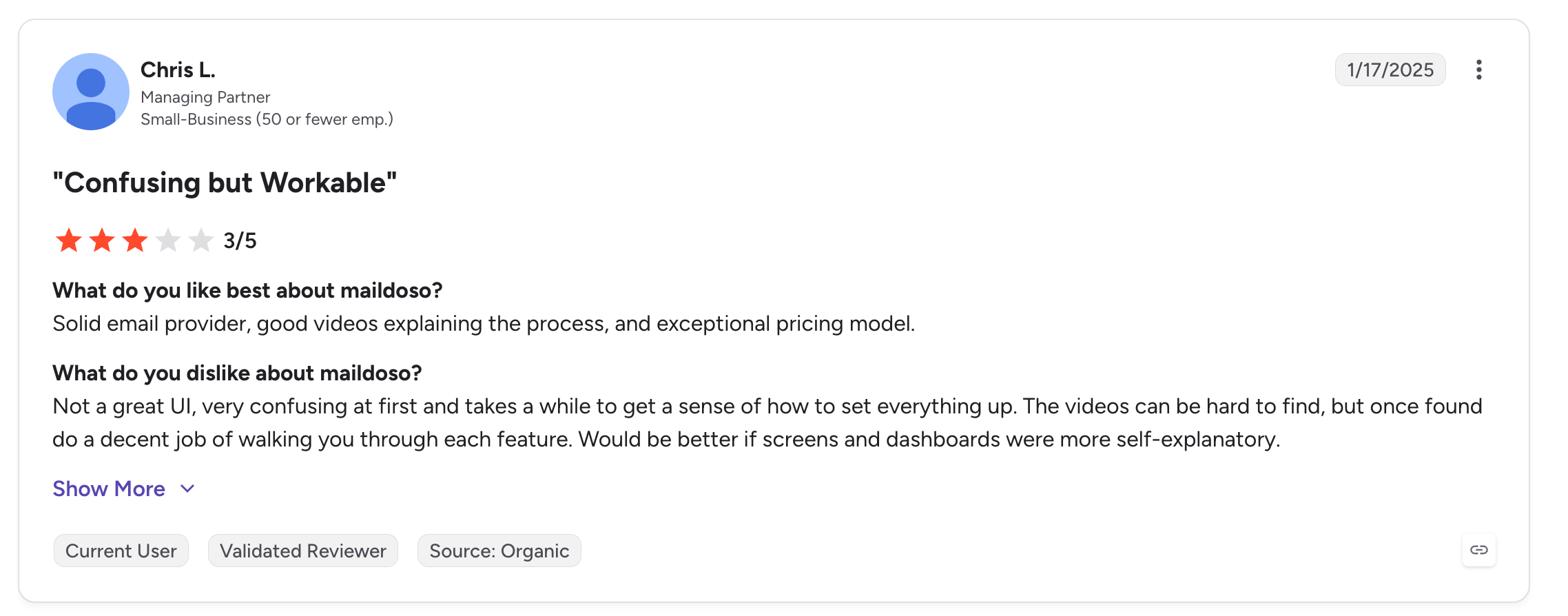
Source: G2
No Microsoft 365 option: Maildoso offers only its own SMTP and resold Google Workspace, with no Outlook at any tier. If your prospects use Outlook, you cannot match them.
No built-in warmup: You get sending cadence tips, not a managed warmup product, so you bring your own tool on top of the mailboxes.
None of this makes Maildoso a bad tool. It makes it a starting-point tool that many teams grow out of.
Here is what I looked at for each tool:
Every price here is billed annually or on the entry plan noted. Rates drop at volume for the per-mailbox tools. Start a free Mailforge setup any time to see the live numbers for your volume.
Mailforge is a shared email infrastructure provider made for cold email outreach.
It gives you the same kind of shared IP system setup you get with Gmail or Outlook. However, these are especially tuned for cold email instead of everyday business mail.
The way it works is simple. You tell it your target volume, and it creates the domains and mailboxes you need with DNS, SPF, DKIM, and DMARC configured automatically.
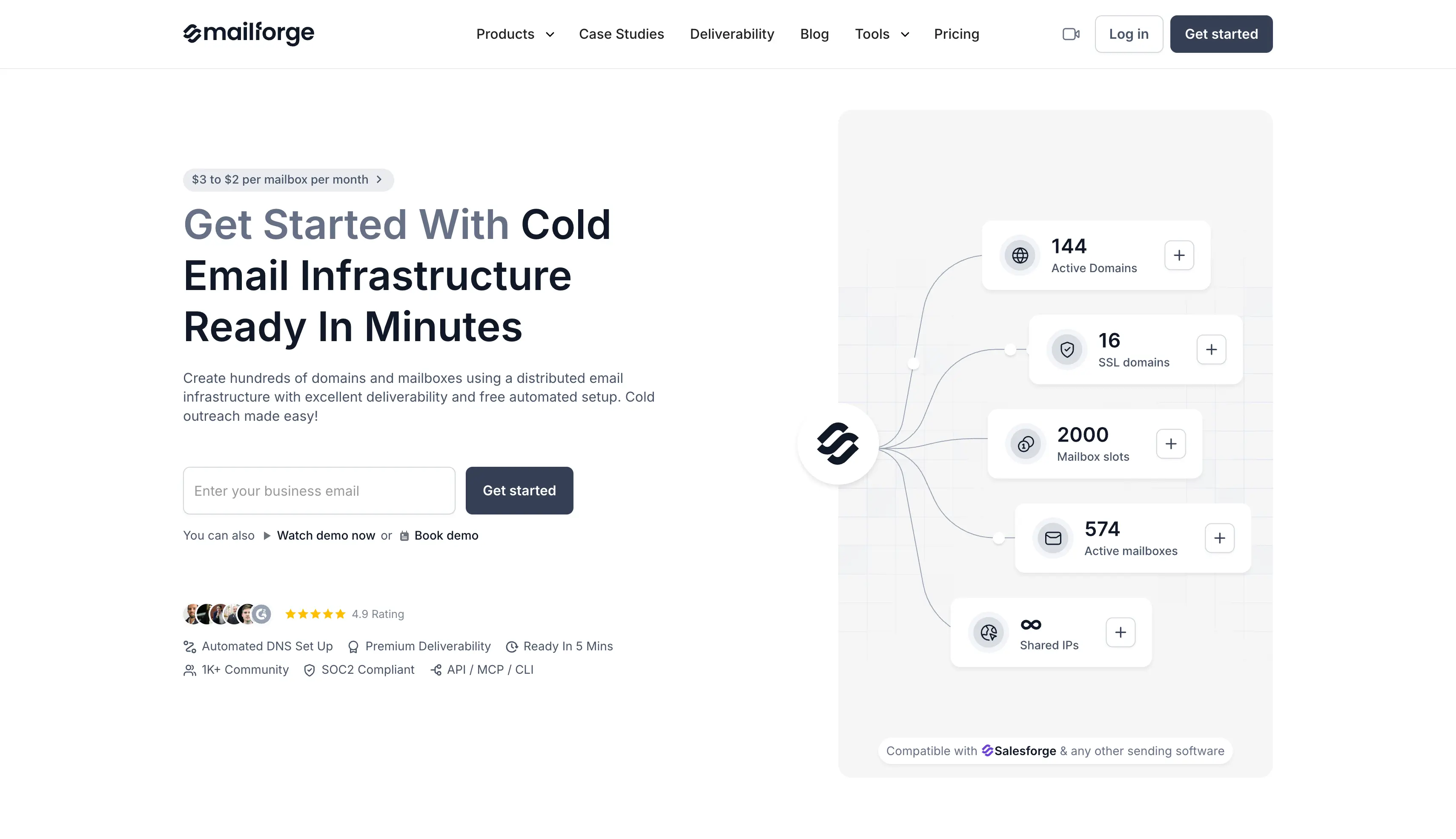
When I set up a batch, the mailboxes were live in about 5 minutes, and the app sized the build so I did not over-buy.
On the business side, Mailforge serves more than 10,000 companies and runs inside the same login as Salesforge.
So if you send from Salesforge, your domains flow straight into your sequences with no export step. It lands at number one here because it does the exact Maildoso job, cheap infrastructure live fast, at competitive pricing and a clearer per-mailbox rate.
Solo founders, cold email marketers, and agencies who want affordable cold email infrastructure without DNS headaches, and who are scaling to 100-plus inboxes.
Mailforge charges per mailbox, starting at $3 and dropping toward $2 as your volume grows. The minimum is 10 mailbox slots, and domains cost $14 per year for a .com.
Annual billing gives you 2 months free. Every subscription includes automated DNS setup, inbox hosting, and expert support.
Comparing Mailforge and Infraforge? Read our Mailforge vs Infraforge comparison to see how they differ in pricing, infrastructure, and features.
Infraforge is a private email infrastructure provider with dedicated IPs. Every mailbox runs on a dedicated server with its own IP address, so your sender reputation is yours alone and never shared with anyone else in a pool.
The way it works is like the difference between an apartment and a house. On a shared IP, your neighbors' behavior affects you.
On dedicated IPs, the reputation is entirely your own to build or protect. Its advanced features cover multiple dedicated IPs per account, a bulk domain generator, and real-time monitoring on every mailbox.
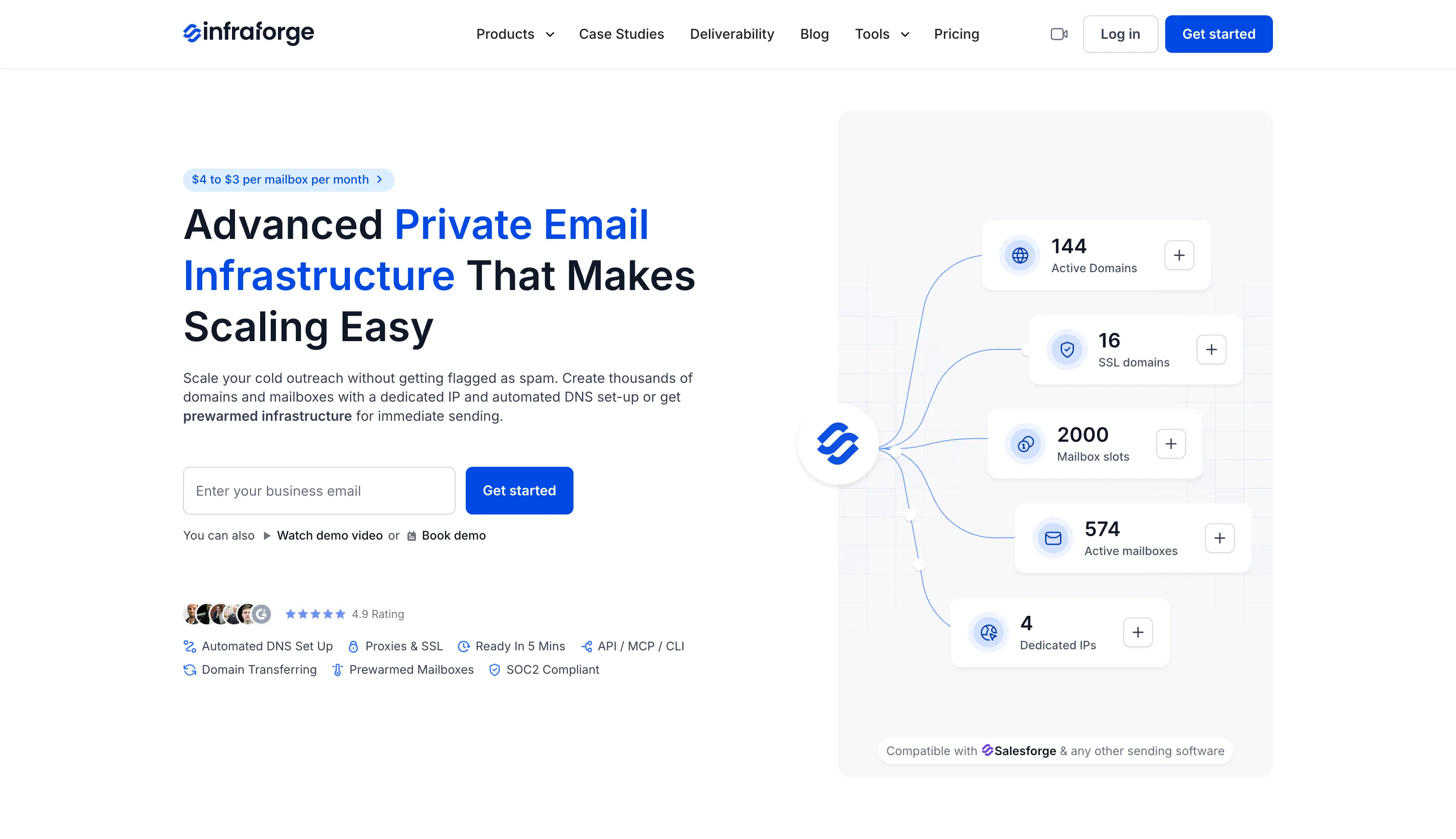
On the business side, Infraforge is the Forge stack's answer for teams that have outgrown shared pools. It offers white-label for agencies, an API, and pre-warmed mailboxes you can buy to send on day one.
I would reach for it when a shared setup starts feeling like a risk rather than a convenience.
High-volume senders, agencies managing many clients, and advanced teams that want total control over their IP reputation.
Infraforge charges per mailbox on annual billing, and the rate drops as your volume grows. The first domain and mailbox go live in about 5 minutes. Custom pricing is available for enterprise volume.
Primeforge is a cold email infrastructure provider that gives you real Google Workspace and Microsoft 365 mailboxes. These are legitimate, properly configured accounts on the two providers most of your prospects already use, with no EDU tricks or loopholes that break when a provider updates its policy.
The way it works is close to a normal mailbox, only tuned for cold outreach. You buy your domains inside the app, and Primeforge provisions Google or Microsoft inboxes with DNS, profile branding, and authentication handled for you.
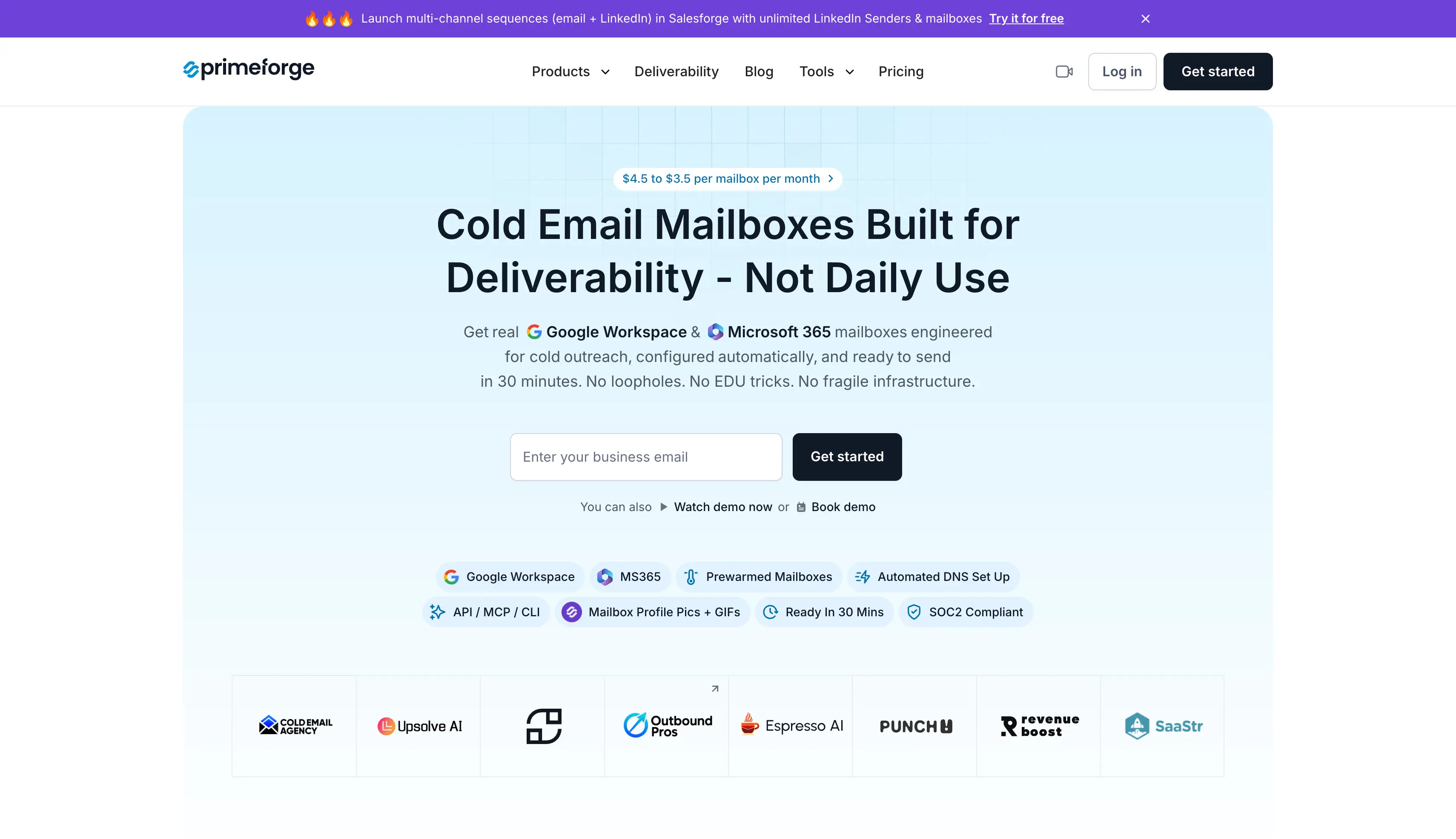
Because the accounts are real, you can use ESP matching, sending Google to Google and Microsoft to Microsoft, which helps you land in the primary inbox. The first mailbox goes live in about 30 minutes, longer than shared SMTP, since these are real provider accounts.
Primeforge is the direct answer to Maildoso's biggest gap. Maildoso has no Microsoft option, and Primeforge does.
It fits everyone from solo SDRs to agencies running 300-plus mailboxes, and it pairs with Mailforge or Infraforge for provider diversity.
Want to know if Primeforge is right for your cold email setup? Read our detailed Primeforge review to see what it offers, how much it costs, and where it falls short.
Teams whose prospects live on Google Workspace or Microsoft 365, which is most of B2B, from solo SDRs to agencies running 300-plus mailboxes.
Primeforge charges per mailbox on annual billing, and the rate drops as your volume grows. The first mailbox goes live in about 30 minutes. There is no free trial, since mailboxes must be purchased, though the app is free to explore before you buy.
Domains are priced at $14 per year for a .com. Every subscription includes automated DNS, inbox hosting and maintenance, and Primeforge API access.
InboxKit is a managed cold email infrastructure provider that spans three account types.
It provisions real Google Workspace, Microsoft 365, and Azure mailboxes from one dashboard, with US-based IPs, isolated warmup, and monitoring in one place.
The way it works leans on breadth. You pick your provider, and InboxKit handles DNS in about a minute and brings mailboxes live in 30 to 120 minutes.
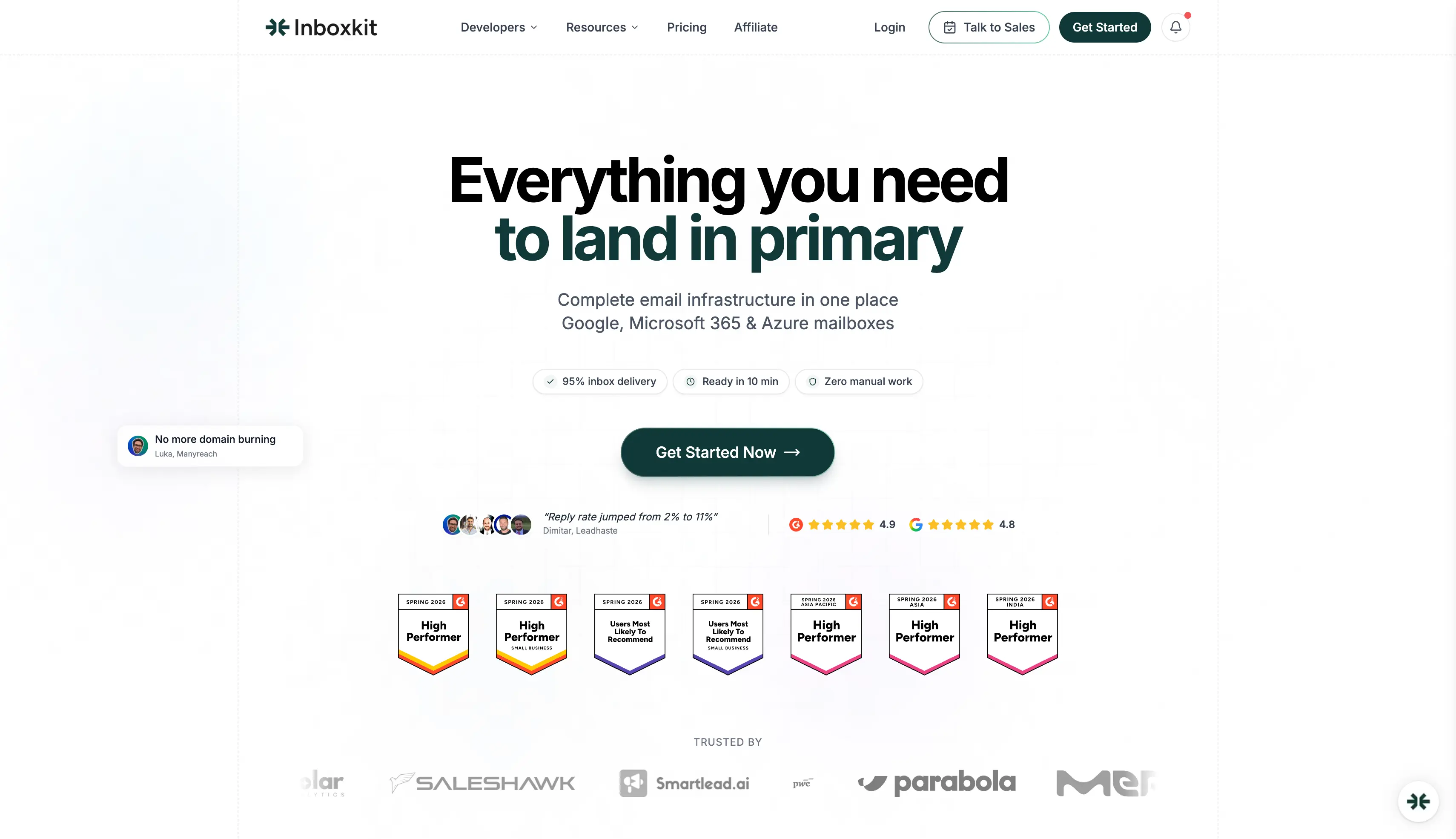
The Azure option is unusual, offered at $30 per tenant for up to 100 mailboxes, a different tier of Microsoft infrastructure than a standard shared 365 mailbox.
On the business side, InboxKit is used by teams at companies including PwC and Zendesk and advertises a 95 percent inbox placement rate.
It connects to 24-plus sequencers, which is wider than most infrastructure tools, so it suits agencies that want warmup and monitoring bundled in.
Read our detailed InboxKit review to see its features, pricing, and overall performance.
Agencies and SDR teams that want real Google, Microsoft, and Azure accounts with warmup and monitoring bundled into one managed platform.
InboxKit runs three plans. The per-mailbox rate drops toward $2.50 on Enterprise annual billing. Warmup is a separate add-on, and Azure mailboxes are priced per tenant.
Looking for InboxKit alternatives? Read our InboxKit alternatives guide to compare the top options for cold email infrastructure.
Zapmail is a cold email infrastructure provider that sells pre-warmed, high-deliverability Google Workspace and Microsoft 365 mailboxes.
The pre-warmed accounts ship with warmup history already built, so you can start sending without waiting weeks.
The way it works is fast and hands-off. Setup runs in about 5 minutes with automated DNS, and each workspace gets its own isolated domain with admin access, which limits cross-contamination if one mailbox gets flagged.

It connects to 50-plus sequencers through OAuth, so there is no manual SMTP config.
On the business side, Zapmail serves a stated 50,000-plus businesses and runs on US and EU IP accounts.
It suits for freelancers and agencies that want provider mailboxes ready to go without managing warmup themselves.
Considering Zapmail for your cold email setup? Read our detailed Zapmail review to see its features, pricing, and overall performance.
Freelancers, agencies, and teams that want real Google or Microsoft mailboxes ready to send fast, without managing warmup themselves.
Comparing Zapmail and Maildoso? Read our Zapmail vs Maildoso comparison to see how they differ in pricing, infrastructure, and features.
Zapmail runs three tiers billed monthly, with US and EU IP accounts on every plan. Annual billing adds two months free, which brings the per-mailbox cost down toward $2.50. Pre-warmed mailboxes cost extra on top.
Each plan includes placement test credits and AI Insights credits, scaling from 3 per month on Starter to 30 on Pro. API access is on the Pro plan only.
Looking for Zapmail alternatives? Read our Zapmail alternatives guide to compare the top options for cold email infrastructure.
Mailreef is a cold email infrastructure provider built around dedicated servers.
Each customer gets their own mail server and dedicated IP, so no other sender can affect their reputation, and you own the entire delivery stack from individual mailboxes up.
The way it works favors control over convenience.
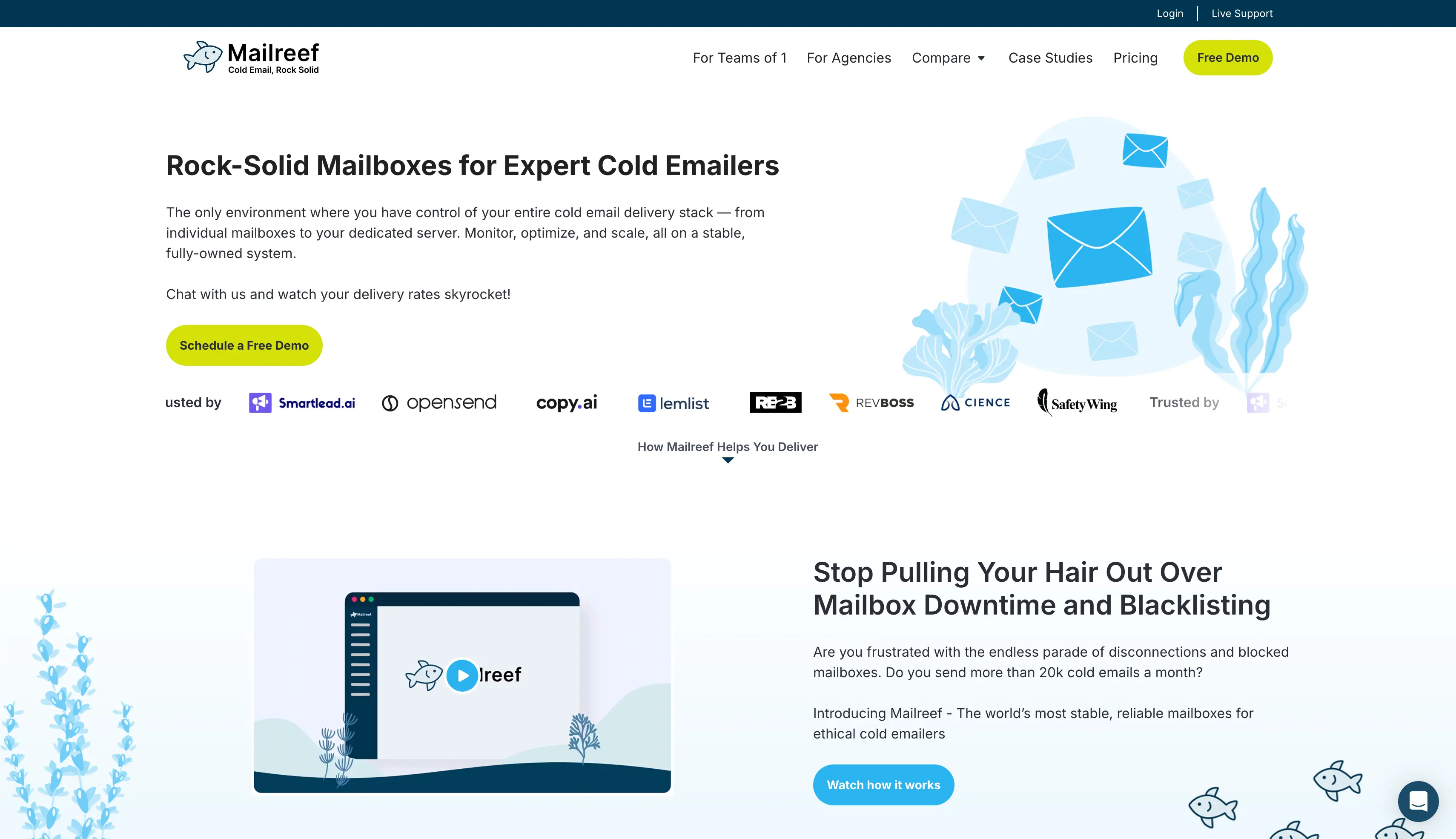
You create unlimited mailboxes on your server, with 150-plus per server, and you scale by adding domains rather than pushing volume through one inbox. Every plan includes one-click domain purchases, auto SPF, DKIM, and DMARC, and a live chat with delivery experts.
On the business side, Mailreef states 100M-plus emails sent per month and 99.9 percent server uptime across its base.
It gives you full ownership and granular control, so it fits high-volume technical teams. Beginners will find it heavy.
High-volume senders and technical teams that want a dedicated server and dedicated IP address, and who are comfortable managing warmup and ramp-up themselves.
Mailreef is priced per server, not per mailbox. Every plan includes a dedicated mail server, an own dedicated IP, 150-plus mailboxes per server, and live technical support. Both paid plans add $0.001 for every email you send.
Inframail is a Microsoft-only cold email infrastructure provider with flat-rate pricing.
Instead of paying per inbox, you pay a fixed monthly fee and provision as many Outlook inboxes as the volume cap allows, so at 100-plus inboxes the per-inbox cost drops toward nothing.
The way it works is built on Microsoft's cloud. It runs on dedicated US IPs, sets up your records for free, and exports mailboxes to Instantly, Smartlead, and others.
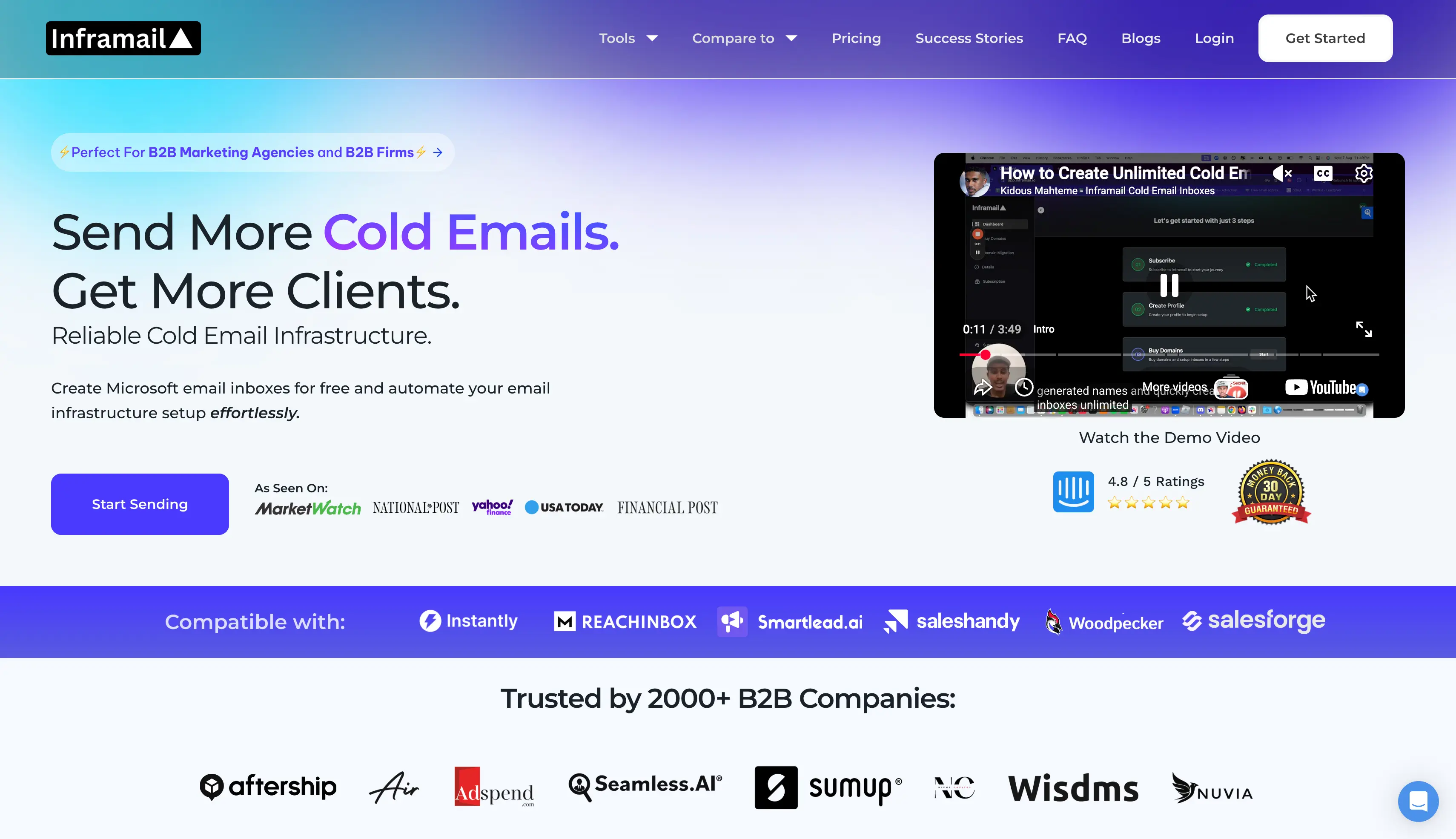
A real-time dashboard flags blacklisted domains and auto-submits delisting requests.
On the business side, Inframail is trusted by a stated 2,000-plus B2B companies and holds a 4.8 rating.
The flat rate plus dedicated IPs makes it a genuine draw for agencies running large Microsoft mailbox counts whose prospects use Outlook.
Considering Inframail for your cold email setup? Read our detailed Inframail review to see its features, pricing, and limitations.
Agencies and teams running 100-plus Microsoft inboxes at scale, who want the lowest possible per-inbox cost and whose prospects use Outlook.
Inframail uses flat-rate pricing with unlimited inboxes. You pay a fixed fee and provision as many inboxes as the volume cap allows. Every plan includes dedicated US IPs, free automation, and a deliverability consultant.
The DFY plan adds account setup, warmup, a sending platform, and a first batch of contacts, aimed at teams that want it all handled.
Looking for an Inframail alternative? Read our Inframail alternatives guide to compare the top options for cold email infrastructure.
The right pick comes down to a few clear questions. Work through them in order.
Start with your prospect's inbox: If your prospects use Outlook, you need Microsoft mailboxes, which rules out Maildoso and Mailforge. Primeforge covers Google and Microsoft together. Inframail handles Microsoft-only at high volume.
Then look at your IP needs: If you want your sender reputation isolated from other people, you need dedicated IPs. Infraforge and Mailreef give you that. If a shared pool is fine while you find your feet, Mailforge is cheaper and faster.
Weigh your budget against volume: For the lowest cost on shared SMTP, Mailforge starts at $3 per mailbox with a 10-slot minimum. For a flat rate at Microsoft scale, Inframail runs $129 per month for unlimited inboxes.
Check what you want bundled: If you want warmup and monitoring handled in one place, InboxKit packages them, and Zapmail ships pre-warmed accounts. If you would rather own the whole stack, Mailreef gives you a dedicated server.
Factor in your own skill level: A first-time sender wants guided setup and a shared pool, which points to Mailforge. A technical team that wants full control points to Infraforge or Mailreef.
Whatever you choose, run two or more providers once you scale. A Primeforge plus Mailforge or Primeforge plus Infraforge setup means you always have a mailbox matching your prospect's provider, and you keep a fallback if one path degrades.
After setting all seven up and pricing them out, my pick for most teams is Mailforge.
It solves the exact job Maildoso does, cheap cold email infrastructure that goes live fast, and it fixes the parts that push people away. You start at 10 mailboxes instead of 30. The price per mailbox is clear at $3 down to $2, with no quarterly lock-in. Setup took me about 5 minutes, and the app sized the build for me so I did not over-buy.
The rest of the list still matters for specific cases. You reach for Primeforge when you need Microsoft, Infraforge when you need dedicated IPs, and the others when their one strength matches your setup. For a founder or agency that wants a fast, affordable start without the shared-pool surprises Maildoso is known for, Mailforge is where I would begin.
You can start a Mailforge setup for the price of your volume, then pair it with Warmforge for warmup and Salesforge for sending when you are ready to run campaigns.
Mailforge is the best overall Maildoso alternative for most teams. It gives you the same cheap, fast, shared-IP infrastructure at a clear per-mailbox price of $3 to $2, with a lower 10-mailbox minimum. If you need dedicated IPs, Infraforge is the pick. If you need Microsoft mailboxes, which Maildoso does not offer, Primeforge is the answer.
No. Maildoso does not offer a free trial. The cheapest monthly entry is 30 SMTP mailboxes at $75 per month. There is a 30-day money-back guarantee on monthly SMTP plans, so that is the closest thing to a risk-free test.
No. Maildoso does not offer Microsoft 365 or Outlook mailboxes at any tier. It sells its own SMTP mailboxes and resold Google Workspace. If your prospects use Outlook, use Primeforge for provider-matched mailboxes or Inframail for Microsoft-only sending at scale.
In late 2025, Maildoso's shared IP pool and domains were listed on the SURBL blacklist, which disrupted campaigns for many customers at once. The cause most users point to is the shared IP pool, where one sender's behavior affects others. Maildoso runs IP rotation and self-healing to reduce the risk, and it remains a legitimate provider serving thousands of companies. A dedicated-IP tool like Infraforge removes the shared-neighbor risk entirely.
Mailforge is the cheapest credible alternative for shared-IP SMTP, at $3 down to $2 per mailbox per month with a 10-mailbox minimum. For Microsoft sending at scale, Inframail's flat rate of about $129 per month for unlimited inboxes drives the per-inbox cost toward zero above 100 mailboxes. Remember to factor in multiple domains and warmup, which are often priced separately.
