
Are you sending 1,000 cold emails per day, and still not getting replies?
People assume that passing a spam test does not mean your emails reach the inbox. Mailtrap tells you an email passes SpamAssassin and your authentication checks, but not where it lands with various email service providers like Gmail or Outlook.
That is why people look for Mailtrap alternatives for spam testing.
Users on G2 rate Mailtrap well, over 4.5 stars, and for testing app emails it earns that. For a deliverability, though, it has limitations:
Here is one of the review from Trustpilot user who has been using Mailtrap.
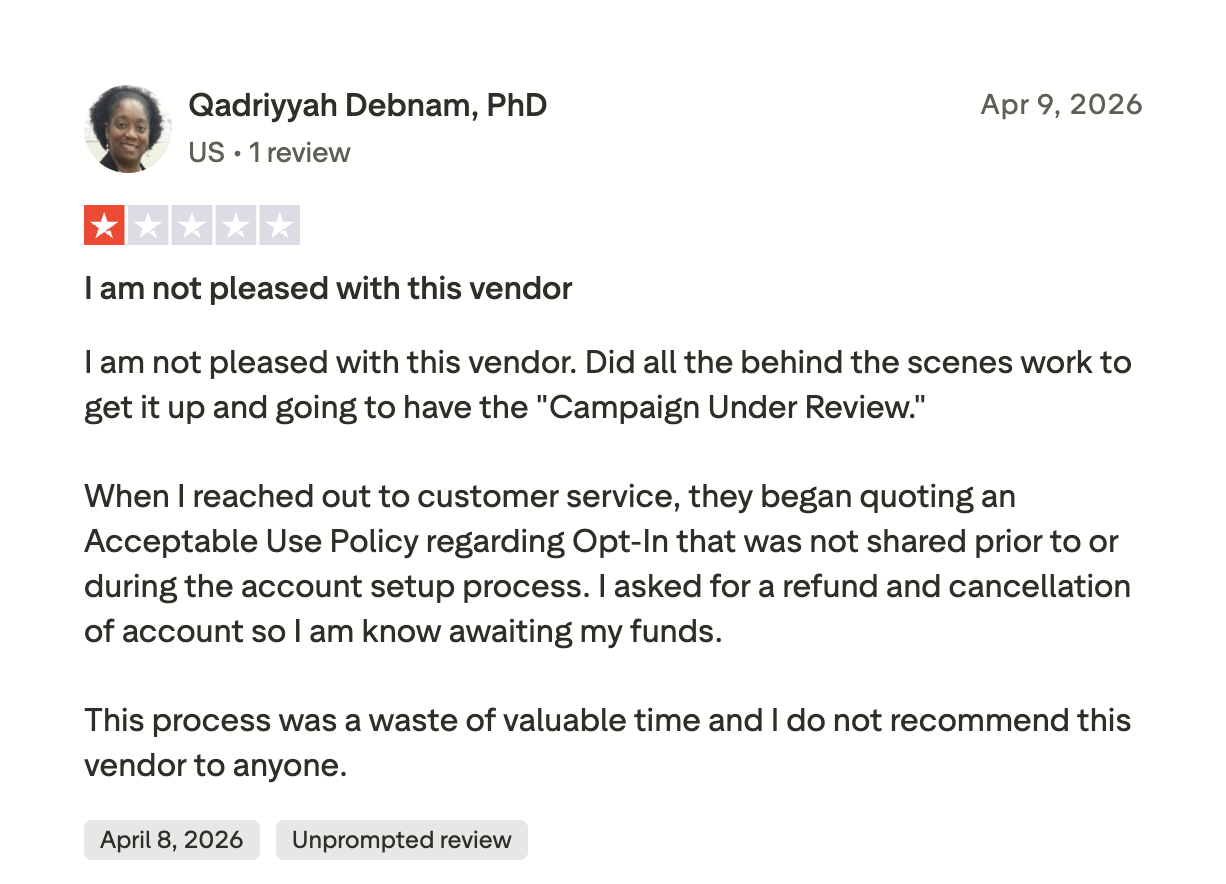
I run cold email every day, so I tested seven tools on live domains for the ones that show where emails land and help fix it. Let's get into it.
Let's now understand each of the tool in detail to help you take the quick decision.
Let's understand each alternative in detail by learning about its functionality, pros, cons, and pricing.
Warmforge is my #1 choice as an email deliverability tool because it offers inbox placement and warmup on the same platform.
It is the deliverability tool in the Forge stack, built to run premium warmup and inbox placement testing side by side.
Unlike other complex email deliverability tools, Warmforge offers one-click setup. You connect a mailbox and warmup starts on its own. The AI writes messages that read like a human conversation, so inbox providers treat the account as legitimate.
The premium warmup pool is built mostly from aged Google Workspace and Microsoft 365 mailboxes. It also uses SMTP and IMAP/SMTP connections from Infraforge (dedicated IP) and Mailforge (rotational IP). Warmup runs in several languages, so the activity looks natural to providers outside English-speaking regions.
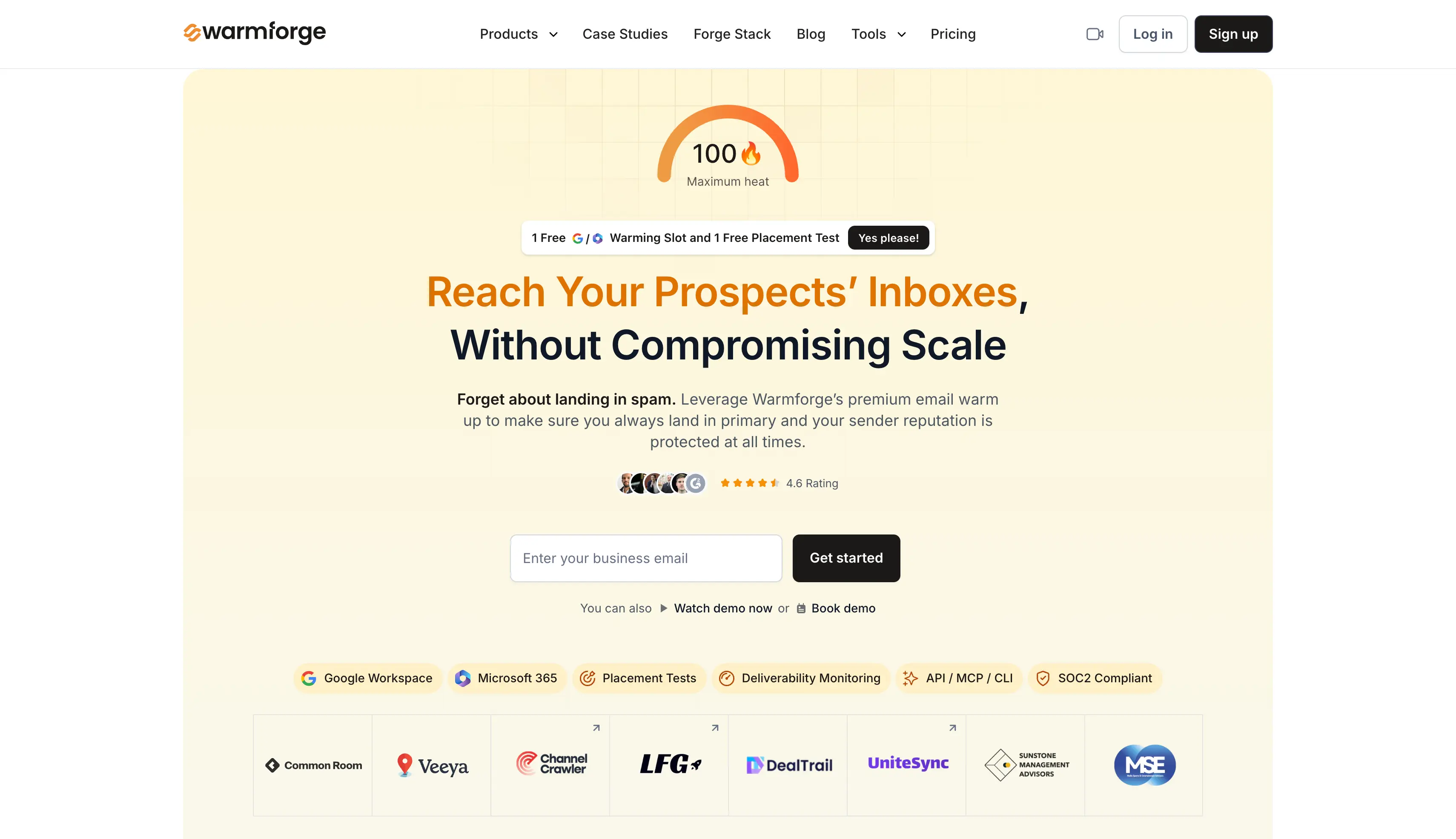
Two features earn their keep for me. Heat Score™ scores each mailbox's reputation over time, so I can tell when one is ready to carry more volume. Health Checks watch DNS records, MX records, and blacklist status, and flag spam risks before they cost me.
If you are a Salesforge user, you get free access to unlimited premium warmup, no extra steps. If you warm mailboxes outside the stack, you can buy Warmforge on its own.
Inbox Placement Tests run across major ESPs to show where your emails are landing before campaigns go live: the primary inbox, promotions, or spam.
Warmforge covers these tests:
It works with Google Workspace and Microsoft 365 mailboxes, and even IMAP/SMTP server/mailboxes from Mailforge and Infraforge.
Every warmup slot includes one free placement test a month, and you can run more through the placement test plans.
This is the part Mailtrap's simulated score cannot do.
Warmforge shows where your emails land, then the warmup rebuilds reputation to fix what the test finds. There's plenty I like here, and a couple of things to keep in mind.
Let's understand the pricing of the Warmforge in detail from this table.
Best for: Email marketers who want detailed per-provider spam score and placement analysis with cost effective solution.
If you want a detailed look at your spam score, GlockApps is a strong Mailtrap alternative.
It brings more than 15 years of inbox placement testing, and it shows in the reports. You send to a seed list of 115 addresses, it checks 5 spam filters, then tells you inbox versus spam versus promotions for each provider.

The seed list spans Gmail and Google Workspace, Outlook.com and Microsoft 365, Yahoo, and AOL. Past placement, it checks your SPF, DKIM, and DMARC setup and monitors your blacklist status across many lists.
I ran it on a campaign that felt fine but got few replies. GlockApps showed the subject line was pushing me into Gmail's promotions tab while it landed primarily on Outlook. That is the kind of detail a sending tool never surfaces.
You paste a tracking code into your email or send to the seed email accounts, and GlockApps reports where each copy lands. You can run a manual test before a launch, or schedule automated tests on higher plans to track placement over time.
Mail-Tester is the closest free stand-in for Mailtrap's spam-test feature.
You send an email to a unique address, click a link, and get a score out of 10. It covers SpamAssassin content flags, SPF, DKIM, and DMARC checks, blacklist status, and broken links. The whole thing takes about two minutes.
I keep it bookmarked for quick sanity checks on a new domain. It catches a missing SPF include or a bad DKIM selector before a live send.

One honest caveat, and it is the same one that applies to Mailtrap. A perfect 10 does not promise inbox placement, and scores can vary between runs. It is a first-pass check to run before a full placement test.
You forward your email to the generated test address, then open the report. It scores the message and lists each issue with a plain-language fix.
If email bounces and unverified email addresses are hurting your deliverability, MailerCheck is a smart pick.
It comes from the MailerLite team and is built around list hygiene and deliverability.
Its Inbox Placement feature shows which folder you land in across providers, and for Gmail it tells you whether you hit Primary, Social, Promotions, Updates, or Forums.
The seed list covers Gmail, AOL, Yahoo, GMX, Mail.com, and Zoho. Its content scan also flags spam triggers, broken links, and authentication issues before you send.
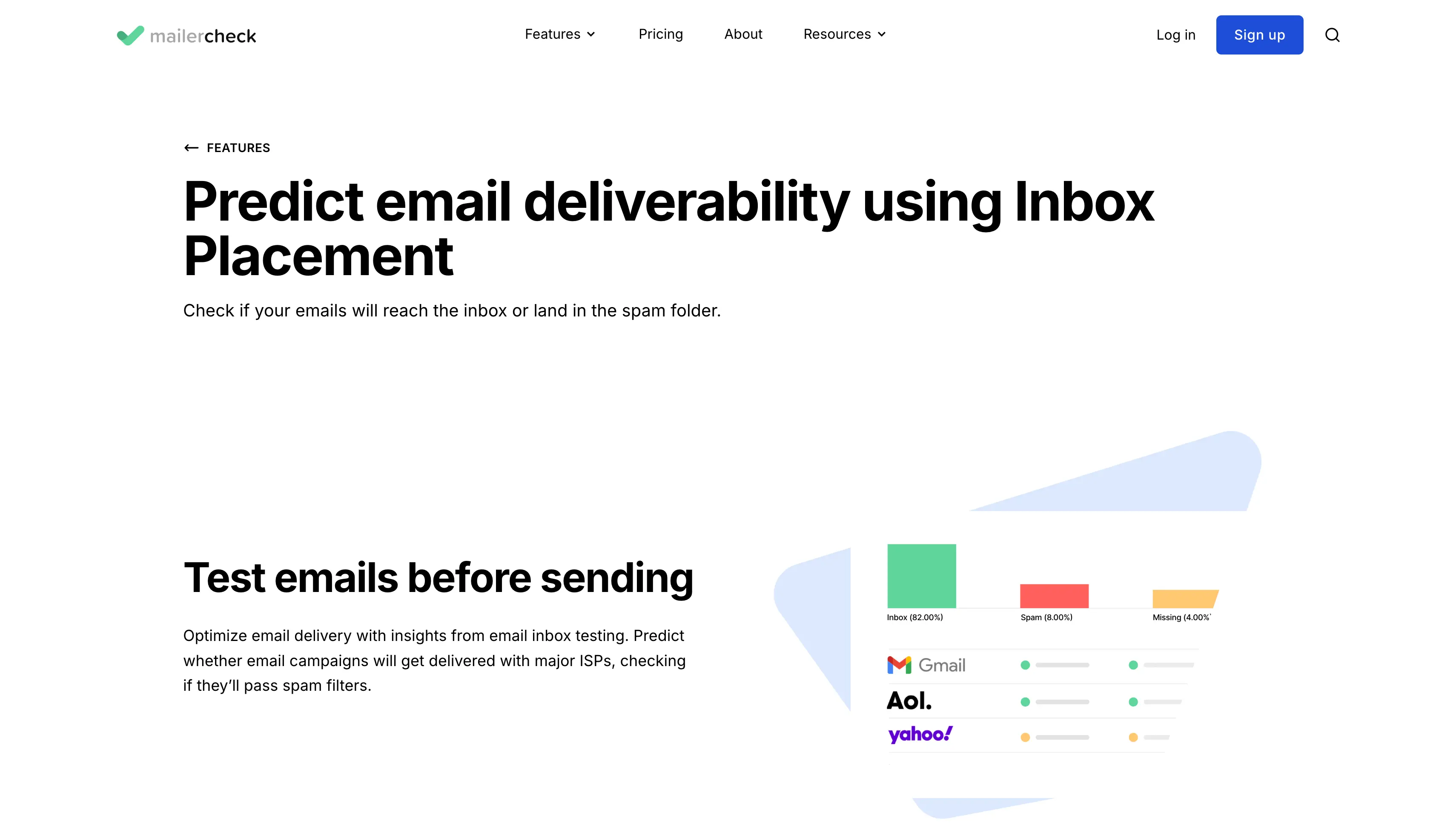
I like it for one reason. Bad email accounts data causes more spam placement than bad email content, and MailerCheck lets me verify a list, catch invalid addresses, and test placement without switching tools.
However, the platform does does not warm mailboxes, though, so it points at problems rather than fixing them.
You send an email from your provider to MailerCheck, and it reports inbox versus spam for each provider. Each placement check uses 200 credits, and the result appears next to your content and authentication analysis.
If your emails keep sliding into spam or the promotions tab, InboxAlly takes a different route.
It pairs warmup with placement feedback. Seed inboxes open your emails, reply, and move them to the primary folder, which trains inbox providers to treat you as wanted mail over time.
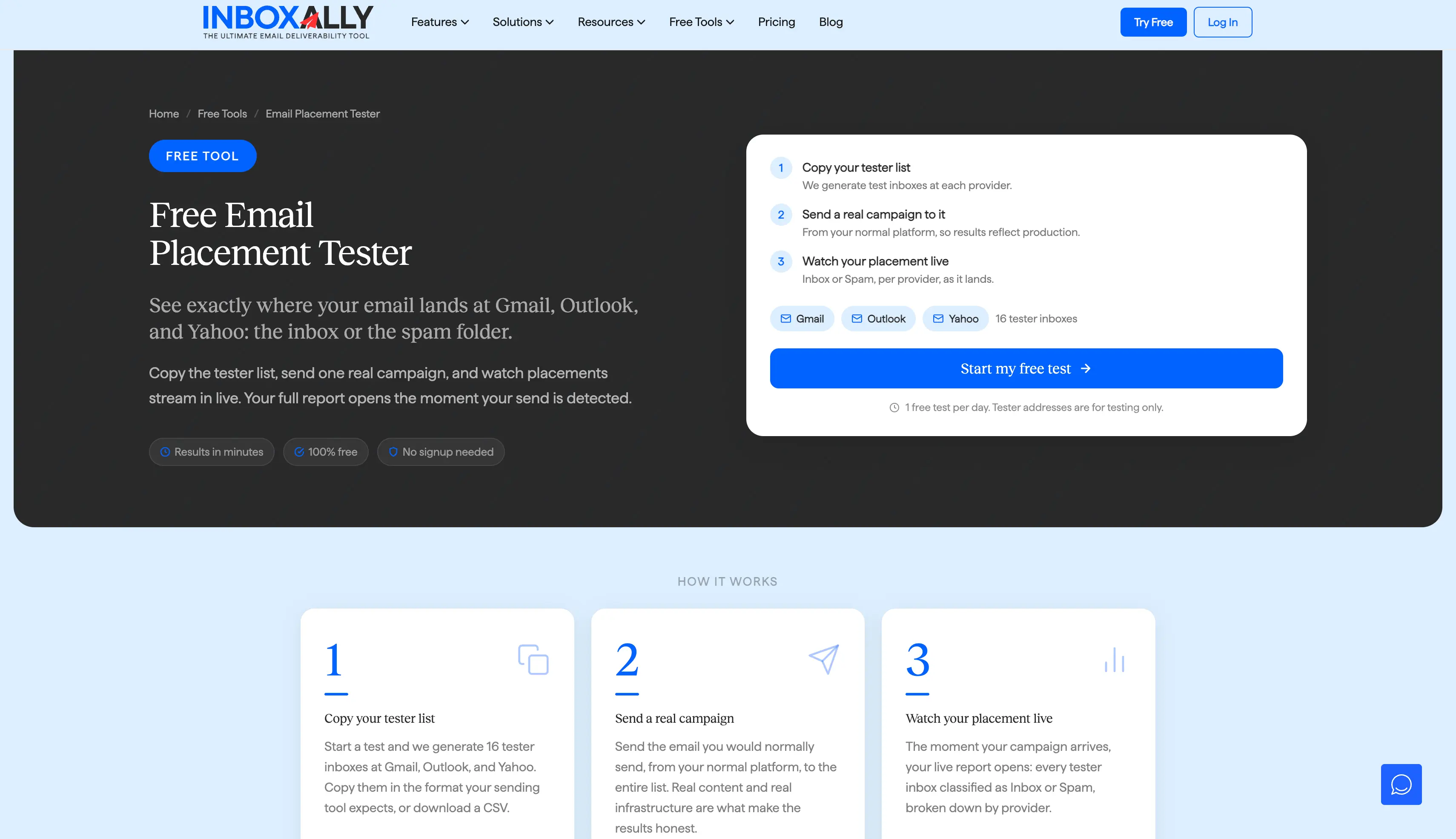
You also get live reports on how providers handle your mail, domain reputation tracking, and custom training sessions per sender domain. It is a fix-focused tool more than a testing one.
The main limit is cost. InboxAlly is on the higher end, so it suits agencies and teams sending at volume more than a solo sender.
You connect a mailbox or domain, then set how many seed emails to send each day. InboxAlly's seed inboxes open those emails and mark them as important. They also move any that land in spam or the promotions tab into the primary inbox.
Over time, that steady engagement teaches mailbox providers to treat your domain as wanted mail, which can lift inbox placement and rebuild sender reputation. You reply to the seeds too, so the exchange reads like a normal conversation.
The dashboard tracks how placement shifts across providers as the training runs, so you can watch spam-folder hits drop week over week.
Folderly is a managed email delivery platform built to find and fix what hurts your inbox placement.
Its Inbox Insights module runs placement tests and reports where you land in Gmail, Outlook, and Yahoo, along with your SPF, DKIM, and DMARC setup.
The spam trigger detection is the part I find most useful, since it points at the content patterns that set off filters and suggests changes for optimizing emails before they go out.

Here is where I would be careful. Folderly is built for funded teams, and Inbox Insights is a separate product priced by test messages by volumne on top of the managed platform. The cost adds up fast for a solo sender.
If you have the budget and someone to act on the reports, Folderly does a lot of the work for you. For a solo sender or a lean team, it is more than you need.
You connect a mailbox, then send test emails to Folderly's seed list. Inbox Insights reports how many landed in the inbox, spam, or promotions across Gmail, Outlook, and Yahoo. It also checks your SPF, DKIM, and DMARC setup.
From there, it goes past the score. It flags the spam trigger words and content patterns that push you out of the inbox. It also points to the DNS and authentication fixes that can raise placement.
You can run a one-time test before a launch or schedule tests to track deliverability over time, then work through the fixes it recommends.
Google Postmaster Tools is free, and it is worth setting up even if you use another tool for your email marketing automation.
It shows you Gmail's own read on your domain and IP reputation, your spam complaint rate, and authentication results for mail you send to Gmail addresses.
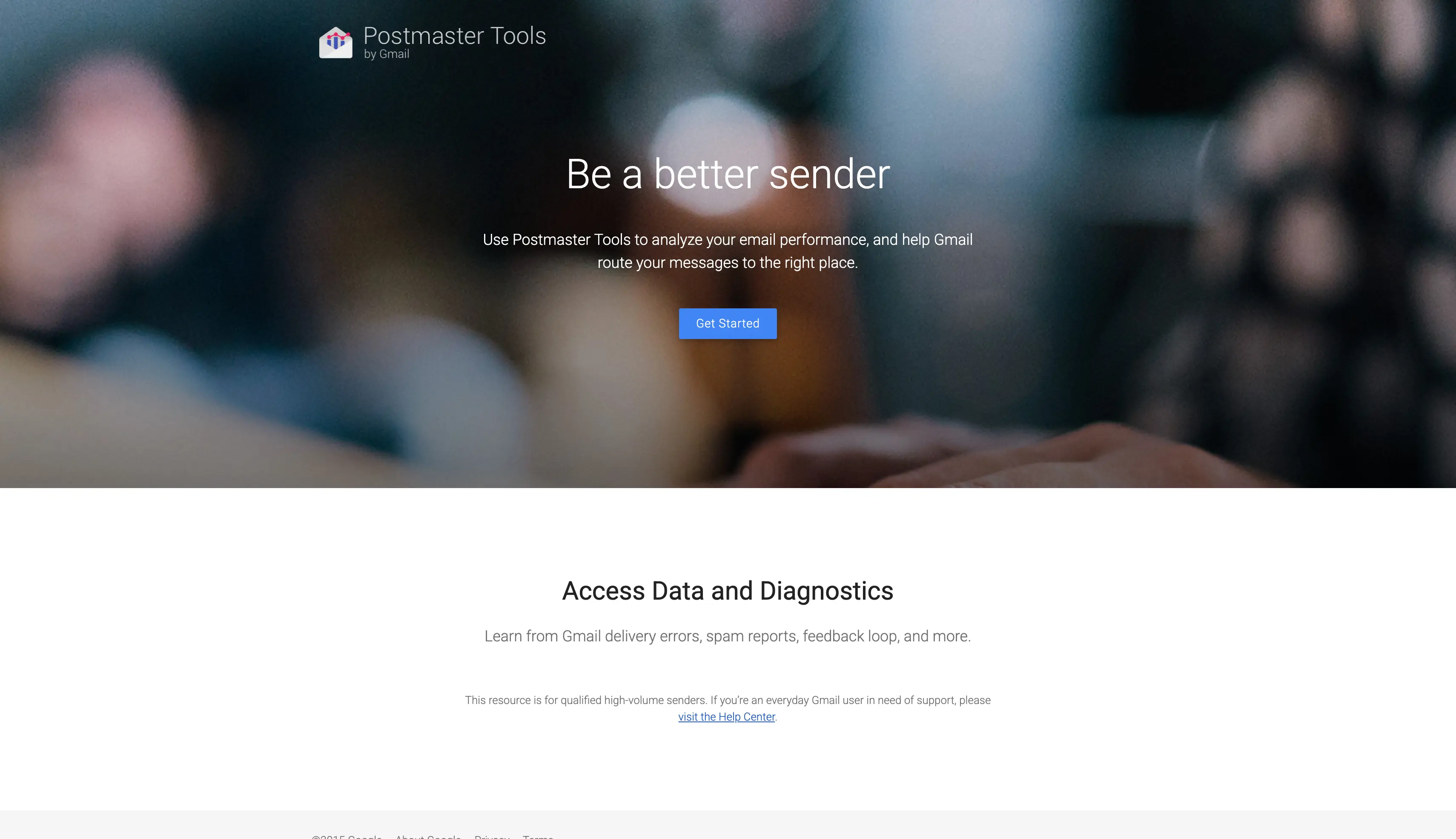
That is data no third-party seed test can give you, because it comes straight from the provider.
The catch is scope. It only covers Gmail, it does not test placement before you send, and it does not warm mailboxes. It is a monitoring layer, best paired with a placement tool.
You verify your sending domain through a TXT record, then connect it to the dashboard. Once you send enough volume to Gmail addresses, Google starts reporting on that traffic.
The dashboards cover domain and IP reputation, your spam complaint rate, and how your SPF, DKIM, and DMARC authentication is holding up.
It is read-only monitoring, so you watch the trends and act elsewhere, but the data comes straight from Gmail.
Free.
There is no single right tool. The right fit depends on how you send, so weigh a few factors before you pick:
The cheapest way to protect a campaign is to test placement before you send. Do not wait until the replies dry up.
Warmforge includes one free placement test a month plus Health Checks on your DNS and blacklist status.
Mailtrap is an email service platform for developers and engineering teams. You use it to catch app emails in a sandbox before they go out, and to send transactional and marketing emails through its API. Its spam test scores your content, but that score is simulated.
It is a solid choice for testing email inside a dev or staging setup. It shows how Gmail, Outlook, and Apple Mail render a message and flags problems before you send, and it earns over 4.5 stars on G2 with that crowd. Once you care about where cold email lands, though, you need inbox placement testing and warmup instead.
I set up fresh mailboxes on live domains with proper SPF, DKIM, and DMARC. Then I ran the same email through each tool to see where it landed and what each said about reputation and blacklists. Where a tool warms mailboxes, I ran it for a few weeks and watched the numbers.
Because its spam test is simulated. You get a score and content analysis, but it never sends to live inboxes to show whether you land in primary, promotions, or spam. It also has no warmup and no reputation tracking, so for cold email you want a tool that tests across live inboxes and warms your mailboxes.
No. Its spam score is simulated, so it cannot show whether you hit the primary inbox, promotions, or spam. For that you need a placement tool like Warmforge or GlockApps.
If you want an accurate and detailed inbox placement testing tool, Warmforge is the one I use most. Another I would suggest is GlockApps, which offers 115 seed addresses across 5 spam filters.
Yes. Mail-Tester is free for occasional checks, Warmforge includes one free placement test a month, and Google Postmaster Tools is free for Gmail monitoring.
Not really. It is built for transactional email and email marketing, so it does not warm your mailbox providers or test where cold emails land. For that you need warmup and inbox placement testing, like Warmforge.
Yes. Warmforge shows where you land with inbox placement tests, then offers email warm-up services to help you improve and tracks reputation with Heat Score™. Most testing-only tools spot the problem but leave the fix to a separate tool.
