
If you are looking to buy aged domains for cold email, you probably want to know which providers are worth considering and what to check before spending your money.
I have looked into domain marketplaces and email infrastructure providers to compare the options available.
The key is to find a domain with a suitable history and reputation for your outreach needs. You also need to decide whether you want to handle the email setup yourself or buy a ready-to-use solution.
In this guide, I will cover seven places to buy aged domains in 2026. I will share what each option offers, who it is best for, and what to consider before making a purchase.
The table below puts the main differences side by side.
Before you pay for an aged domain, make sure it is not on a spam blacklist. Mail servers treat listed domains as spam, so your emails can land straight in the spam folder.
An old domain keeps its reputation when it gets a new owner. So if the previous owner sent spam, that problem now belongs to you.
Here is the quick check I recommend before you buy:
If the domain shows up on any blacklist, skip it and pick another one. Finding expired and expiring domains is much easier than fixing a damaged reputation.
Once you buy a clean domain, Warmforge Health Checks keep an eye on the blacklist status of each connected mailbox.
This email deliverability benchmarks guide explains what to track once you start sending.
I evaluated these providers based on general domain-buying criteria and features specific to cold email outreach.
The first three sell pre-warmed domains and mailboxes you can send from right away. The last four help you buy expired and aged domains that you then set up yourself.
I've grouped these seven platforms into two categories: providers for cold outreach and marketplaces for general aged-domain purchases. This makes it easier to compare your options and choose a platform that fits your needs.
These providers help you prepare email infrastructure for cold outreach. Some offer pre-warmed mailboxes, while others provide aged domains that you can connect to your email setup.
Note: Mailforge, Infraforge, and Primeforge don't offer aged domains in the traditional sense of domains registered a year or more ago. Instead, they provide pre-warmed email infrastructure and mailboxes to help you get started with cold outreach sooner.
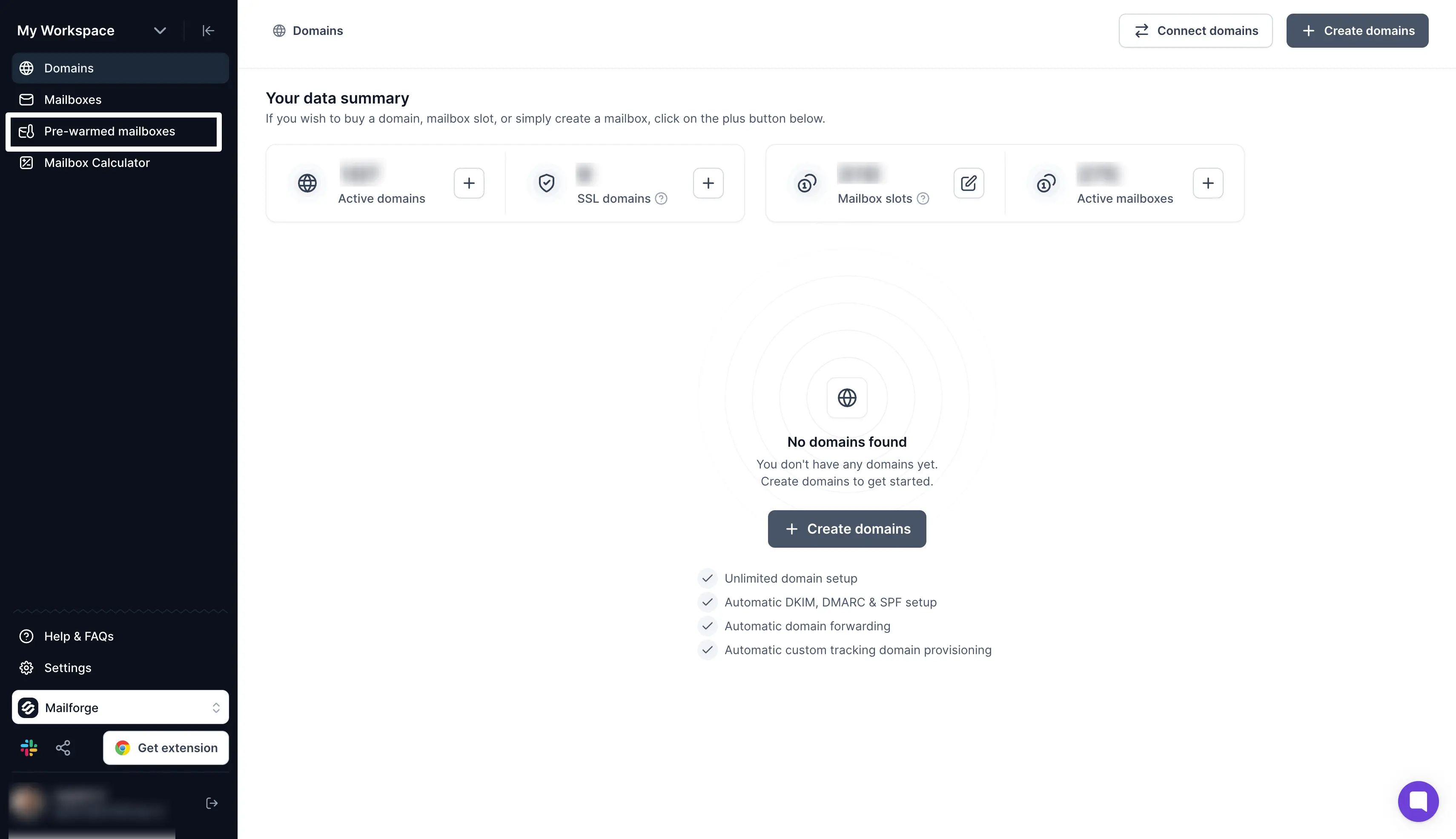
Best for: GTM teams and agencies that need affordable and pre-warmed mailboxes for cold email outreach.
Mailforge is cold email infrastructure that gives you domains and mailboxes on a shared IP pool. More than 10,000 businesses use it, from solo founders to Fortune 500 companies.
What I like most is that you can buy pre-warmed domains and mailboxes instead of hunting for aged domains. They already have a sending reputation, so you can start your campaigns without waiting weeks for warmup.
Mailforge also sets up your email security records on every domain, so you do not have to edit DNS manually. You can create hundreds of domains and mailboxes in minutes and keep each client in its own workspace.
Once your mailboxes are ready, you can connect them to Salesforge or any other sending tool. To protect deliverability, Mailforge suggests about 30 emails per mailbox per day and two to three mailboxes per domain.
If you are comparing infrastructure tools, this list of mailbox automation tools compares Mailforge with other options.
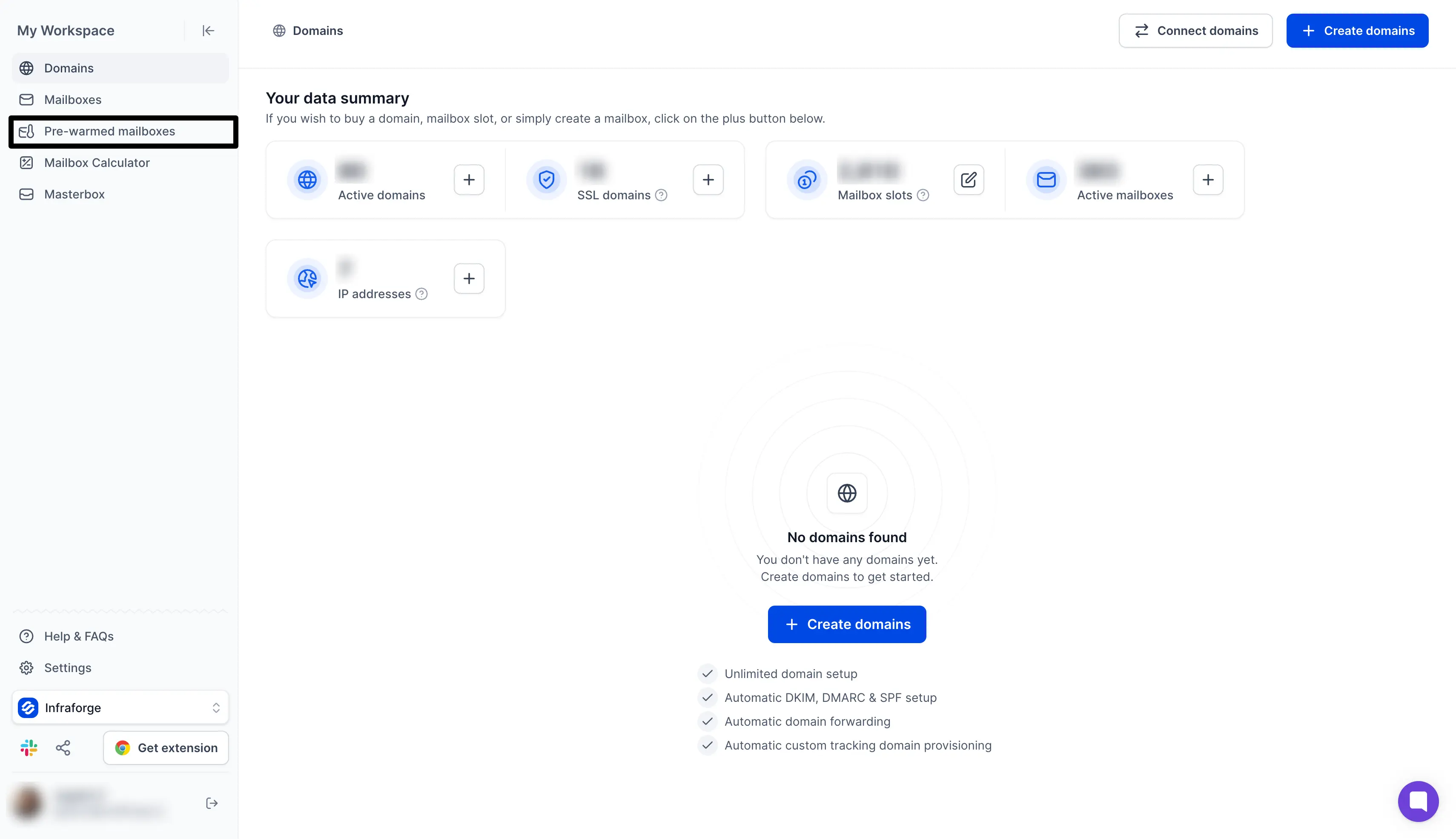
Best for: Agencies and high-volume senders that need pre-warmed mailboxes on dedicated IPs.
Infraforge is private cold email infrastructure that gives every mailbox its own dedicated IP address.
What I like most is that you can buy pre-warmed domains and mailboxes on those dedicated IPs. They arrive with warmup already done, so you can launch your campaigns from day one.
Infraforge also sets up your email security records on every domain, so you do not have to edit DNS by hand. You can add extra IPs to keep clients apart and see every email in a workspace through Masterbox.
Once your mailboxes are ready, you can connect them to Salesforge or any other sending tool. To protect deliverability, Infraforge suggests 30 to 50 emails per pre-warmed mailbox per day.
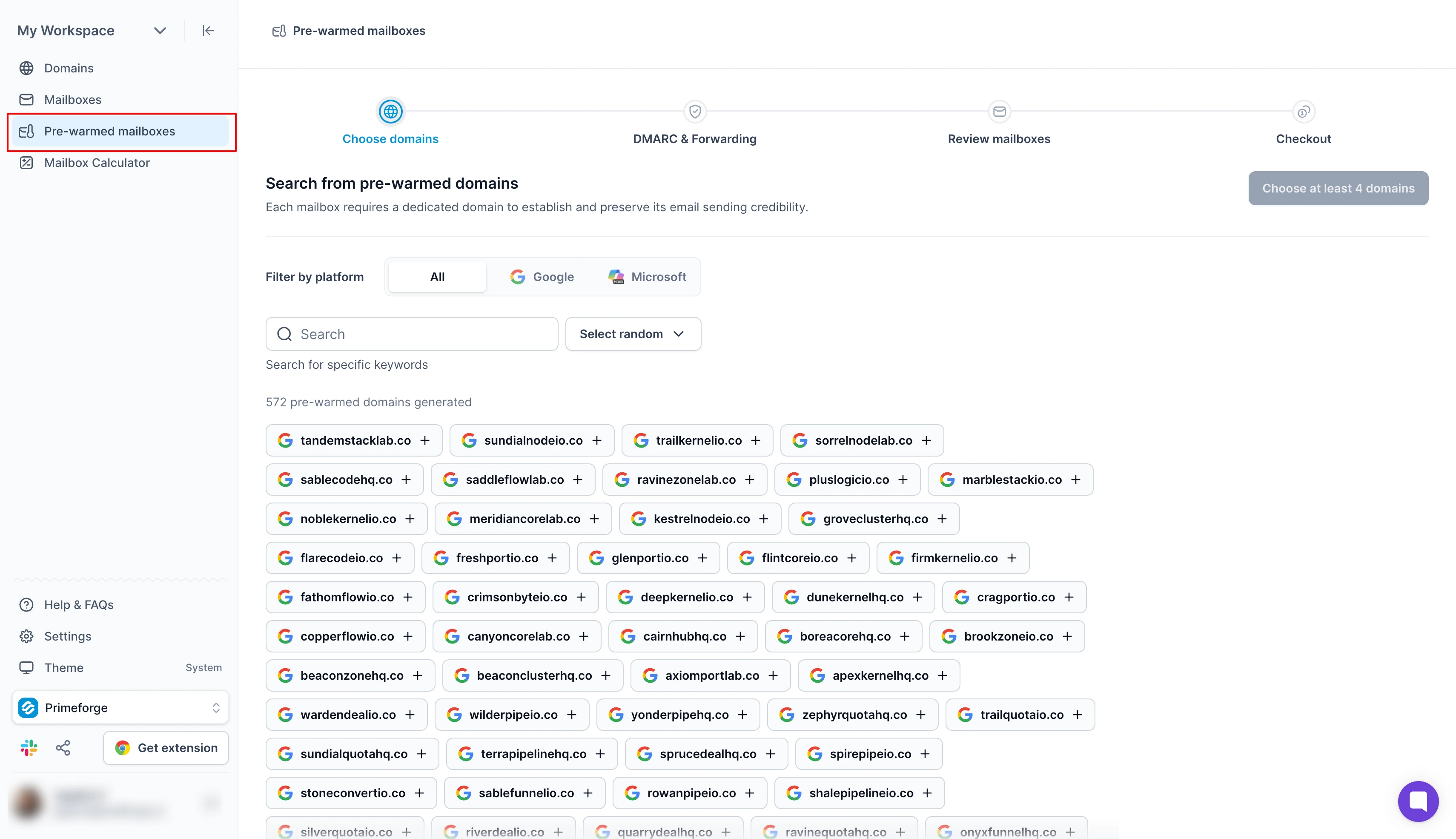
Best for: Sales teams and agencies that need pre-warmed Google Workspace and Microsoft 365 mailboxes for cold outreach.
Primeforge is cold email infrastructure that gives you Google Workspace and Microsoft 365 mailboxes. These are proper accounts with no loopholes or shortcuts, and you fully own every domain and mailbox.
What I like most is that you can buy these mailboxes pre-warmed. They already have a sending history, so you can start your campaigns on day one.
Primeforge also sets up your email security records and mailbox profiles, so you do not have to configure anything by hand. Your first mailbox is ready in about 30 minutes, and you can keep each client in its own workspace.
Once your mailboxes are ready, you can connect them to Salesforge or any other sending tool. To protect deliverability, Primeforge suggests about 30 emails per mailbox per day and two to three mailboxes per domain.
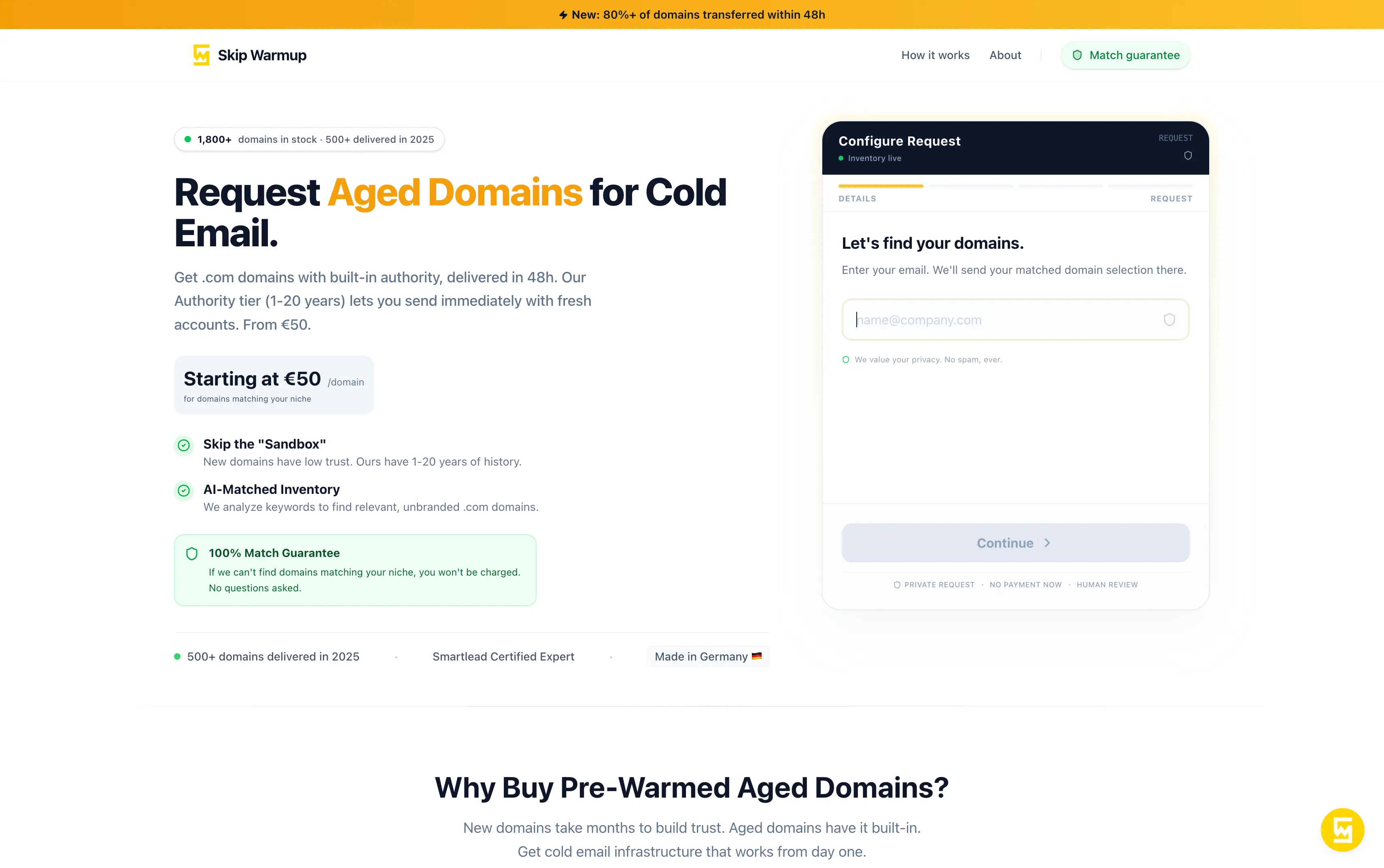
Best for: Cold email teams that need aged .com domains matched to their niche, without bidding at auctions.
SkipWarmup is a marketplace that sells aged .com domains for cold email. Its site lists more than 1,800 domains in stock, each with 1 to 20 years of registration history.
What makes it different is that you do not search or bid yourself. You send a request with your niche, and SkipWarmup uses AI to match unbranded domains to it.
A human expert then checks each domain's history against major blocklists, which saves you part of the blacklist check. The company says more than 80% of domains reach your GoDaddy account within 48 hours.
SkipWarmup sells the domain only, so you still need a provider like Mailforge for mailboxes. I would use it when your mailboxes are already set up and you just need older domains.
These platforms help you find or purchase aged, expired, or previously owned domains for websites, SEO projects, brand development, and other purposes.
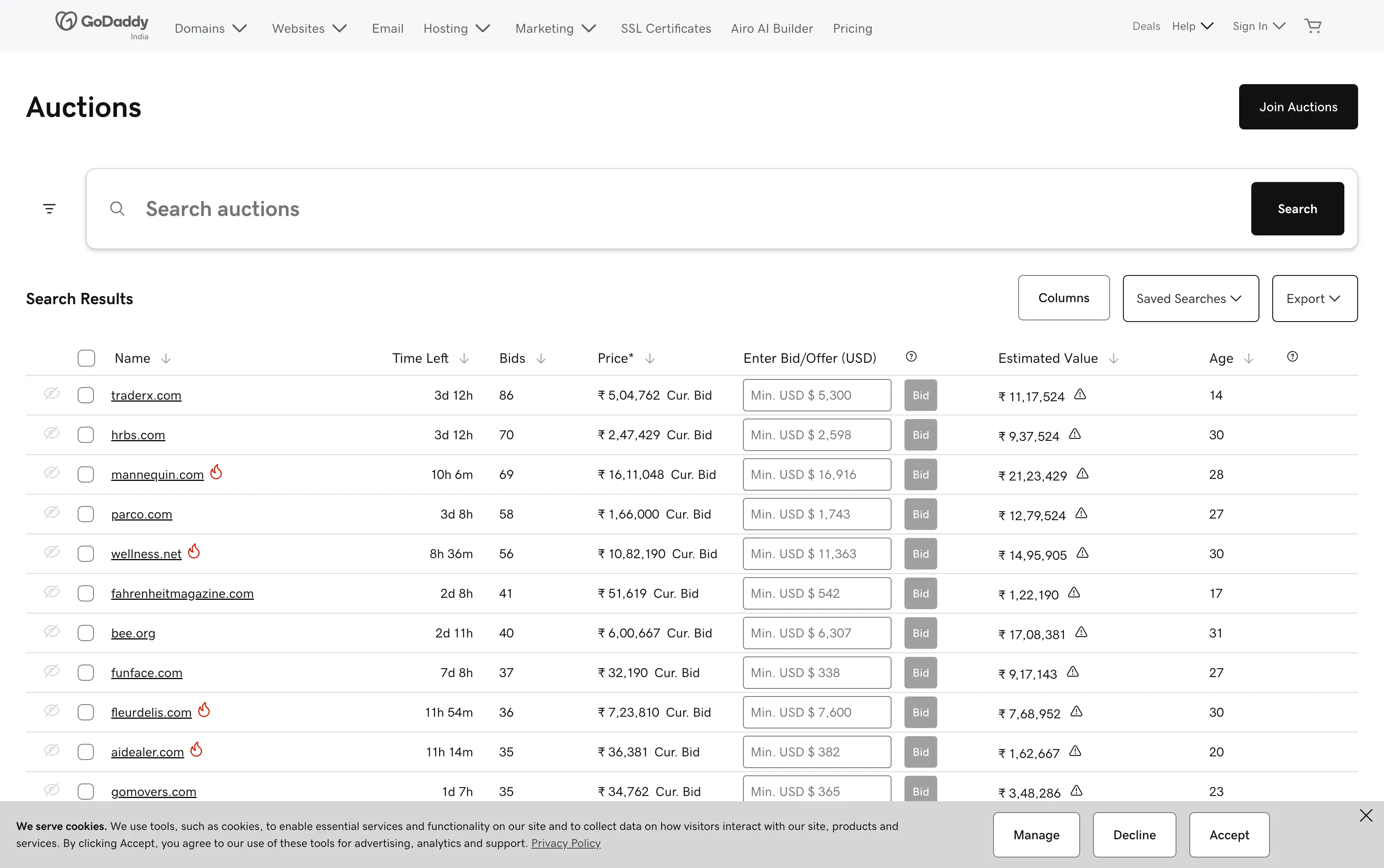
Best for: Buyers who want to hand-pick expired domains and do not mind bidding for them.
GoDaddy Auctions is a marketplace for expired and aftermarket domains run by GoDaddy, the domain registrar. GoDaddy says it has the world's largest inventory of domain listings, including exclusive expired auctions.
What I like most is the data on each listing. You can see each domain's age and estimated value, along with its bid history and traffic.
Most domains that expire at GoDaddy show up here 26 days later, and the highest bid wins. Just watch the timing, because the previous owner can reclaim a domain up to 30 days after it expires.
Since GoDaddy Auctions is not made for cold email, I would run the blacklist check before you bid. Once you win, point the domain to your mailbox provider and warm up your mailboxes.
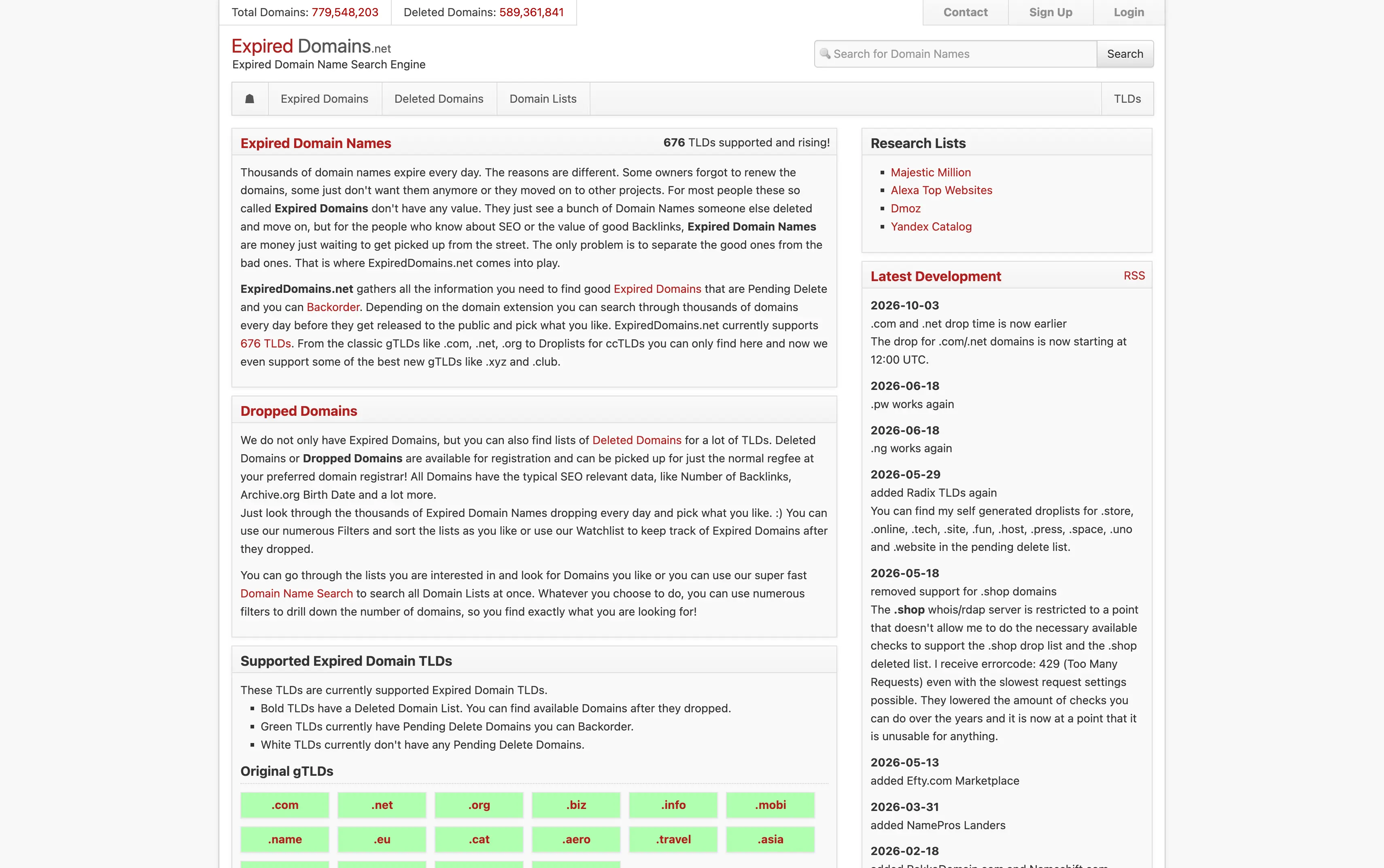
Best for: Senders on a tight budget who want to search expired domains for free.
ExpiredDomains.net is a search engine for expired and deleted domains across 676 domain extensions. It gathers 30 domain lists from multiple registrars and marketplaces like GoDaddy, Namecheap, and Sedo.
What I like most is the advanced filtering across a huge database of available domains. Each listing shows SEO data like backlinks, Majestic citation flow, and its Archive.org birth date.
ExpiredDomains.net also lists pending delete domains you can backorder and deleted domains you can register right away. A deleted domain's registration date resets, though, so expiring and auction domains are better if you want to keep the original date.
It does not sell domains itself, so you buy each one at your preferred registrar or through a backorder service. Before you register or bid, I would run the blacklist check from earlier in this guide.
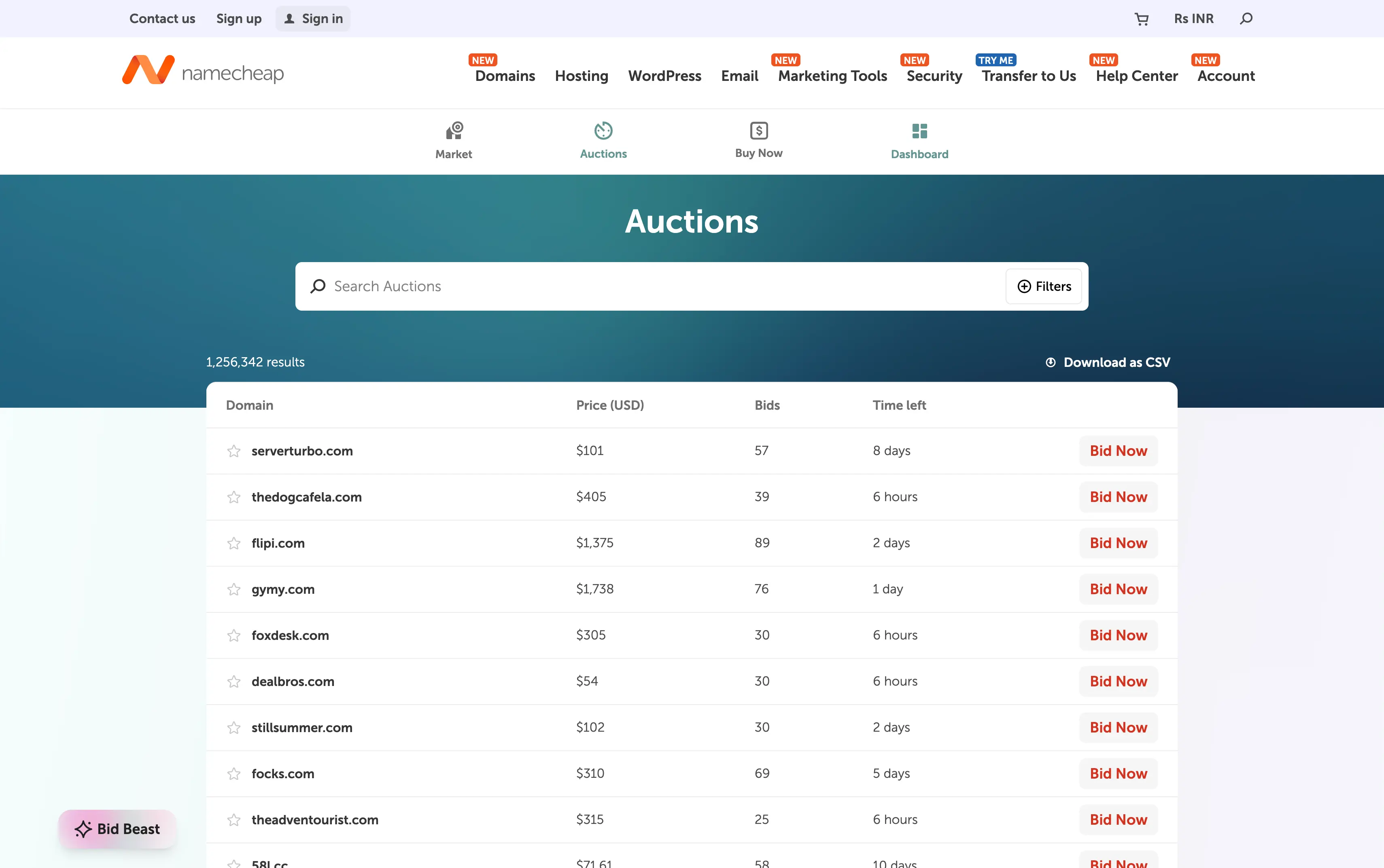
Best for: Buyers who want aged domains at a fixed price, with no auctions.
Namecheap Marketplace is a fixed-price market where Namecheap customers sell domains they already own. New listings go live within about an hour of the seller listing them.
What I like most is that you skip auctions completely. You click Buy Now, add the domain to your cart, and check out like any other Namecheap order.
Namecheap also moves the contact details to your name after the sale, and the seller pays the 10% commission. Listings with a Bid Now button are auctions, though, so you cannot buy those instantly.
Before you buy, I would check the domain's age with a WHOIS lookup, since sellers can list a domain right after registering it. I would also check the expiry date, because Namecheap does not renew the domain after purchase.
An aged domain gives you age, but not a sending reputation. You still need to create mailboxes, set up DNS, and warm them up before you send at volume.
Pre-warmed domains and mailboxes skip that work. The provider finishes the warmup before you get them, so you just connect them to your cold email tool and start.
If you want to start sending sooner, I would pick pre-warmed mailboxes over aged domains. All three Forge products sell them, and here is how they compare.
Before you buy, decide how fast you need to send and how much checking you want to do yourself.
If you are new to cold email setup, this email infrastructure guide explains how the pieces fit together.
A brand new domain has no sending history, so inbox providers treat it with caution at first. Here is how aged domains can help, and what each type of buyer looks for:
Those SEO metrics and traffic advantages can deliver SEO value and ranking gains in search results. For cold email, though, backlink quality and existing traffic are a bonus at best.
There is no perfect domain, but the most valuable domains have a clean history and an accurate registration date. That is why the domain's past matters more than its backlinks.
Mailforge is the best place to start for cold email teams. Its pre-warmed domains and mailboxes let you send from day one, starting at $3 per mailbox per month.
You do not have to wait weeks for a new domain to build trust or hunt through auctions for an aged one. Mailforge handles the DNS setup, and your mailboxes can be ready in about five minutes.
If you just want your next campaign live without a long warmup, start with pre-warmed mailboxes on Mailforge. You can add aged domains later if you still need them.
Pre-warmed mailboxes have already gone through warmup before you buy them, so you can send cold email without waiting two weeks. Mailforge, Infraforge, and Primeforge all sell them.
A SkipWarmup domain starts at about $57, and a deleted domain from ExpiredDomains.net costs the normal registration price. On GoDaddy Auctions, you pay your winning bid plus a $4.99 yearly membership, and each domain includes a one-year renewal.
Check it with the Spamhaus domain checker and the MXToolbox blacklist check. Then look at its old website in the Wayback Machine and confirm its age with a WHOIS lookup.
Yes, aged domains still need warmup before you send cold email at volume. Warmforge suggests at least 2 weeks of warmup, and it is free for your mailboxes if you use Salesforge.
Yes, ExpiredDomains.net lets you search expired and deleted domains with a free account. You still pay a domain seller or auction site for each domain you buy.
You need about six to nine domains to send 10,000 cold emails a month. Over about 20 working days, that is roughly 17 mailboxes at 30 emails each per day, spread two to three per domain.
