Are you looking for a cold email tool to run your outreach without managing every follow-up yourself?
A good cold email tool can take care of the repetitive parts. You can build email sequences, schedule follow-ups, manage multiple inboxes, and see which prospects reply.
The bigger question is which cold email tool fits your campaign. Some are built for simple email outreach, while others add lead databases, email warmup, deliverability tools, or multichannel sequences.
I compared the top cold email tools based on features, pricing, deliverability, automation, and ease of use to help you find one that fits your outreach.
GTM teams and agencies running email plus LinkedIn
Prospecting plus sequences
High-volume sending at low cost
Agencies with many client inboxes
Personalization with images and video
Verified lead data plus sending in one platform
Starting price
$40/mo
$25/mo
$37/mo
$39/mo
$69/mo
$34/mo (free plan available)
Warmup
Premium pool, free with unlimited slots
Included, unlimited
Included, unlimited
Included, unlimited
lemwarm on qualifying plans
Inbox Protection add-on, billed per account
Mailboxes
Unlimited
Unlimited
Unlimited
Unlimited
Unlimited senders
Capped by plan (3 to 20)
Users
Unlimited on Growth
Unlimited teams on Scale
Hypergrowth and up
Not listed
Priced per user
Unlimited on every plan
Workspaces
Unlimited
Not listed
One per subscription
3+ on Pro
Not listed
Not listed
Multichannel
Email and LinkedIn
Email, calls
No
No
Multichannel plan only
No, email only
LinkedIn actions
Six native actions
No
No
No
Visits, requests, messages
No
Unified inbox
Primebox™, email and LinkedIn
Email only
Email only
Email only
Email and LinkedIn
Not listed
MCP, CLI and API
MCP, CLI, API on Growth
API from Pro
Hosted MCP, API from Hypergrowth
MCP, API from Pro
MCP and API
MCP on every plan
Integrations
HubSpot, Pipedrive, open API
Major CRMs and workflow tools
HubSpot, Pipedrive, Clay
API and webhooks
HubSpot, Salesforce, Pipedrive
Not listed
AI SDR
Agent Frank, from $499/mo
No
No
No
No
No
1. Salesforge – Best for Personalization and Deliverability
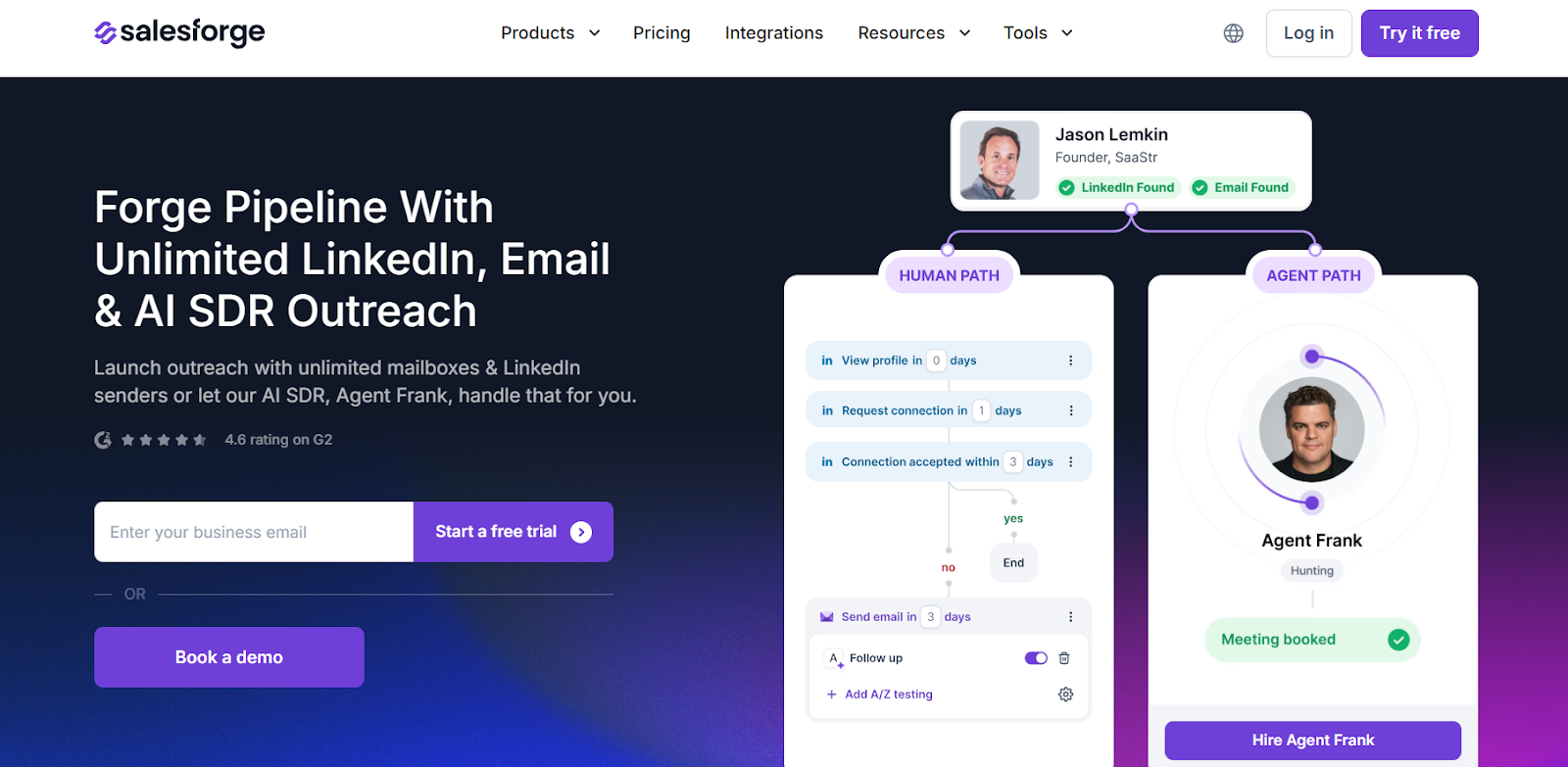
This image shows the Salesforge homepage
Salesforge is a cold email and LinkedIn tool that runs both channels in one sequence.
The LinkedIn side is fully native. You get six actions inside the same sequence as your email steps, and every reply from both channels lands in one inbox.
It also gives you MCP and CLI access. That means you can build sequences and manage contacts straight from Claude or Cursor.
Key Features of Salesforge:
Unlimited Mailboxes and Senders: Connect as many mailboxes and LinkedIn accounts as you want.
Native LinkedIn Actions: Send connection requests, messages, InMails, post likes, follows, and withdraw requests inside your sequence.
Multichannel Sequences: Build one sequence with email and LinkedIn steps that branch on what the prospect does.
Free Unlimited Warmup: Warm every mailbox you connect through Warmforge at no extra cost.
AI Personalization in 21+ Languages: Write personalized copy from company news, LinkedIn activity, and industry context.
Deliverability Protection: Spread volume with sender rotation, block likely bounces with Bounce Shield, and validate contacts before sending.
Primebox™ Unified Inbox: Answer every email and LinkedIn reply in one place with Auto-Pilot or Co-Pilot.
MCP, CLI and API: Run your campaigns from Claude, Cursor, or your own agents.
Agent Frank, Your AI SDR: Hire him to prospect, sequence, reply, and book meetings 24/7.
Pros & Cons of Salesforge:
Pros
Cons
Unlimited mailboxes and senders at no extra cost
No free plan, only a 14-day trial
Free unlimited warmup with Warmforge
Email and LinkedIn replies in one inbox
Real branching across both channels
MCP and CLI access for agent-driven campaigns
Salesforge Pricing:
This image shows the Salesforge pricing
Pro Plan: $48/month (1 user, 1,000 active contacts, 5,000 emails/month)
Agent Frank (optional add-on): $499/month (AI SDR outreach, billed quarterly)
Both plans include unlimited warmup, sender rotation, email validation, and Primebox™.
Best For:
GTM teams and agencies that run cold email and LinkedIn as one motion instead of two separate campaigns. It fits best when you are managing several mailboxes, several senders, or several clients at once.
2. Saleshandy – Best for Scaling Cold Outreach With Built-in Prospecting and Multichannel Sequences
Saleshandy is an advanced AI-powered cold email platform built for teams that want to scale outbound campaigns without relying on multiple tools.
Unlike many cold outreach tools that focus only on sending emails, Saleshandy combines prospecting, email automation, deliverability, CRM, and AI personalization in one platform.
It gives users access to a large 852M+ B2B database, unlimited email accounts across plans, a built-in outbound CRM, and AI workflows that reduce manual work.
Saleshandy also includes email infrastructure features such as warm-up, sender rotation, and inbox testing to help improve deliverability and maintain campaign performance.
For teams managing high-volume outreach, the platform brings the entire outbound workflow into one place.
Key Features of Saleshandy:
Saleshandy’s AI Sequence Copilot helps create cold email sequences and generate multiple variations for testing outreach performance.
The platform comes with a complete deliverability suite, including unlimited email warm-up, sender rotation, spam checks, and inbox placement testing before launching campaigns.
Saleshandy includes unlimited email account connections so teams can scale campaigns without increasing software costs.
Its B2B Lead Finder provides access to more than 852M+ verified contacts and company records with advanced prospect filtering.
AI Prospect Enrichment automatically gathers relevant company and prospect information to improve personalization.
The built-in outbound CRM gives teams a central place to track prospects, conversations, activities, and campaign progress.
Unified Inbox consolidates replies from multiple email accounts into one workspace for easier management.
Multi-channel capabilities allow users to combine cold email with calls and WhatsApp outreach.
Saleshandy also supports integrations with major CRMs and workflow tools to simplify operations.
Pros & Cons of Saleshandy:
Pros
Cons
Unlimited email accounts across all plans
Free trial is limited to 7 days
Built-in CRM removes the need for additional software
Large B2B database with advanced targeting
Strong deliverability features included
AI personalization and automation reduce manual work
Unified inbox simplifies reply management
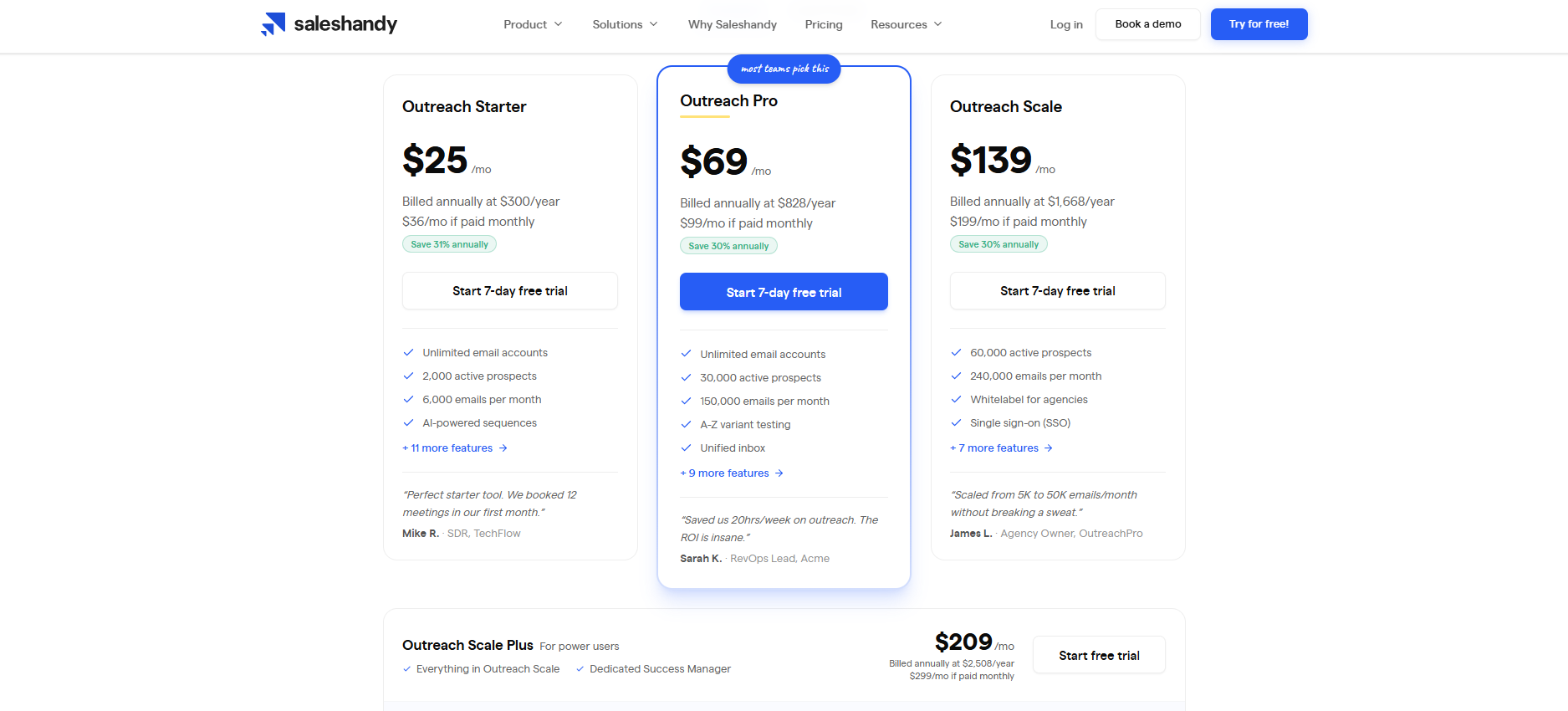
Saleshandy Pricing:
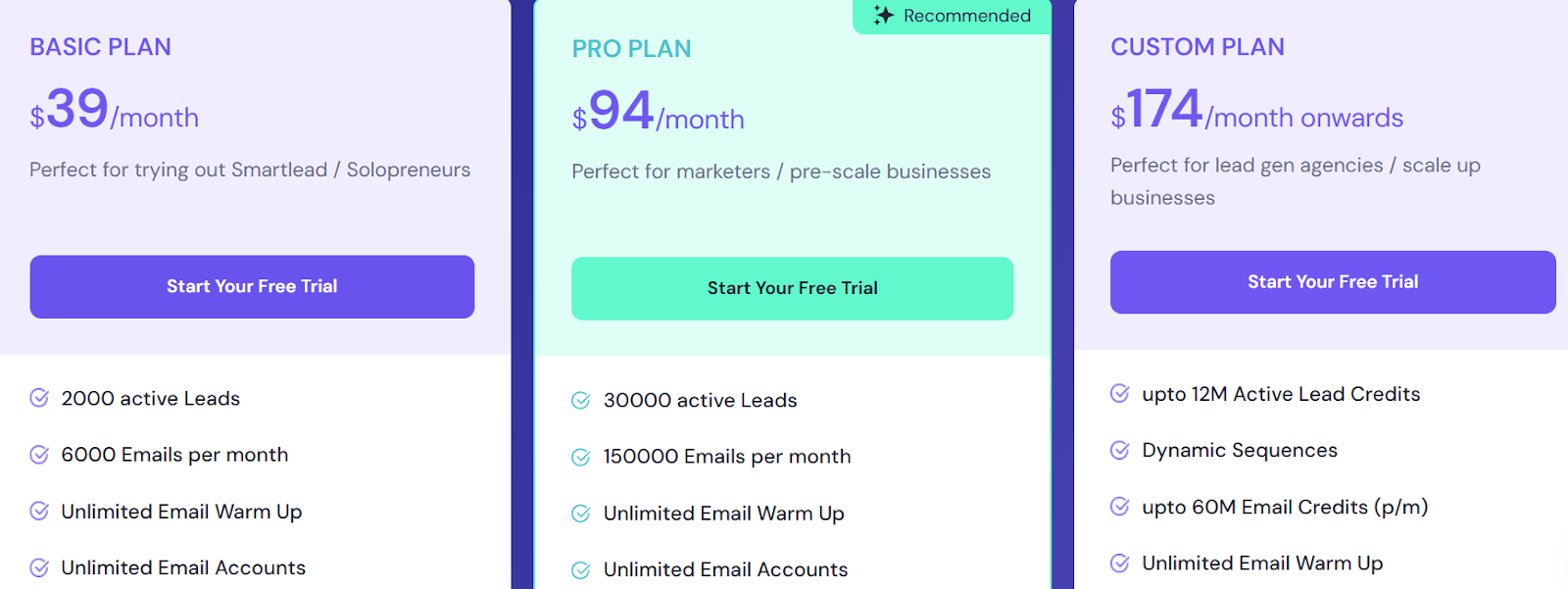
Outreach Starter – $25/month billed annually 2,000 active prospects, 6,000 emails/month, 50 lead finder credits
Outreach Pro – $69/month billed annually 30,000 active prospects, 150,000 emails/month, integrations, API access
Outreach Scale – $139/month billed annually 60,000 active prospects, white-labeling, SSO, unlimited teams
Outreach Scale Plus – $209/month billed annually 100,000 active prospects with dedicated customer support
All plans include unlimited email accounts, warm-up, unified inbox, AI sequences, and CRM access.
Best For:
Agencies, SDR teams, sales teams, and founders who want to run cold outreach without buying separate tools for lead generation, deliverability, outreach, and CRM.
Saleshandy is especially useful for teams running outbound at scale and looking to manage prospecting, campaign execution, and reply handling from one dashboard.
If you want a platform that combines cold email infrastructure with AI-powered outreach workflows, Saleshandy is a strong alternative to traditional cold email tools.
3. Instantly.ai – Best for Scaling Cold Email Outreach
This image shows the Instantly.ai homepage
Instantly.ai is built for teams that want to send cold emails at scale without worrying about limits.
You can add unlimited inboxes, warm them up automatically, and run campaigns that reach the primary inbox.
It also comes with AI features for personalization, lead finding, and campaign optimization, making it a strong option for agencies, freelancers, and sales teams.
Key Features of Instantly.ai
Instantly.ai allows you to connect unlimited email accounts and send thousands of emails every day.
It includes a built-in warm-up system that improves deliverability and keeps your emails out of spam.
You get access to a large B2B lead database with over 450 million contacts and advanced filters to find the right prospects.
Instantly.ai provides templates, SOPs, and access to a private community where you can learn from other users.
Pros & Cons of Instantly.ai
Pros
Cons
Unlimited email accounts on every plan
Some integrations are limited compared to bigger platforms
Lead Finder + verification built in
Warm-up relies on a partner tool for some ESPs
Unified inbox and easy sequencing
First-time setup can feel busy for new users
Good value pricing for high volume
Advanced A/B testing is lighter (AI variants help)
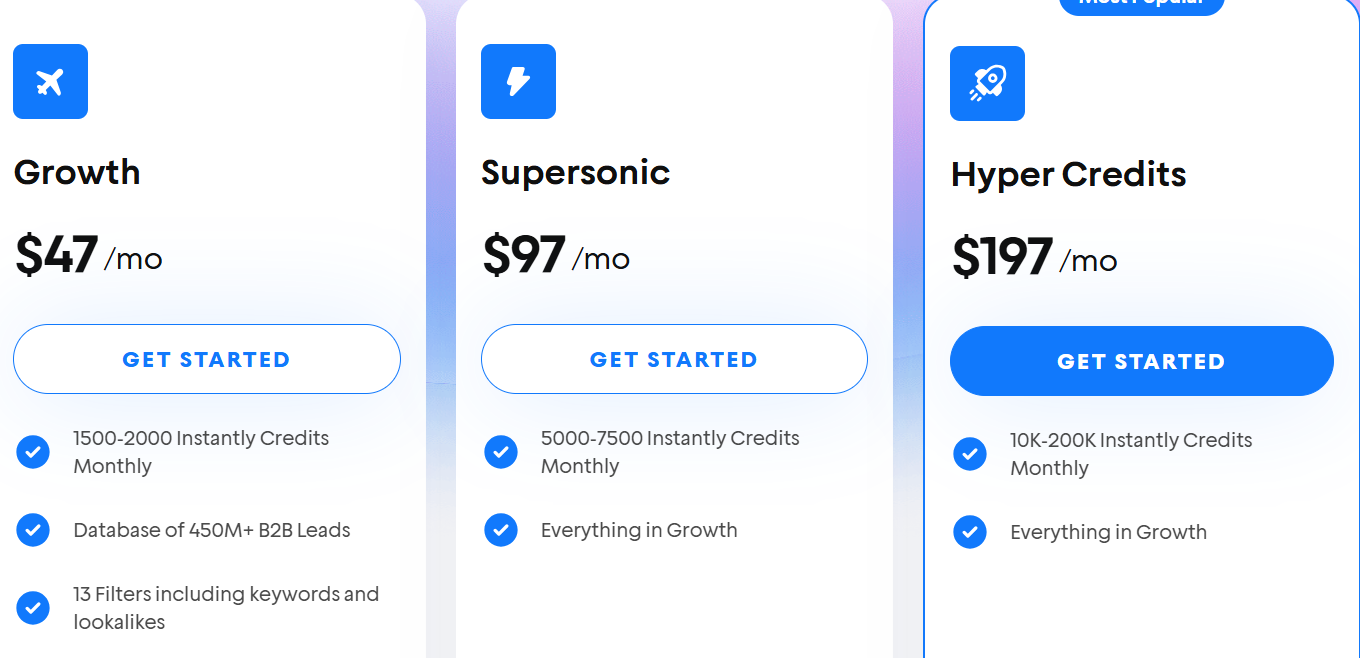
Instantly.ai Pricing:
This image shows the Instantly.ai pricing
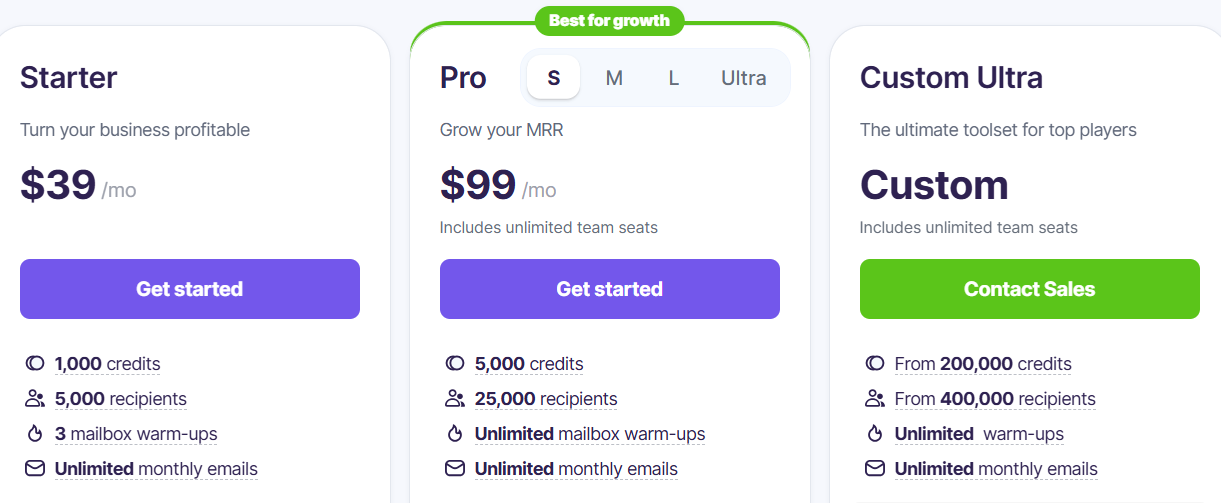
Growth – $37/month
Hypergrowth – $97/month
Light Speed – $358/month
Best For:
Agencies, freelancers, and startups that need high-volume cold email outreach with unlimited inboxes.
Instantly.ai is one of the most flexible cold email tools for teams that send at scale.
If you want to run multiple campaigns without limits and still keep good deliverability, this platform is a strong pick.
4. Smartlead.ai – Best for Unlimited Mailboxes and Deliverability
This image shows the Smartlead.ai homepage
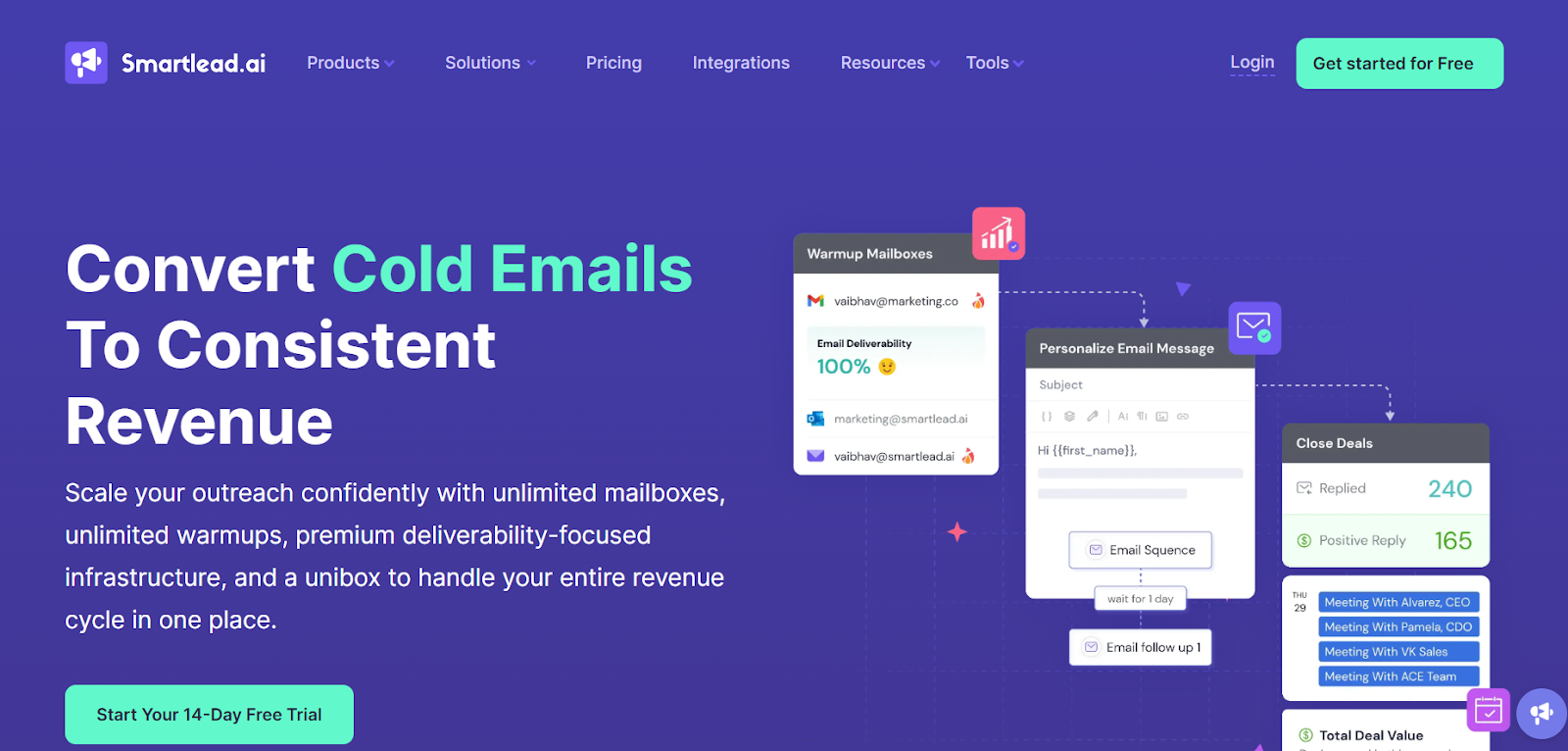
Smartlead.ai is a tool for teams and agencies that need to send a lot of cold emails every day.
It gives you unlimited mailboxes, built-in warmup, and one inbox to see all replies.
The focus is on keeping your emails out of spam while helping you manage big campaigns easily.
Key Features of Smartlead:
Smartlead.ai gives you unlimited mailboxes with auto-rotation, so you can send campaigns without worrying about limits.
The platform includes AI-powered warmups that mimic natural conversations to keep your emails out of spam.
You can manage all replies from multiple accounts in a single unified inbox.
The reporting dashboard tracks opens, clicks, replies, and lead intent with clear analytics.
Pros & Cons of Smartlead:
Pros
Cons
Unlimited inboxes and warmups on all plans
Master Inbox can sometimes lag
Strong focus on deliverability with built-in spam testing
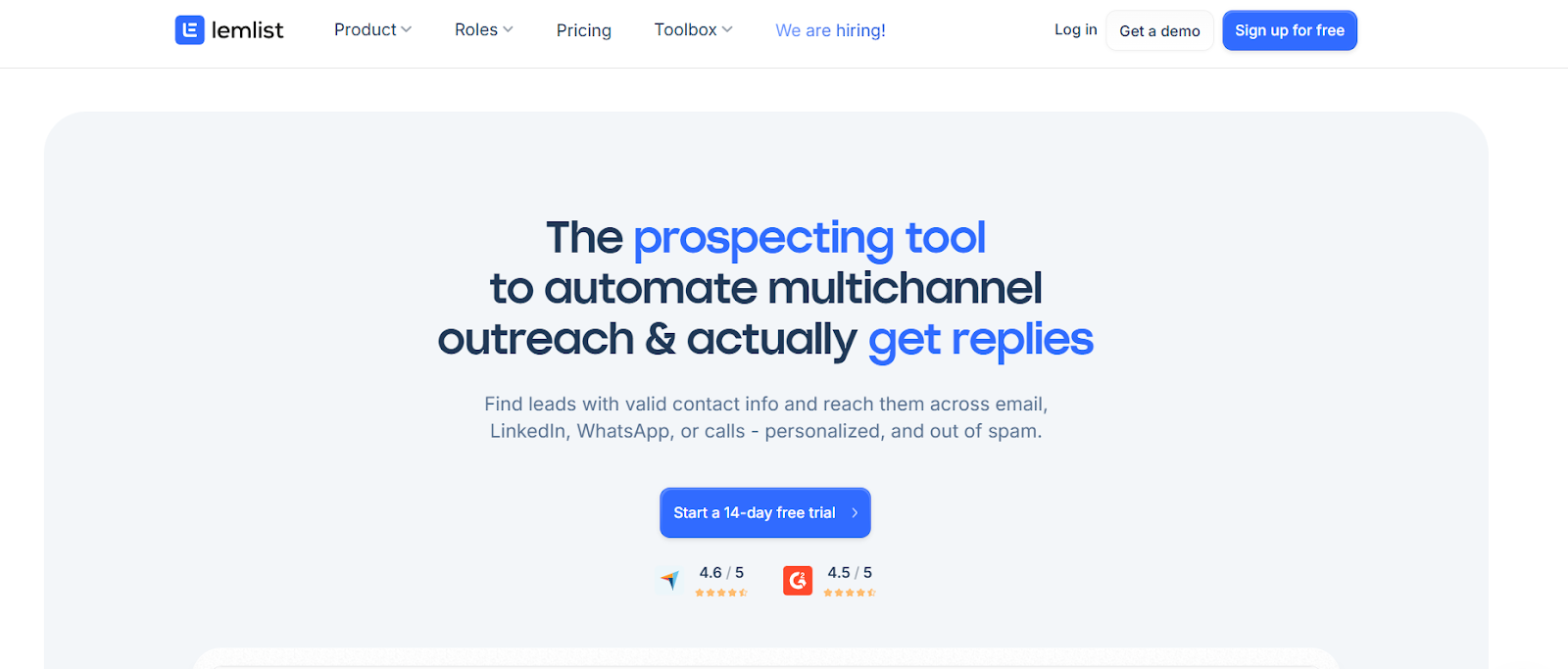
You can find leads from a built-in 450M+ database, pull verified emails/phones, and then contact them from one place, email, LinkedIn steps (visits, requests, messages), WhatsApp (add-on), and phone calls.
If you want one tool to find, personalize, and contact prospects across channels, lemlist does it.
Key Features of Lemlist:
You can search a built-in 450M+ lead database and pull verified emails and phone numbers with waterfall enrichment.
You can run multichannel sequences that include email steps, LinkedIn visits/requests/messages, WhatsApp nudges (add-on), and phone calls.
You can personalize at scale using AI: auto icebreakers, custom variables, dynamic images, and personalized landing pages.
You can use signals and intent targeting plus lead scoring to contact buyers when they are more likely to say yes.
Pros & Cons of Lemlist:
Pros
Cons
Real multichannel outreach in one flow (email + LinkedIn + calls + WhatsApp add-on)
Reporting and dashboards can feel limited for deep analysis
Strong deliverability help (lemwarm, inbox rotation, DNS tests)
WhatsApp is a paid add-on; warm-up add-ons can raise total cost
Solid CRM and VoIP integrations
A few UX glitches reported by users
Lemlist Pricing:
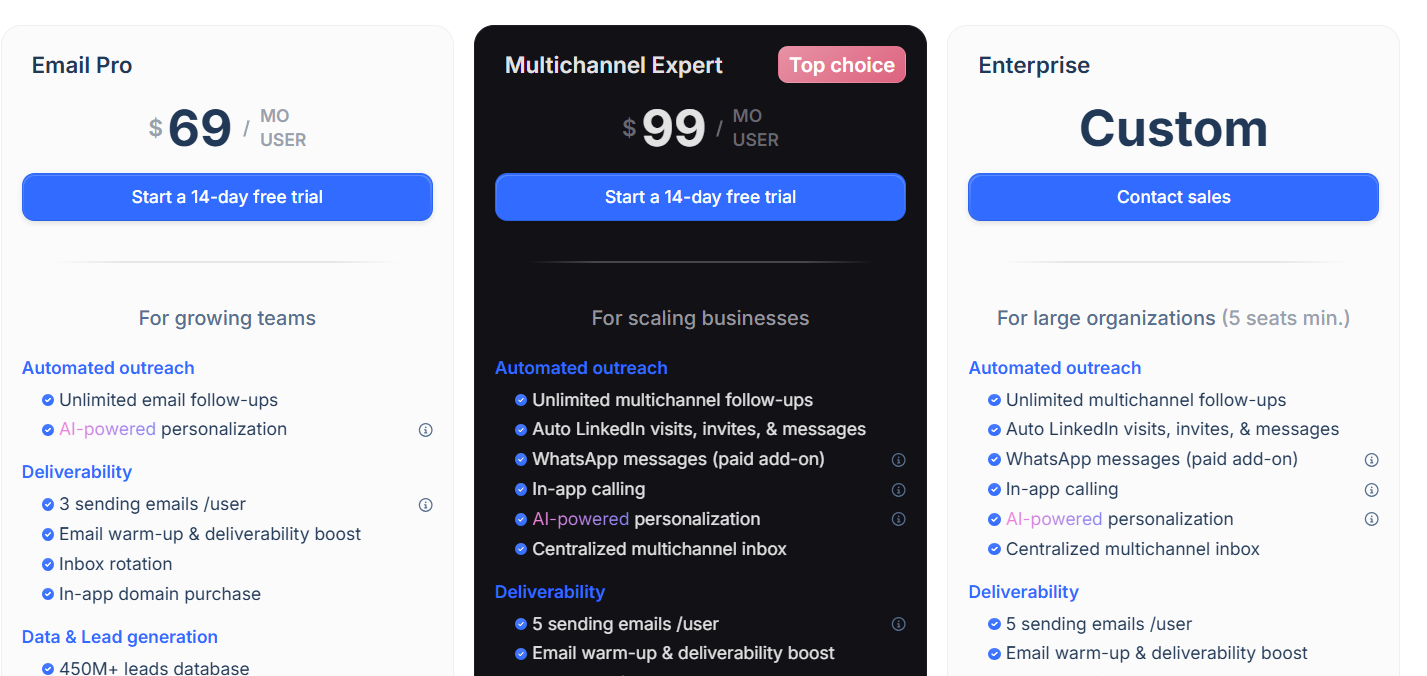
This image shows the Lemlist pricing
Email Pro - $69/month
Multichannel Expert - $99/month
Enterprise - Custom
Best For:
Teams that want one tool to find leads and run personalized multichannel outreach (email + LinkedIn + calls) with built-in warm-up and CRM integrations.
If your plan is to move beyond email and add LinkedIn and calling, Lemlist fits well.
It keeps deliverability in check, personalizes at scale, and helps you book more meetings from one dashboard.
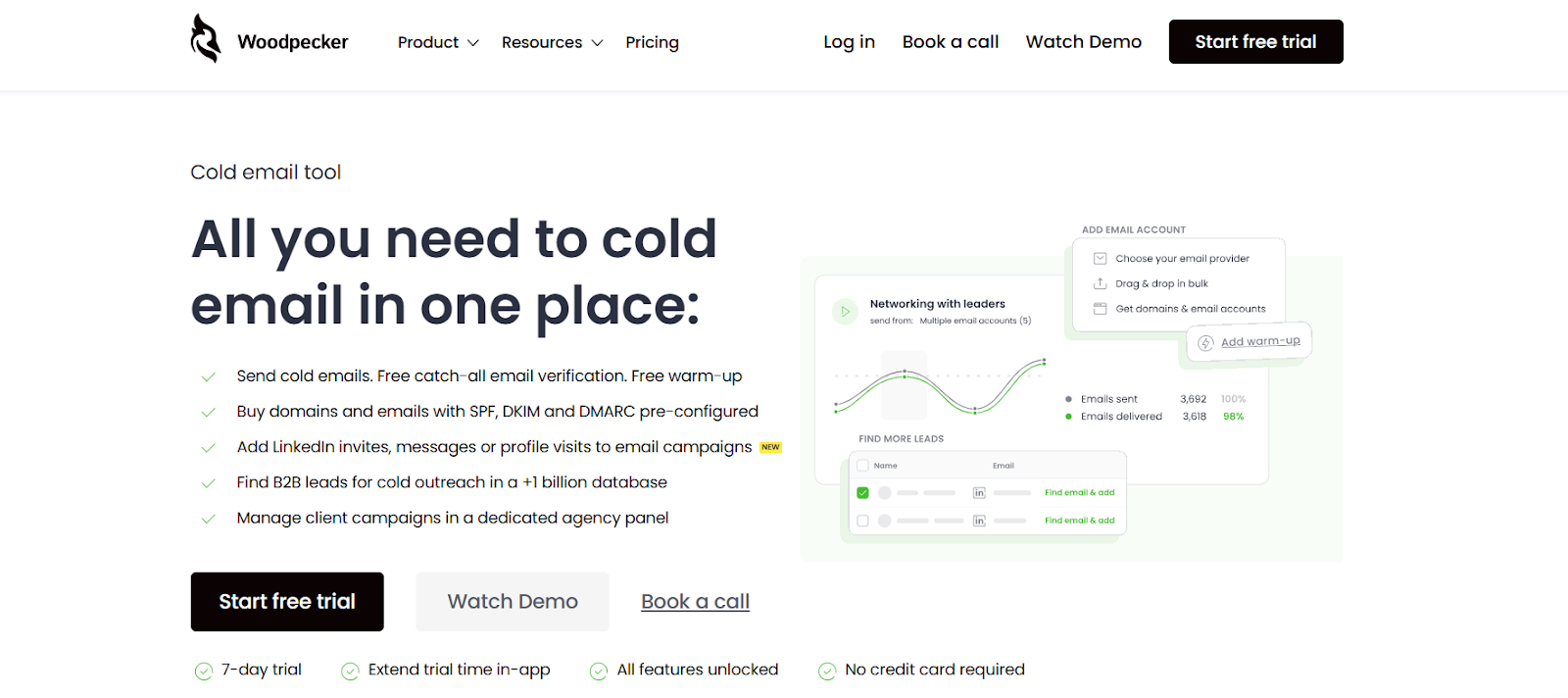
6. Woodpecker – Best for Agencies and Sales Teams Who Need Reliable Cold Email
This image shows the Woodpecker homepage
Woodpecker is a cold email and outreach tool. It helps you send cold emails, verify contacts, warm up inboxes, and add LinkedIn steps into your campaigns.
You can even buy domains and emails already set up with SPF, DKIM, and DMARC. For agencies, there’s a dedicated panel to manage multiple client accounts in one place.
Key Features of Woodpecker:
Woodpecker includes free real-time email verification so you don’t waste time sending to bad addresses.
It has built-in warm-up to protect your sender reputation and keep emails out of spam.
You can add LinkedIn profile visits, connection requests, and messages to your email sequences.
The Deliverability Monitor checks your setup and warns you about issues before sending.
The centralized inbox lets you manage replies from different campaigns in one place.
Pros & Cons of Woodpecker:
Pros
Cons
Free built-in email verification and warm-up
Pricing structure can feel complicated
Strong deliverability tools like adaptive sending
Some users report occasional UI glitches
Easy to add LinkedIn steps to campaigns
Lead Finder results can be limited for some regions
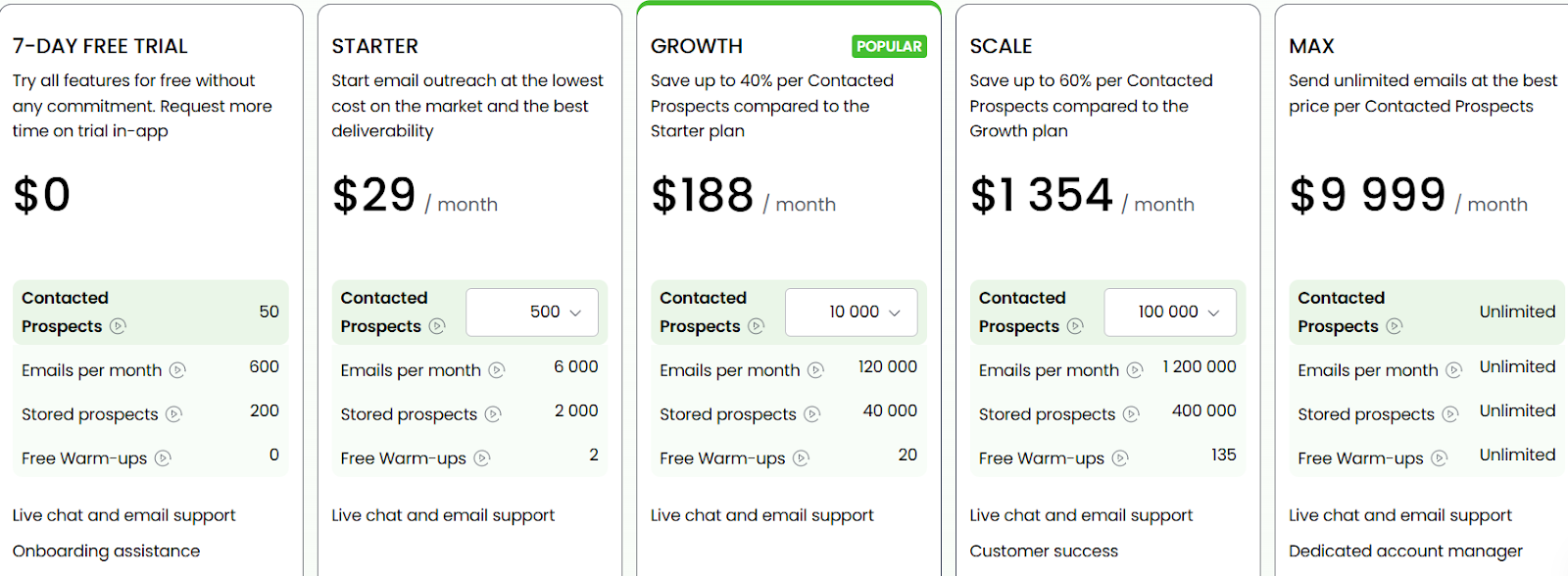
Max – $9,999/month → Unlimited prospects, emails, and warm-ups, with dedicated support.
Best For:
Agencies and B2B sales teams that need cold email plus LinkedIn automation with strong deliverability.
Woodpecker is a solid pick if you want one platform that covers sending, verifying, warming up, and LinkedIn outreach.
It’s especially handy for agencies that run campaigns for multiple clients.
7. Reply.io – Best for AI-Powered Multichannel Outreach
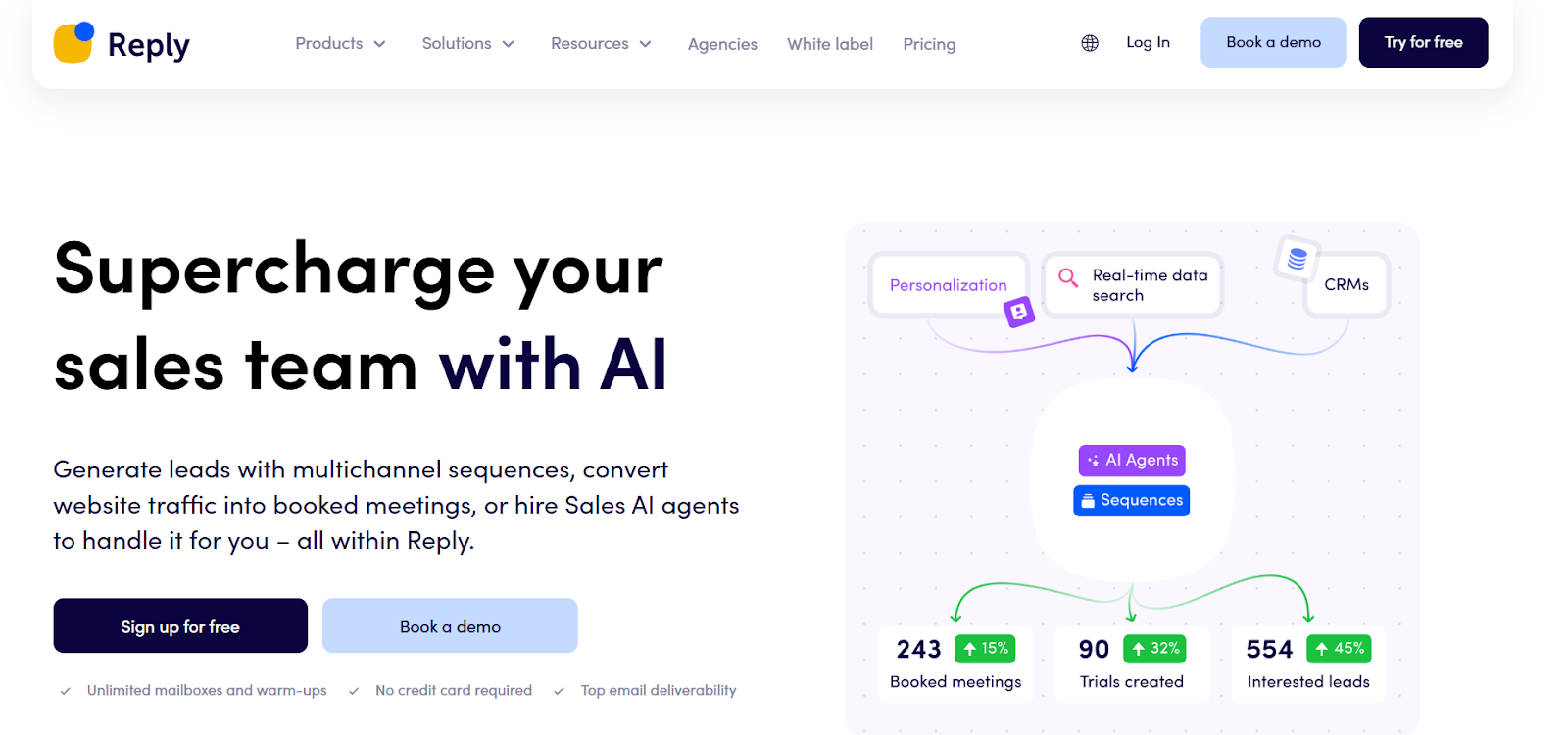
This image shows the Reply.io homepage
Reply.io is a sales engagement platform that helps you run cold email, LinkedIn, SMS, and call campaigns all in one place.
It also comes with an AI SDR assistant (“Jason”) that can generate sequences, personalize messages, and even reply to prospects for you.
With its built-in deliverability suite, meeting scheduler, and lead database, Reply.io makes it easy to scale outreach without losing the personal touch.
Key Features of Reply.io:
Reply.io lets you connect unlimited mailboxes and use free warm-up to keep emails out of spam.
You can build multichannel sequences with email, LinkedIn steps, SMS, calls, and even WhatsApp.
The AI SDR (“Jason”) can handle prospecting, write emails, and manage replies for you.
The built-in scheduler allows prospects to book meetings directly from your outreach.
Professional – $43/month → Includes advanced features like API access, team collaboration, and priority support.
Best For:
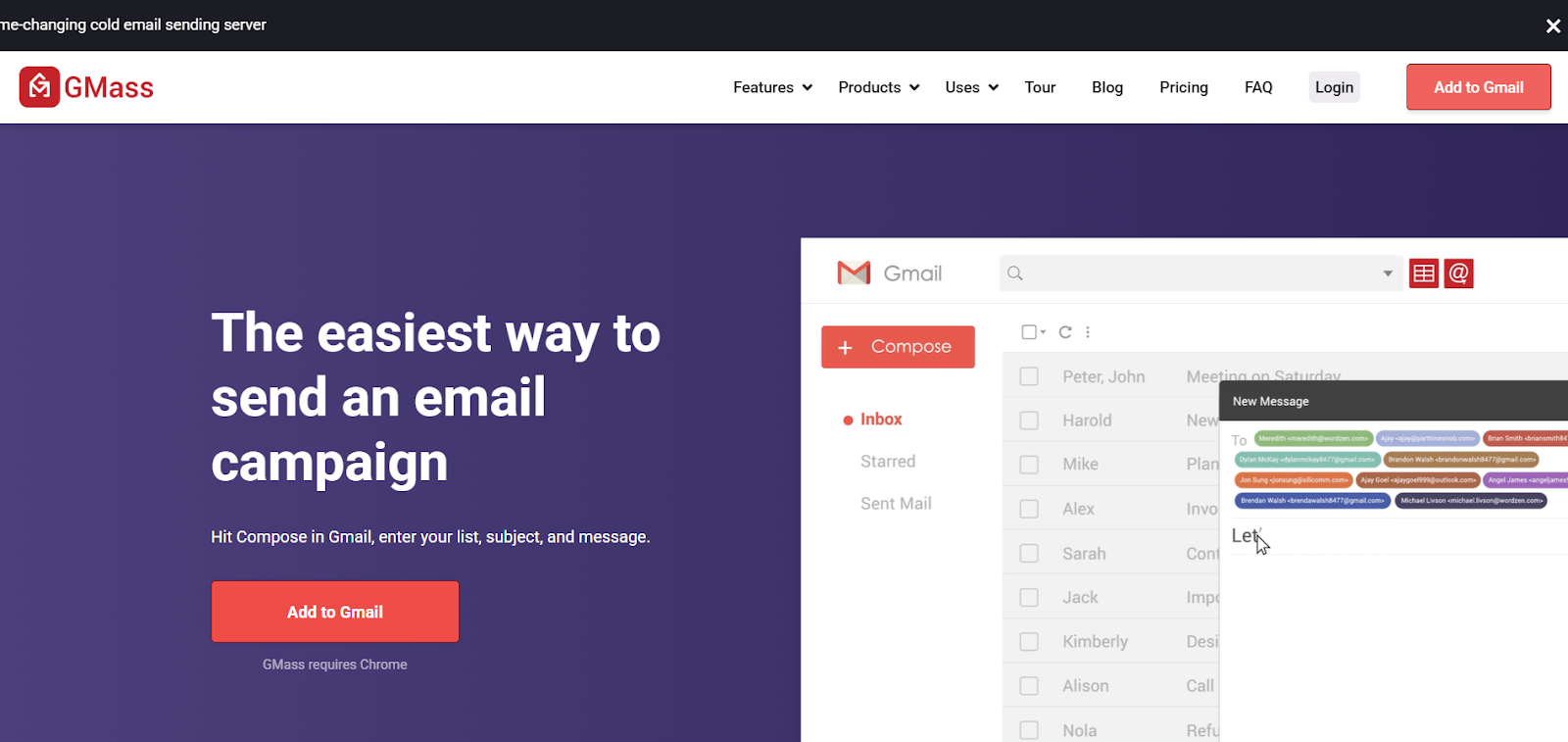
Freelancers, small businesses, and startups that want a simple, affordable way to send cold emails directly from Gmail.
GMass is one of the easiest cold email tools to get started with.
It’s a great choice if you want something fast, affordable, and effective without the learning curve of bigger platforms.
11. Hunter – Best for All-in-One Cold Email Outreach
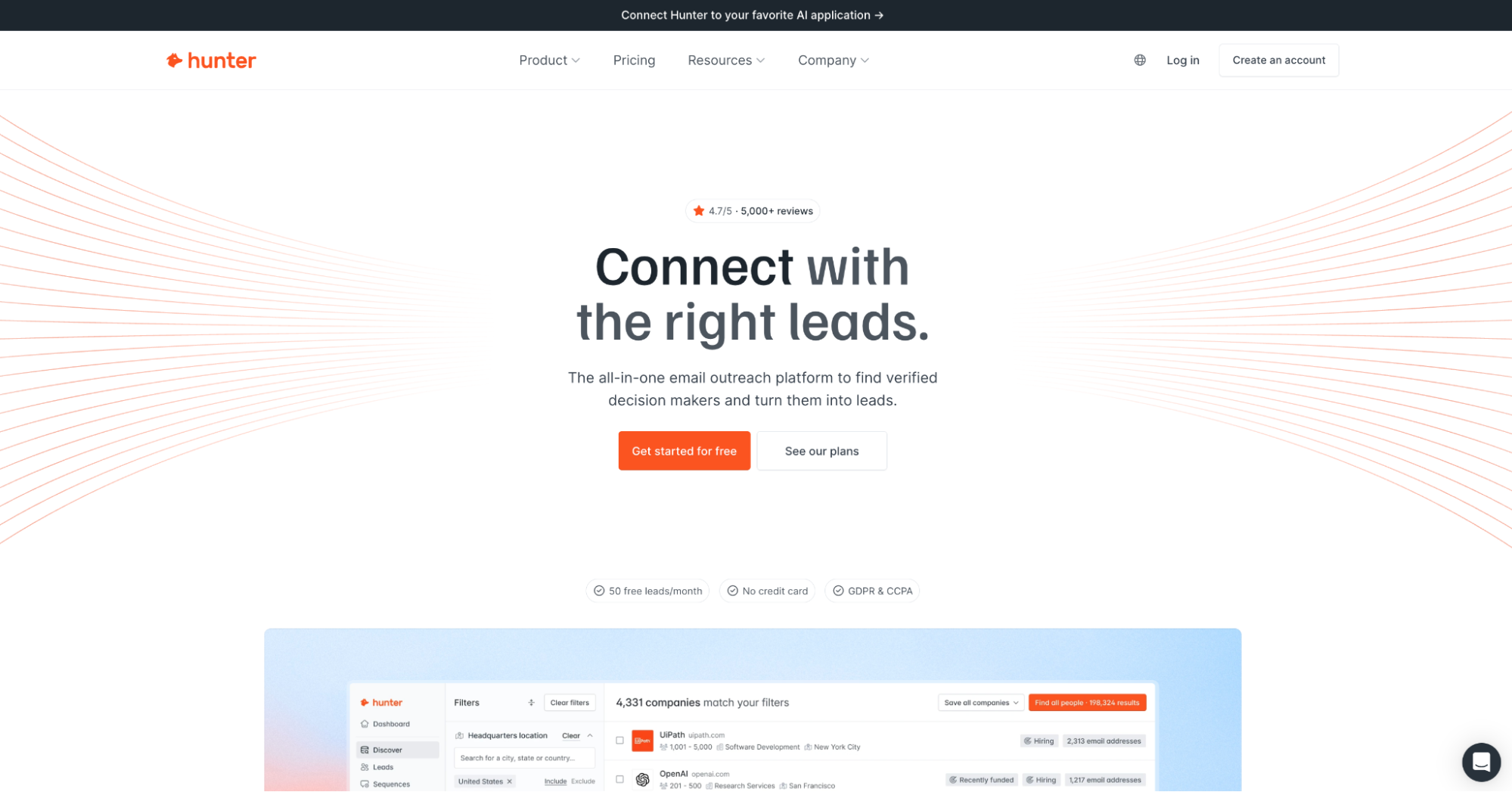
Hunter is an all-in-one email outreach platform that helps you go from finding the right prospects to launching and managing personalized outreach campaigns in one place.
You can discover companies and decision-makers, find and verify professional email addresses, enrich and organize leads, and send automated email sequences without relying on several separate tools.
Hunter combines lead generation, email verification, lead management, and outreach in one workflow, making it a strong option for sales teams, agencies, marketers, and founders who want to manage their entire cold email process from one platform.
Key Features of Hunter:
Hunter covers the main stages of a cold email workflow, from prospect discovery to campaign management.
Use Discover to find companies and prospects based on criteria such as industry, location, company size, and other filters. Once you have a list of companies, you can identify decision-makers’ contact details and add them to your lead list.
Hunter's Email Finder and Domain Search find professional email addresses for specific people or discover contacts associated with a company.
Before contacts enter a campaign, Hunter verifies their email addresses to reduce bounces and keep prospect lists clean. Verification checks factors including email syntax, domain configuration, mail server response, and Hunter's own database.
Hunter also includes lead management and enrichment features, allowing you to organize prospects and add available professional and company information to your leads.
Once your list is ready, you can create personalized email sequences, personalize messages with the AI Writing Assistant, connect your own email accounts, and track campaign performance.
Hunter also supports email account rotation and managed email accounts, giving teams additional options for managing their sending infrastructure directly within the platform.
For teams using AI in their sales workflow, Hunter's MCP server allows AI assistants and agents to access Hunter's data, making it possible to find companies, discover contacts, and verify email addresses within the AI assistant they use.
Pros & Cons of Hunter:
Pros
Cons
Lead generation, verification, and cold email outreach in one platform
No native LinkedIn automation or calling
Find, enrich, and verify prospects before outreach
Email accounts are capped by plan
Automated cold email sequences and follow-ups
Some sending infrastructure features are paid add-ons
Unlimited team members on every plan
AI Writing Assistant and MCP support
Free plan available with no credit card required
Hunter Pricing:
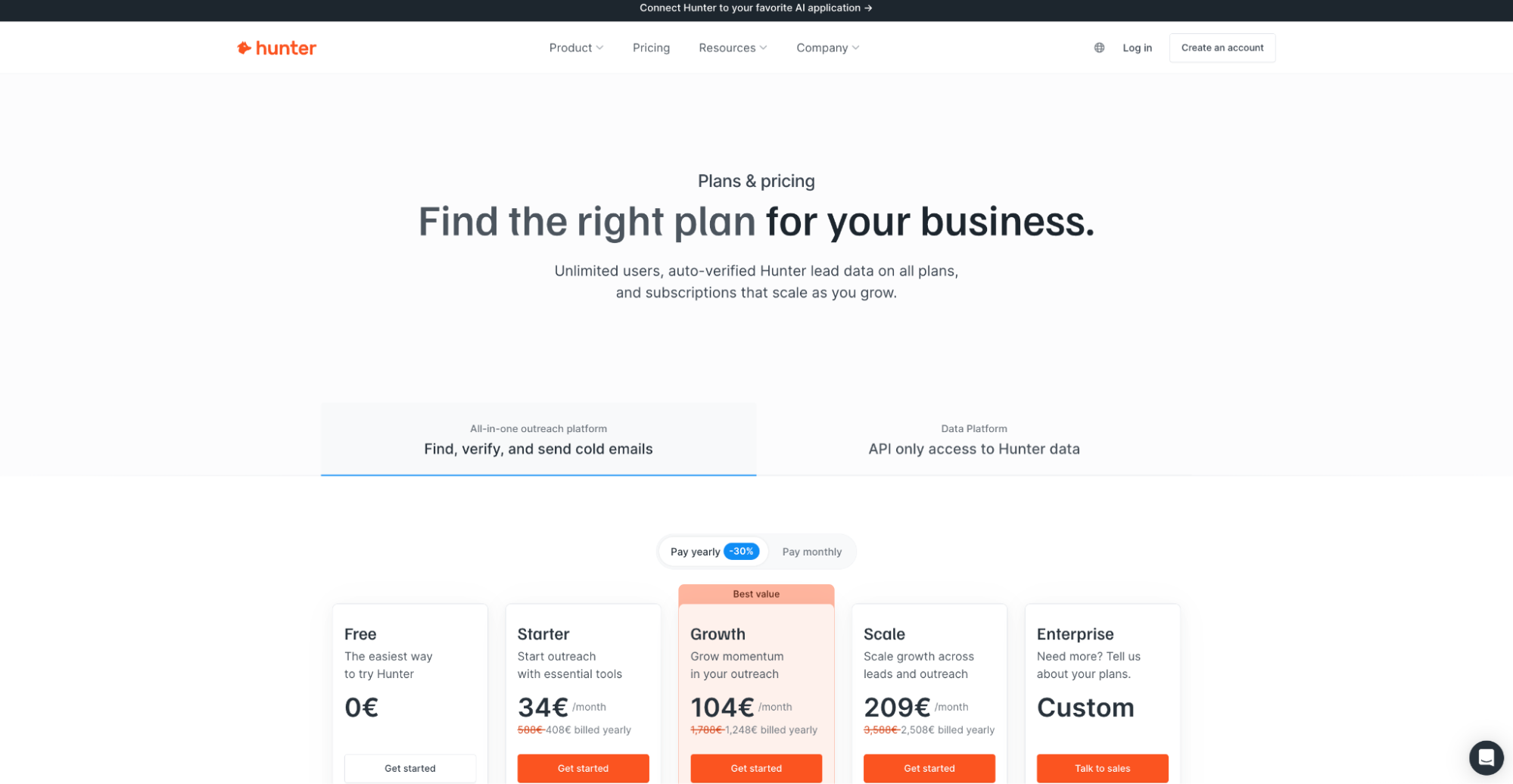
Free – $0/month → 50 credits/month.
Starter – $49/month ($34/month when billed annually) → 2,000 credits/month.
Growth – $149/month ($104/month when billed annually) → 10,000 credits/month.
Scale – $299/month ($209/month when billed annually) → 25,000 credits/month.
Enterprise → Custom pricing is available for larger teams.
Best For:
Sales teams, agencies, marketers, and founders that want an all-in-one platform for finding prospects, verifying contact information, and running cold email campaigns.
Hunter is particularly useful for teams that don't want to piece together separate tools for lead generation, email finding, verification, and outreach. You can start with your ideal customer profile, build a prospect list, verify and enrich your leads, and move them directly into a personalized cold email campaign.
With prospecting, verified data, lead management, email sequences, and AI-powered workflows all available in one platform, Hunter supports the entire journey from finding the right prospect to reaching out to them.
Which Cold Email Tool Should You Choose in 2026?
Choosing the right cold email tool depends on what you need from your outreach. Look at the features, pricing, deliverability, and automation before you decide.
If you want a tool that covers email sequences, follow-ups, warmup, and campaign management in one place, Salesforge is worth trying.
Sign up for Salesforge and start your cold email campaigns.