
Personalized Outbound Strategy
Get The Right Outbound Strategy In Minutes
Enter your email to get a custom plan & stack recommendation for your business
It's being carefully crafted by AI
Please check your mailbox in 5 minutes

I recently spoke with the founder of a B2B growth agency that was planning to expand its GTM efforts.
Their goal was clear: get 100 demos per month.
But there was one big problem.
Their email deliverability was already dropping, and many of their emails were landing in spam.
So I decided to audit their email infrastructure to see what was going wrong.
When I spoke with their GTM team member, he told me they were using GoDaddy Professional Email for cold outreach because it felt like the cheaper option.
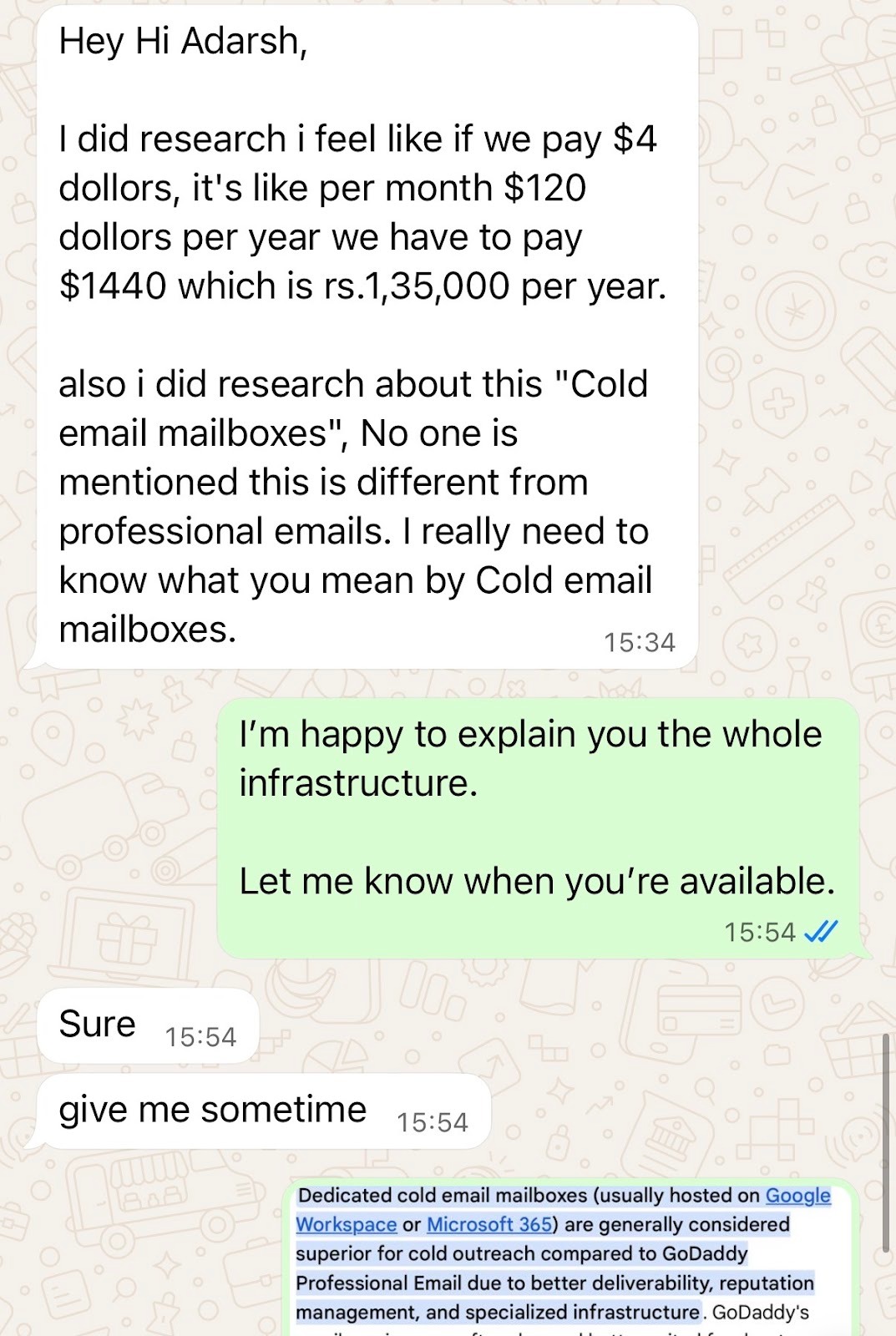
That conversation quickly made one thing clear: there was a big gap between using a normal business email and using an email infrastructure that is actually built for cold outreach.
I also realized how hard it is for many teams to understand why GoDaddy may look fine on the surface, but starts becoming a problem when you want to send cold emails at scale.
That is exactly why I wrote this guide.
In this GoDaddy Email Hosting review, I’ll explain how it works, what you actually get, and why it may not be the right choice for cold email if your goal is to scale outreach without hurting deliverability.
No, GoDaddy Email Hosting is not a good choice for cold email, especially if you want to send at scale.
It can work for normal business communication like talking to clients, handling support, or sending internal emails.
But cold outreach is a very different use case.
It needs better inbox placement, more control over sending setup, and infrastructure that is built for outbound.
If your goal is to send a few regular business emails every day, GoDaddy is fine.
And, if your goal is to run outbound campaigns, book demos, and scale cold email in a serious way, Mailforge is the right setup.
The simple way to look at it is this:
GoDaddy is a professional email solution, not a cold email infrastructure solution.
That difference matters a lot when your pipeline depends on inbox placement.
The biggest mistake many teams make is treating both as the same thing.
GoDaddy Professional Email is a business email product.
Cold email infrastructure is a sending setup built for outbound.
Here’s the difference:
So while both give you email inboxes, the use case is very different.
GoDaddy Email Hosting is a business email service that lets you create email addresses on your own domain, like [email protected].
It is powered by Titan and gives you a place to send, receive, and manage emails from one dashboard.
Titan Email Review: 15 Key Features Tested for Small Businesses
For many small businesses, that is the main reason to buy it.
It helps you look more professional than using a free Gmail address, and it gives your team a simple way to manage day-to-day communication from a branded inbox.
Depending on the plan, GoDaddy usually combines this with basic email tools such as mailbox storage, webmail access, and, in some cases, Microsoft 365 features like calendar, contacts, and document tools.
So from a buyer’s point of view, it looks like an easy all-in-one setup for business email.
And to be fair, that is exactly what it is built for.
It is meant for normal business communication. For example:
That is why many business owners end up choosing it.
Everything feels simple.
You buy a domain, add email, create a few inboxes, and you are ready to go.
The confusion starts because many teams stop at that surface-level understanding.
They see a branded business inbox and assume it can be used for every kind of email workflow.
But business email hosting and outbound email operations are not the same thing.
One is built for communication.
The other depends on setup choices, mailbox behavior, sender reputation, and how well the system supports larger sending workflows.
So before judging whether GoDaddy is a good fit or not, it helps to first understand what it actually is:
GoDaddy Email Hosting is a domain-based business email solution made for regular company communication, not a specialized outbound sending system.
That distinction matters because a lot of people buy it for one purpose, then expect it to perform well in a very different one.
GoDaddy Email Hosting works like a standard business email service.
You buy a domain or connect one you already own, choose an email plan, and then create mailboxes for yourself or your team.
Once that is done, you can send and receive emails using your custom domain through webmail, mobile apps, or an email client.
If you choose a Microsoft 365-based plan, GoDaddy also gives you access to Microsoft’s email system behind the scenes, along with tools like calendar and contacts.
So the setup is fairly simple:
That is what makes it appealing for small businesses.
It is easy to set up and does not require much technical work to get started.
GoDaddy Email Hosting usually includes:
So overall, GoDaddy gives you a simple setup for managing everyday business email under one provider.
GoDaddy email hosting has different plans based on how much storage and features you need.
You pay per mailbox, per month.
This is the basic plan.
You get 10 GB storage, along with shared calendars, contacts, email import, and basic spam and virus protection.
Here, storage increases to 30 GB.
You also get AI writing tools, multi-account access, and features like undo send and better search.
This plan gives you 50 GB storage.
It also adds features like email aliases, templates, read receipts, contact groups, and a priority inbox.
This is the highest plan.
You get 100 GB storage, unlimited AI tools, email campaigns, appointment booking, and advanced tracking features.
Since you pay per mailbox, the cost increases quickly as you scale.
Also, this pricing is only for the first term.
When it renews, the cost goes up, which makes it harder to scale over time.
Here are a few things I liked about GoDaddy Email hosting, and I also saw similar feedback shared by users across different platforms:
It makes it easy to create an email address connected to your domain for a more professional identity.

You can choose and add features based on what you need, giving you flexibility in how you set up your email.

You can create multiple email accounts easily for different roles or use cases.

You can easily access and configure your email across different devices.

You can use built-in free Titan AI tools to write emails and replies directly inside your inbox.
It includes anti-spam and anti-virus tools to filter unwanted emails and protect your inbox.
Here are a few limitations I noticed from using it, and some of these also come up in user feedback:
The pricing shown is only for the first subscription.
When it renews, the cost goes up.
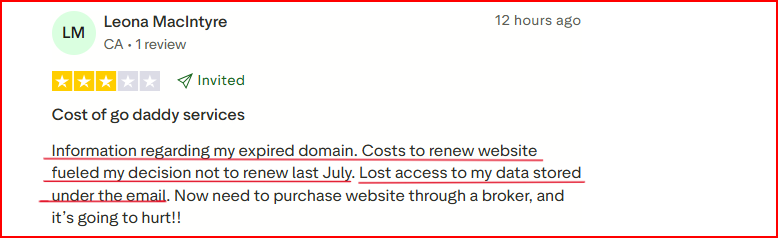
Since pricing is per mailbox, the total cost increases quickly as you scale.
When I tried to increase the sending volume, it started to feel limited.
It’s more suited for basic email use.
Features like tracking, templates, and campaigns are only available in higher plans.
The setup is mainly built to send emails, but there’s no system to manage or improve email deliverability.
Before you start sending emails, you need to set up your domain, create email inboxes, and write emails manually, which takes extra time.
GoDaddy Email Hosting may work for normal business communication, but cold email at scale puts pressure on the setup in a very different way.
Cold outreach is not just about having a mailbox.
It depends on sender reputation, authentication, sending pattern control, domain distribution, inbox-level health, and how easily you can scale mailboxes without hurting deliverability.
That is where GoDaddy starts to fall short.
A normal business email setup is made for regular human communication.
Cold email campaigns create a very different pattern:
This kind of activity needs infrastructure designed for outbound operations.
GoDaddy does not give you that layer.
Many teams think that once SPF, DKIM, and DMARC are configured, they are ready for cold email.
That is only the starting point.
For cold outreach, deliverability also depends on things like:
GoDaddy gives you standard business mailboxes.
It does not give you a system built to manage these outbound-specific variables.
If your goal is to book more meetings, you usually do not scale from one inbox.
You scale by adding:
This is where cold email infrastructure becomes very different from standard email hosting.
GoDaddy may let you create business mailboxes, but it is not designed to help you build and manage a scalable outbound system efficiently.
At scale, teams need more control over the sending environment.
That includes things like:
GoDaddy is built more like a business email product than an outbound infrastructure layer.
That makes it harder to operate cold email in a structured way.
GoDaddy often looks attractive because the mailbox cost feels low.
But for cold outreach, the real cost is not the monthly inbox fee.
The real cost is:
So even if the setup looks cheap at first, it can become expensive if your emails stop landing in the inbox.
So the real issue is not whether GoDaddy can give you a professional email inbox.
It can.
The issue is whether that setup is reliable for cold outreach when inbox placement, scale, and sending control start to matter.
That is where GoDaddy falls short.
If you are serious about outbound, you need infrastructure that is built for cold email, not retrofitted for it.
That is why many growing teams move to tools like Mailforge, where the setup is designed around cold outreach from the start, not regular business communication.
In the next section, I’ll explain why Mailforge is a stronger alternative to GoDaddy for teams that want to scale outbound without hurting deliverability.
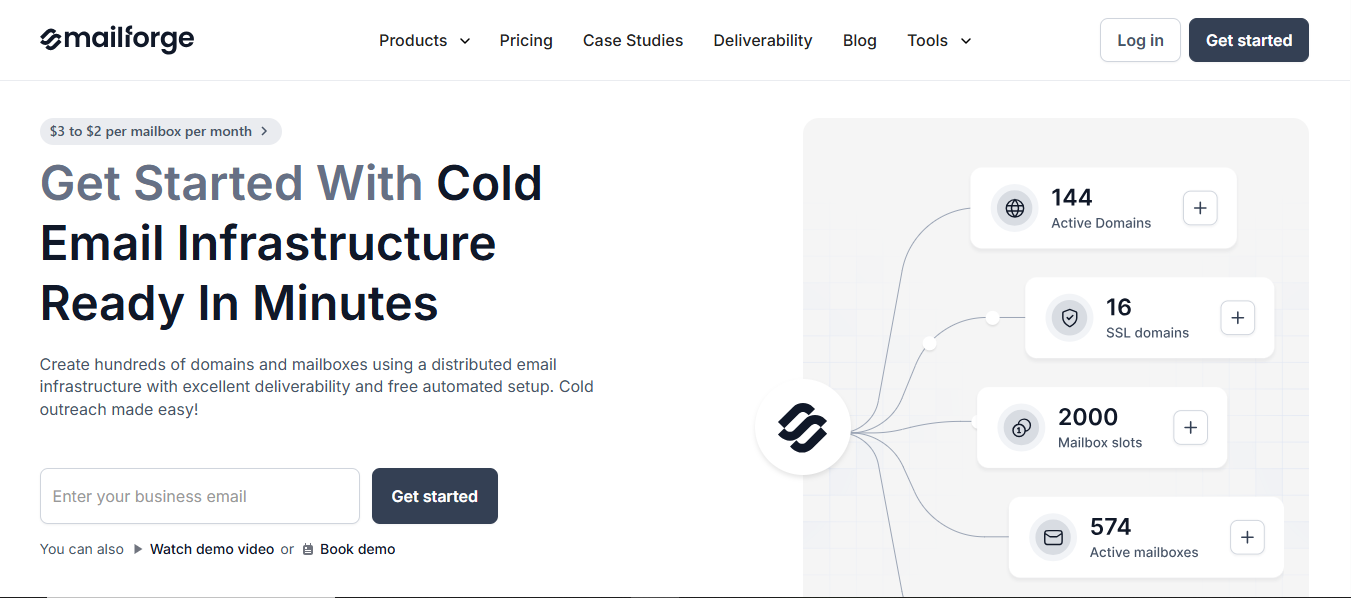
Mailforge is a cold email infrastructure tool that helps you set up domains and mailboxes in a structured way for sending at scale.
GoDaddy email hosting is built around individual mailboxes.
You create inboxes and use them for sending, but the setup stays limited to that model.
But Mailforge uses a distributed email infrastructure with Shred IPs built specifically for cold email outreach, which makes it more suitable when you need to manage multiple
domains and mailboxes together.
It takes care of DNS setup like SPF, DKIM, and DMARC automatically, so you don’t have to configure it yourself.
The setup is guided and takes only a few minutes.
Once your domains are added, Mailforge handles configuration, inbox hosting, and ongoing maintenance.
It also includes bulk DNS updates, SSL, and domain masking for added security and control.
Instead of managing everything manually, the system keeps your setup ready to use from the start.
Mailforge uses a mailbox slot system.
You are charged based on slots, not active mailboxes.
This means you can create, delete, or replace mailboxes within those slots without extra cost.
Enter your email to get a custom plan & stack recommendation for your business
Please check your mailbox in 5 minutes

GoDaddy email hosting is built for basic business email, not for cold email.
It works if your goal is to create a domain-based inbox and use it for simple communication.
But for higher sending, multiple inboxes, or scaling, it becomes limiting.
For cold email, you need an email hosting setup that supports multiple domains, mailboxes, and handles setup in a structured way.
Mailforge is a better option here.
It gives you an email hosting setup where domains and mailboxes are managed together, DNS is handled automatically, and inboxes are maintained without manual work.
The slot-based pricing also keeps it more flexible as you scale.
GoDaddy is for basic email hosting.
Mailforge is a better choice when your email hosting needs involve sending and scaling.
Start with Mailforge and set up your email hosting for sending and scaling at just ~$3 per mailbox per month.