
Want to improve your cold email deliverability? Start with IP rotation. Here's why: relying on one IP can lead to blacklisting, spam complaints, and poor results. IP rotation spreads your email traffic across multiple IPs, reducing risks and safeguarding your campaigns.
To succeed, you need a well-planned system that includes warm-up procedures, authentication protocols (like SPF, DKIM, and DMARC), and ongoing monitoring. Tools like Mailforge streamline this process by automating setup, managing domains, and optimizing deliverability.
By following these steps, you'll reduce blacklisting risks and improve inbox placement. Mailforge can save time and effort, making it easier to scale your outreach effectively.
Before diving into provisioning IPs and sending emails, it's crucial to plan your infrastructure needs carefully. Skipping this step can lead to wasted resources and poor outcomes.
Start by estimating how many emails you'll send daily or monthly. This helps you figure out the number of IPs and domains you'll need.
Most email service providers suggest starting slow - around 50-100 emails per IP on the first day of warm-up. Gradually increase the volume by 25-50% daily to build a strong sender reputation. Overloading a few IPs defeats the purpose of using rotation in the first place.
Plan your volume in weekly increments. For instance:
This structured warm-up aligns with your infrastructure's capacity and ensures consistent growth.
To make this easier, Mailforge offers a calculator on their Pricing page and within their app. Enter details like how many emails you'll send per contact and your total monthly volume, and the tool calculates the exact number of domains and mailboxes you’ll need. This eliminates guesswork, helping you avoid overspending on unused resources or limiting your campaign reach because of under-provisioning.
Once your volume is mapped out, it's time to evaluate your IP options.
Choosing between dedicated and shared IPs depends on your email volume and goals.
Here’s a quick comparison:
| Factor | Dedicated IPs | Shared IPs |
|---|---|---|
| Control | Full control over reputation | Limited control, shared reputation |
| Warm-up Time | Requires warm-up from scratch | Faster deployment with existing reputation |
| Risk | Isolated reputation | Shared risk with other senders |
| Cost | Higher cost | More budget-friendly |
| Best For | High-volume campaigns, reputation focus | Quick launches, cost-conscious teams |
For most cold email operations, a hybrid approach - using multiple dedicated IPs with rotation - balances control and scalability. However, if you're just getting started or testing new campaigns, shared IPs offer a faster and cheaper way to begin.
Mailforge uses a shared IP setup optimized for cold outreach. At $2-3 per mailbox per month, it's far more affordable than alternatives like Google Workspace ($1,680/month for 200 mailboxes) or MS365 ($1,200/month). The infrastructure is tailored by cold outreach experts to deliver excellent results from day one.
If you’re looking for premium options, Primeforge offers dedicated Google and Microsoft mailboxes on US IPs. These are ready in about 30 minutes and combine the credibility of established platforms with dedicated infrastructure. While they cost more, the improved deliverability can make them worth the investment for critical campaigns.
Once you've chosen your IPs, the next step is to diversify your domains for better deliverability.
A diversified domain portfolio is key to protecting your sending reputation. Relying on a single domain is risky - if it gets flagged or blacklisted, your entire operation could grind to a halt.
To avoid this, spread your sending across multiple domains. For high-volume campaigns, it's common to use 5-20+ domains, depending on your email targets.
When selecting domains, keep these factors in mind:
Distribute your sending evenly across your domains. For example, if you have 10 domains, don’t send 80% of your emails from just two of them. Spread the volume to maximize the benefits of rotation.
Mailforge simplifies domain management by automating setup for essential DNS records like DMARC, SPF, DKIM, and custom domain tracking. Features like Bulk DNS Updates and Domain Transferring make managing large portfolios easier. You can even organize domains into separate workspaces for different campaigns or clients. For added security, the SSL & Domain Masking add-on lets you display branded websites without exposing your primary domains.
Keep a detailed record of each domain, including its acquisition date, reputation, and assigned sending volume. This documentation is invaluable for troubleshooting deliverability issues or scaling your operations. You'll know exactly which domains are performing well and which ones might need adjustments or replacements.
Now that you’ve got your planning done and your domain portfolio in place, it’s time to lay the groundwork for your IP rotation system. This involves acquiring IP addresses, setting up authentication protocols, and ensuring everything runs smoothly. Let’s break down how to build a reliable IP rotation setup.
Start by acquiring IPs from your email service provider or a dedicated cold email platform. The number of IPs you’ll need depends on your daily email volume and rate limits. Generally, new IPs can handle between 100 and 500 emails per hour. For instance, if you’re sending 100,000 emails daily and each IP processes around 300 emails per hour (approximately 7,200 emails per day), you’d need about 14 IPs.
It’s important not to go overboard with IPs. Managing a small, well-maintained pool of IPs is far more effective than using too many. Practices like "snowshoeing", where you rotate a large number of IPs to send high volumes, can backfire. Internet Service Providers (ISPs) monitor this behavior closely and may block your entire IP range if they detect it.
With proper warm-up and management, even a single IP can handle millions of emails per day. The key is to focus on maintaining a few high-quality IPs rather than accumulating a large number.
For each IP, configure a reverse DNS (PTR) record to point to a subdomain of your sending domain (e.g., mail1.example.com). This step is crucial for credibility. The PTR record must match the hostname you use when connecting to mail servers. You can usually set this up through your IP provider’s control panel. Proper PTR configuration is especially critical when using multiple IPs, as it helps build individual reputations for each IP while supporting your domain’s overall reputation.
Once configured, test each IP’s connectivity with major email providers. Document all details, including the IP address, associated domains, PTR record setup, and the configuration date, to keep your infrastructure organized.
Authentication protocols like SPF, DKIM, and DMARC are essential for proving the legitimacy of your emails. They play a major role in determining whether your messages land in inboxes or spam folders.
SPF (Sender Policy Framework): This protocol specifies which IPs are authorized to send emails on behalf of your domain. Set up SPF records to include all your approved sending IPs.
DKIM (DomainKeys Identified Mail): DKIM adds a digital signature to your emails, ensuring they haven’t been altered during transit. Generate DKIM keys through your email platform and add them to your DNS records. This confirms that the email genuinely came from your domain.
DMARC (Domain-based Message Authentication, Reporting, and Conformance): DMARC ties SPF and DKIM together and allows you to set policies for handling unauthenticated emails. Start with a p=none policy to monitor performance without affecting delivery. Once you’re confident in your setup, gradually move to stricter policies like p=quarantine or p=reject.
To gain insights into your authentication performance, enable DMARC reporting by adding rua and ruf tags to your DMARC record. These reports can help you identify and fix issues in your setup.
Manually configuring these protocols for multiple domains can be a tedious process. For campaigns involving dozens of domains, this task can quickly become overwhelming, requiring hours of generating keys, creating DNS records, and verifying setups.
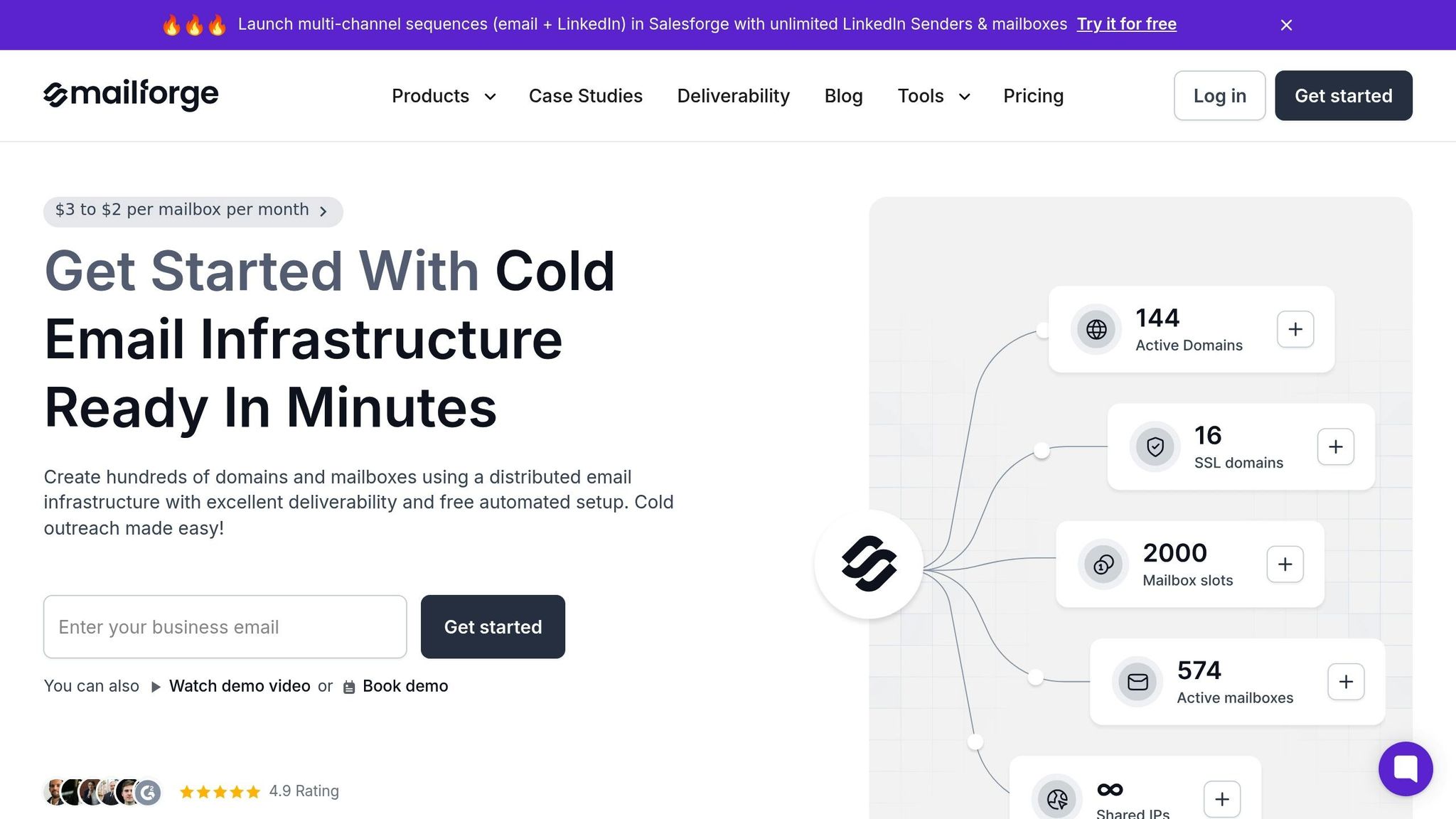
Manual DNS configuration isn’t just time-intensive - it’s also prone to errors. A small mistake in an SPF record or a misconfigured DKIM key can derail your deliverability efforts before you even hit “send.” That’s where automation tools like Mailforge come in.
Mailforge automates DNS setup for each domain you add to its platform. It configures DMARC, SPF, DKIM, and custom domain tracking according to established best practices for cold outreach. What would typically take hours is completed in minutes, significantly reducing the risk of configuration errors.
The platform offers step-by-step in-app guidance, making the process straightforward - even if you’re not a DNS expert. For teams managing large domain portfolios, the Bulk DNS Updates feature is a game-changer. Instead of logging into multiple domain registrars to make individual changes, you can update DNS records for multiple domains simultaneously with just a few clicks.
Mailforge’s automated DNS setup is included in its subscription, which costs $2–3 per mailbox per month. This not only saves you hours of manual work but also minimizes the chances of mistakes that could hurt your email deliverability.
For teams scaling their cold outreach efforts, automation becomes indispensable. As you add more domains to support increased sending volumes, manual configuration can become a bottleneck. Mailforge helps you scale quickly without compromising quality or overwhelming your technical team.
The platform also allows you to organize domains into separate workspaces, which is especially useful for managing multiple campaigns or clients. Additionally, features like SSL and Domain Masking (available as an add-on for $2 per domain per month) enable you to display branded websites without exposing your primary domains, adding an extra layer of security to your setup.
Once you've set up your IP rotation system, the next step is crucial: warming up your IPs. This process helps establish trust with email providers and ensures your campaigns perform effectively. A well-executed warm-up plan aligns with best practices for large-scale email outreach.
The key to warming up your IPs is to start small and scale up gradually. On the first day, send only 50–100 emails. This signals to mailbox providers that you're testing your system, not spamming.
From there, increase your daily email volume by 25–50%. For most senders, the warm-up period lasts 14–30 days. For example, you might start with 50–150 emails per day, then move to 200–500, followed by 600–1,500, and eventually reach 2,000–5,000 emails daily. This steady increase builds credibility with mailbox providers, showing that your messages are legitimate.
If your goal is to send 100,000 emails daily across multiple IPs, distribute the load carefully. New IPs can typically handle 100–500 emails per hour, so plan your sending schedule accordingly. If you notice any issues - like higher bounce rates or spam complaints - pause immediately and address the problem before scaling further.
Once your volume is stable, focus on selecting recipients who will boost your sender reputation.
During the warm-up phase, prioritize sending emails to your most engaged contacts - those who have recently interacted with your content or explicitly opted in. These recipients are more likely to open, click, and engage with your emails, which sends positive signals to mailbox providers.
Avoid targeting unengaged or outdated contacts at this stage. Doing so can lead to higher bounce rates and spam complaints, damaging your IP's reputation. Instead, focus on recipients who have recently opened your emails, clicked on links, or shown other forms of interest. If you're starting from scratch, use contacts who have explicitly opted in.
For cold outreach, begin with verified email addresses and high-engagement prospects. Steer clear of purchased lists or outdated data - they often lead to deliverability issues. The goal during this phase is to establish a strong foundation of positive interactions, proving to mailbox providers that your emails are wanted. Once you've built that trust, you can expand to broader segments of your audience.
As you scale, keeping a close eye on performance metrics is essential.
Monitor key metrics daily to ensure your warm-up process stays on track. Use your email platform's dashboard or specialized tools to track the following:
Many email platforms provide dashboards to track these metrics, and deliverability tools can give you deeper insights. Only add an IP to your main rotation once it has shown stable, reliable performance.
Mailforge (https://mailforge.ai) offers a Free Warm Up service that automates this entire process. It helps you optimize your mailbox Heat Score™ without the hassle of manual tracking. For teams managing multiple domains and IPs, this automation ensures that your sending patterns remain gradual and authentic, just as mailbox providers expect.
Once your IPs are properly warmed up, the next step is to set up rotation. This helps evenly distribute emails and maintain deliverability. Managing IP rotation effectively ensures no single IP gets overloaded or flagged, keeping your campaigns running smoothly at scale.
The key to successful IP rotation is balancing the load. Relying on a single IP is risky. If that IP gets blacklisted, your entire campaign could come to a standstill. To minimize this risk, spread your email traffic evenly across multiple IPs. For instance, if you’re sending 10,000 emails daily using five IPs, aim for about 2,000 emails per IP.
Platforms like Mailforge (https://mailforge.ai) simplify this process by automatically distributing email volume through their shared IP infrastructure, designed specifically to optimize cold email deliverability. Mailforge also offers tools like built-in calculators and guidance to help you determine the ideal number of domains and mailboxes needed for your sending volume. This ensures efficient processing of your contacts.
Once distribution is in place, the next priority is to vary your sending patterns to avoid detection.
Predictable sending schedules can trigger spam filters, so it’s essential to mix things up. Vary the intervals and times when your emails are sent to reduce the chances of being flagged.
In addition to IP rotation, consider using domain and inbox rotation. Domain rotation involves sending emails from multiple domains to protect the reputation of your primary domain. Inbox rotation alternates between different email accounts to add another layer of security. These strategies work together to ensure that even if one domain or inbox encounters issues, your campaign remains unaffected.
However, keep in mind that while a single, well-warmed IP can handle millions of emails per day, using IP rotation solely to bypass ISP sending limits - known as "snowshoeing" - can backfire. If ISPs detect this, they may block your entire IP range.
As your campaigns grow, manually managing IP rotation becomes impractical. Automating the process through APIs can dynamically adjust IP usage based on preset rules, reducing the risk of human error and safeguarding your sender reputation.
Mailforge takes care of this for you. It automates IP rotation and manages key configurations like DMARC, SPF, and DKIM, along with bulk DNS updates. This allows you to focus on campaign strategy rather than getting bogged down in infrastructure management.
As you implement rotation, keep an eye on critical metrics like bounce rates, spam complaints, and delivery delays. Don’t add an IP to your main rotation until it has consistently performed well during its warm-up phase. If any issues arise, pause and troubleshoot before scaling further.
Once your IP rotation system is up and running, keeping a close eye on its performance is essential. Even the best-configured setup can run into trouble without regular monitoring, which can lead to emails landing in spam folders or being blocked entirely.
To ensure your IPs remain in good standing, focus on four key metrics:
Tools like Mailforge (https://mailforge.ai) can simplify IP rotation and DNS configuration, but you’ll still need to keep an eye on campaign-level metrics. While the platform handles the technical details, your focus should remain on these performance indicators, as they directly impact your results.
When issues arise, use these insights to pinpoint and resolve the problems.
If bounce rates suddenly spike, pause sending from the affected IP and dig into the delivery logs. High hard bounces suggest invalid email addresses, which means your list needs cleaning. For soft bounces, wait 24-48 hours before resuming sends to allow temporary issues to resolve.
Addressing spam complaints requires a different strategy. Examine your email content for spam triggers like "free", "guarantee", or excessive punctuation. Also, double-check that your unsubscribe links are visible and functional - broken or hidden links can quickly increase complaints and land you in the spam folder.
If authentication issues arise, review your SPF, DKIM, DMARC, and PTR settings. Enabling DMARC reporting (using rua and ruf tags) can provide detailed feedback on authentication performance.
Blacklisting is one of the most serious challenges you might face. Regularly check your IPs against major blacklist databases. If an IP is blacklisted, request removal immediately, but be prepared for the process to take time. In the meantime, remove the IP from rotation to prevent further damage. Once delisted, gradually warm it up with low-volume sends before reintroducing it to full rotation.
Traditional IP rotation practices often struggle to manage blacklisted IPs effectively, leading to delays and reputation loss. Proactive monitoring systems that identify and remove problem IPs before they cause widespread issues can protect your overall pool and maintain your campaign’s success.
Once immediate problems are resolved, focus on maintaining deliverability over the long term.
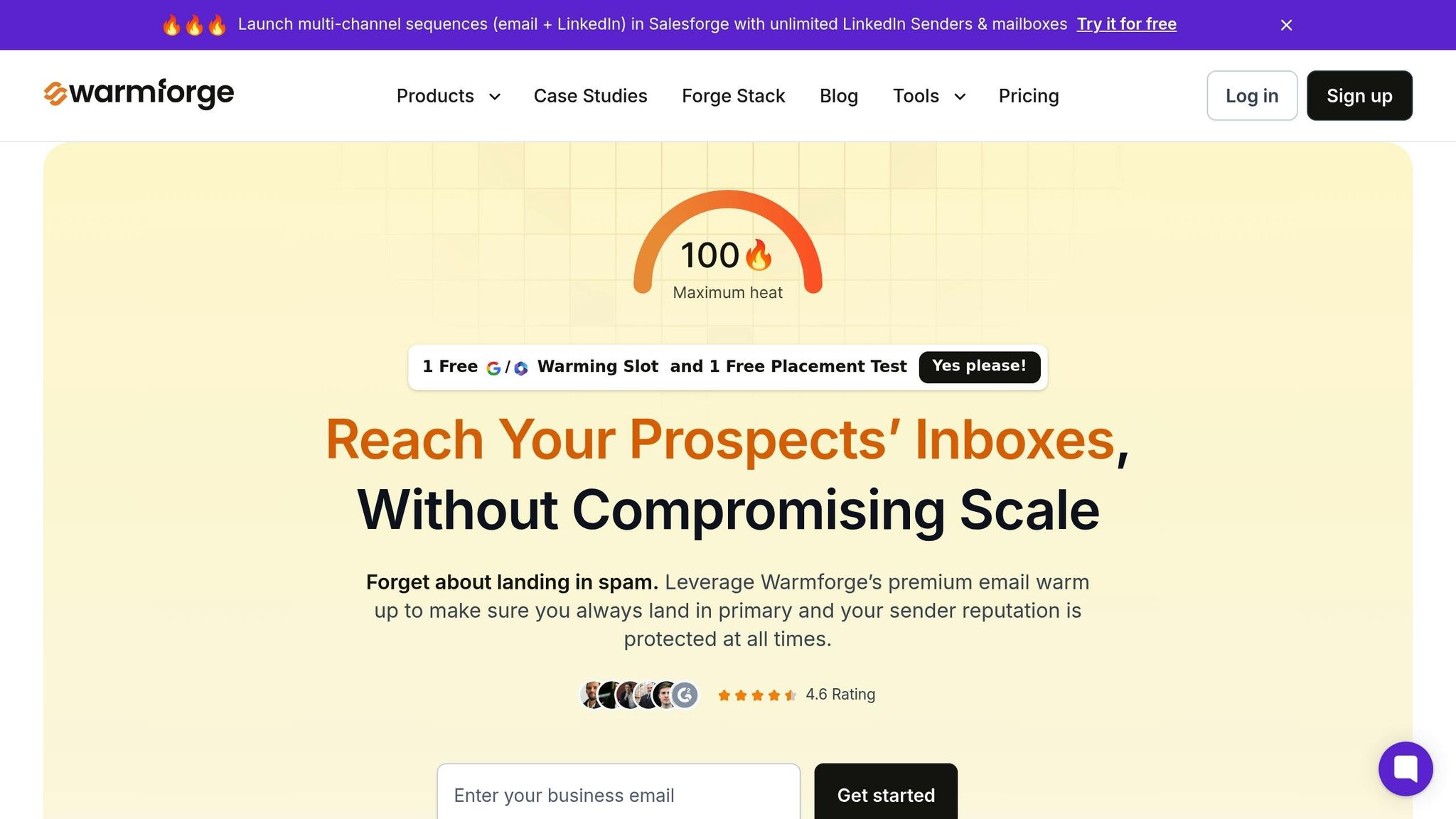
Achieving long-term deliverability isn’t a one-and-done task - it requires consistent effort. This is where Warmforge can help. The platform offers email warm-up and placement testing tools designed to build and maintain your sender reputation. By simulating natural engagement patterns with real accounts, Warmforge helps establish trust with ISPs.
Placement tests show exactly where your emails are landing - whether it’s the inbox, spam folder, or promotions tab - across various providers. This insight allows you to catch and address deliverability issues early, while your IPs are still recoverable.
Regular warm-up maintenance is especially crucial when introducing new IPs into your rotation or reactivating IPs that have been idle. Never add an IP to your main rotation until it demonstrates stable performance over time.
For the best results, combine IP rotation with strong list hygiene, proper authentication protocols, and engagement tracking. Platforms like Mailforge and Warmforge can automate much of the heavy lifting, but your diligence in monitoring and responding to metrics remains key. Treat IP reputation management as a continuous process, and you’ll significantly improve your chances of reaching your audience’s inboxes.
IP rotation isn’t a one-and-done task - it’s an ongoing process that demands careful planning, consistent execution, and regular oversight. The steps outlined in this checklist revolve around three critical pillars: proper setup, gradual warm-up, and continuous monitoring. Together, these create a solid framework for maintaining reliable cold email deliverability.
If done correctly, you’ll start noticing initial improvements within 2–4 weeks as your new IPs complete their warm-up phase and begin building a positive sender reputation. However, the full benefits - like reduced blacklisting, lower bounce rates, and better inbox placement - typically take 6–12 weeks to fully materialize. Beyond IP rotation, don’t forget the essentials: maintain clean email lists and use proper email authentication protocols to safeguard your sender reputation. Adding domain and inbox rotation further protects your system by spreading the workload and reducing the risk of any single resource being flagged. Together, these practices work in harmony to boost deliverability.
That said, manual IP rotation can be a logistical headache. It involves acquiring multiple IPs, configuring rotation systems, warming up new IPs, and constantly monitoring performance metrics - all of which can be time-consuming and prone to errors. This is where Mailforge (https://mailforge.ai) steps in. By automating DNS and IP rotation tasks, Mailforge eliminates the tedious manual work. It provides pre-warmed IPs, bypassing the 1–2 week warm-up process, and automates SPF, DKIM, and DMARC configurations, which are often tricky to handle manually. The platform also enables you to manage hundreds or even thousands of domains and mailboxes in mere minutes, with centralized rotation management through API integration and built-in monitoring tools.
Mailforge doesn’t just save time - it’s cost-effective too. At $2–3 per mailbox per month, it’s about three times cheaper than Gmail or Microsoft 365. Plus, their responsive support team ensures smooth operations, making it a great fit for agencies and enterprises running large-scale campaigns.
To stay on track, conduct quarterly reviews of your IP rotation strategy. This helps you identify areas for improvement and avoid pitfalls like rushing the warm-up phase or mishandling rotation, which can harm deliverability. For instance, "snowshoeing" - rotating through IPs to bypass sending limits - can lead to ISPs blocking your entire IP range. Sticking to disciplined IP management practices, as outlined in this checklist, is key to long-term success.
Think of IP reputation management as an ongoing commitment. By automating repetitive tasks and focusing on strategy, you’ll not only improve efficiency but also maximize your chances of landing your emails in your audience’s inboxes.
IP rotation involves using multiple IP addresses to send emails rather than sticking to a single one. This strategy helps distribute your email-sending activity, reducing the chances of any one IP being flagged as spam. The result? A stronger sender reputation.
By rotating IPs, you can improve email deliverability, avoid hitting sending limits, and minimize the risk of your emails being blocked or blacklisted. It’s an essential tactic for scaling cold email campaigns while staying effective and aligned with best practices.
Dedicated IPs are reserved for a single sender, giving you complete control over their reputation and how well your emails reach inboxes. This setup works best if you send a large volume of emails and can stick to consistent sending habits that help build a strong IP reputation.
In contrast, shared IPs are used by multiple senders. While they can be more affordable and easier to set up, your email deliverability might depend on how others sharing the IP behave. For businesses handling large-scale cold email campaigns or needing tighter control, platforms like Mailforge provide powerful tools to simplify IP management and improve deliverability.
Gradually warming up IP addresses is a critical step in establishing a strong sender reputation with email providers. If you send a large volume of emails from a new IP right away, it can set off spam filters, hurting your deliverability and undermining the success of your cold email campaigns.
Mailforge makes this process easier with its advanced shared cold email infrastructure. It handles IP rotation and warm-up seamlessly, using automated tools and top-tier deliverability features. This ensures your emails land in inboxes more often, so you can concentrate on expanding your business without worrying about technical hurdles.
