If you're searching for Mailreef alternatives, you may be looking for more affordable email infrastructure or better email deliverability.
Mailreef provides dedicated servers, dedicated IPs, domains, and mailboxes for cold email. However, its pricing and infrastructure limitations may make you consider other options.
You might consider a Mailreef alternative if you're looking for:
A lower starting price for cold email infrastructure
A pricing model without per-email charges
A shared IP option to avoid managing a dedicated IP reputation
Google Workspace or Microsoft 365 support instead of an SMTP-only setup
MCP or CLI support for infrastructure management
An alternative that actually has public reviews and social proof for deliverability results
I compared 7 Mailreef alternatives to see how they differ in infrastructure, pricing, features, and scalability.
If you are short on time, here are my top three picks:
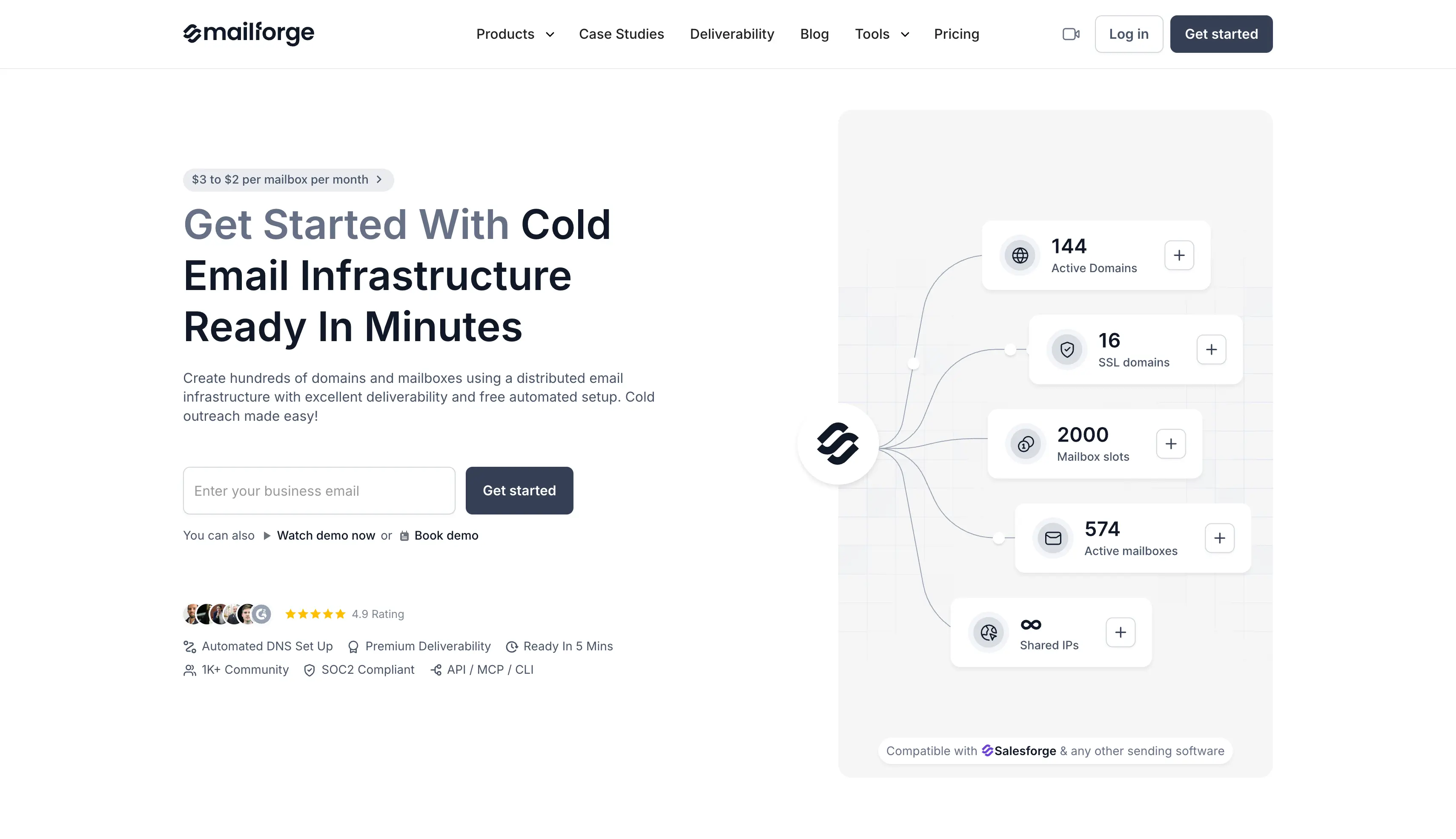
Mailforge: Best for an affordable shared setup. It automates DNS and bulk mailbox creation. API, MCP, and CLI access let you manage infrastructure through code or a supported AI client.
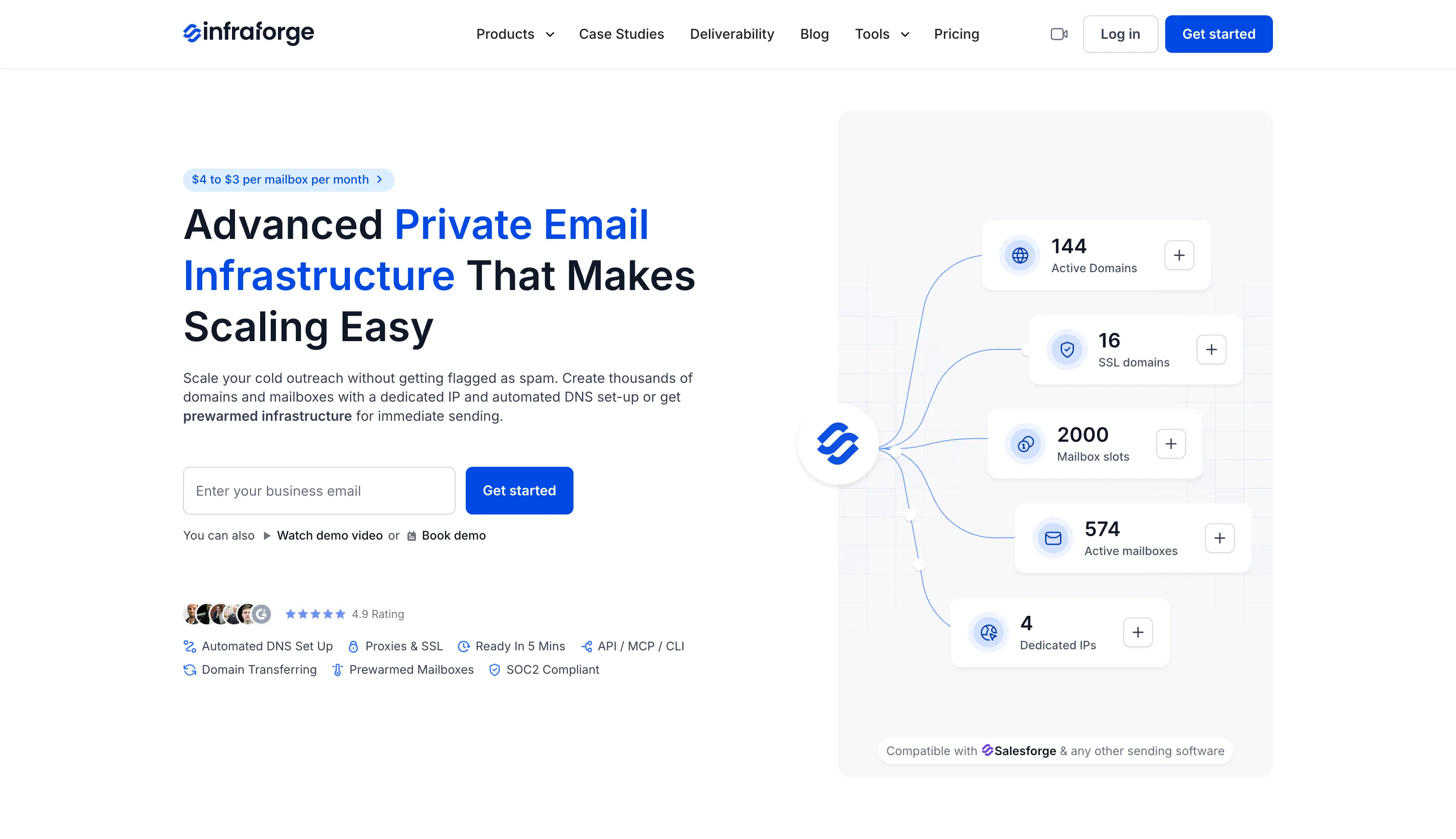
Infraforge: Best for agencies that want private infrastructure and dedicated IP allocation. It offers multiple IPs and client workspaces help you separate sending workloads.
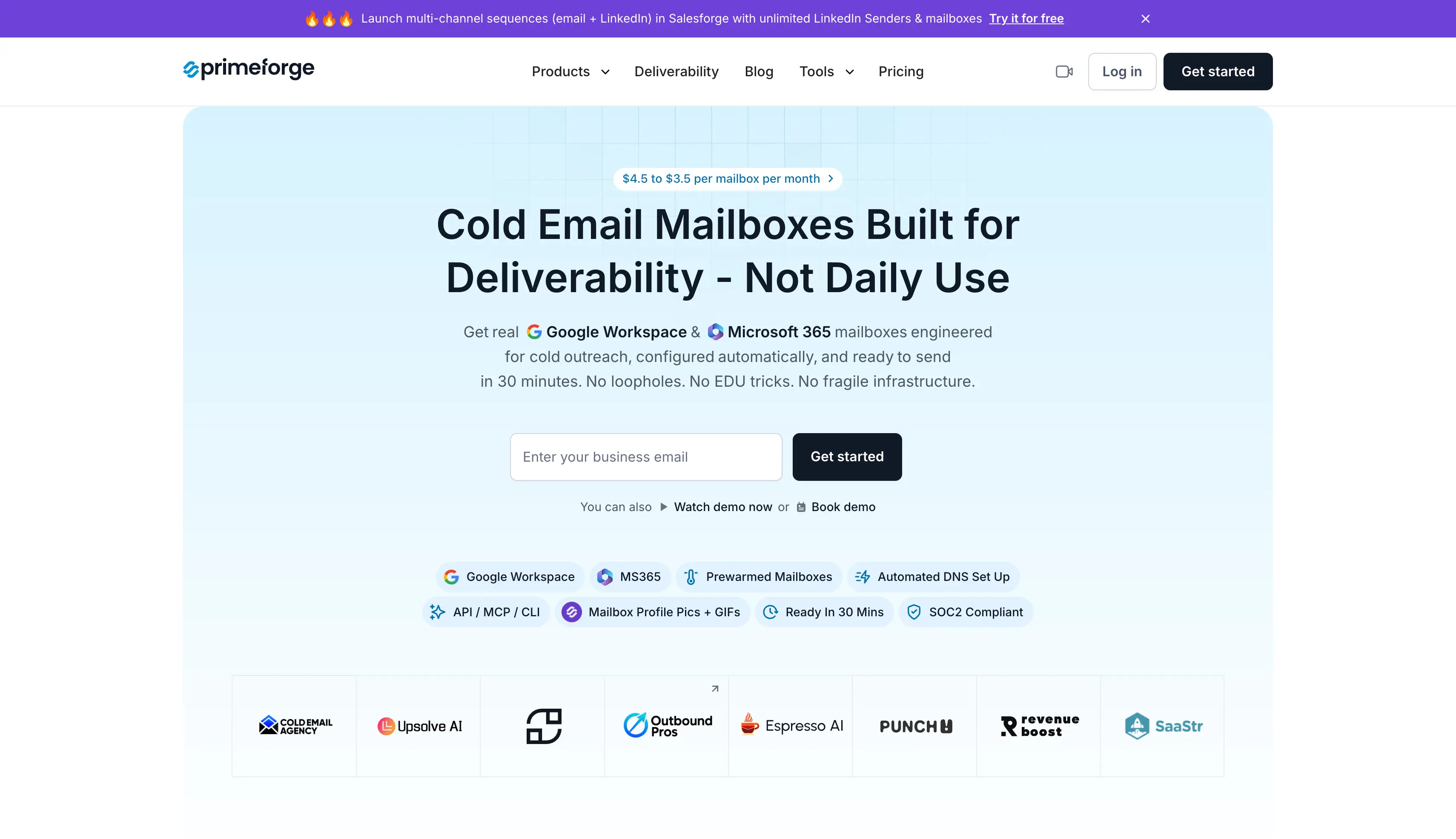
Primeforge: Best for Google Workspace and Microsoft 365 accounts. It offers automated configuration, mailbox profile branding, and a separately purchased pre-warmed option.
Here is how I compared them, then a detailed look at each one.
How I Compared These Mailreef Alternatives
Every provider here sells infrastructure for cold email outreach, and each one handles email deliverability differently. I reviewed each provider's official product pages, pricing pages, and setup documentation.
I compared the products on five buying criteria:
Infrastructure: Shared SMTP hosting, private servers, or Google Workspace and Microsoft 365 mailboxes.
Total cost: Mailbox minimums, annual billing terms, domain charges, IP fees, and separate software.
Setup and management: Email authentication protocols, bulk DNS configuration, domain management, and integrations.
Operational limits: Sending allowances, spam complaint handling, provider restrictions, and what a switch would involve.
Each of these feeds into sender reputation, which decides whether your cold email campaigns land in the inbox or the spam folder. I focused on which product answers each reason for switching.
7 Top Mailreef Alternatives Compared at a Glance
The table below compares the seven alternatives by infrastructure, features, and pricing. Scroll horizontally on smaller screens to see every provider.
Microsoft-backed infrastructure with dedicated US IPs
Managed infrastructure inside an agentic outreach platform
Starting price
$3/slot/month, billed yearly
$4/slot/month, billed yearly
$4.50/mailbox/month
$75/month for 30 mailboxes
$39/month for 10 mailboxes
$147/month for unlimited inboxes
$79/month for 15 email accounts
Minimum purchase
10 slots
10 slots
10 slots
30 mailboxes
10 mailboxes
No per-mailbox charge
15 email accounts
Pre-warmed purchase
Separately
Available separately
Available separately
No, fresh mailboxes
Yes
No, fresh infrastructure; warmup included in DFY package
Included
Ongoing warmup
Separate via Warmforge
Separate via Warmforge
Separate via Warmforge
Built-in warmup
External warmup required for standard mailboxes
Not included in standard plans
Managed automatically
Domain forwarding/masking
Yes, with add-ons
Yes
Yes
Yes, including bulk forwarding
Yes
Yes, plus Phantom redirect
Yes
Workspaces/client separation
Project workspaces
Workspaces + multi-IP
Project workspaces
Workspaces
One Google Workspace per domain
Multiple IPs on Agency Pack; no workspace layer
Built into the platform
API, MCP, and CLI
API, MCP, and CLI available
API, MCP, and CLI available
API, MCP, and CLI available
API and MCP available; CLI unavailable
API available; MCP and CLI unavailable
API available; MCP and CLI unavailable
Not publicly listed
Sending workflow
Works with Salesforge and other sending tools
Works with Salesforge and other sending tools
Works with Salesforge and other sending tools
Export to external sending tools
Works with major outreach tools
Export to Instantly, Smartlead, and other tools
Prospecting, copy, sending, and reply handling included
1. Infraforge: Private Cold Email Infrastructure With Dedicated IPs
Best for: Agencies and outbound teams that need private infrastructure, dedicated IPs, and separate client workspaces.
Infraforge provides private email infrastructure with dedicated IPs. It is the closest alternative to Mailreef if dedicated infrastructure is what you need.
It also gives you more control over your sending setup, including the number of IPs and mailboxes you use.
How Infraforge Works as a Mailreef Alternative
You choose your domains, mailboxes, and IPs, and Infraforge handles the DNS and authentication setup. Once ready, you can connect the mailboxes to your preferred sending platform.
Separate workspaces help you manage different clients or sending setups, while multiple IPs let you distribute your sending across the infrastructure.
The main difference from Mailreef is that Infraforge lets you choose how many IPs you need instead of bundling a server and IP into the setup.
Pre-warmed domains and mailboxes are also available if you want to start sending without waiting for new accounts to build a sending history.
I'd choose Infraforge if dedicated IPs and control over your sending infrastructure are more important than keeping costs as low as possible.
Infraforge Key Features
Dedicated IP infrastructure and multi-IP provisioning: Run on private servers. Buy an additional dedicated IP address to keep one workload's sending reputation separate from another.
Pre-warmed mailboxes: Buy prepared domains and mailboxes as an alternative to starting with fresh accounts.
Bulk generators and automated DNS: Create domains and inboxes together, with email authentication configured during setup.
Masterbox: Manage emails from all your mailboxes in one central inbox.
Real-time deliverability monitoring: Use monitoring and alerts to investigate mailbox issues before they spread.
Workspaces and white-label option: Organize client infrastructure, and rebrand the platform if you resell it.
Infraforge API and Forge MCP CLI: Manage provisioning and infrastructure programmatically.
Infraforge Pros and Cons
Pros
Greater control over IP allocation than a shared pool.
Multiple IPs help separate client or campaign workloads.
Combines bulk setup with support for your existing sender.
White-label is available, which is rare in this group.
MCP, CLI, and API to control the email infrasturcture with tools like Claude and others.
Cons
You need some level of technical knowledge of email deliverability.
There is no free trial.
Infraforge Pricing
The pricing starts with $4 per slot per month billed quarterly, with a 10-slot minimum, and a lower annual total. Dedicated IP addresses are listed separately at $99 per IP per month, billed quarterly.
Ask for a configuration-specific quote that identifies the number of paid IPs. That gives you the full infrastructure figure to compare with Mailreef's $249.
2. Mailforge: Affordable Cold Email Infrastructure for Scale
Best for: GTM teams and lead generation agencies that want to replace Mailreef with a smaller, per-mailbox infrastructure subscription.
Mailforge is shared email infrastructure for cold outreach. It lets you create domains and mailboxes in bulk while handling DNS and email authentication for you.
Instead of paying for an entire server, Mailforge charges based on the number of mailbox slots you need.
This makes it a lower-commitment option if you don't need the capacity of Mailreef. For that reason, it's my first choice for businesses switching from Mailreef mainly to reduce costs.
How Mailforge Works as a Mailreef Alternative
You start by adding your domains and choosing how many mailboxes you need. Mailforge uses your planned contact volume to help determine the required setup.
It configures SPF, DKIM, and DMARC and updates DNS records in bulk, so you don't have to configure each domain manually. Client workspaces also let you keep domains and mailboxes organized separately.
Once the mailboxes are ready, you can connect them to Salesforge or another sending platform. Mailforge handles the infrastructure while your sending tool runs the campaigns.
The main limitation is that Mailforge uses shared IPs. You don't have exclusive control over the IP reputation, so it may not be the right choice if dedicated infrastructure is important to you.
I'd choose Mailforge if you want a lower-cost setup with automated infrastructure management and don't need dedicated IPs.
Mailforge Key Features
Bulk domain and mailbox creation: Allows to setup domains and mailboxes together, with automated SPF, DKIM, DMARC setup and bulk DNS updates.
Domain management and Workspaces: Add or transfer your own domains, and organize multiple domains by client or project.
Pre-warmed domains: Purchase domains with an existing warmup history instead of starting every setup from scratch.
Mailbox Analytics: Review sent and received activity, reply rate, frequent recipients, and top recipient domains.
SSL and Domain Masking: An optional add-on for secure forwarding and for displaying your website under an outreach domain.
API and Forge MCP CLI: Manage infrastructure programmatically, or through a supported AI client such as Claude or Cursor.
Mailforge Pros and Cons
Pros
A smaller starting commitment than renting a Mailreef server.
Replace mailboxes within purchased slots without buying each replacement as a new slot.
Native Salesforge integration alongside compatibility with other sending software.
API, MCP, and CLI access to manage your cold email infra with ease
Cons
Shared infrastructure does not give you exclusive control over an IP's reputation.
Mailforge Pricing
The pricing starts with $3 per mailbox slot per month on monthly billing, with a 10-slot minimum.
It also offers annual pricing, and the homepage advertises rates falling from $3 toward $2 as volume rises.
SSL and Domain Masking costs $2 per domain per month, or $6 per domain per year. Use the calculator for your selected volume and billing term.
3. Primeforge: Pre-Warmed Google Workspace and Microsoft 365 Mailboxes
Best for: Teams that want Google Workspace or Microsoft 365 mailboxes for cold outreach, including pre-warmed accounts.
Primeforge provides Google Workspace and Microsoft 365 mailboxes for cold outreach.
Unlike Mailreef, which uses its own SMTP infrastructure, Primeforge lets you send emails through Google and Microsoft mailboxes.
How Primeforge Works as a Mailreef Alternative
Primeforge handles the domain and email authentication setup, while workspaces help you organize mailboxes by project or client.
You can choose between standard and pre-warmed mailboxes. Pre-warmed accounts already have sending history, which means you can start outreach without having to warm up a completely new mailbox.
When used with a compatible sending platform, Google and Microsoft mailboxes can also support ESP matching. This allows the platform to route emails through the same email provider as the recipient when matching capacity is available.
I'd choose Primeforge if you want to send from Google Workspace or Microsoft 365 instead of using Mailreef's SMTP-based infrastructure.
Primeforge Key Features
Real Google Workspace and Microsoft 365 mailboxes: Choose Google Workspace, Microsoft 365, or a mix of the two, hosted on US-based IP addresses.
ESP matching support: Send from the same provider your recipient uses to improve inbox placement, where your sending platform supports it.
Pre-warmed mailboxes: Purchase accounts with warmup completed before delivery.
Automated DNS setup: Configure authentication without building every domain's records by hand.
Mailbox profile branding and Workspaces: Add profile pictures and GIFs, and organize client or project accounts.
Mailbox Analytics: Review activity, bounce details, sending IP information, and reply rates by recipient provider.
Primeforge API and Forge MCP CLI: Automate provisioning and connect accounts to Salesforge or other sending software.
Primeforge Pros and Cons
Pros
Adds Google and Microsoft accounts to a broader infrastructure mix.
Offers both standard and pre-warmed purchasing routes.
Mailbox diagnostics help you investigate delivery failures rather than guess at them.
Profile pictures and GIFs are configured at setup rather than added later.
MCP, CLI, and API to control and manage your cold email infrastructure.
Cons
The platform is limited to provide only Google workspace and Microsoft 365 mailboxes.
There is no free trial.
Primeforge Pricing
The pricing starts with $4.50 per slot per month on monthly billing, with a 10-slot minimum, and a lower annual total. At that monthly rate, 10 slots cost $45 before domains.
Pre-warmed accounts require a separate purchase. Check their price and availability in the app instead of assuming the standard mailbox rate includes them.
4. Maildoso: Low-Cost Shared Mailboxes for High Volume
Best for: Teams that need a large number of SMTP mailboxes and want to keep costs low.
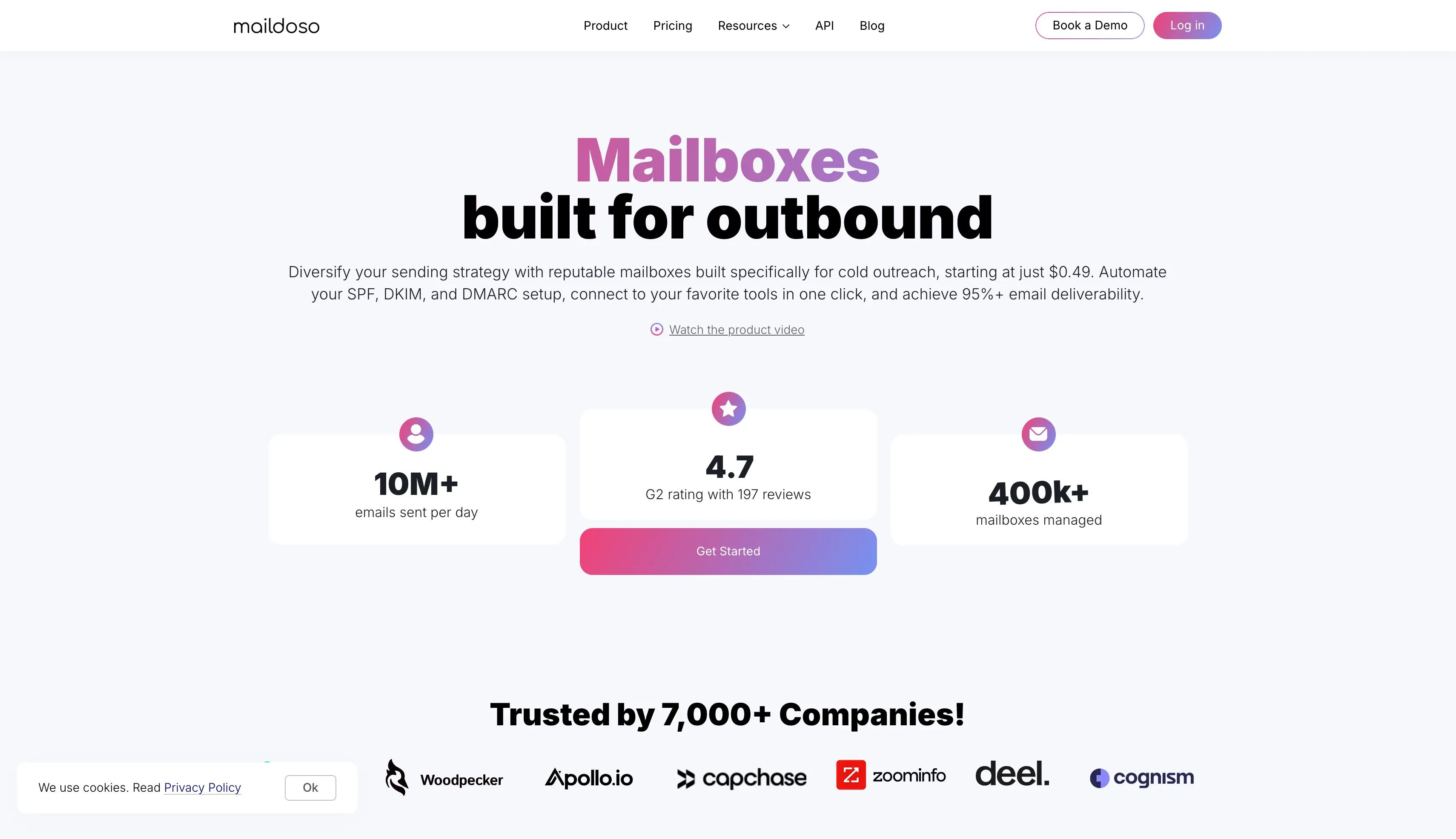
Maildoso is a cold email infrastructure platform built on shared SMTP with rotating IPs, and it bundles its own deliverability tools. Its volume-based pricing can help teams reduce costs as they add more mailboxes.
Unlike Mailreef, which provides dedicated servers and IPs, Maildoso distributes sending across rotating IPs. This makes it a better fit if you need more mailboxes without paying for dedicated infrastructure.
How Maildoso Works as a Mailreef Alternative
Maildoso provides the SMTP infrastructure and monitors your mailboxes. It uses rotating IPs to distribute sending, while Mailreef uses dedicated servers and IPs.
Its self-healing feature can pause affected mailboxes and return them to the sending pool. Scheduled placement tests also help monitor mailbox health.
Maildoso provides fresh mailboxes rather than pre-warmed ones. New mailboxes start with zero reputation, and sending too fast can trigger spam filters or spam complaints.
If you want to build a healthy sender reputation, then you need to raise volume gradually over roughly two weeks, which is what Maildoso recommends. AI warmup is also available as a paid add-on.
Maildoso limits cold outreach to 15 emails per mailbox per day. Keep this limit in mind when calculating the number of mailboxes and the total cost.
Maildoso Key Features
IP rotation: Distributes sending across different IP addresses and replaces flagged ones.
Self-healing mailboxes: Temporarily pauses affected accounts, then returns them to rotation.
Placement monitoring: Displays mailbox quality and health scores from scheduled tests, so you can spot accounts that spam filters have started to catch.
Master Inbox and bulk forwarding: Collect replies from every domain in one view, and apply domain forwarding across domains in bulk.
Google Workspace option: Buy combo plans where each domain sits in its own isolated workspace.
API and MCP access: Manage domains and mailboxes programmatically, including adding external domains.
Maildoso Pros and Cons
Pros
Low published unit costs for large mailbox fleets.
Monitoring and account-pausing features support ongoing maintenance.
Master Inbox removes the need to log into each mailbox for replies.
A 30-day money-back guarantee is advertised on monthly SMTP plans.
Cons
The published SMTP allowance is 15 cold emails per mailbox per day.
Mailboxes are not pre-warmed, and premium warmup is a paid add-on.
Monthly plans charge separately for domains.
Rotating infrastructure does not give you a fixed, dedicated IP allocation.
Maildoso Pricing
Maildoso's monthly SMTP plans are:
30 mailboxes: $75 per month, or $2.50 per mailbox.
300 mailboxes: $225 per month, or $0.75 per mailbox.
1,000 mailboxes: $499 per month, or $0.499 per mailbox.
The largest plan is advertised at $0.49 per mailbox. Use the $499 plan total when budgeting.
Legacy quarterly packages are listed separately and include domains. Compare them as different packages rather than combining their inclusions with the monthly prices above.
5. Zapmail: Automated Google and Microsoft Mailbox Setup
Best for: Small agencies and teams that want Google or Microsoft mailboxes with automated setup.
Zapmail provides Google Workspace and Microsoft 365 mailboxes with automated configuration. It handles the setup without requiring you to configure DNS records manually.
Each domain gets its own workspace and admin login, which helps keep different domains separate. Zapmail also offers an entry-level Google plan for teams that only need a small number of mailboxes.
How Zapmail Works as a Mailreef Alternative
Zapmail gives each domain its own workspace and admin login. However, it does not provide a dedicated sending IP.
During setup, you can add mailbox names, profile photos, and a forwarding domain. You can then connect the accounts to your sending platform through OAuth.
Zapmail also offers pre-warmed mailbox packages with existing warmup history. These packages cost more than standard mailboxes, so check the pricing and available domains before choosing this option.
Plans include deliverability test credits, while API access is available on the Pro plan. If you connect your own domain, Zapmail requires you to point your nameservers to its service, which gives it control over the domain's DNS zone.
I'd compare Zapmail with Primeforge if you want to use Google Workspace or Microsoft 365 for cold outreach. Check the pricing for your specific provider and mailbox requirements before choosing between them.
Zapmail Key Features
Mailbox provisioning: Provision Google Workspace and Microsoft 365 accounts with admin access on standard orders.
Workspace separation: One domain per workspace, each with its own admin login.
Pre-warmed packs: Buy accounts with existing warmup history as a separate purchase.
Profile setup and forwarding: Assign sender names, profile photos, and a forwarding domain at order.
Deliverability test credits: Run placement checks within the plan's allowance.
API access: Listed on the Pro plan.
Zapmail Pros and Cons
Pros
Combines real provider accounts with automated configuration.
Offers a prepared-mailbox route for time-sensitive setup.
Workspace isolation limits one domain's problems from spreading to another.
Cons
Google plan prices do not establish Microsoft or pre-warmed pack costs.
API access requires the higher listed tier.
Purchases are listed as final and non-refundable.
Connecting a domain hands over the whole DNS zone, not only the mail records.
Zapmail Pricing
Plan
Monthly price
Included mailboxes
Additional mailbox price
Starter
$39
10
$3.50
Growth
$99
30
$3.25
Pro
$299
100
$3.00
Google mailbox plans, billed monthly. Microsoft 365 and pre-warmed selections are priced separately.
Microsoft 365 and pre-warmed selections are priced separately. Check both before ordering those account types.
6. Inframail: Unlimited Microsoft-Backed Inboxes on Flat-Rate Pricing
Best for: Agencies that manage many inboxes and prefer flat-rate pricing instead of paying per mailbox.
Inframail provides Microsoft-backed email infrastructure with a flat monthly fee. You can create multiple mailboxes without paying a separate hosting fee for each inbox.
Inframail uses Microsoft-backed infrastructure and provides dedicated US IPs on both plans. Each inbox does not come with a separate Microsoft 365 license.
How Inframail Works as a Mailreef Alternative
You can create new domains through Inframail or connect domains you already own. Bringing an existing domain costs a one-time $5 fee. Inframail handles the required authentication records and lets you export the mailboxes to your sending platform.
The Unlimited plan includes one dedicated IP, while the Agency Pack includes three. You can use these IPs to separate different sending workloads.
The flat monthly fee becomes more useful as your mailbox count grows. For smaller setups, compare the total subscription cost with providers that charge per mailbox.
Inframail does not handle mailbox warmup.
I'd choose Inframail if you manage many inboxes and want predictable infrastructure costs.
Inframail Key Features
Unlimited inbox creation: No additional per-mailbox charge within the plan, and unlimited domain setups per day.
Dedicated US-based IP addresses: One on Unlimited and three on Agency Pack.
Automated DNS configuration: SPF, DKIM, and DMARC records properly configured at setup, with email forwarders and custom tracking domains.
Phantom redirect: Hides domain redirects from inbox providers.
Real-time deliverability monitoring: A domain and IP health dashboard, with automatic blacklist delisting requests.
Sender profiles and API: Set sender names and profile photos, and manage infrastructure through the API on both plans.
Inframail Pros and Cons
Pros
Predictable mailbox hosting cost as inbox count grows.
Dedicated IPs are named in the plan inclusions rather than sold as an add-on.
API access is included on both plans, not gated to the higher tier.
You keep any domains you buy if you cancel.
Cons
Microsoft-backed only, with no Google Workspace option.
Infrastructure plans still need a separate sender and warmup arrangement.
Warmup activity consumes part of each mailbox's daily allowance.
Published volume guidance and the FAQ describe capacity differently.
Inframail Pricing
Inframail lists two monthly infrastructure plans:
Unlimited: $147 per month with one dedicated US IP and an advertised capacity of 80,000 cold emails per month.
Agency Pack: $387 per month with three dedicated US IPs and an advertised capacity of 300,000 cold emails per month.
Annual billing is advertised at 30% off. A done-for-you campaign setup is also sold at $3,497 once plus $499 per month.
Its FAQ then states there are no hard sending caps and no per-email fees. That reads differently from the capacity figures on the plan cards. Treat those as advertised capacity and confirm your volume with the provider. Its own comparison table lists a safe limit of 50 emails per inbox per day. Unlimited inbox creation is not a reason to send unlimited messages from one account.
7. Mailscale: Managed Cold Email Infrastructure and Outreach
Best for: B2B teams that want prospecting, email copy, sending, and reply management in one platform.
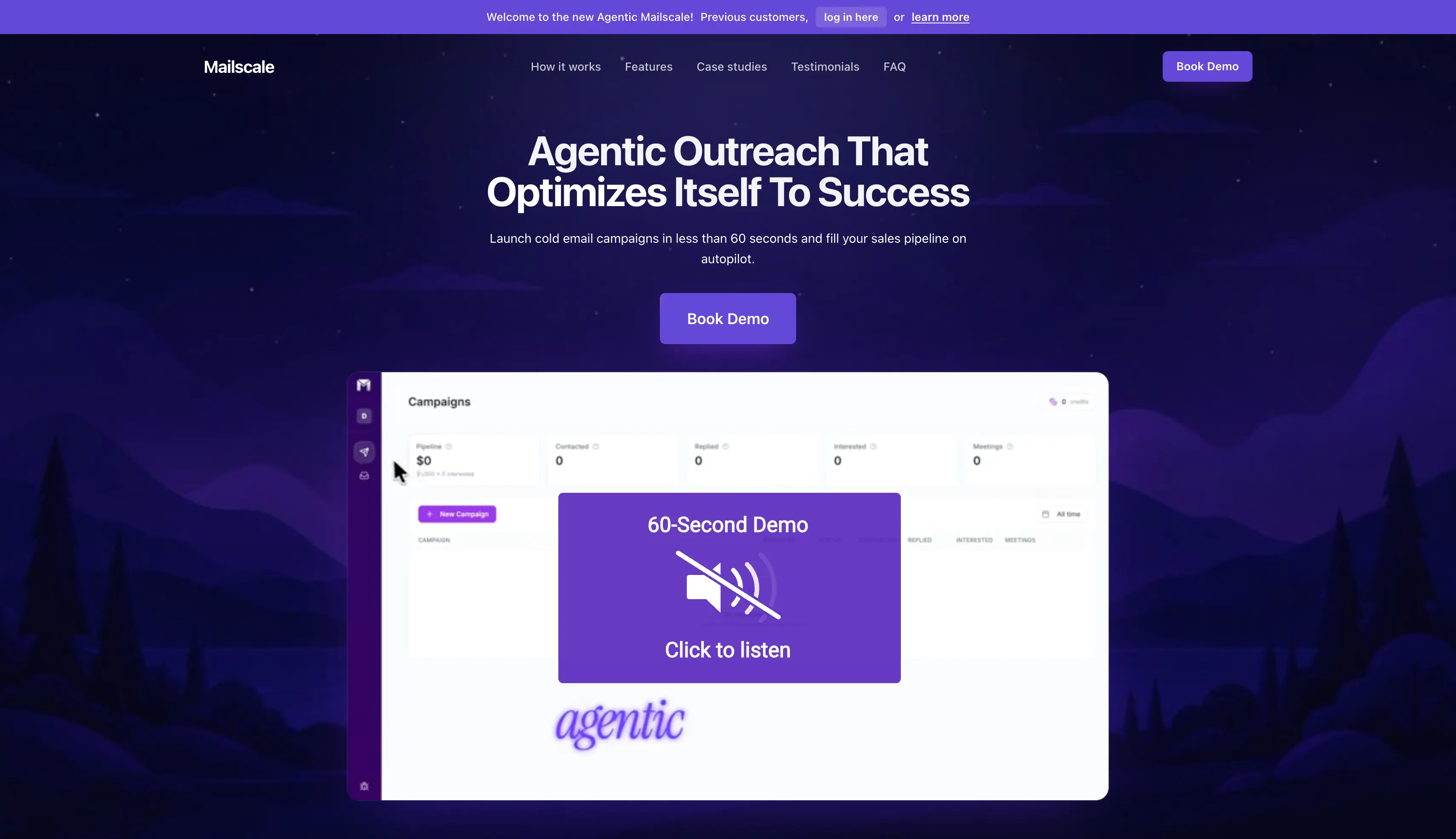
Mailscale combines mailbox infrastructure with the wider cold outreach workflow. It handles prospect discovery, email generation, sending, and replies from the same platform, which covers most day-to-day cold email operations.
This makes it a bigger shift from Mailreef than the other alternatives on this list. It may be a better fit if you want to reduce the number of tools you use to manage outreach.
How Mailscale Works as a Mailreef Alternative
You start by describing the prospects you want to reach, and Mailscale generates email variations for your campaign. It also provides outreach domains and mailboxes, with campaigns typically going live within around 72 hours.
Mailscale monitors email placement and can reroute sending when performance drops. Its reply agent can also classify incoming responses and draft replies.
Users report no public API or developer documentation from Mailscale, and an independent review reaches the same conclusion. Instead, it provides standard IMAP and SMTP credentials. If you need programmatic provisioning, confirm the available options before choosing it.
I'd choose Mailscale if you want to replace more than just Mailreef's infrastructure and manage your outreach workflow from one platform.
Mailscale Key Features
Prospect discovery: Build lists using natural-language requests.
AI copy generation: Generate email variations for outbound campaigns, refreshed over time.
Pre-warmed infrastructure: Prepared outreach domains and mailboxes are part of the advertised offer.
Deliverability monitoring: Mailscale says it reroutes sends when mailbox placement degrades.
Reply agent: Classifies replies and drafts responses.
Sequencer connections: Inboxes plug into Instantly, Smartlead, and GoHighLevel through IMAP and SMTP.
Mailscale Pros and Cons
Pros
Combines more of the outreach process in one product.
Relevant when the work around infrastructure is the larger problem.
Pre-warmed inboxes are part of the advertised offer rather than an upsell.
Cons
A broader workflow change than replacing mailbox hosting.
Pricing and exact service scope require a sales conversation.
No published API, so programmatic work runs through support.
Its current IP architecture is not described publicly.
Mailscale Pricing
Mailscale uses custom pricing quoted on a call. Ask for the included infrastructure, contacts, sending allowance, support, and human review controls in writing. Older self-service mailbox prices should not be treated as the current agentic offer.
How to Choose Cold Email Infrastructure
Start with the reason you are switching, then build a quote around the accounts and capacity you actually need.
What type of mailbox do you need? Shared IPs, dedicated IPs, and Google or Microsoft accounts solve different problems. Start here, because it rules out most of the list. The Forge infrastructure selection guide walks through the choice.
What does the full bill come to? Add mailbox slots, domains, dedicated IPs, warmup, and sending software. Put them all on the same billing period before you compare.
Are the mailboxes pre-warmed, or do you warm them? Ask which domains you receive and what history they carry. Prior warmup and ongoing warmup are different purchases.
How many emails can each mailbox send per day? A provider that caps you at 15 needs twice the accounts of one that allows 30. Do that arithmetic before comparing unit prices.
Is your primary domain protected? Cold outreach should run on separate domains, never your main business domain. Check that forwarding and masking keep your primary business domain out of the send.
Which domains share an IP? On any dedicated setup, this tells you what goes down together, and how far a single spam complaint can spread.
What happens when a mailbox burns? Ask how you pause it, check bounce details, and move the workload elsewhere.
Do you keep the domains? Confirm ownership and transfer rules before buying domains through a provider.
How do you cancel? Check the cancellation process, credential access, and whether your replies stay reachable afterwards.
Choose the Right Mailreef Alternative for Your Needs
Now that I have covered the top Mailreef alternatives, you can choose based on what matters most to your cold email setup.
Still unsure? Try Mailforge.
Mailforge combines bulk domain and mailbox creation, automated DNS setup, and client workspaces in one platform. You can create hundreds of mailboxes in minutes, update DNS records in bulk, and connect them to Salesforge or any other sending tool.
For cold email teams and lead generation companies moving off a dedicated server, this ties outbound infrastructure costs to the mailboxes you actually use. That holds even across multiple clients.
Mailreef costs $249 per month on Agency Flex or $240 per month with a 12-month commitment, plus $0.001 per email sent. Enterprise pricing is custom.
2. Does Mailreef include email warmup?
Mailreef offers pre-warmed servers, domains, and mailboxes during setup. It does not offer ongoing warmup, so you may need a separate warmup tool.
3. Is Mailreef worth it?
Mailreef makes the most sense for teams that need a large number of mailboxes. Smaller teams may find per-mailbox providers more cost-effective.
4. Does Mailreef offer Google Workspace or Microsoft 365 mailboxes?
No. Mailreef provides mailboxes through its own dedicated mail server infrastructure. If you need Google Workspace or Microsoft 365 mailboxes, consider Primeforge or Zapmail.
5. What is the cheapest Mailreef alternative?
The cheapest option depends on your mailbox count and sending volume. Mailforge starts at $3 per mailbox per month, with a 10-mailbox minimum, while Maildoso lists 1,000 mailboxes for $499 per month.