
Personalized Outbound Strategy
Get The Right Outbound Strategy In Minutes
Enter your email to get a custom plan & stack recommendation for your business
It's being carefully crafted by AI
Please check your mailbox in 5 minutes

OpenMail starts at €9 per month for 10 AI agent inboxes. At that price, an agent can have its own email address, receive replies in real time, read the full thread, and respond from the same inbox.
That is a lot for €9. But there is an important distinction.
OpenMail gives your agent the email layer. It does not give you the agent itself. You still need to build or connect the logic that decides what to read, how to respond, and what action to take next.
There are pricing limits to consider as well. Pro includes 10,000 emails and 10 GB of storage. Go over those limits and usage charges start adding up. Dedicated sending IPs are also limited to Enterprise.
So, is OpenMail actually a good way to give AI agents email access, or does the low starting price hide costs and limits that matter once you start using it at scale?
That is what I’ll examine in this OpenMail review, including its features, pricing, pros, cons, and alternatives.
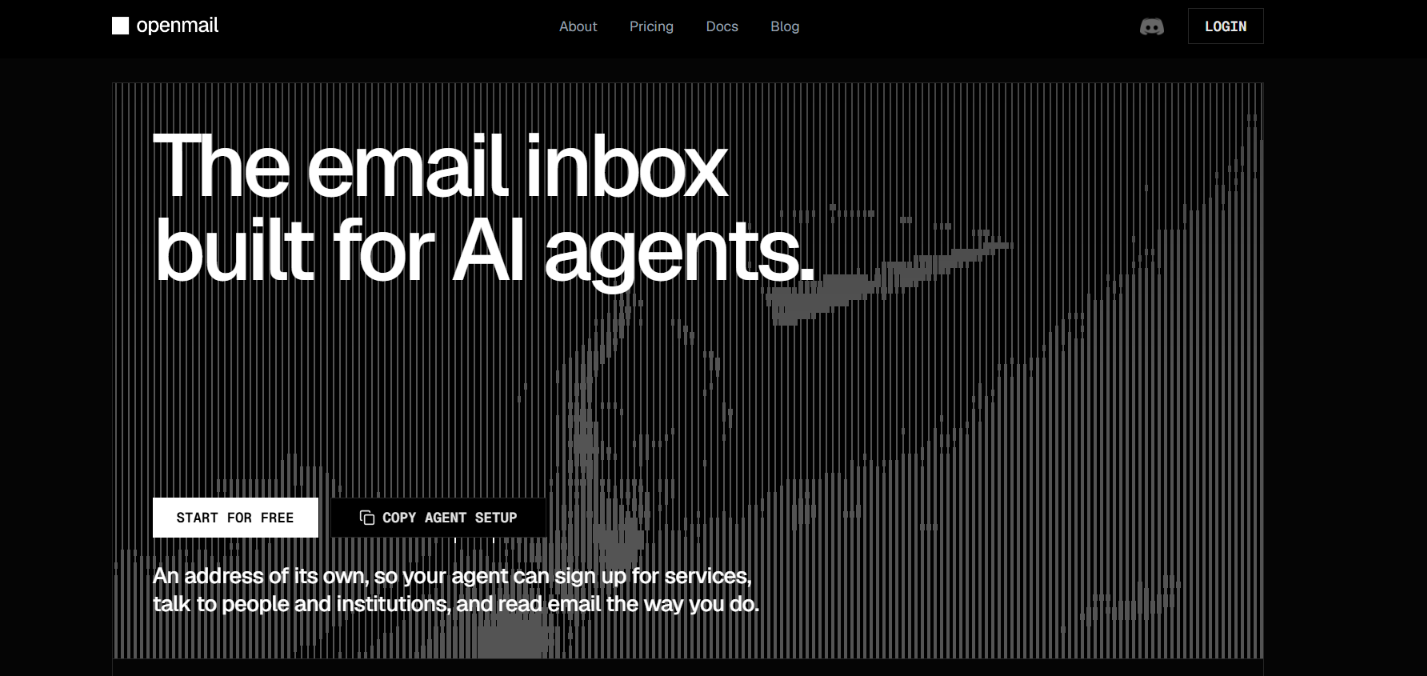
OpenMail gives your AI agent an email inbox. It does not give you the AI agent itself. You need to bring your own agent, such as OpenClaw or Hermes, or build one using tools such as LangChain.
Once connected, OpenMail handles the email part. It provides the inbox, receives incoming emails, gives your agent the full thread, and sends the replies your agent creates. It can also pass new emails to the agent through webhooks or WebSockets and extract text from supported attachments.
What you do not get is a ready-made AI agent, prospect database, or traditional cold email campaign tool. If you want an agent to find prospects, decide who to contact, or run a specific sales process, you need to provide those parts separately.
This also separates OpenMail from a cold email infrastructure provider such as Mailforge. Both provide mailboxes that can send and receive email, but they are designed to be used differently.
Mailforge's API, MCP, and CLI therefore do something different from OpenMail's API. They let software or AI agents create and manage the cold email infrastructure itself, including domains, DNS, workspaces, and mailboxes. Mailforge's infrastructure API does not provide the OpenMail-style access used to read email threads and respond to messages inside the mailbox.
So if you want an AI agent to directly work with its own email, OpenMail fits that use case. If you need to create and manage domains and mailboxes for cold outreach, Mailforge covers that infrastructure side.
OpenMail connects your AI agent to an email inbox. From there, the process works like this:
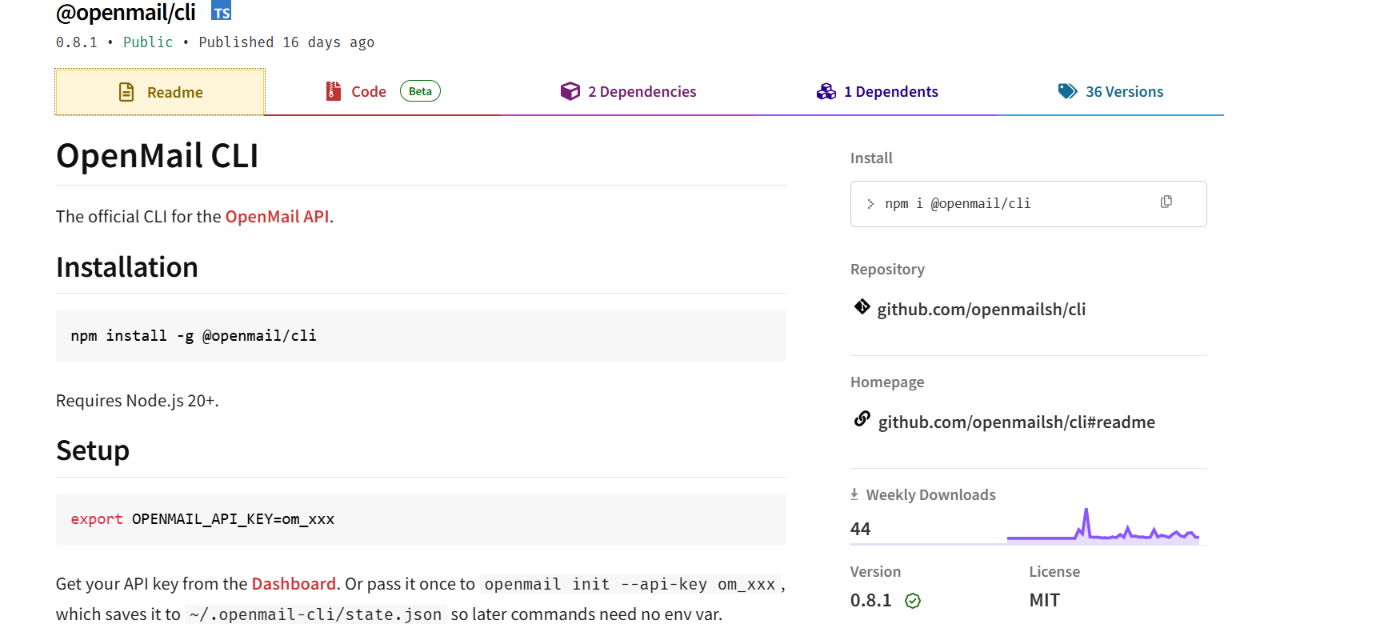
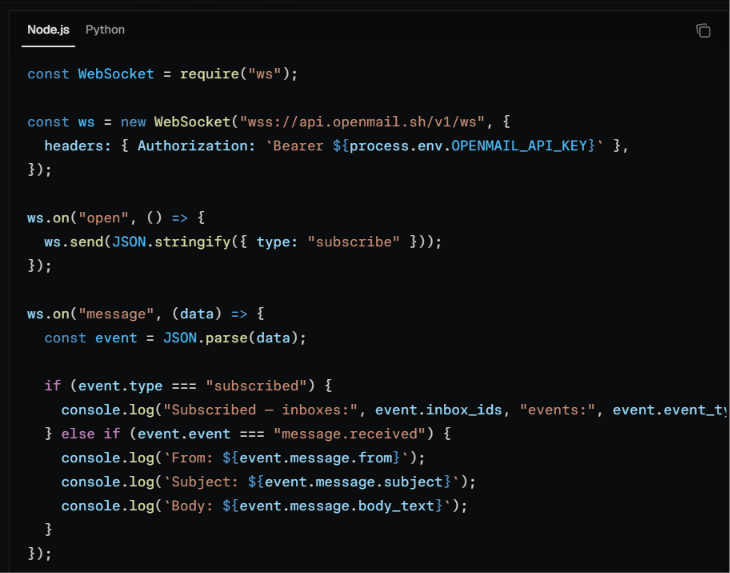
In short, OpenMail handles the email flow, while your AI agent decides what to do with each message.
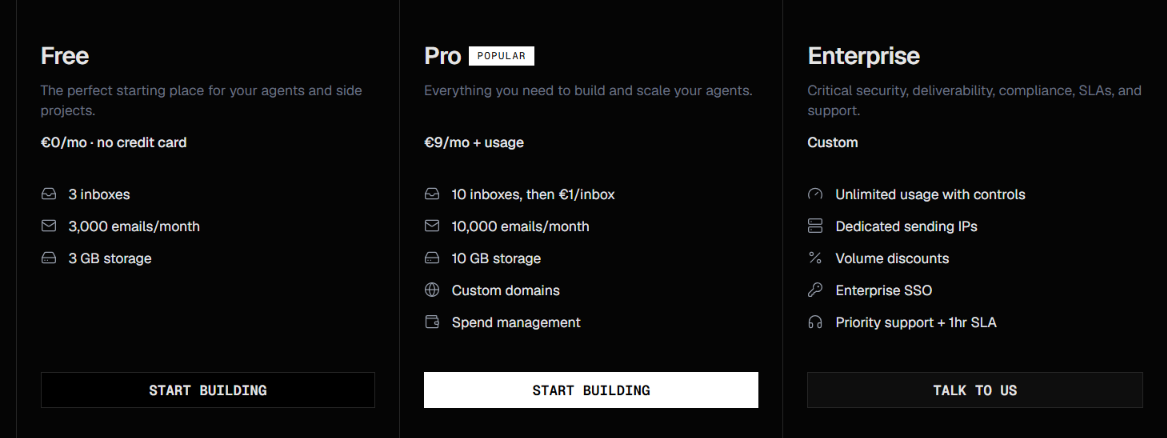
OpenMail has three plans, Free, Pro, and Enterprise. The Pro plan costs €9 per month plus usage if you exceed the included limits.
On Pro, usage above the included limits costs €1 per extra inbox per month, €0.001 per extra email, and €0.10 per extra GB of storage per month. OpenMail does not charge separately for additional users or seats.
The Free plan uses openmail.sh addresses. Custom domains are available on Pro and Enterprise.
OpenMail is a better fit if you are building an AI agent that needs its own email inbox and direct access to incoming and outgoing email.
OpenMail is therefore more suited to giving AI agents direct access to email than to providing a complete sales agent, prospecting tool, or large-scale cold email setup.
OpenMail is built for AI agents that need their own email inboxes. AgentMail covers a similar use case, while Mailforge is focused on cold email infrastructure and Resend covers both agent inboxes and application email.
Best for: AI agent inboxes with more built-in email controls
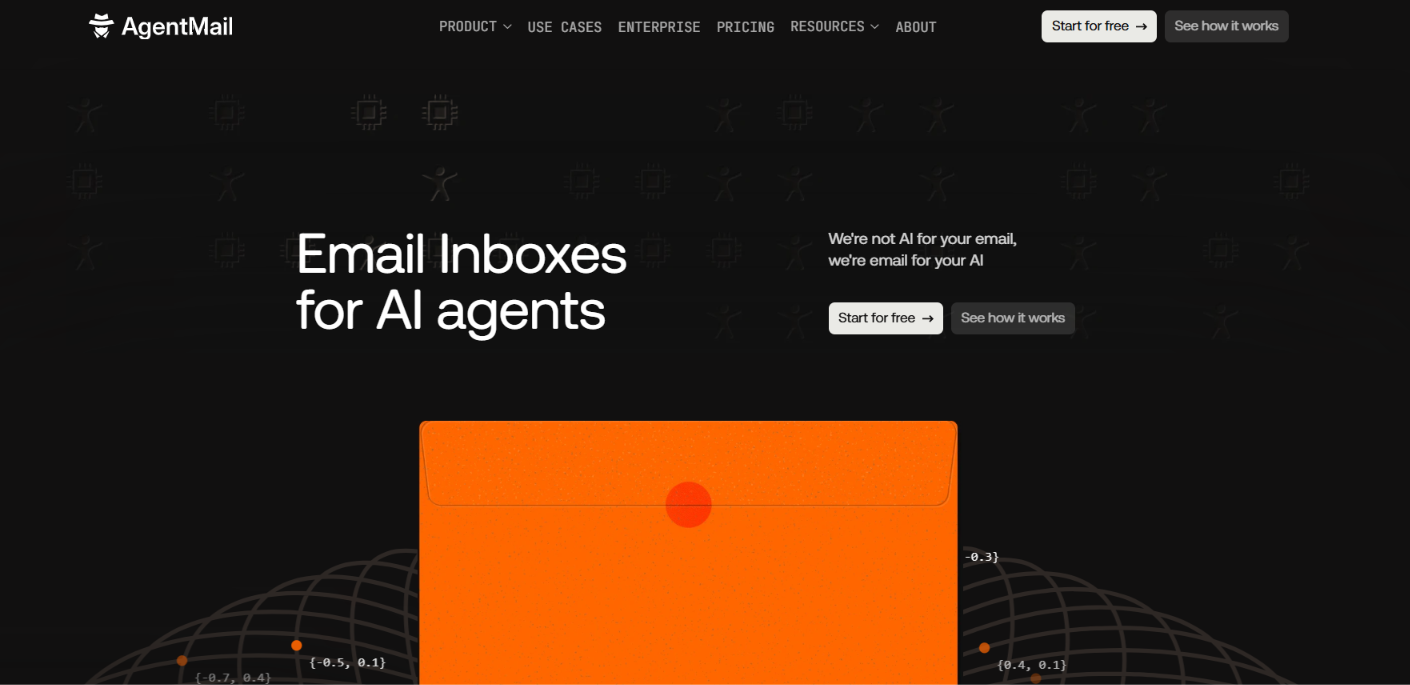
AgentMail and OpenMail are both built around giving AI agents their own inboxes. Agents can send and receive emails, keep conversations in threads, handle attachments, and receive new messages through webhooks or WebSockets.
AgentMail adds semantic search, structured data extraction, labels, drafts, MCP, and more inbox management features. Its Developer plan costs $20 per month for 10 inboxes and 10,000 emails. OpenMail Pro costs €9 per month plus usage and includes 10 inboxes and 10,000 emails.
Best for: Creating cold email domains and mailboxes at scale
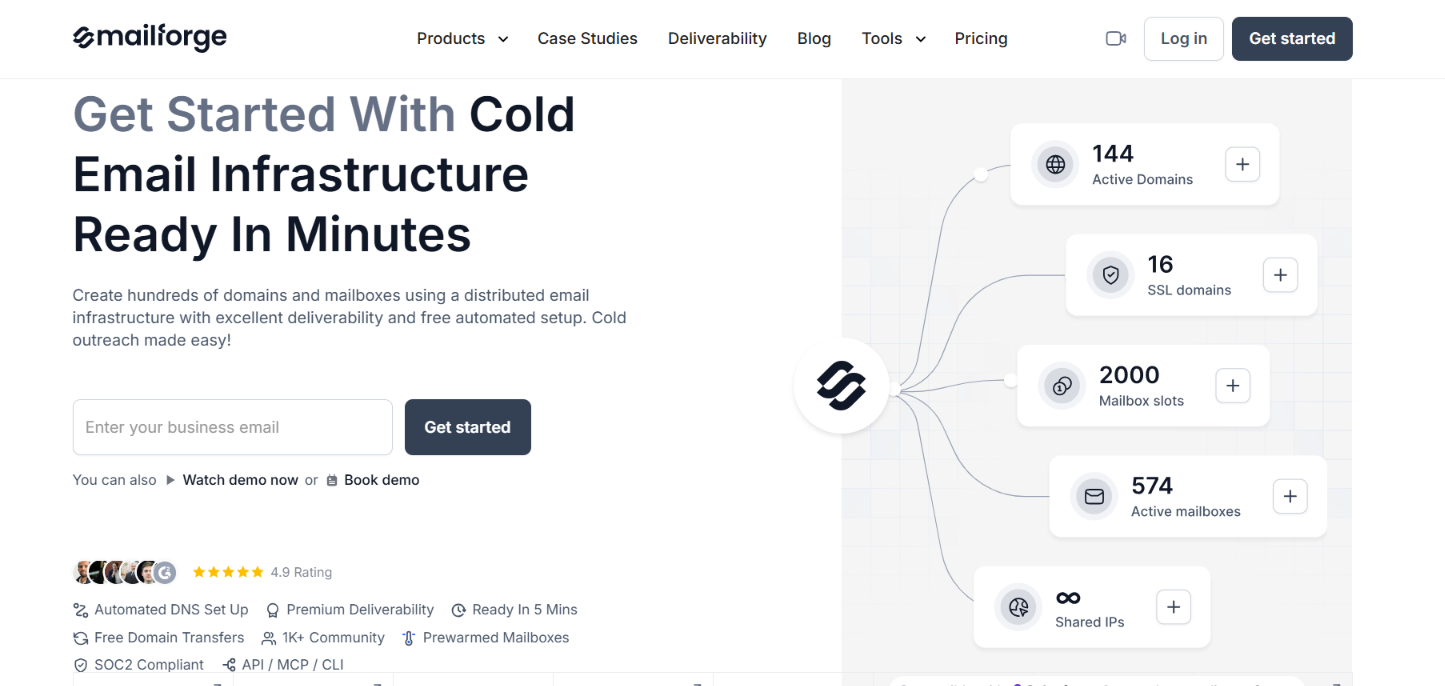
Mailforge is for users who need email infrastructure for cold outreach. Unlike OpenMail, it is not centered on giving an AI agent direct access to messages and email threads. It is used to create and manage the domains and mailboxes that cold email campaigns run on.
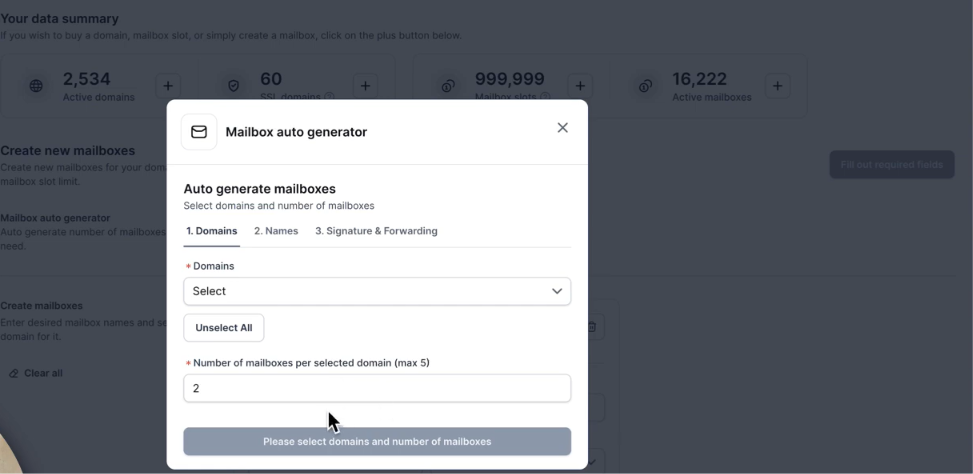
You can create mailboxes in bulk, set up domains with SPF, DKIM, and DMARC, separate client setups with workspaces, and manage the infrastructure through API, MCP, or CLI. The mailboxes can then be connected to Salesforge or another sending platform for campaigns.
Best for: Sending app emails and giving AI agents inboxes
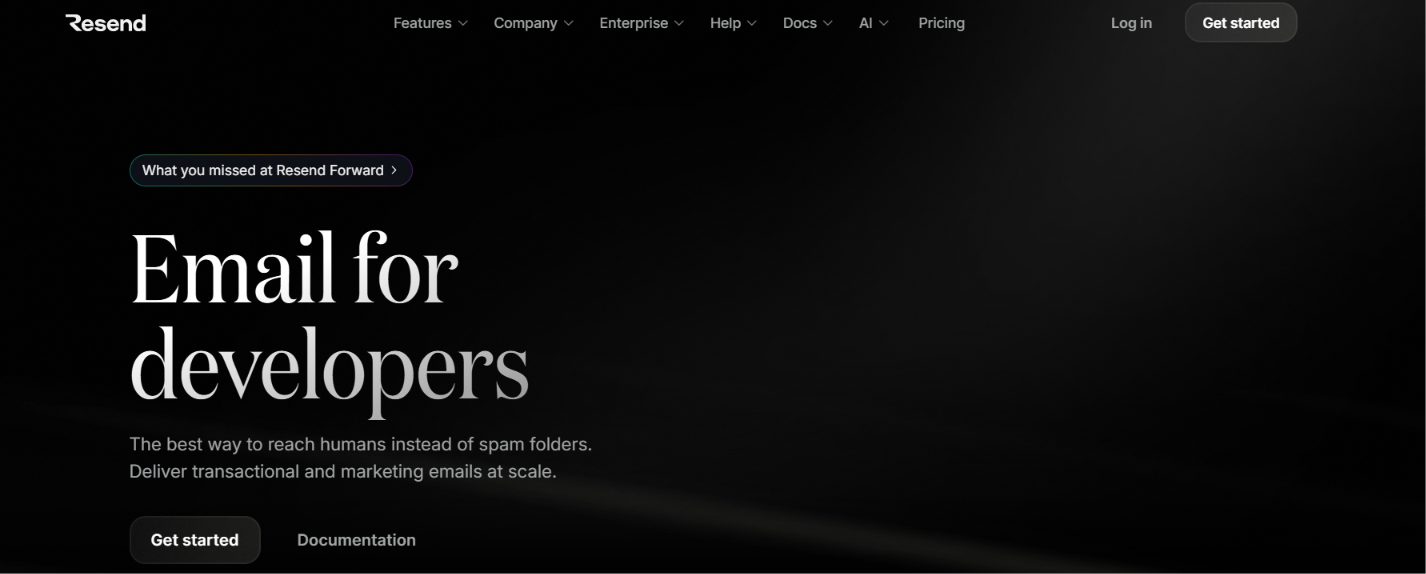
Resend covers more than agent email. Its Inbox API lets you create inboxes, receive emails, read conversations, and reply to threads from an app or AI agent.
You can also use Resend for transactional emails such as receipts, account emails, and notifications, as well as marketing broadcasts. The Free plan includes 3 inboxes and 3,000 emails per month, while Pro costs $20 per month for 50,000 emails. Paid plans can add more inboxes for $1 per inbox per month.
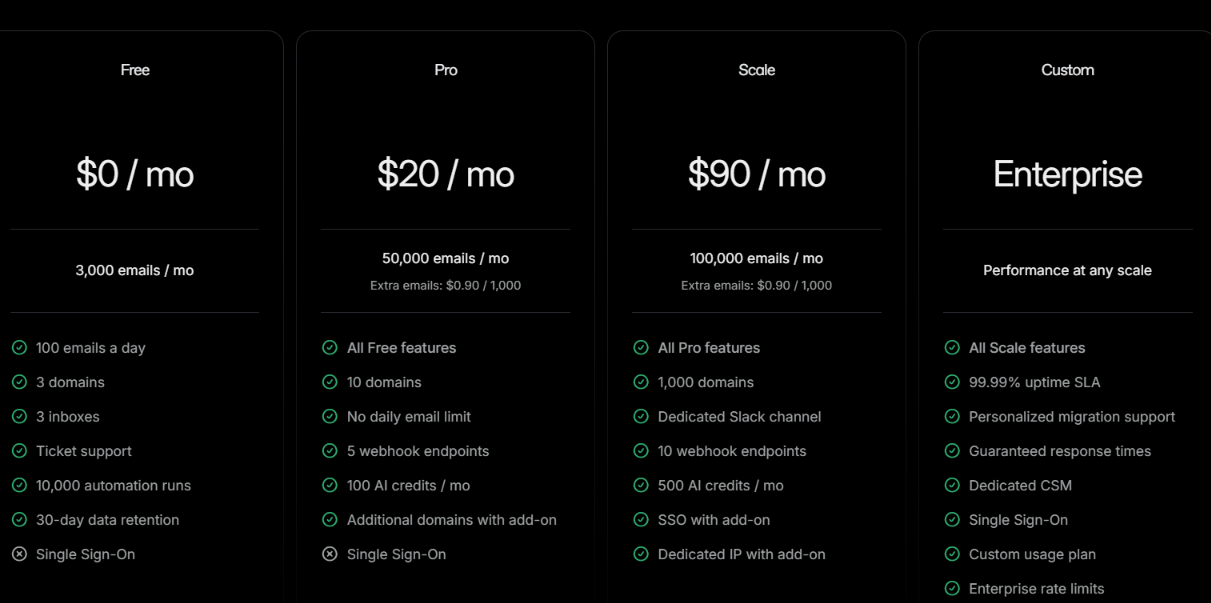
Resend works well if your product needs regular application emails and AI agents that can receive and reply to email.
Enter your email to get a custom plan & stack recommendation for your business
Please check your mailbox in 5 minutes

OpenMail is a good choice if you are building an AI agent that needs its own email inbox. It gives the agent a way to send emails, receive replies, follow full threads, and react to new messages through webhooks or WebSockets without building the email layer yourself.
The €9 Pro plan is also fairly accessible for developers, with 10 inboxes and 10,000 emails included. The bigger limitation comes with cold outreach, where separate cold-send limits apply and new inboxes start with lower daily limits.
If cold email is the reason you are looking at OpenMail, Mailforge may suit that use case better. It is built around creating and managing the domains and mailboxes used for cold outreach, with bulk mailbox setup, automatic DNS configuration, and API, MCP, and CLI access.
So, choose OpenMail if you need email inboxes for AI agents. If you need domains and mailboxes for running cold email campaigns at scale, take a look at Mailforge.