
Personalized Outbound Strategy
Get The Right Outbound Strategy In Minutes
Enter your email to get a custom plan & stack recommendation for your business
It's being carefully crafted by AI
Please check your mailbox in 5 minutes

If there's one piece of cold email advice that deserves a better explanation, it's this: "Just buy a few outbound domains."
Almost every deliverability guide says it, but very few explain what happens next. Buying a domain is easy. Building an outbound setup that consistently lands in the inbox isn't. That's where most teams go wrong. They buy domains, create mailboxes, start sending emails, and assume they're ready. Then reply rates stay low, emails land in spam, and they aren't sure why.
That's what this guide is about. I'll show you how experienced outbound teams approach outbound domains, how to avoid the mistakes that hurt inbox placement, and which providers are actually worth considering depending on how you send cold emails.
Setting up an outbound domain takes more than registering a new domain name. To protect your sender reputation and improve email deliverability, you need the right domain, properly configured mailboxes, and a gradual sending strategy. Here's the process at a glance:
Outbound domains are domains that you use only for sending cold emails. Instead of sending outreach from your main business domain, you create separate domains dedicated to prospecting.
For example, if your company website is company.com, you might use getcompany.com, companyhq.com, or trycompany.com for cold email campaigns. This helps keep your outreach separate from the domain your customers, partners, and employees use every day.
The main reason for using outbound domains is to protect your primary domain. Cold email naturally comes with risks like spam complaints, bounced emails, and low engagement. If those issues affect your main domain, important business emails may also become harder to deliver.
Using separate outbound domains gives you more control over your sender reputation. It also makes it easier to create multiple mailboxes, scale your outreach, and replace a domain if its reputation declines without affecting your main business.
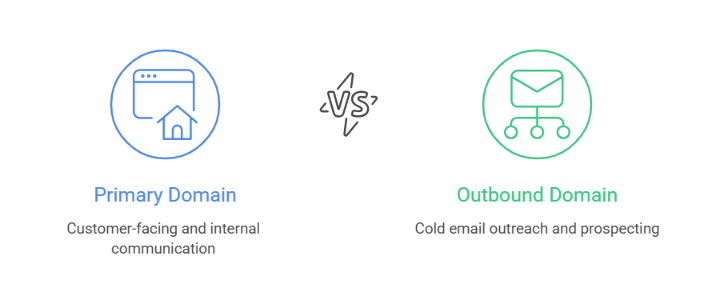
A primary domain and an outbound domain serve different purposes. Your primary domain is the domain customers already know. It's connected to your website and used for everyday business communication.
An outbound domain is a separate domain created specifically for cold email campaigns. Instead of sending outreach from your primary domain, outbound teams use lookalike domains such as getcompany.com, companyhq.com, or trycompany.com.
This gives them a dedicated sending domain for prospecting while keeping business communication on the primary domain.
Here's a quick comparison:
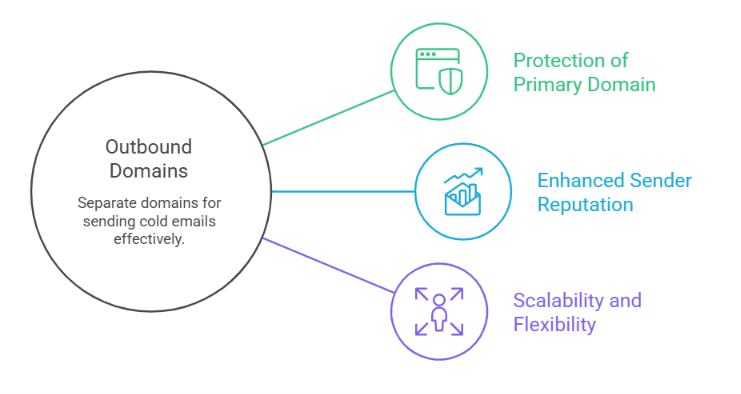
Using a separate outbound domain is now standard practice for B2B outbound teams. It is not because people want to hide who they are. It is because cold email has a different risk profile from normal business email. There are five main reasons.
Buying a domain is only the first step. To build a reliable outbound setup, you also need to configure your email infrastructure, authenticate your domain, and prepare your mailboxes before launching campaigns. Here's the setup process I recommend.
Before buying anything, decide:
Keep a simple spreadsheet with your domains, registrar, DNS provider, mailbox provider, warm-up status, and renewal dates. It makes managing your infrastructure much easier as you scale.
Purchase your domain from a reliable registrar such as Cloudflare, Porkbun, Namecheap, GoDaddy, Dynadot, or NameSilo. Choose a registrar with simple DNS management, strong account security, transparent pricing, and easy domain management instead of one that focuses on unnecessary add-ons.
Next, create mailboxes for your outbound domain. Most teams use Google Workspace or Microsoft 365, while others choose managed outbound infrastructure providers that provision mailboxes automatically. A good starting point is 2 to 5 mailboxes per domain.
Before sending any emails, authenticate your domain by configuring SPF, DKIM, DMARC, and MX records. These records help email providers verify that your emails are legitimate and ensure your mailboxes can receive replies. Most mailbox providers will generate the required records for you.
Next, connect your mailboxes to your cold email platform. While you're there, set up reply routing, configure a custom tracking domain if you plan to use one, and redirect your outbound domain to your main website.
New mailboxes need time to build a sending reputation. Start with a low daily email volume, then increase it gradually while keeping an eye on bounce rates, spam complaints, and inbox placement.
Before your first campaign goes live, make sure every part of your setup is working. Confirm that SPF, DKIM, and DMARC pass authentication, your mailboxes can send and receive emails, your domain redirects correctly, and your prospect list is clean before increasing your sending volume.
Bonus Tip: Example of Tools You Can Use for Each Setup
Every outbound setup uses a few different tools. While you can mix and match providers, here's a typical tech stack used by many outbound teams.
The number of outbound domains you need depends on one thing, how much cold email you plan to send. If you're just getting started, there's no need to buy dozens of domains. Start with a small setup, monitor your deliverability, and expand only when your outreach grows.
For example, let's say you plan to send 200 cold emails per day. Instead of sending all 200 emails from a single mailbox, you could use:
This spreads your sending volume across multiple mailboxes instead of relying on just one. As your campaigns grow, you can add more mailboxes and outbound domains gradually. The goal is to build an outbound setup that you can manage easily while maintaining good deliverability.
A good outbound domain should look like a natural extension of your brand. If a prospect sees your sender address, they should immediately recognize the company behind it instead of wondering whether the email is legitimate.
Here are a few things to keep in mind before you register an outbound domain:
A good outbound domain won't guarantee better deliverability, but it gives you a clean and trustworthy starting point. Combined with proper DNS configuration and good sending practices, it helps you build an outbound setup that can scale over time.
Before you launch your first campaign, make sure the answer is yes to every question below.
Most outbound domain problems are not caused by the domain alone. They usually come from poor setup, aggressive sending, or weak monitoring. Here are the common mistakes to avoid before you scale cold email.
Not every outbound domain provider offers the same thing. Broadly, they fall into two categories. The first category is domain registrars. These providers help you buy, renew, transfer, and manage domain names. If you already have a mailbox provider and don't mind configuring DNS records yourself, a domain registrar is usually all you need.
The second category is outbound infrastructure platforms. They go beyond domain registration by helping you provision mailboxes, automate DNS setup, and manage the infrastructure needed for cold email campaigns.
Let's start with the best domain registrars.
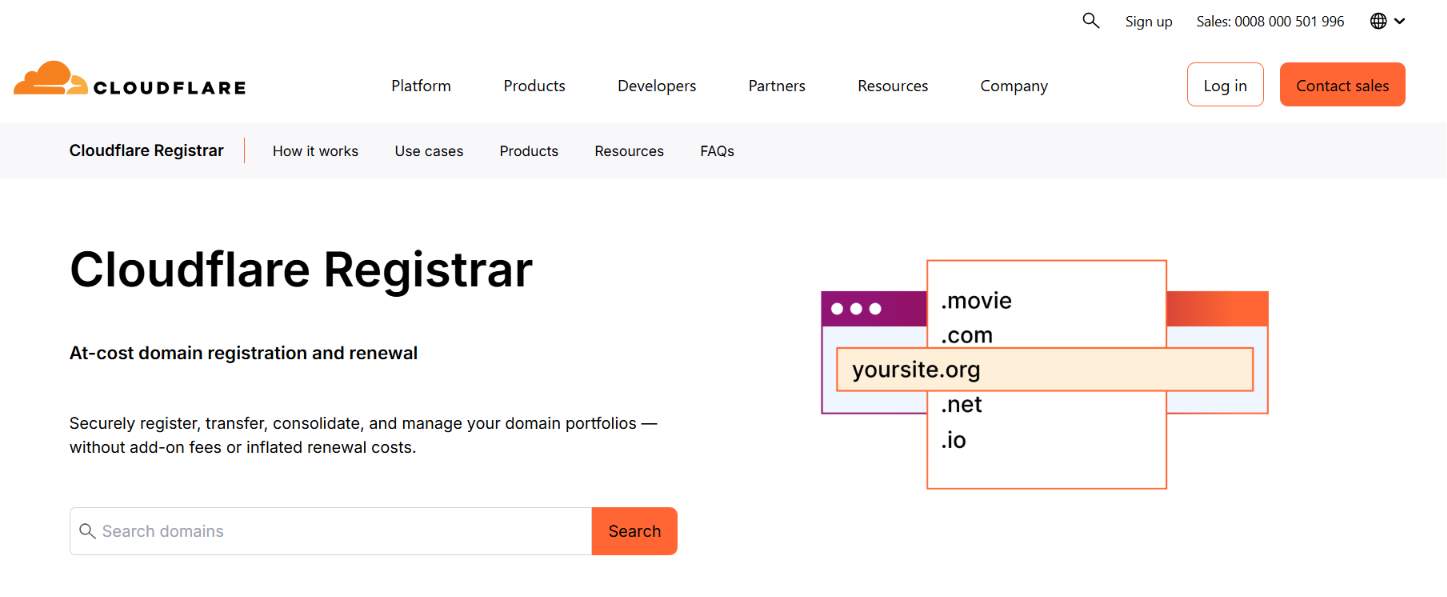
Cloudflare Registrar offers domains at cost with no markup on registration or renewals. It also includes free DNS, DNSSEC, WHOIS privacy, and strong security features, making it an excellent choice for teams that want full control over their domains and DNS.
Best for: Teams that prioritize DNS management, security, and transparent pricing.
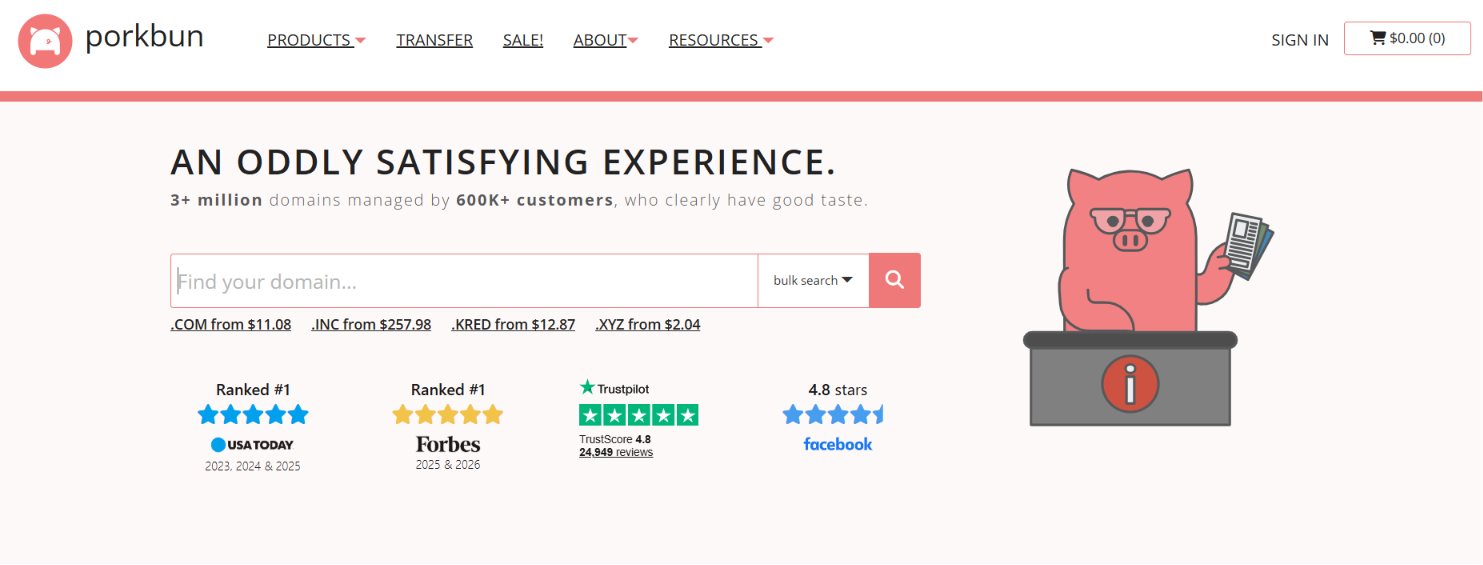
Porkbun combines competitive domain pricing with several free features, including WHOIS privacy, SSL certificates, URL forwarding, email forwarding, and Cloudflare-powered DNS management. It also offers affordable email hosting for teams that need professional inboxes.
Best for: Businesses looking for affordable domains with valuable free features.
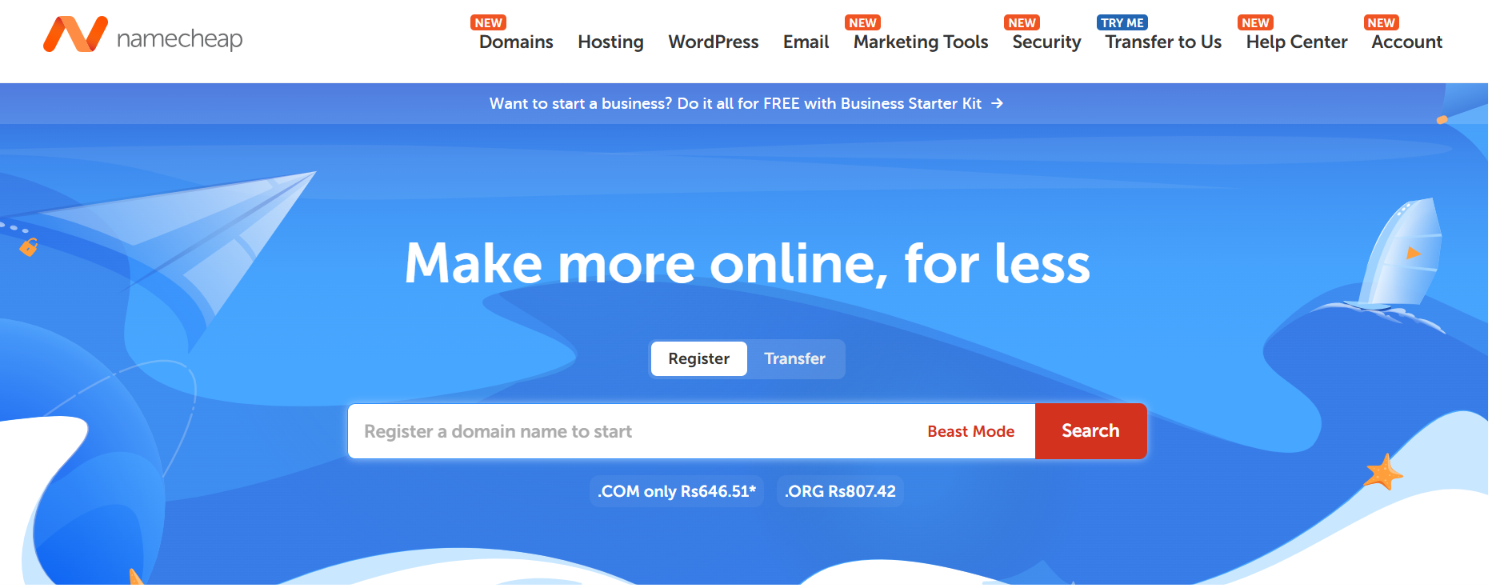
Namecheap makes it easy to register domains, manage DNS, add business email, and purchase hosting from a single dashboard. It's a good option for businesses buying their first outbound domains without a steep learning curve.
Best for: Small businesses and teams new to domain management.
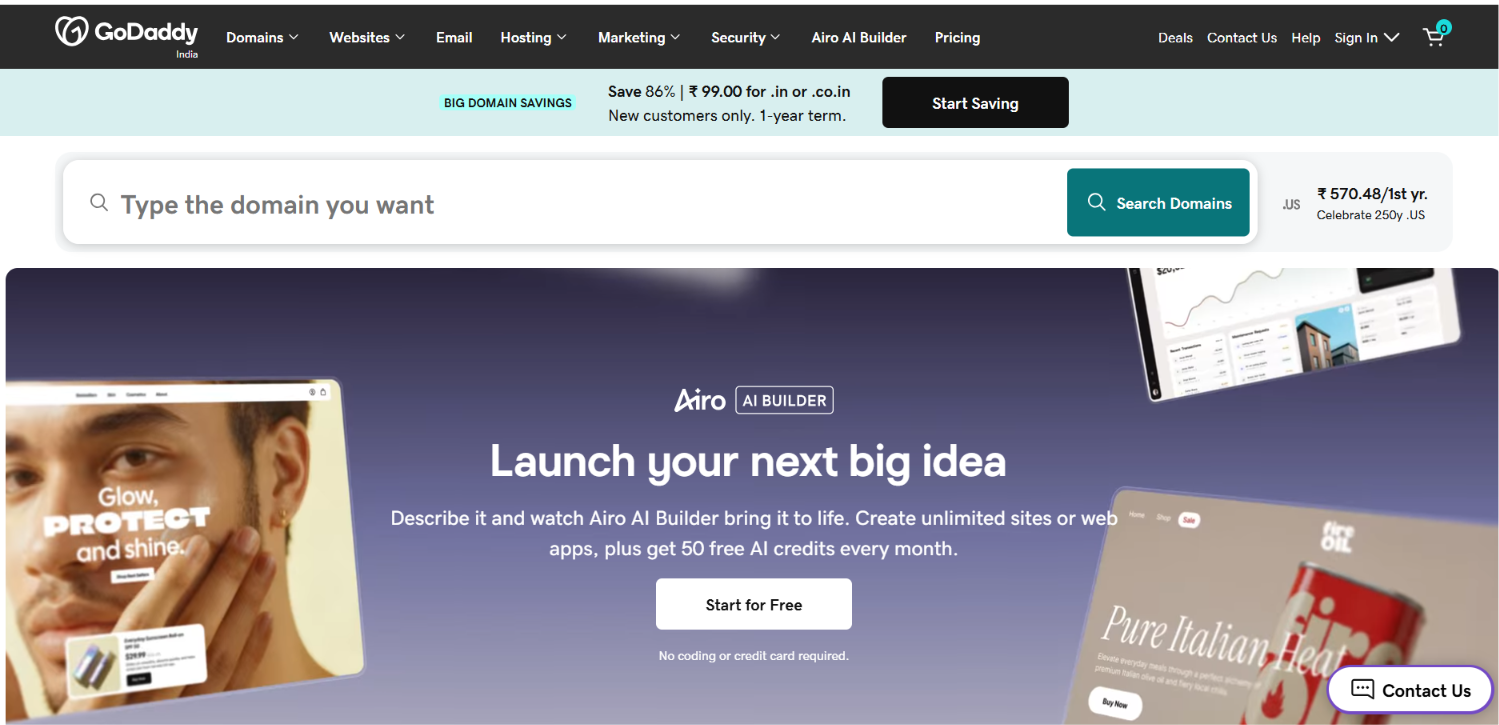
GoDaddy remains one of the world's largest domain registrars, offering a huge selection of domain extensions alongside business email, hosting, website tools, and security products. It's a solid choice if you already manage your domains through GoDaddy.
Best for: Businesses that want domains and other website services from one provider.
A domain registrar only helps you buy and manage domains. After that, you still need to create mailboxes, configure SPF, DKIM, and DMARC records, connect your sending platform, and manage your outbound infrastructure.
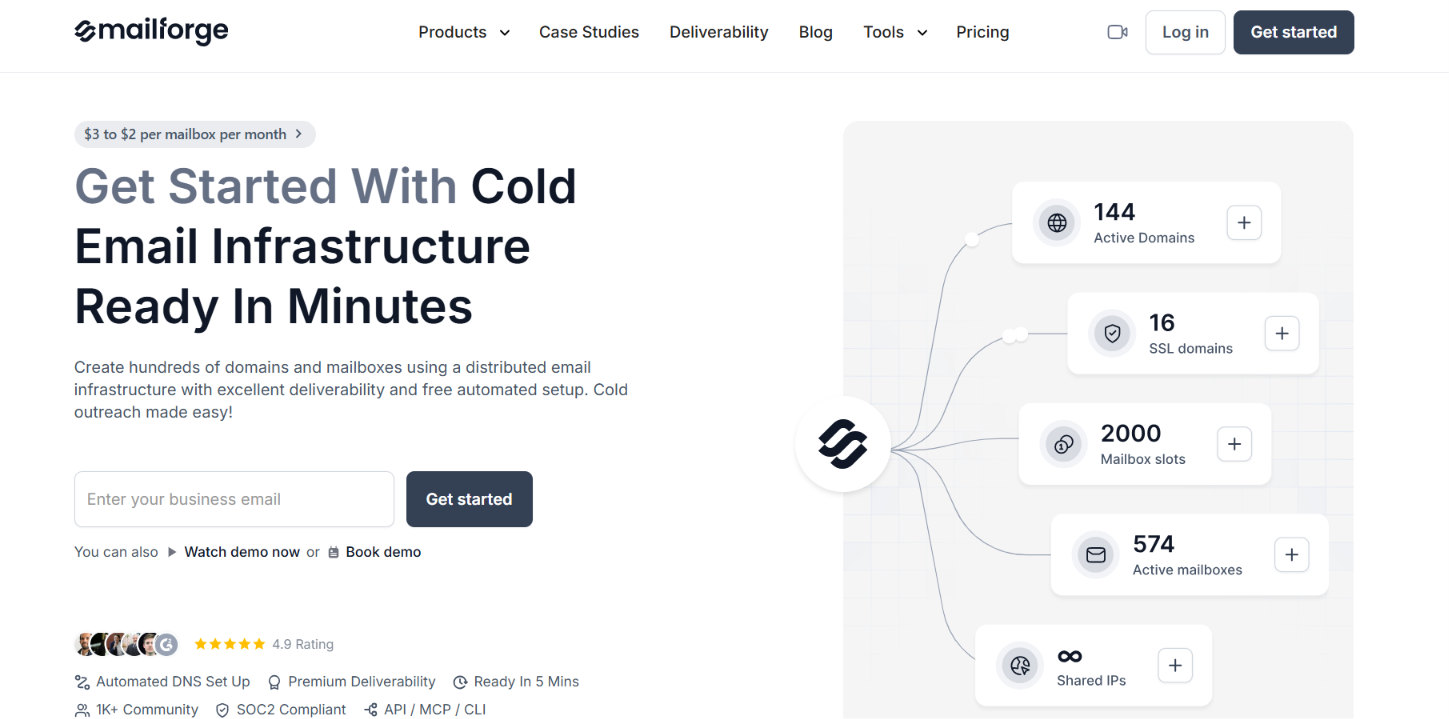
That's where Mailforge is different. Mailforge is a cold email infrastructure platform. Instead of only helping you buy a domain, it helps you build the infrastructure needed to send cold emails. With Mailforge, you can purchase domains, provision and host mailboxes, automatically configure SPF, DKIM, and DMARC, manage DNS records, and maintain your outbound infrastructure from one platform.
It also supports bulk DNS updates, domain transfers, SSL and domain masking, and works with Salesforge or any other cold email software.
This makes Mailforge a good choice for teams that plan to manage multiple outbound domains and mailboxes. Rather than buying domains from one provider, creating mailboxes somewhere else, and configuring DNS records manually, you can manage the entire setup from one place.
Best for: Agencies, sales teams, and businesses that want to build and scale cold email infrastructure.
The right choice depends on how you plan to run your outbound campaigns. If you only need a place to register and manage domains, a traditional domain registrar is enough. But if you want to reduce manual setup and manage your domains, mailboxes, and outbound infrastructure from one platform, an outbound infrastructure solution makes more sense. Here's a simple way to choose.
If you're just getting started, any of the registrars on this list can help you buy outbound domains. But if your goal is to launch and scale cold email without managing multiple tools, Mailforge is the better long-term choice because it combines domain management with the infrastructure needed to send cold emails.
Enter your email to get a custom plan & stack recommendation for your business
Please check your mailbox in 5 minutes

Outbound domains are not just extra domains you buy for cold email. They are the foundation of a safer outbound setup. When you use separate domains for prospecting, you protect your primary business domain, create dedicated mailboxes for outreach, and get more control over how your cold email infrastructure is managed.
But the domain itself is only the starting point. You still need to choose a clean, brand-safe domain, configure SPF, DKIM, DMARC, create mailboxes, warm them up, and monitor performance before scaling.
If you only need to buy domains, providers like Cloudflare Registrar, Porkbun, Namecheap, and GoDaddy are solid options. But if you want to manage domains, mailboxes, DNS setup, and cold email infrastructure from one place, Mailforge is a better fit.