Your domain reputation is the backbone of cold email success. Without it, even the best-written emails can end up in spam. Here's why it matters and how to protect it:
Knowing what harms your domain reputation is key to avoiding costly mistakes. Providers keep a close eye on behaviors that can lower your trust score, making recovery a tough uphill battle. Let’s break down the main culprits that can damage your domain's reputation.
Spam complaints are a major red flag. When recipients hit the "spam" button, it signals to email providers like Gmail and Outlook that your messages are unwelcome. Even a small uptick in complaints can hurt your reputation. This often happens when you email people who didn’t expect to hear from you, use misleading subject lines, or make unsubscribing difficult. Cold email campaigns are especially risky since the audience hasn’t opted in. Over time, these complaints pile up, leading to aggressive spam filtering and deliverability issues that are hard to fix.
Email authentication is like showing your ID at the door - it proves you’re legit. Records like SPF, DKIM, and DMARC verify that your domain is authorized to send emails. If these records are missing, set up incorrectly, or inconsistent, providers can’t confirm your identity. Here’s how it works:
Without proper authentication, even legitimate emails might get flagged as spam or blocked altogether.
A bad email list is like a leaky bucket - it keeps causing problems. Sending to invalid or inactive addresses leads to high bounce rates, signaling that your list isn’t well-maintained. Low engagement rates tell providers your emails aren’t relevant. On top of that, email lists naturally degrade over time - about 22.5% of addresses become risky to use each year. Purchased lists are another headache. Since these recipients haven’t agreed to hear from you, spam complaints skyrocket, making your reputation worse. Using outdated or bought lists guarantees bounces, disengagement, and long-term damage.
Email providers are wary of sudden traffic spikes. If you ramp up email volume too quickly without a proper warm-up, it sets off alarm bells. Providers might flag your emails as spam or block them entirely. New domains are especially vulnerable since they lack a track record, making even legitimate cold emails more likely to land in spam.
"The real benefit is infrastructure protection. Gradual volume increases and consistent sending patterns prevent sudden spam classification when you scale campaigns."
- erickrealz, Outreach Company
Even established domains aren’t immune. Abrupt volume increases without a warm-up process can lead to long-term deliverability headaches. A slow, steady warm-up builds trust with providers, showing that you’re sending legitimate emails. Repairing a damaged reputation, on the other hand, can take weeks or even months.
For those using shared tools like Mailforge, the warm-up process is often automated across multiple domains and mailboxes. This helps maintain strong reputation scores while scaling your campaigns safely. Controlled volume increases, combined with warm-up protocols and tools like Mailforge, are essential for keeping your domain reputation intact.
Email providers like Gmail, Outlook, and Yahoo have developed sophisticated systems to assess the trustworthiness of your domain before deciding whether your emails land in the inbox, spam folder, or get blocked entirely. By understanding how these filters operate, you can navigate potential deliverability challenges and improve your chances of reaching your audience effectively.
Modern spam filters rely on a mix of technical signals and behavioral patterns to gauge whether your domain deserves inbox placement. One of the first things they check is your authentication setup. Records like SPF, DKIM, and DMARC verify the legitimacy of your domain. If these records are missing or improperly configured, it’s a red flag that can lead to filtering.
Your sending habits are another area under scrutiny. Filters monitor the volume, frequency, and timing of your emails. A sudden surge in email volume, especially if it’s not part of a gradual increase, can trigger alarms. On the other hand, consistent and predictable sending patterns help establish trust over time.
Content quality also plays a big role. Spam filters don’t just look for suspicious keywords anymore - they analyze the entire structure of your email. This includes the balance between text and images, the quality of your HTML code, and the destinations of any links you include. Emails that mimic known spam templates or use deceptive formatting are more likely to be flagged.
Lastly, the quality of your email list is critical. High bounce rates suggest poor list management, while low engagement (like unopened emails) may indicate that your list wasn’t built organically or that your content isn’t resonating with recipients.
Beyond technical checks, spam filters pay close attention to how recipients interact with your emails. Engagement metrics - such as opens, clicks, and replies - are strong indicators of trustworthiness. For example, when recipients quickly open or click on your emails, it signals relevance and interest. Conversely, spam complaints, immediate deletions, or a lack of interaction can harm your domain’s reputation.
Filters also evaluate engagement trends over time. If your emails consistently generate positive interactions, this builds a strong engagement profile. However, even a small uptick in spam complaints or unsubscribes can negatively impact your standing.
Several factors can immediately draw the attention of spam filters. Sudden, unexplained changes in email volume - whether increases or decreases - are a common trigger. For instance, if you go from sending a few hundred emails a week to tens of thousands overnight, filters may interpret this as suspicious activity.
Technical missteps are another major warning sign. Missing reverse DNS records, inconsistent sender details, or frequent changes to your email-sending infrastructure without proper transitions can all raise red flags.
Content-related issues also play a role. Emails with overly promotional language, misleading subject lines, broken HTML, or missing unsubscribe options are likely to be flagged. Deceptive sender names or suspicious link patterns can further erode trust. Meanwhile, recipient behavior - like high bounce rates, low engagement, and spam complaints - often creates a negative feedback loop, worsening your domain’s reputation over time.
For businesses looking to scale their email campaigns, tools like Mailforge can help manage multiple domains and maintain steady sending patterns. By adhering to these best practices, you can avoid common pitfalls and ensure your emails consistently reach your audience’s inbox.
Establishing and maintaining a strong domain reputation isn’t something that happens overnight. It requires a thoughtful strategy that combines technical setup, consistent scaling, and ongoing monitoring. The reward? Trust from email providers and consistently high deliverability rates.
Domain warm-up is all about easing into your email-sending activities. Instead of blasting out emails right away, start small and gradually increase your volume over time. This helps you build trust with spam filters and email providers.
Begin by sending 10–20 emails per day from a new domain. Focus on sending to engaged contacts - people who are likely to open, read, and interact with your emails. As you see positive engagement, slowly increase your daily volume. The key here is consistency. Avoid sending in unpredictable bursts, as email providers prefer steady, reliable patterns.
Tools like Warmforge can make this process easier. It automates the gradual increase in sending volume and keeps an eye on deliverability metrics, ensuring that your domain builds a solid reputation without triggering spam filters. Once your volume stabilizes, don’t forget to secure your emails with proper authentication.
Email authentication is a must if you want to maintain a strong domain reputation. This involves setting up key protocols like SPF, DKIM, and DMARC.
Additionally, configure reverse DNS for your sending IPs. This adds another layer of validation, strengthening your email legitimacy.
Once your setup is complete, regular monitoring is essential to keep your domain reputation intact. Catching potential issues early can save you from bigger problems down the line.
Keep an eye on key metrics like sender score, blacklist status, inbox placement, bounce rates, and engagement rates:
Pay close attention to bounce rates. A hard bounce rate above 2% could indicate problems with your email list, while soft bounces exceeding 5% might signal reputation issues. And don’t ignore engagement metrics - declining open, click, or reply rates can be early warning signs of deliverability trouble.
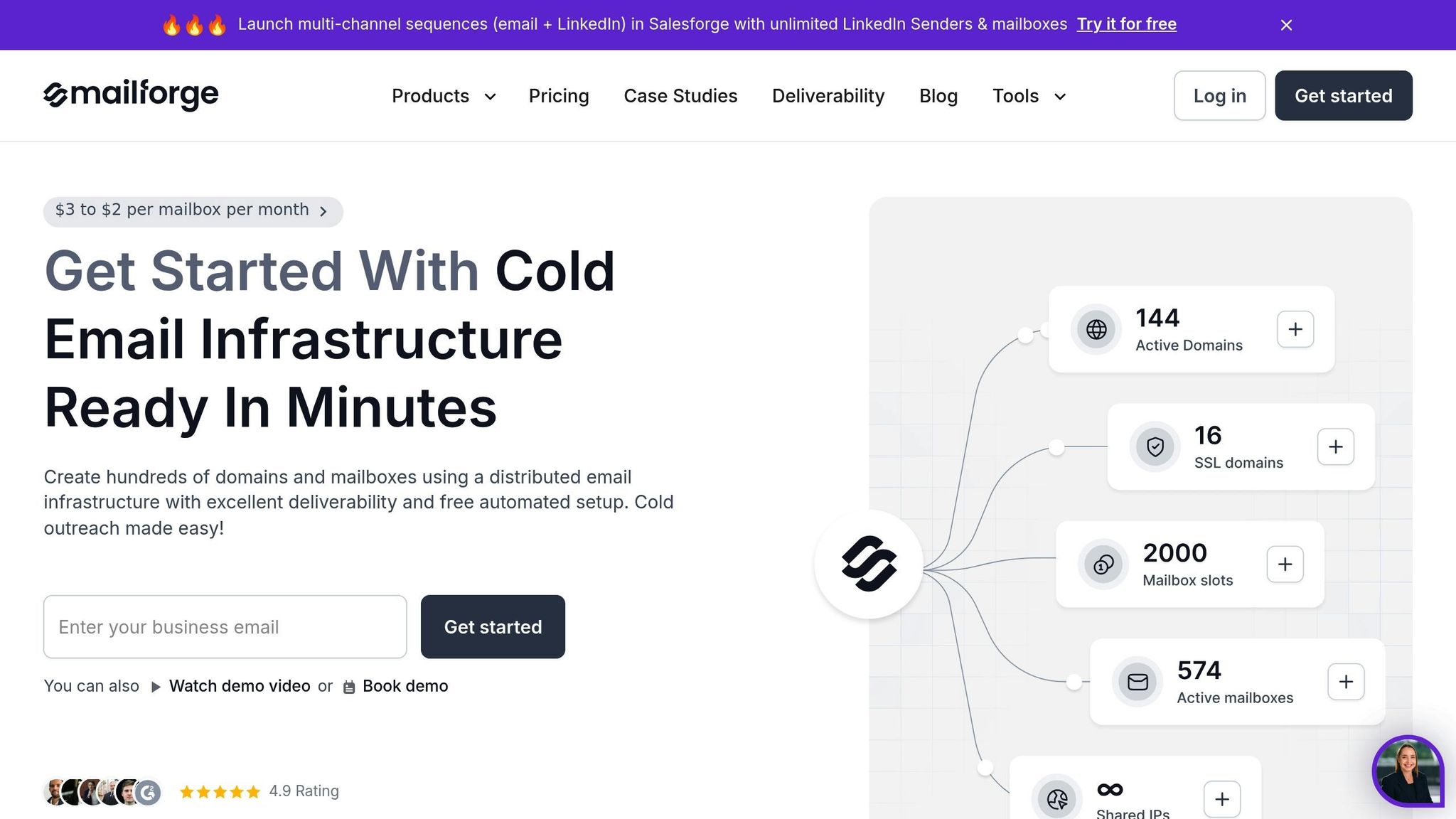
As your email outreach grows, managing multiple domains and keeping up with authentication can get complicated. That’s where Mailforge comes in. It streamlines domain management, ensuring you follow best practices while scaling your efforts.
Here’s how Mailforge can help:
For businesses scaling their cold email operations, Mailforge takes care of the heavy lifting. It simplifies the technical side of things, allowing you to concentrate on what really matters - building meaningful connections through your outreach efforts.
Maintaining a strong domain reputation is the backbone of any successful cold email strategy. When scaling cold email campaigns, it’s essential to do so in a way that doesn’t compromise this reputation. The key lies in distributing your sending volume wisely and leveraging automation to manage the process effectively.
One of the smartest ways to protect your domain reputation is by spreading your email volume across multiple domains and mailboxes. For example, instead of sending 1,000 emails from a single domain, divide that load across 10 domains, each sending 100 emails. This way, if one domain faces deliverability issues, the rest of your operation remains unaffected.
Stick to a 3-to-5 mailbox-per-domain ratio and keep the daily email volume per mailbox under 50. This helps you stay within safe limits and avoid triggering spam filters. Treat each domain as an independent sender with its own reputation. If one domain gets flagged or blacklisted, the others can continue running smoothly. This isolation strategy minimizes risk and ensures your outreach infrastructure remains intact.
Managing multiple domains and mailboxes manually is not practical at scale. Automation becomes essential to maintain efficiency and avoid errors that could harm your deliverability.
This is where tools like Mailforge come into play. Mailforge simplifies the process of managing your email infrastructure by automating critical tasks. You can deploy hundreds of domains and mailboxes in just minutes, with all the technical details - like SPF records, DKIM signatures, DMARC policies, and SSL certificates - handled automatically.
The bulk DNS update feature is especially useful when you need to make changes across your entire portfolio of domains. Whether you’re updating authentication records or switching email providers, Mailforge ensures these changes are applied seamlessly across hundreds of domains. Additionally, its automation capabilities extend to mailbox provisioning, allowing you to create new mailboxes instantly while maintaining optimal sending ratios.
By leveraging automation, you can scale your cold email campaigns without compromising the separation between your outreach domains and your primary business domain.
Scaling cold email campaigns should always prioritize steady, deliberate growth over shortcuts that can harm your reputation. Start small with new domains - sending just 10-20 emails per day - and increase this volume gradually by 10-20% each week until you reach your desired level. This approach mimics the natural growth patterns of legitimate businesses, keeping email providers on your side.
As your campaigns grow, list segmentation becomes increasingly important. Group your prospects by criteria such as industry, company size, or engagement history. This not only improves engagement rates but also strengthens your domain reputation over time.
Avoid risky practices like skipping warm-up periods or purchasing aged domains. These shortcuts often backfire, as aged domains may carry hidden reputation issues from previous misuse. Monitor your metrics closely - if your open rates dip below 20% or spam complaint rates exceed 0.1%, pause your scaling efforts and address the underlying problems. Ignoring these red flags will only accelerate the decline of your domain reputation.
Remember the 80/20 rule: 80% of your results will come from 20% of your efforts. Focus on refining your processes, maintaining high deliverability rates, and scaling gradually. A steady, methodical approach will always outperform hasty shortcuts in the long run.
The backbone of effective cold email outreach lies in your domain reputation. Without it, even the most persuasive messages sent to perfectly targeted prospects won’t hit their mark. That’s why the strategies outlined earlier hinge on this crucial element.
Start by establishing a reliable domain reputation: configure SPF, DKIM, and DMARC, warm up new domains gradually, and keep your email lists clean and current.
Once your domain is properly set up, the work doesn’t stop there. Ongoing monitoring is key to staying ahead of potential issues. Keep an eye on metrics like open rates, spam complaints, bounce rates, and blacklist status. If you notice any red flags, pause your campaigns immediately and dig into the root cause before proceeding.
Scaling cold email campaigns also demands a solid infrastructure. To protect your primary business domain, use dedicated domains and spread your sending volume across multiple mailboxes. This safeguards your reputation while allowing your operations to grow sustainably.
Tools like Mailforge make scaling easier by automating tasks like DNS setup, bulk updates, SSL management, and domain masking. With these technical hurdles handled, you’re free to focus on writing engaging, impactful emails that connect with your audience.
When you're starting to use a new domain for cold email campaigns, it's essential to warm it up properly to ensure your emails actually reach inboxes. Begin by sending a small number of emails to recipients who are likely to engage - think existing clients or contacts who've interacted with your emails in the past. Over the next few weeks, gradually increase the number of emails you send, keeping a close eye on metrics like open rates and reply rates to catch any deliverability issues early.
Another critical step is authenticating your domain with SPF, DKIM, and DMARC records. These protocols help establish trust with email providers, reducing the chances of your emails landing in spam folders. During the warm-up phase, consistently sending emails to engaged recipients helps build a strong sender reputation. Tools like Mailforge can make this process much smoother by managing multiple domains and mailboxes, allowing you to scale your outreach without sacrificing deliverability.
To keep your domain reputation solid and avoid spam filters, it's essential to track key engagement metrics like opens, clicks, and replies. These metrics show how recipients are interacting with your emails. At the same time, pay close attention to spam complaints, bounce rates, and unsubscribe rates, as they can highlight potential problems with your email campaigns.
It's also a good idea to regularly check your domain’s authentication pass/fail rates for protocols like SPF, DKIM, and DMARC. These ensure your emails are properly verified and less likely to be flagged as spam. Keeping a close watch on these areas can protect your sender reputation and boost the effectiveness of your cold email outreach.
Using several domains and mailboxes is a smart strategy for scaling cold email campaigns while keeping your primary domain safe. By distributing your outreach efforts across multiple domains, you minimize the risk of spam complaints or deliverability issues spilling over to your main domain. This way, any hiccups stay contained, safeguarding your primary business operations.
On top of that, managing multiple domains helps maintain a strong sender reputation. You can gradually warm up each domain, rotate them as needed, and monitor their performance to ensure your emails land in inboxes rather than spam folders. This approach not only supports higher outreach volumes but also prevents overloading a single domain, keeping your campaigns running smoothly and effectively over the long haul.