Can a $3.50 Google Workspace inbox actually keep your cold emails out of spam?
That’s what I wanted to know about Endy Inboxes.
Endy starts at $35 a month for 10 Google Workspace inboxes. It includes the .com domains, handles the DNS setup, and advertises dedicated IPs.
But Endy does not publish any data showing how often emails sent from these inboxes reach the Primary inbox.
There isn’t much user feedback to check either. Endy has only 5 Trustpilot reviews, all marked as invited, and I couldn’t find verified reviews on G2 or Capterra.
So, this Endy Inboxes review looks at what you actually get, how much it costs, and how much proof there is behind its deliverability claims.
Endy handles most of the mailbox setup for you, including buying the .com domains, setting up DNS records, and adding the inboxes to your sending platform.
The main question is whether those inboxes actually reach Primary. Endy does not publish Primary placement test results, so there is no public number to verify this.
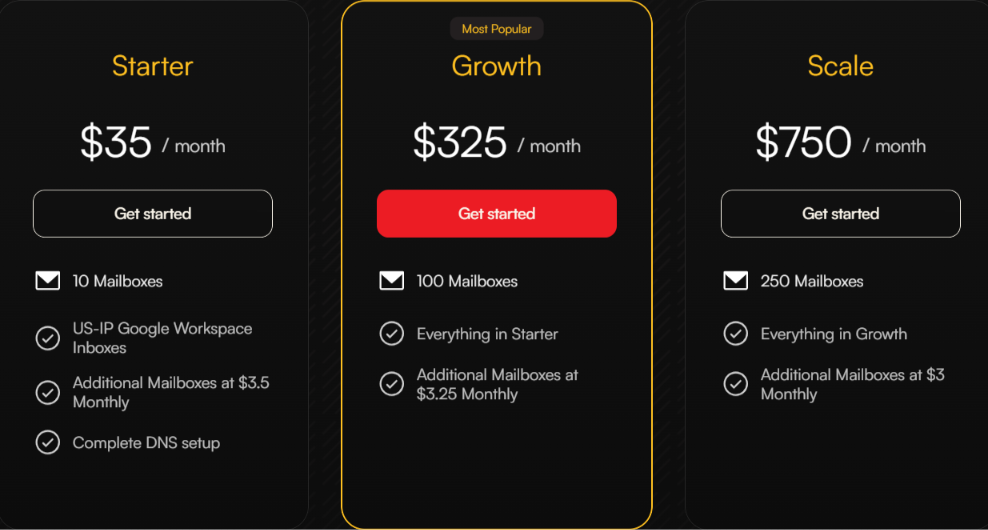
Pricing starts at $35/month for 10 Google Workspace inboxes. Growth costs $325 for 100 inboxes, while Scale costs $750 for 250.
The inboxes still need warming. Endy adds them to your sending platform with warmup turned on rather than selling them as already warmed.
Dedicated IPs are advertised, but the details are unclear. Endy does not explain how these dedicated IPs work with its Google Workspace inboxes.
Microsoft inboxes are available, but their pricing is not shown. Endy's three public plans list Google Workspace inboxes only.
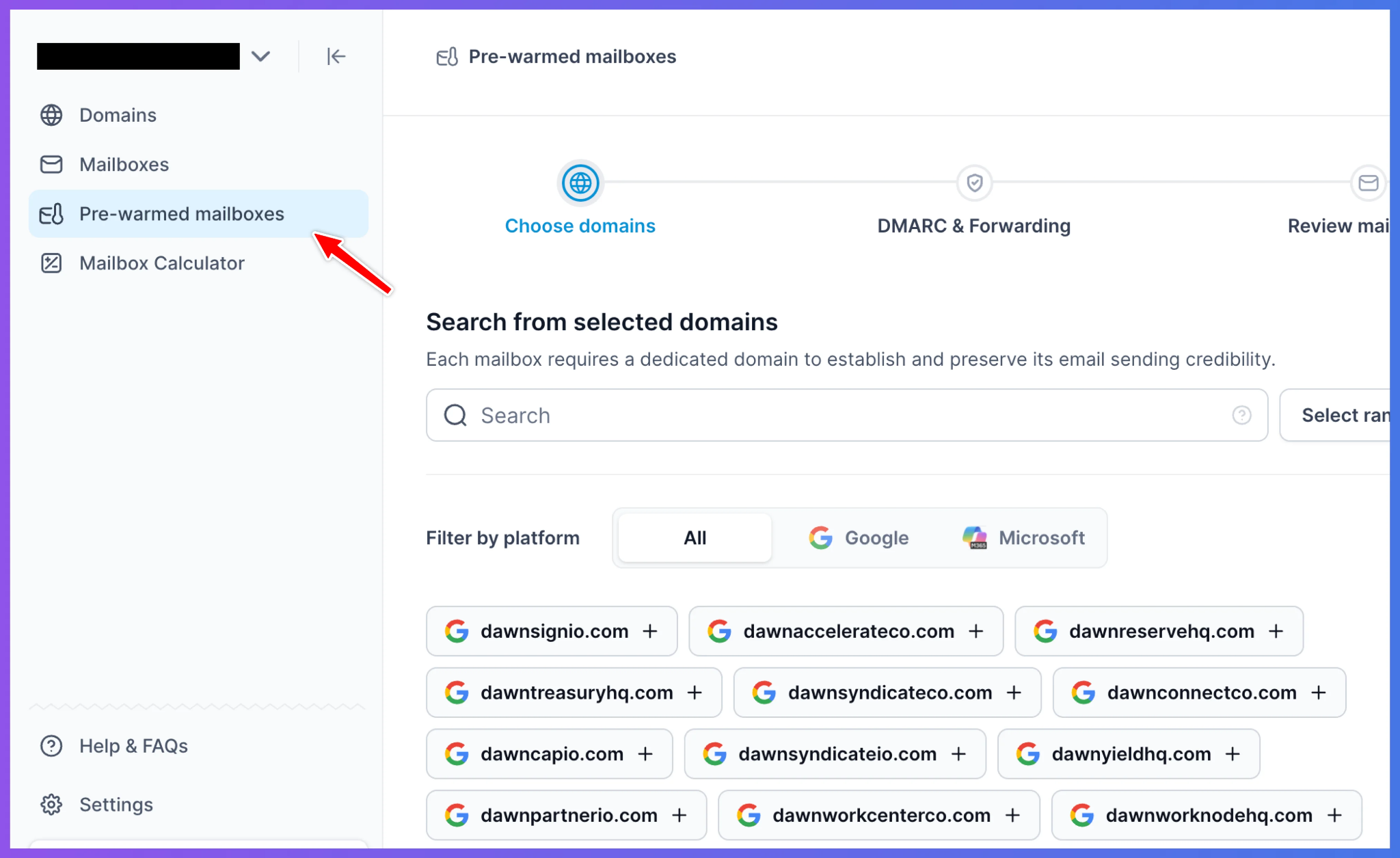
Primeforge is a direct alternative if you want Google Workspace or Microsoft 365 mailboxes, with pre-warmed mailboxes also available.
What Do You Actually Get With Endy Inboxes (And What Don't You Get)?
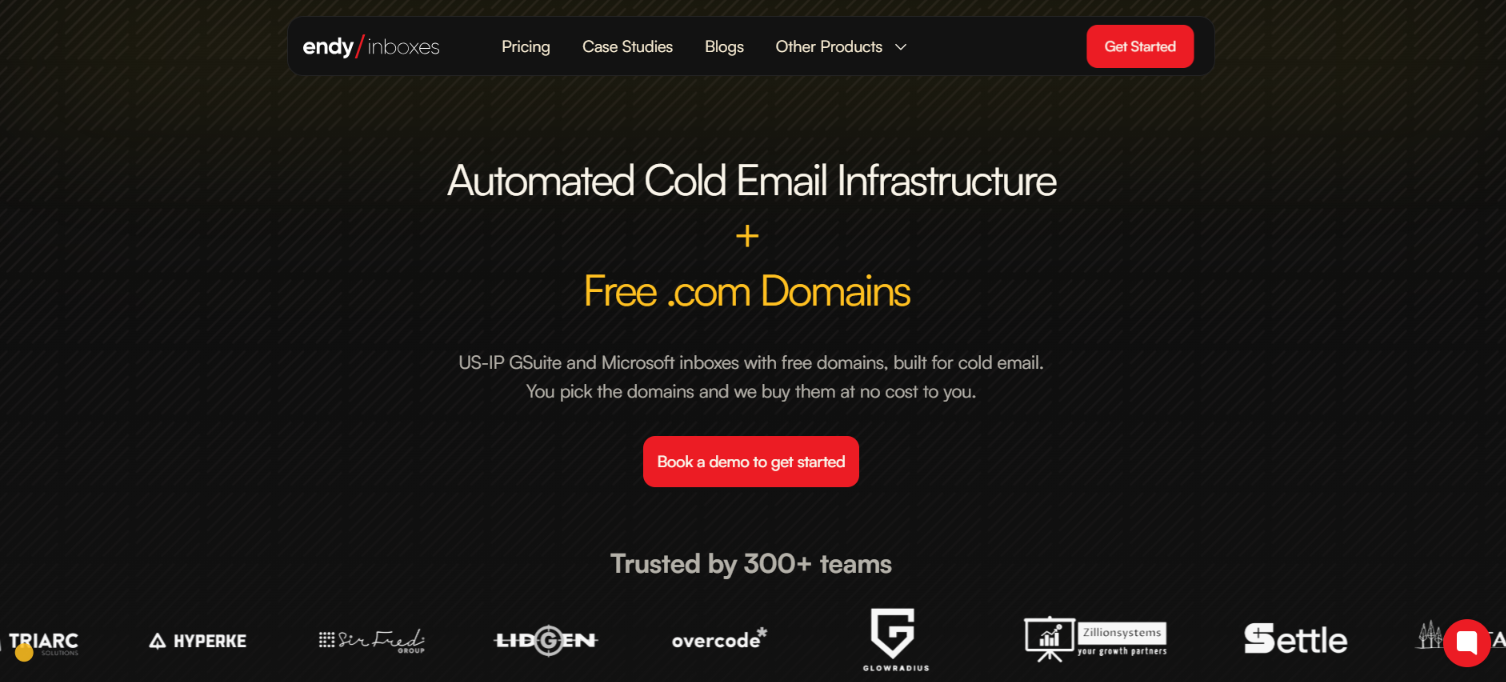
This image shows the Endy Inboxes homepage
Endy gives you Google Workspace inboxes for cold email and also advertises Microsoft inboxes. It buys the .com domains for you, sets up the DNS records, and adds the inboxes to your sending platform with warmup turned on.
You still need a separate cold email tool to create sequences, send emails, and manage replies. The inboxes are also not sold as pre-warmed, and Endy does not clearly state whether you get full ownership of the domains and mailboxes.
Primeforge covers the same cold email infrastructure side differently. It provides Google Workspace and Microsoft 365 mailboxes, starts at 10 mailbox slots, and gives you full domain and mailbox ownership. Pre-warmed mailboxes are also available separately.
Here's how the two compare.
Feature
Endy Inboxes
Primeforge
Mailbox type
Google Workspace; Microsoft also advertised
Google Workspace and Microsoft 365
Starting package
$35/month for 10 mailboxes
Minimum 10 mailbox slots
Domains
.com domains included
Domains purchased separately
DNS setup
MX, SPF, DKIM, and DMARC
SPF, DKIM, and DMARC
Warm-up
Turned on after the inboxes are added to your sending tool
Pre-warmed mailboxes sold separately
Mailbox ownership
Not clearly stated
Full mailbox ownership
Domain ownership
Not clearly stated
Full domain ownership
Placement tests
No public Primary placement tests found
Internal and external placement tests published
API
Not listed
Available
Endy includes the .com domains and starts at $35 for 10 inboxes, with most of the setup handled for you. Primeforge also starts at 10 mailbox slots, but domains are a separate cost and you get full ownership of both the domains and mailboxes.
Both provide the inbox infrastructure, so you still need a separate sending platform to run your cold email campaigns.
How Does Endy Inboxes Work?
Endy does most of the mailbox setup for you. You do not buy the domains, configure the DNS records, or manually add each inbox to your sending tool. Here’s how the process works:
1. Book a demo
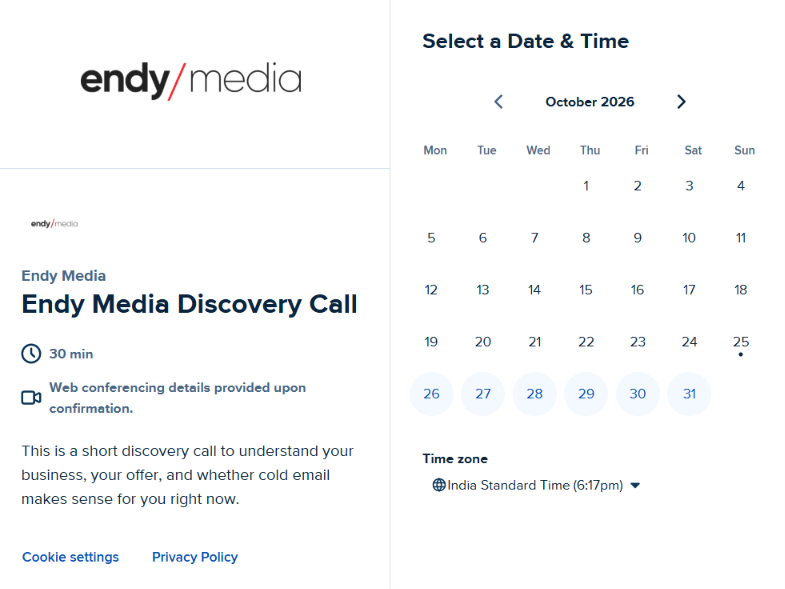
This image shows the Book a demon on Endy Inboxes
Endy starts with a 15-minute demo call to go over your cold email setup and whether its infrastructure fits what you need.
2. Pick your domains
You choose the domains you want to use, and Endy buys the .com domains for you at no extra cost.
3. Endy sets up the inboxes and DNS
Endy sets up the cold email infrastructure and configures MX, SPF, DKIM, and DMARC records. It says the setup runs on private IPs and can be completed within 30 minutes.
4. The inboxes are added to your sending tool
Endy uploads the inboxes to your email sequencer with warmup turned on. This is important because the inboxes are not described as already pre-warmed when you get them.
5. You get a support channel
Once the setup is live, Endy creates a dedicated Slack channel for support. Its website says support is available 24/7.
After that, you use your separate sending tool to run the campaigns. Endy handles the mailbox infrastructure, while the sequencer handles the actual sending.
Top Features of Endy Inboxes
Most of Endy features are around getting cold email inboxes set up and ready to connect to your sending tool.
Feature
What Endy offers
Google Workspace inboxes
US-IP Google Workspace inboxes are included in all three public plans.
Microsoft inboxes
Microsoft inboxes are advertised, although separate pricing is not shown.
Free .com domains
You pick the domains and Endy buys them at no extra cost.
DNS setup
Endy sets up MX, SPF, DKIM, and DMARC records.
Private IP setup
Endy says its cold email infrastructure is set up on private IPs.
Warmup
Inboxes are uploaded to your sending platform with warmup turned on.
Sending tool connection
Endy adds the inboxes directly to your preferred sending platform.
Mailbox tracking
Endy tracks your domains and inboxes, so you do not have to maintain them in a CSV.
Setup time
Endy says domains and inboxes can be set up in around 30 minutes.
Support
A dedicated Slack or WhatsApp channel is provided, with 24/7 support advertised.
Top Pros of Endy Inboxes
Affordable pricing gives you 10 Google Workspace inboxes for $35 per month, which works out to $3.50 per inbox.
Free .com domains are included, so Endy buys the domains you select at no extra cost.
Hands-off DNS setup covers MX, SPF, DKIM, and DMARC records for every domain.
Fast setup gets your cold email infrastructure added to your sequencer within 30 minutes, according to Endy.
Automatic warmup starts when Endy uploads your inboxes to your preferred sending platform.
Lower bulk pricing brings additional inboxes down from $3.50 each on Starter to $3 each on Scale.
Direct support gives you a dedicated Slack or WhatsApp channel with 24/7 help advertised by Endy.
Cons of Endy Inboxes
No published Primary placement data means you cannot verify how often Endy inboxes actually reach the Primary tab.
No pre-warmed inboxes are listed, as Endy says warmup is turned on after the inboxes are added to your sending platform.
Microsoft pricing is unclear because Endy advertises Microsoft inboxes, but its public plans only list Google Workspace inboxes.
Domain and mailbox ownership is not clearly explained on the public site, even though Endy buys and manages the domains for you.
A separate sending platform is part of the setup, as Endy uploads your inboxes to your preferred sending platform or email sequencer.
The dedicated IP setup lacks technical detail, as Endy advertises dedicated and private IPs without explaining exactly how they are assigned to Google Workspace inboxes.
Endy Inboxes Pricing in 2026
This image shows the Endy Inboxes pricing
Endy uses tier-based monthly pricing, with the cost per mailbox dropping as volume increases.
Plan
Price
Mailboxes
Extra mailbox
Starter
$35/month
10
$3.50/month
Growth
$325/month
100
$3.25/month
Scale
$750/month
250
$3/month
All three plans include the features from the tier below them, while Starter includes US-IP Google Workspace inboxes and complete DNS setup.
.com domains are included at no extra cost because Endy buys the domains you select. Microsoft inboxes are also advertised, but Endy does not show separate Microsoft pricing on its public plans.
Your sending platform is separate from these prices. Endy uploads the inboxes to your preferred sending platform with warmup turned on.
Who Should Use Endy Inboxes and Who Should Look Elsewhere?
Endy Inboxes is mainly for people who want their cold email inboxes set up for them. It handles the domains, DNS setup, and adds the inboxes to your sending tool.
Endy Inboxes is a good fit if:
You want Google Workspace inboxes starting at $3.50 per mailbox.
You want .com domains included instead of buying them separately.
You want Endy to handle MX, SPF, DKIM, and DMARC setup.
You already have a cold email sending tool and want your inboxes added to it with warmup turned on.
You need a large number of inboxes, with extra mailbox pricing dropping to $3.25 or $3 at higher plans.
You should look elsewhere if:
You want pre-warmed inboxes that are ready without starting the warmup after setup.
You want to see published Primary inbox placement tests before buying.
You need clear Microsoft inbox pricing, which Endy does not show on its public pricing plans.
You want full domain and mailbox ownership clearly stated before buying.
You want more details about how Endy’s dedicated or private IP setup works with Google Workspace inboxes.
If you mainly want low-cost Google Workspace inboxes with the setup handled for you, Endy covers that. If you need pre-warmed inboxes or published placement test results, look at other options.
Best Endy Inboxes Alternative for Google and Microsoft Mailboxes – Primeforge
If you like the idea behind Endy but want pre-warmed inboxes, and published placement tests, Primeforge is a direct alternative.
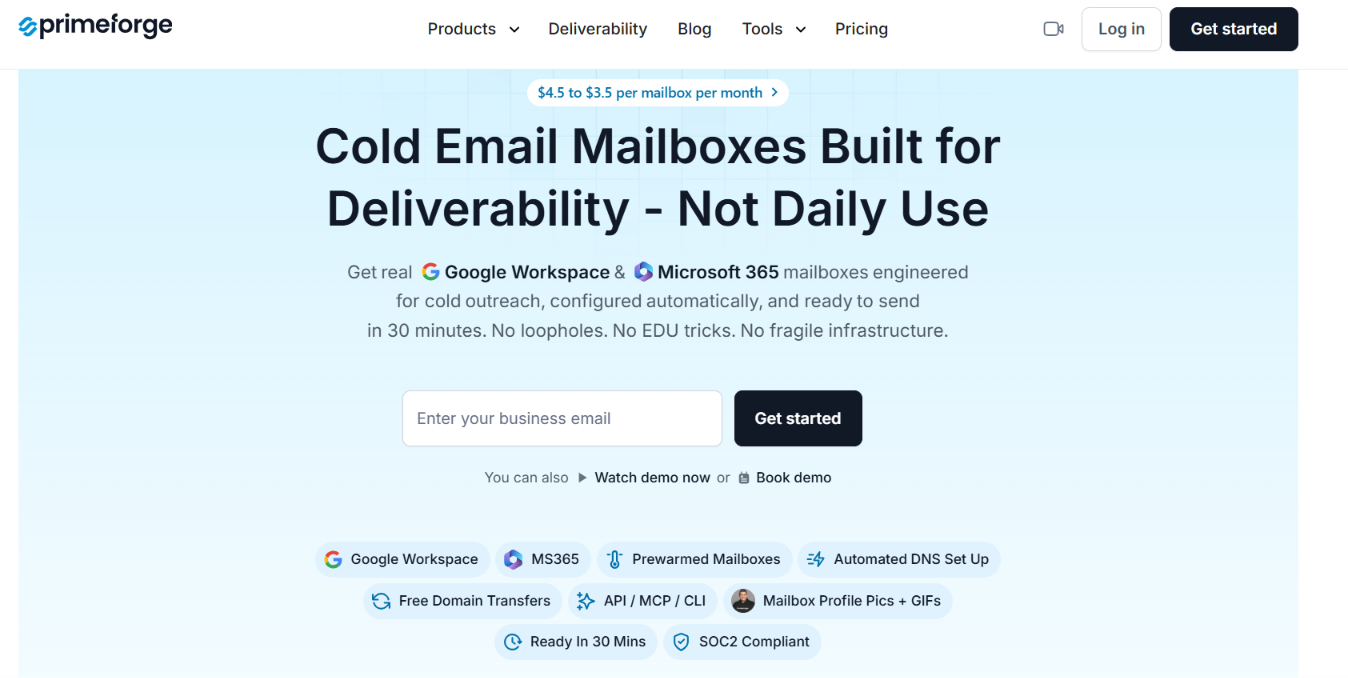
This image shows the Primeforge homepage
Like Endy, Primeforge provides Google and Microsoft mailboxes for cold outreach. The difference is in what you can see and manage after buying them.
Google Workspace and Microsoft 365 inboxes are both available, while Endy advertises Microsoft inboxes but only shows Google Workspace on its public pricing plans.
Full domain and mailbox ownership is clearly stated, so you know who owns the setup from the start.
Pre-warmed mailboxes are available, instead of starting warmup only after the inboxes are added to your sending tool.
This image shows the Pre-warmed mailboxes on Primeforge
Primeforge publishes internal and external placement test results, which gives you actual placement data to check before buying.
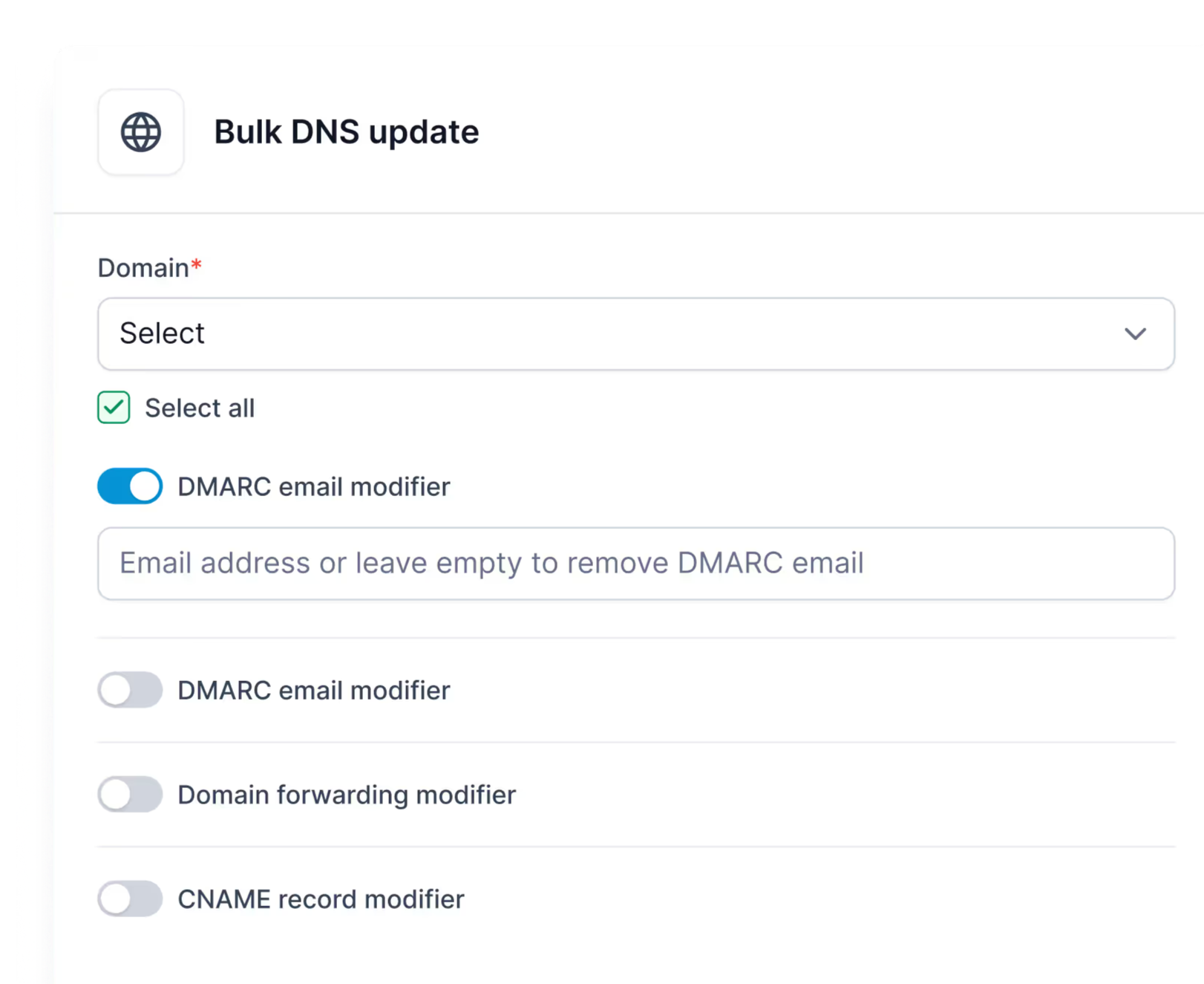
Bulk DNS updates and multiple workspaces are included, which can help if you manage many domains and mailboxes.
This image shows the DNS update by Primeforge
API access is available for managing domains, mailboxes, workspaces, DNS records, and exports.
Primeforge costs more per mailbox, starting at $4.50 per month, and .com domains cost $14 per year rather than being included for free.
So, Endy has the lower starting price and includes the domains. Primeforge costs more, but gives you pre-warmed options, stated ownership, and placement test results you can check before setting up your mailboxes.
Personalized Outbound Strategy
Get The Right Outbound Strategy In Minutes
Enter your email to get a custom plan & stack recommendation for your
business
It's being carefully crafted by AI
Please check your mailbox in 5 minutes
Is Endy Inboxes Worth It in 2026?
Endy Inboxes is worth looking at if you want Google Workspace inboxes at a low price without doing all the setup yourself. Domains are included, DNS is handled, and the inboxes are added to your sending tool for you.
What I would like to see is more proof around inbox placement. Endy shares customer stories about deliverability, but I couldn’t find published tests showing how often its inboxes reach Primary. That does not mean the inboxes will perform poorly. It simply means there is less data to check before you buy.
If you want pre-warmed mailboxes and published placement tests, Primeforge is a good alternative. It offers Google Workspace and Microsoft 365 mailboxes, with pre-warmed options available.
You can check out Primeforge if you want to compare both options before you buy.