

All three solve the same core problem - they give you sending mailboxes built for cold outreach instead of fragile personal Gmail accounts - but they solve it in three different ways.
ScaledMail is a fully-managed, white-glove service: you tell them your volume, they stand up and babysit a mix of Google Workspace, Microsoft Outlook and SMTP mailboxes. Mailscale is a subscription inbox generator: pick a tier, spin up bulk inboxes on its own infrastructure in under a minute, export the credentials. Mailforge is self-serve, distributed infrastructure you own and control - priced per mailbox from $2–$3/month, with automated DNS, multi-workspace management and a wider stack (warmup, dedicated IPs, native Google/Microsoft mailboxes) sitting right next to it.
Choose ScaledMail if you want someone else to run it for you, Mailscale if you want fast bulk inboxes on a flat subscription, and Mailforge if you want affordable, scalable infrastructure you actually control plus room to grow.
Cold email is mostly an infrastructure problem wearing a copywriting costume. You can write the best sequence in the world, but if it sends from a single mailbox with no authentication and a cold IP, it lands in spam.
That's why a category of tools now exists purely to handle the plumbing: domains, mailboxes, SPF/DKIM/DMARC, and the deliverability monitoring underneath. Mailforge, ScaledMail and Mailscale are three of the most discussed options, and they represent three genuinely different philosophies - managed, productized, and owned. This comparison breaks down how each one works, what it costs, where it struggles, and which setup fits which kind of sender, so you can pick without buying three subscriptions to find out.
Mailforge vs ScaledMail vs Mailscale at a glance
Here's the short version before we get into the detail. The biggest thing to notice isn't any single row - it's that these are three different models, so a like-for-like price comparison only goes so far.
| Mailforge | ScaledMail | Mailscale | |
|---|---|---|---|
| Model | Self-serve infrastructure you own | Fully-managed, done-for-you | Subscription inbox generator |
| Mailbox type | Distributed SMTP, shared IP pool | Google, Outlook & SMTP mix | Own SMTP servers & IP pools |
| Starting price | $3 → $2 / mailbox / mo (bulk) | From $3.50 / mailbox / mo + add-ons | From $79 / mo (≤15 inboxes) |
| Setup time | ~5 minutes, self-serve | 24–72 hours, done for you | Under ~5 minutes, self-serve |
| Dedicated IPs | Via Infraforge (sister product) | IP rotation, managed | Only on $1,000+/mo plan |
| Warmup | Free via Warmforge | Premium warmup available | Built-in |
| Free trial | No (explore app after signup) | No (money-back guarantee) | 7-day trial on main tiers |
| Works with any sequencer | Yes (Smartlead, Instantly, etc.) | Yes | Yes (CSV / IMAP / SMTP) |
| Best for | Teams wanting control + scale + ecosystem | Hands-off agencies & enterprises | Fast bulk inboxes on a flat plan |
ScaledMail: the fully-managed, white-glove option
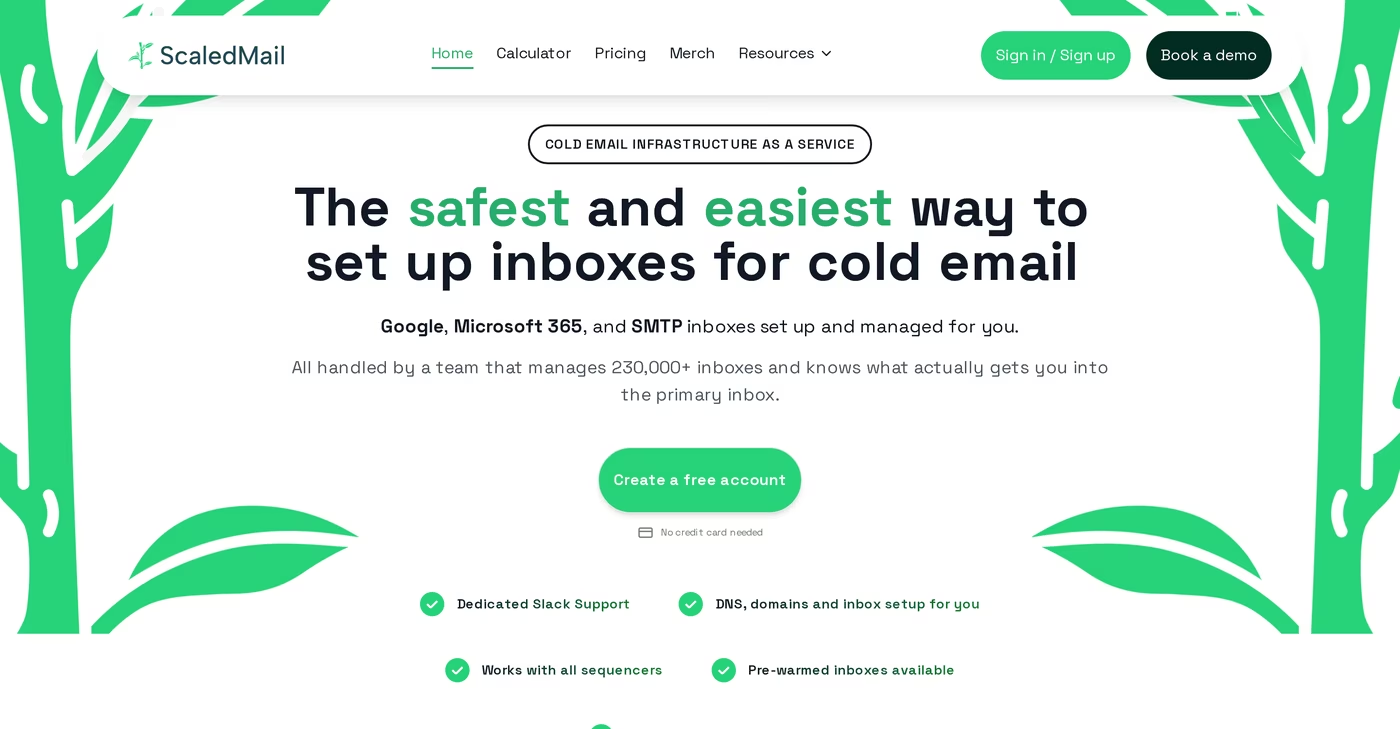
ScaledMail (built by Beanstalk Consulting) is the most hands-off of the three. You don't provision anything yourself - you choose a sending volume, pick your providers, and ScaledMail builds and maintains the mailboxes for you. Its distinguishing feature is breadth of mailbox type: you can blend Google Workspace, Microsoft Outlook and SMTP mailboxes inside a single package, with DNS authentication, IP rotation and ongoing monitoring handled on your behalf. It's a real service business, with a dedicated Slack channel for support, month-to-month terms, no setup fees, and a footprint of 2,000+ agencies and hundreds of thousands of mailboxes under management.
Pricing is built around volume rather than a flat plan, and it's gated behind a "build your package" calculator. Google Workspace mailboxes start at $3.50 per mailbox per month (with reporting an extra $2/mailbox), Microsoft Outlook runs $50 per domain per month, and SMTP is $3.75 per domain per month. To put that in context, ScaledMail's own example for 2,000 emails/day works out to 42 domains and 218 mailboxes at roughly $398/month base, plus around $256/month if you add reporting on every account.
The trade-offs are the flip side of "managed." Reporting is a paid add-on rather than included, the calculator-gated pricing makes it harder to estimate costs up front, and the done-for-you build means a 24–72 hour turnaround instead of instant provisioning. Third-party reviewers also note there's no public API and no self-healing mailbox automation, and there's no free trial (you get a money-back guarantee instead). For a small or simple setup, several users describe it as more service than they needed. Reviews are positive but thin - Trustpilot sits in the mid-4s across only a handful of ratings, so there's less of a track record to lean on than the headline agency count suggests.
Mailscale: the bulk inbox generator
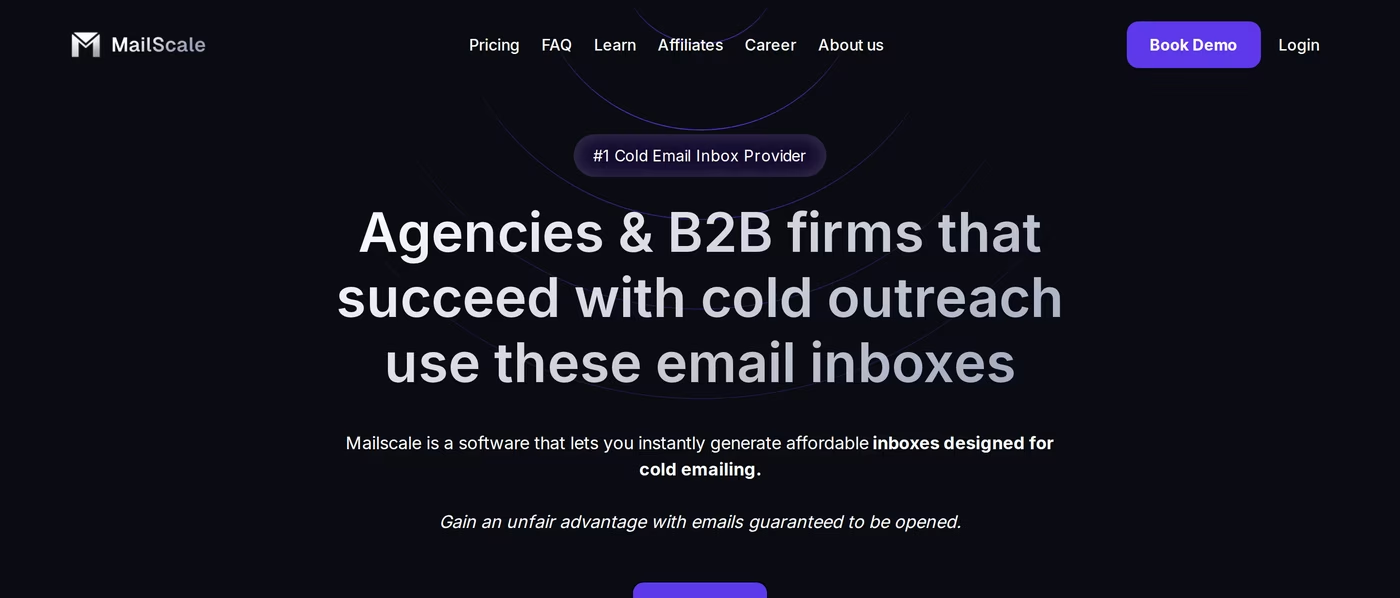
Mailscale (founded by Yassin Baum) sits between the other two. Like Mailforge it's self-serve, but it's packaged as a tiered subscription rather than per-mailbox pricing. Its pitch is speed and ownership of the stack: Mailscale says it runs its own SMTP servers and IP pools rather than renting from larger platforms, and you can generate 50 or more inboxes in under 60 seconds, then export a CSV of credentials to drop into any sender via IMAP/SMTP.
The plans are clear: Solopreneur at $79/month (up to 15 inboxes), Business at $119/month (up to 50 inboxes, plus a free cold-email course), and Enterprise at $249/month (up to 200 inboxes, with extra inboxes at $1.50 each). There's a 7-day free trial on the main tiers and annual discounts. Heavier senders move to an apply-only Unlimited Mailboxes plan at $1,000+/month, which is the only tier that includes dedicated IPs, a self-healing mechanism, real-time placement tests and a dedicated deliverability specialist. Mailscale also markets a 95–100% deliverability guarantee to professional inboxes, with free domain replacement if placement on its domains drops below 80% within 30 days.
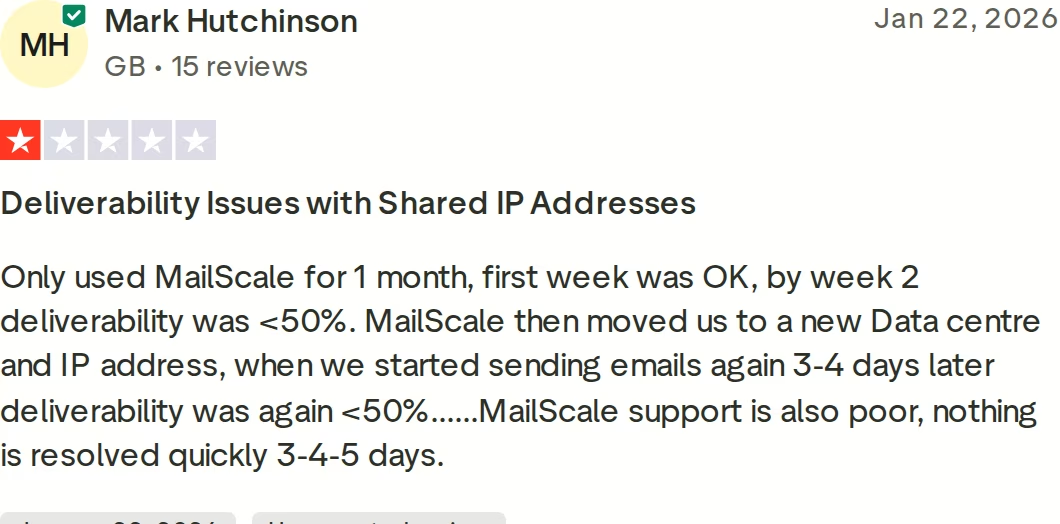
That guarantee matters because deliverability is exactly where the criticism clusters. The setup experience earns near-universal praise - Mailscale's G2 rating sits around 4.8 - but its Trustpilot score is lower at roughly 4.2, and the gap tells the story. Multiple reviewers report inbox placement cratering below 50% by week two, sometimes after being moved to a new data center or IP. The tier structure also forces you into buckets: need 16 inboxes and you're paying for the 50-inbox plan. And reviewers have flagged domain-price inconsistency - advertised rates of roughly $9–13 turning into $15 at checkout - plus limited deliverability monitoring and no inbox rotation on the lower tiers. Crucially, dedicated IPs and the self-healing tooling only exist on that $1,000+ plan, so most customers are sharing infrastructure.
Mailforge: infrastructure you own, priced to scale
Mailforge takes the third path: instead of managing it for you or wrapping it in tiers, it gives you distributed cold email infrastructure you own and control, billed simply per mailbox. The mental model the team uses is "like Gmail or Outlook, but built specifically for cold outreach" - real sending mailboxes on a shared, distributed email infrastructure layer, with the deliverability-critical setup automated so you're not hand-editing DNS for 50 domains.
What you actually get: automated SPF, DKIM, DMARC and custom tracking domains configured for you, bulk DNS updates across many domains at once, multiple workspaces (handy for agencies separating clients), domain transferring, and an optional SSL & domain-masking add-on. Setup takes about five minutes, it's SOC 2 compliant, and the mailboxes plug into any sequencer you already use - Smartlead, Instantly, and the rest - because they're standard sending accounts, not a walled garden. Pricing is where it gets aggressive: $3 per mailbox per month, dropping toward $2 with bulk, and domains around $13–14/year. A ~200-mailbox setup lands near $484/month, versus roughly $1,680 on Google Workspace or $1,200 on Microsoft 365 for the equivalent seat count.
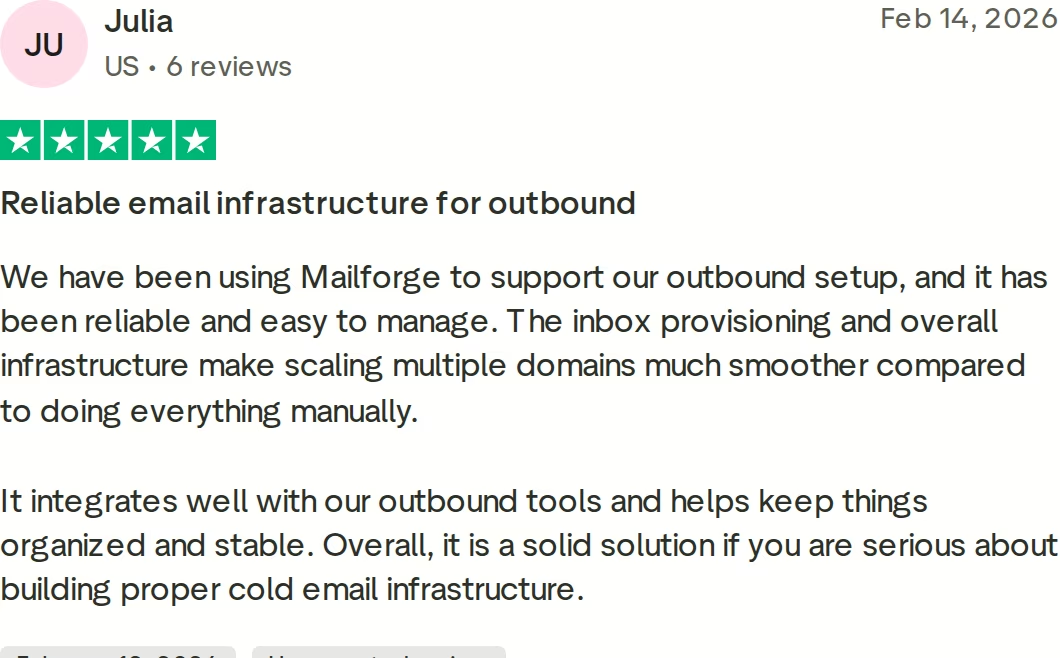
The other thing Mailforge has that the competitors don't is a surrounding stack, so you're not boxed in as your needs change. Warmup is handled free through Warmforge; if you decide shared IPs aren't enough control, Infraforge gives you dedicated IPs; and if a campaign needs the inherited trust of Google or Microsoft sending domains, Primeforge provides native Google/Microsoft 365 mailboxes on US IPs. It all sits inside the broader Forge stack alongside Salesforge for outreach, and it's used by 10,000+ businesses. Reviews skew positive on G2 (around 4.7), with a more mixed Trustpilot presence that's worth reading honestly.
Because honesty is the point of a comparison: Mailforge isn't magic. There's no free trial - you buy domains and mailboxes to get going, though you can explore the app after signup. A shared IP pool means less reputation control than a dedicated IP, which is precisely why Infraforge exists. And since these aren't Google/Microsoft-native domains, some recipient filters extend a little less default trust than they give Gmail or Outlook - the reason Primeforge is in the lineup. SMTP reputation also builds over time rather than arriving pre-loaded. None of that is unique to Mailforge; it's the nature of shared versus dedicated infrastructure, and the upside is the price and the control. If you want to go deeper, Mailforge's writeup of common infrastructure problems is a useful primer.
in Action

Head-to-head: how they actually differ
Strip away the marketing and the differences fall into a few buckets that decide which tool you'll be happy with six months in.
Who runs it
This is the fork in the road. ScaledMail runs everything for you - you never see the DNS records. Mailforge and Mailscale are both self-serve, but Mailforge gives you ongoing control over each domain and mailbox (bulk-editing DNS, masking, transfers), whereas Mailscale's model is more "generate, export, and manage deliverability on your side." If you have an ops person who likes control, the self-serve tools reward that; if you don't, ScaledMail's hand-holding is worth paying for.
Mailbox type and deliverability approach
ScaledMail can put you on Google/Outlook mailboxes, which carry inherited sender trust out of the box, alongside SMTP. Mailscale and Mailforge both run SMTP-based infrastructure on their own IPs, which is cheaper and more scalable but builds reputation over time. The honest framing across all three: SMTP infrastructure on shared IPs is excellent value and scales beautifully, but for the very highest-trust sending you eventually want either Google/Microsoft-native mailboxes or dedicated IPs. Mailforge is the only one of the three that offers both of those as first-party products (Primeforge and Infraforge) without making you re-platform.
Speed and setup
Mailscale and Mailforge are effectively instant - minutes, self-serve. ScaledMail trades that for a managed 24–72 hour build. None of this changes your real timeline much, because every provider (and basic deliverability hygiene) recommends a ~2-week warmup before you send real campaigns anyway.
Ecosystem and lock-in
All three let you export to any sequencer, so none of them traps your sending. The difference is what's adjacent. Mailscale bundles a cold-email course on higher tiers; ScaledMail bundles managed support. Mailforge bundles an upgrade path - free warmup, dedicated IPs, and native mailboxes as separate Forge products - which is the most consequential form of "no lock-in," because it means outgrowing your starting setup doesn't mean migrating vendors. For a wider market view, Mailforge's roundup of cold email infrastructure tools and its analysis of Mailscale reviews are both worth a look.
Pricing compared
Because the three use different billing models, the fairest way to compare is to anchor on a realistic setup and see what each would cost. Take a mid-size operation running roughly 50 mailboxes, then a larger one near 200.
| Scenario | Mailforge | ScaledMail | Mailscale |
|---|---|---|---|
| ~50 mailboxes | ~$100–150/mo (per-mailbox, bulk) | ~$175+/mo (Google) + reporting add-on | $119/mo (Business, ≤50 inboxes) |
| ~200 mailboxes | ~$484/mo | Volume-quoted (~$400–650+/mo for 2k emails/day) | $249/mo (Enterprise, ≤200, shared IPs) |
| Dedicated IPs | Add Infraforge when needed | Included in managed rotation | $1,000+/mo plan only |
| Warmup cost | Free (Warmforge) | Add-on | Included |
| Reporting | Included | Paid add-on | Included |
On a pure sticker basis at 200 inboxes, Mailscale's Enterprise tier is the cheapest headline number - but those are shared inboxes with the lighter monitoring and tier limits noted above, and stepping up to dedicated IPs jumps you to $1,000+/month. ScaledMail's managed model costs more and is quoted to your volume, which buys you a team running it. Mailforge sits in the middle on price while keeping reporting and warmup free and letting you scale dedicated IPs incrementally rather than in one $1,000 leap. The right lens isn't the lowest line - it's cost per reliably-delivered email over six months, and that's decided by deliverability and how gracefully you can scale.
Decision matrix: pick by scenario
| If you… | Lean toward |
|---|---|
| Want zero hands-on infrastructure work | ScaledMail |
| Specifically want Google/Outlook mailboxes managed for you | ScaledMail |
| Want the fastest path to bulk inboxes on a flat monthly bill | Mailscale |
| Are a solo operator with a small, fixed inbox count | Mailscale |
| Want affordable infrastructure you own and control | Mailforge |
| Run many domains/clients and need bulk DNS + workspaces | Mailforge |
| Want one vendor with a clear upgrade path (warmup → dedicated IPs → native mailboxes) | Mailforge |
| Care most about predictable per-mailbox economics at scale | Mailforge |
Final verdict
There's no single winner for every team - that's why these three coexist. If you want it fully managed, ScaledMail is the cleanest answer. If you want bulk inboxes fast on a flat subscription and you'll manage deliverability yourself, Mailscale delivers that. But for most teams weighing control, price and room to grow together, Mailforge is the most balanced pick: you own the infrastructure, pay $2–$3 per mailbox instead of enterprise seat prices, get DNS, reporting and warmup handled, and keep a first-party upgrade path to dedicated IPs and native mailboxes without ever switching vendors.
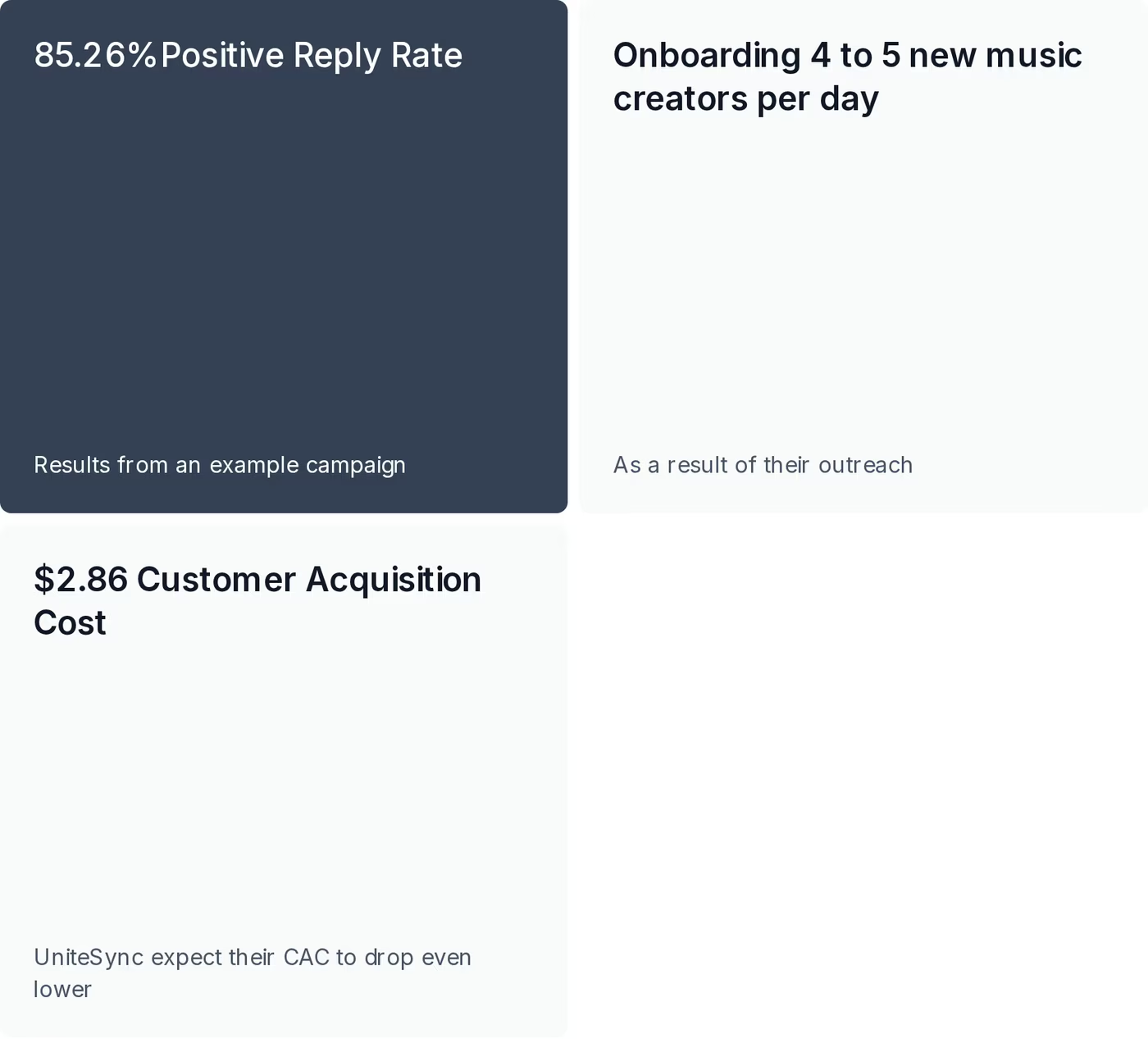
The proof worth pointing at is outcomes, not adjectives. Running Mailforge infrastructure alongside Warmforge and Salesforge, UniteSync reached an 85.26% positive reply rate at a $2.86 customer acquisition cost across 11,700+ prospects - the kind of email economics that only work when the underlying infrastructure is reliable and priced sanely. You can see more deliverability data on Mailforge's results page.
Frequently asked questions
What's the difference between cold email infrastructure and a sequencer?
Infrastructure (Mailforge, ScaledMail, Mailscale) provides the sending mailboxes, domains and authentication - the pipes. A sequencer (Smartlead, Instantly, Salesforge) writes and schedules the campaigns that flow through those pipes. You generally need both, and all three providers here export mailboxes that connect to whatever sequencer you prefer.
Is Mailforge better than ScaledMail and Mailscale?
It depends on what you value. Mailforge is the most balanced for teams that want to own affordable infrastructure, control many domains, and keep a built-in upgrade path. ScaledMail wins if you want a fully-managed service with Google/Outlook mailboxes; Mailscale wins if you want the fastest bulk inboxes on a flat subscription. There's no universally "best" - only the best fit for your model and budget.
How much does cold email infrastructure cost?
Roughly: Mailforge is $2–$3 per mailbox per month (about $484/mo for ~200 mailboxes); Mailscale is tiered from $79 to $249/month, with a $1,000+ tier for dedicated IPs; ScaledMail is volume-quoted, starting around $3.50/mailbox for Google plus optional add-ons. Domains add roughly $10–15 each per year on every platform.
Do shared IPs hurt deliverability?
Shared IPs are perfectly workable and far cheaper than dedicated ones - most senders do fine on them with proper warmup and sensible daily volumes. The trade-off is less direct control over reputation. If you need that control, Mailforge lets you move to dedicated IPs via Infraforge, while on Mailscale dedicated IPs only come with the $1,000+/month plan.
Which one has the fastest setup?
Mailscale and Mailforge are both effectively instant - you can provision mailboxes in about five minutes, self-serve. ScaledMail is managed, so it takes 24–72 hours to build. In practice the difference rarely matters, since you should warm mailboxes for about two weeks before sending real campaigns regardless of provider.
Do I still need a separate warmup tool?
Warmup is strongly recommended before any cold sending. Mailscale includes warmup, ScaledMail offers premium warmup, and Mailforge handles it free through its sister product Warmforge. A typical warmup runs one to two weeks before you ramp into live campaigns.
Can I use these with Smartlead, Instantly or Apollo?
Yes - all three are designed to be sequencer-agnostic. They hand you standard mailbox credentials (IMAP/SMTP, or a CSV export) that import into essentially any major cold email sending tool, so you're not forced onto a particular platform.
What if I need Google or Microsoft-native mailboxes?
ScaledMail can manage Google Workspace and Outlook mailboxes for you directly. With Mailforge, native Google/Microsoft 365 mailboxes on US IPs come from its sister product Primeforge, so you can keep your infrastructure in one ecosystem and add native mailboxes for the campaigns that need that inherited trust.
Pricing, ratings and feature details reflect each provider's publicly available information as of June 2026 and may change; check current vendor pages before purchasing. Comparisons reflect documented capabilities and third-party reviews at the time of writing.