
Personalized Outbound Strategy
Get The Right Outbound Strategy In Minutes
Enter your email to get a custom plan & stack recommendation for your business
It's being carefully crafted by AI
Please check your mailbox in 5 minutes

Slicey focuses entirely on inboxes. That’s what they offer. If you’re looking for a sequencer, you’ll need to look elsewhere.
I signed up in August 2026 and went through the order process, explored the pre-warmed tab, integrations, and stealth forwarding. I didn’t run any campaigns, so this isn’t a test of deliverability.
The configurator asks for more than just your email volume; it also has you choose your risk level. You can send 30,000 emails a month for $98 or $245, depending on how many domains you want to use.
There are no reviews on G2, Capterra, or Trustpilot. All reviews are on Slicey’s own website, mostly from agencies that resell inboxes to their clients.
Here’s what you actually get, what the reviews say, how the pricing works, and where Mailforge fits in if Slicey isn’t the right choice for you.
Slicey is pure sending infrastructure. You buy domains and inboxes, hook them up to your sequencer, and Slicey handles provisioning, monitoring, and swapping when needed.
This matters because most cold email tools operate at a higher level. Slicey doesn’t compete in that area.
After going through the FAQ, order process, and dashboard, here’s what I found.
Microsoft is the default and cheapest at $0.49 per inbox. Google is $3.50. Diversified splits it 70% Microsoft, 30% Google.
It’s not just about price. Microsoft domains send 200 to 500 a day, depending on your strategy. Google domains send just 15 to 45.
You get three settings: Safe, Balanced, Aggressive. Each one sets a daily limit per inbox and determines how many domains you’ll need to spread your volume across.
Slicey’s own descriptions are direct about the trade-offs. The Safe setting spreads your volume so that a single streak of complaints won’t have a big impact.
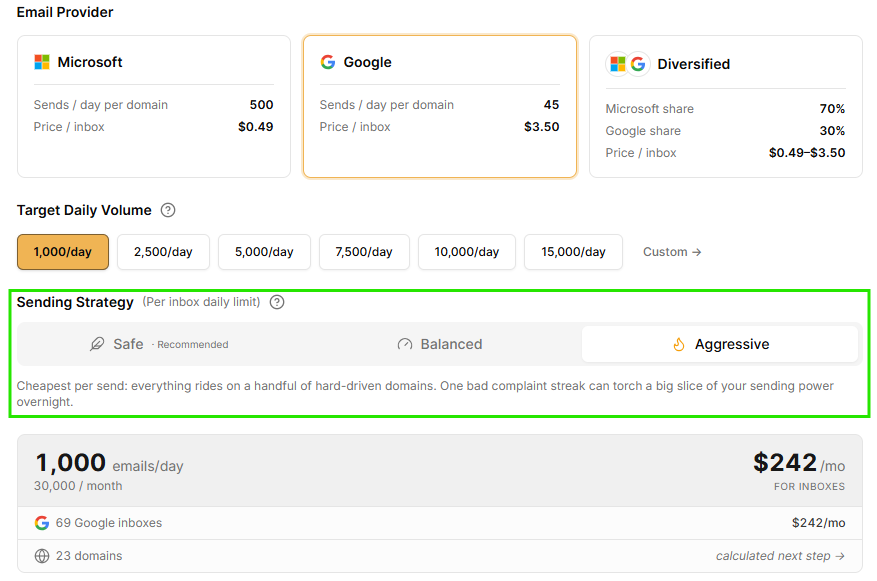
The Aggressive setting puts everything on just a few domains. Slicey warns that one streak of complaints can quickly wipe out much of your sending power.
Few vendors are this upfront about the risks of their cheapest option.
The FAQ says you get unlimited domain swaps. The plan card promises deliverability tracking with autoswapping, campaign consultation, and white-glove setup.
You point an A record at 216.150.1.1, and your domain proxies your content with no visible redirect.
Slicey explains that a regular redirect can signal to Google and Microsoft that all your domains point to a single site. Stealth forwarding helps each domain appear independent.
Registrar guides cover Porkbun, Dynadot, GoDaddy, Namecheap, and Spaceship.
These domains have already been warming for weeks, so you can skip the two- to three-week ramp.
In August 2026, there were 22 pre-warmed domains available. Both Google and Diversified pre-warmed options were sold out.
5 Best Pre-Warmed Email Account Providers in 2026
You bring your own. Slicey's FAQ names Pipl, EmailBison, Smartlead, and Instantly as direct integrations, and the dashboard shows Instantly, Smartlead.ai, PlusVibe, and EmailBison.
If your sequencer isn’t on that list, their team will connect it manually for you at no extra charge.
None of it. No contact database, no sequence writing, no reply handling.
The FAQ answers this directly: this is Microsoft infra.
Inbox cost shows upfront. Domain cost appears as "calculated next step" on standard plans. Only the pre-warmed tier is labeled all-inclusive.
I couldn't find Slicey on G2, Capterra, or Trustpilot. As of August 2026, every review I found sits on Slicey's own site, on a page titled "Trusted by those you trust," plus one LinkedIn post from a customer.
That left me with 14 testimonials, all published by Slicey.
So I focused on the details in these reviews rather than on getting a balanced view. Testimonial pages rarely include complaints.
What kept me reading was who signed these. Most reviewers run outbound agencies or sell cold email tools, so they’re talking about infrastructure they resell to their own clients.
Stuart Brent of SaasyDB.com says he's used Slicey for a couple of years, and during a summer when deliverability was difficult, Slicey inboxes landed better than what he was using elsewhere.
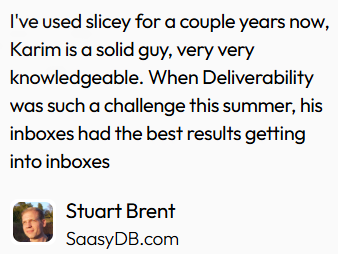
He doesn’t mention what service he switched from, so I can’t say what he was using before.
Wouter Harink of genflowsagency.com reports his inboxes are performing after skipping email warm-up.
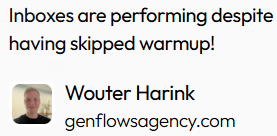
Alex Loughlin of Altbound.com reports the same result with his own numbers.
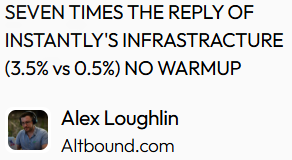
It’s worth noting that Slicey’s FAQ says you can skip warm-up, but recommends two weeks for better results. These two reviews are the only outside examples I found of people actually skipping it.
Alex Loughlin of Altbound.com reports a 3.5% reply rate on Slicey's infrastructure versus 0.5% on Instantly's, with no warm-up.
I’d consider that just one person’s experience. There’s no sample size, campaign count, or details about the offer or list quality. He’s comparing two setups he used, not a controlled test.
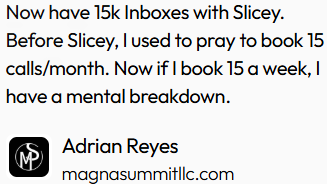
Adrian Reyes of magnasummitllc.com says he runs 15,000 inboxes with Slicey.
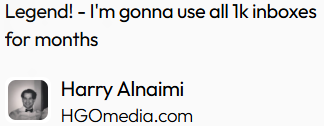
Harry Alnaimi of HGOmedia.com mentions 1,000.
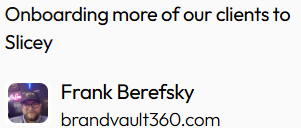
Frank Berefsky of brandvault360.com says he is moving more clients over.
Those numbers only make sense if you’re sending emails on behalf of clients.
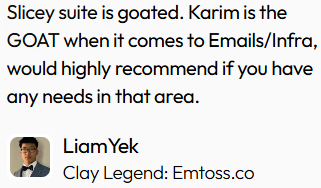
Karim appears by name in reviews from Stuart Brent, David Leoncavallo of scaperelaxation.com, and Liam Yek of Emtoss.co.
Leoncavallo wrote the longest review on the page, and most of it focuses on how responsive the support is rather than on inbox performance.
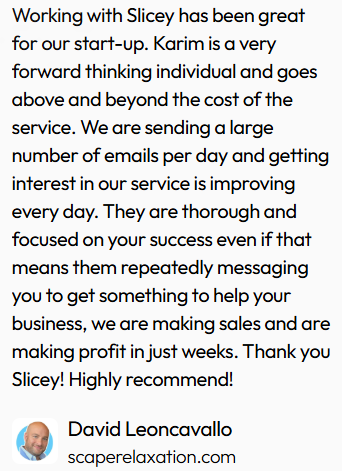
If you value a vendor who responds quickly, that’s a positive sign. If you prefer a product that requires little support, you might see it differently.
I didn’t find any negative reviews, canceled accounts, or dates on most of the entries.
Two endorsements come from inside the cold email tooling space. Cody Smith founded Emailguard.io and EmailBison.com.
Hollis Cameron of Actionleads.io says he runs his campaign in Bison on Slicey infrastructure. I read those as peer endorsements from adjacent vendors.
None of the reviews mention a domain getting banned or an autoswap happening, which is the part of the service I was most interested in hearing about from customers.
Let’s be clear on scope. I created an account and went through the full setup: order configurator, pre-warmed tab, integrations, and stealth forwarding.
I didn’t run a campaign on Slicey inboxes.
This section covers the buying and setup experience. It’s not a deliverability test, and I’m not claiming that it is.
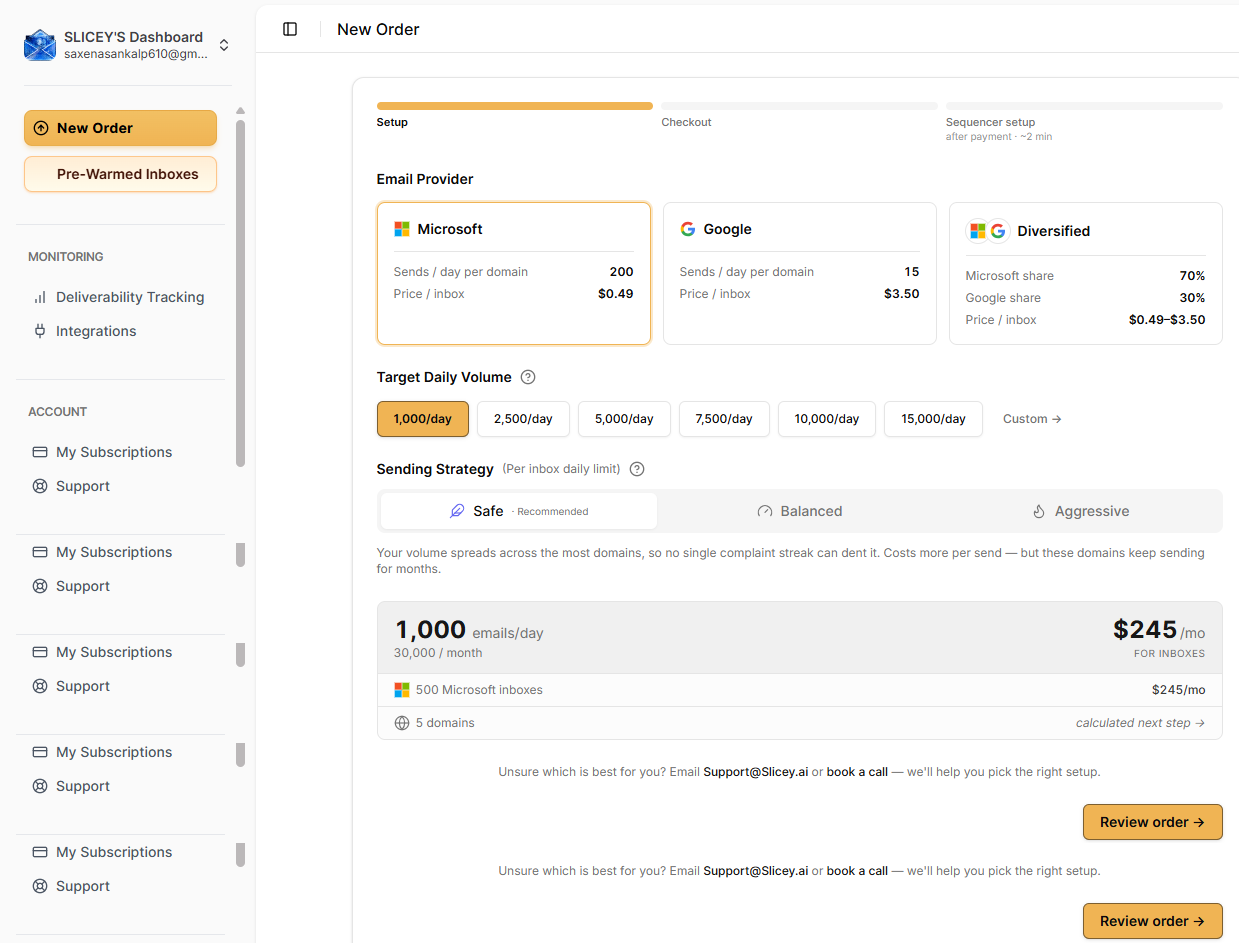
To be clear, I created an account and completed the full setup, including the order configurator, pre-warmed tab, integrations, and stealth forwarding. I did not run a campaign on Slicey inboxes.
This part is about the buying and setup experience. It’s not a deliverability test, and I’m not presenting it as one.
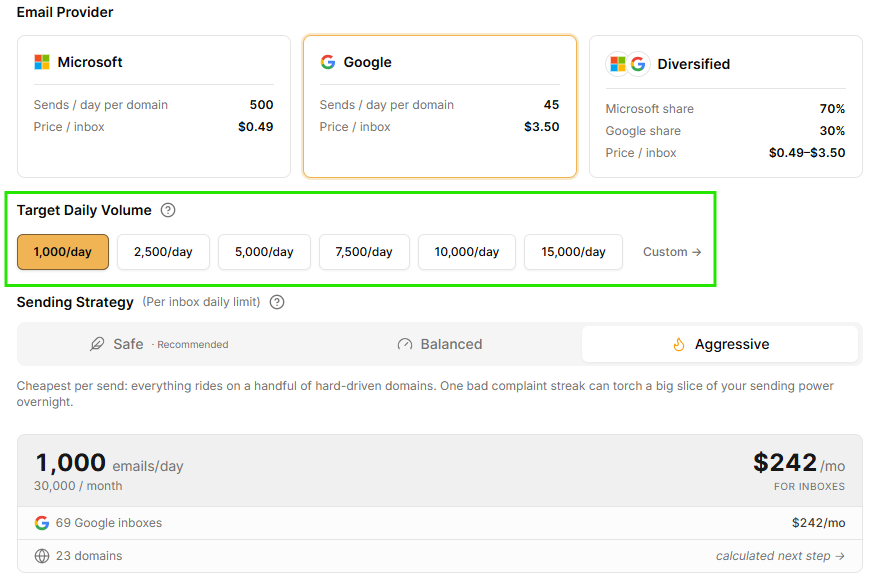
You pick a provider, set your daily volume (1,000 to 15,000), and choose a sending strategy. Price and domain count update as you go.
At 1,000 emails a day on Microsoft, Safe gave me 500 inboxes across 5 domains at $245 a month. Balanced dropped to 400 inboxes across 4 domains at $196. Aggressive went to 200 inboxes across 2 domains at $98.
With the same volume and provider, the cheapest option is only about 40% as safe as the safest one.
What I appreciate is that the tool explains the reasoning. For the Aggressive setting, it tells you that everything depends on a few heavily used domains, and a single streak of complaints can quickly reduce your sending power.
How to Scale Domains for Global Campaigns
You see the inbox cost up front. Domain cost hides behind a link that says “calculated next step.”
Only the pre-warmed tier includes all costs. With standard plans, you won’t know your full monthly price upfront.
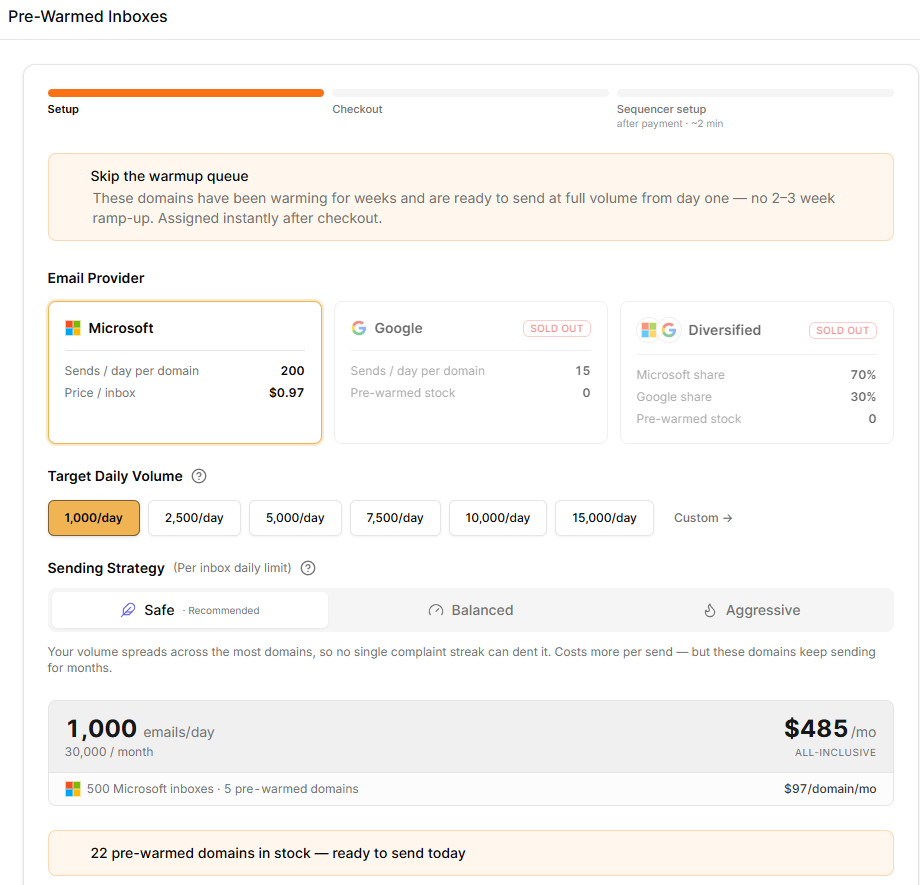
The pre-warmed tab showed 22 domains in stock. Both Google and Diversified options were sold out, so the diversified setup Slicey recommends isn’t available pre-warmed at the moment.
Each inbox costs $0.97, and each domain is $97 per month. At 1,000 emails a day on the Safe setting, that totaled $485, compared to $245 for the standard option.
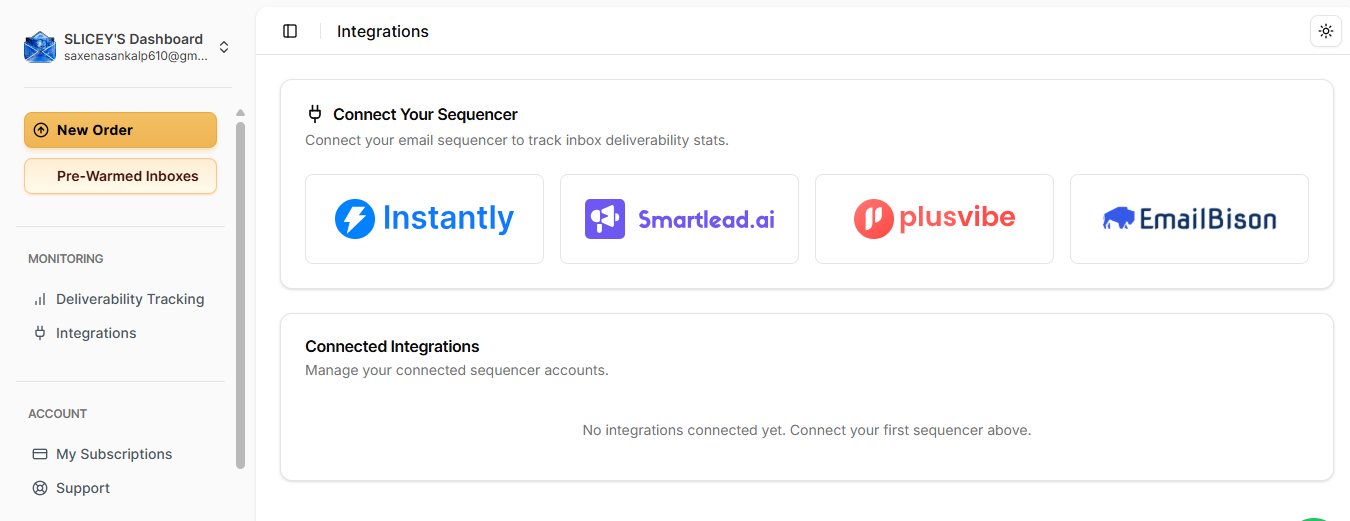
The integrations page shows four logos: Instantly, Smartlead.ai, PlusVibe, and EmailBison.
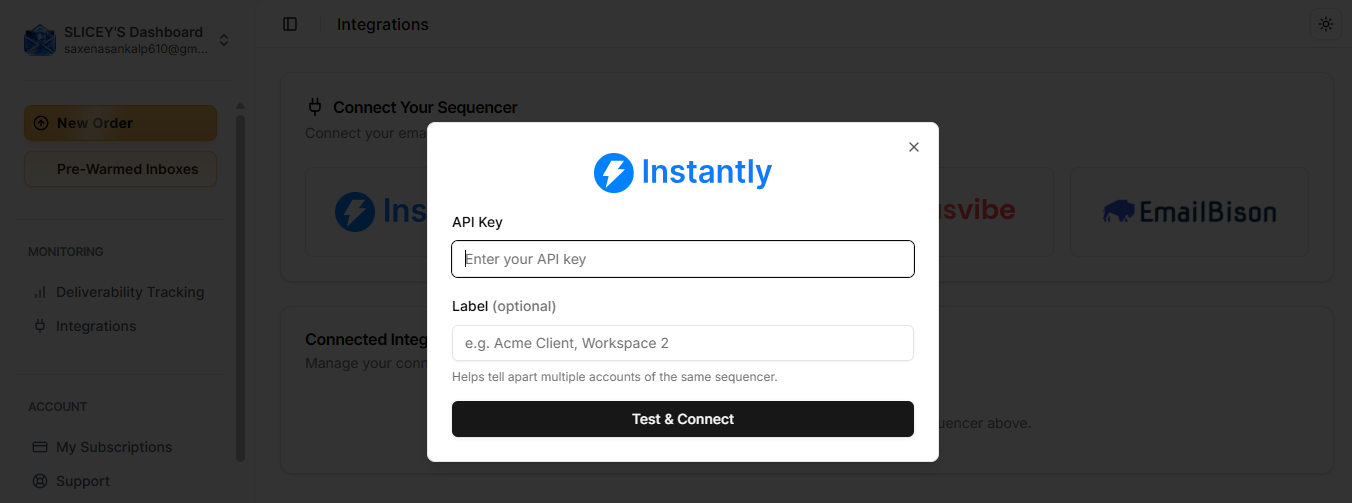
I opened Instantly, it just asked for an API key, an optional label for multiple accounts, and then I hit Test & Connect.
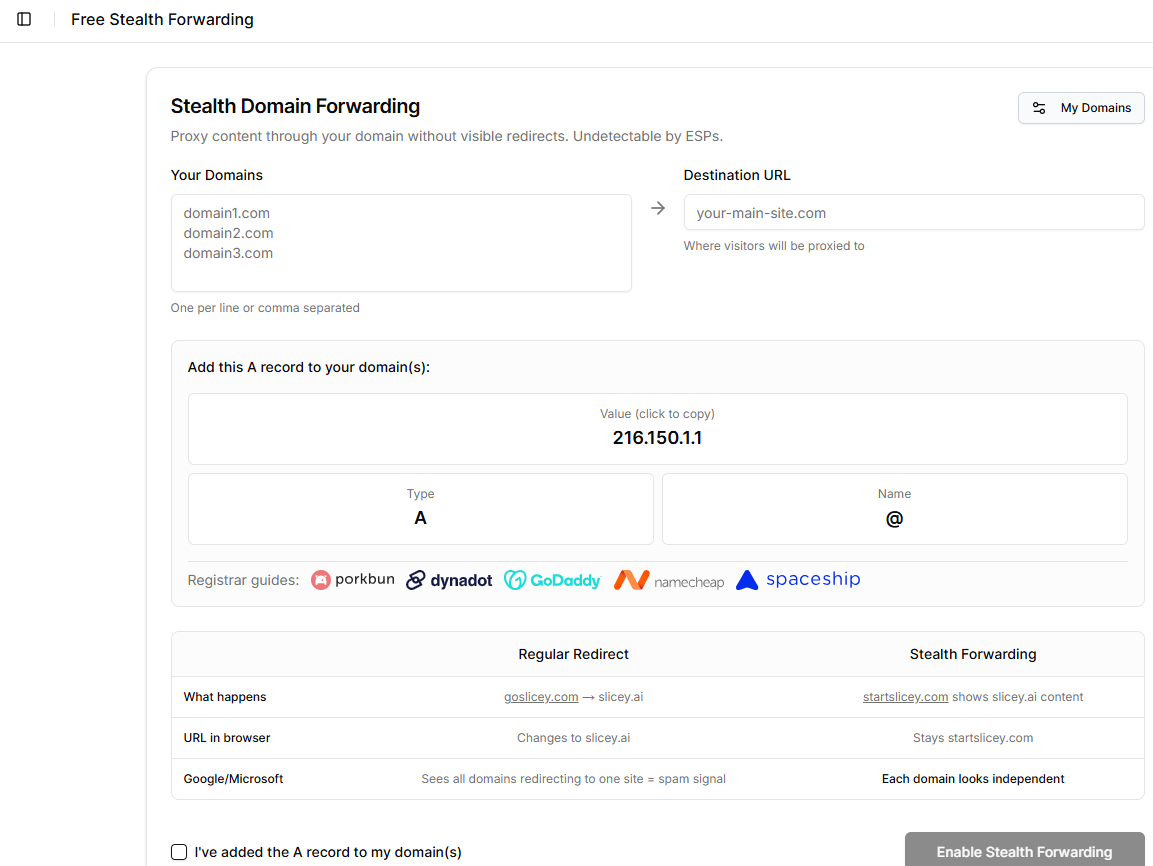
You paste your domains, set a destination URL, and add an A record to 216.150.1.1. The Enable button remains greyed out until you confirm that the record has been added.
Registrar guides are linked for Porkbun, Dynadot, GoDaddy, Namecheap, and Spaceship.
I don’t have data on inbox placement, reply rates, autoswap events, or support response times. All performance claims here come from named reviewers, not from my own experience.
Slicey doesn’t list plan tiers. Instead, you use a configurator to pick your email provider, daily volume, and sending strategy, and the price updates as you make selections.
I set everything to 1,000 emails a day (30,000 a month), which is the lowest available option.
Entry is $98/month for 30,000 emails, or $0.0033 per send. Inboxes are $0.49 on Microsoft, $3.50 on Google. Pre-warmed inboxes are $0.97; domains are $97 each per month.
Switching from Safe to Aggressive on Microsoft reduced my cost by 60% for the same volume, dropping from 5 domains to 2.
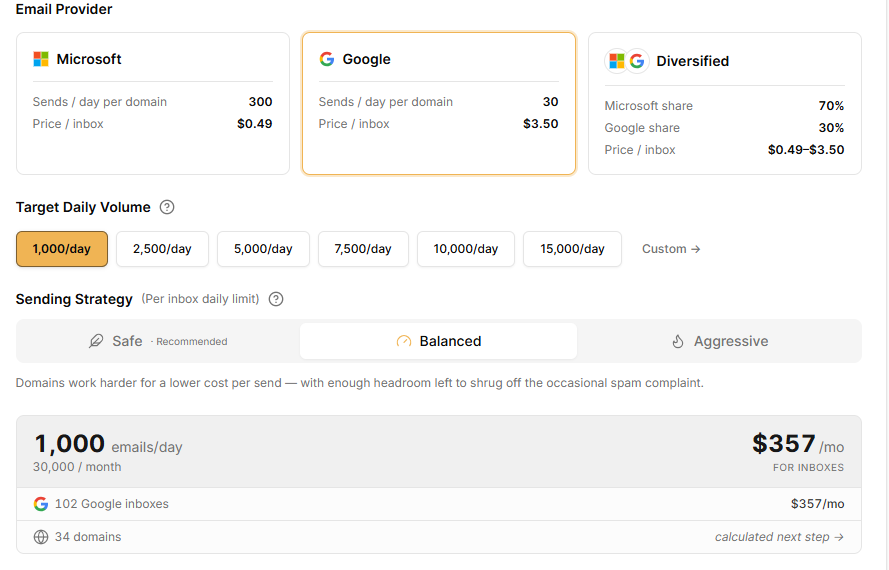
The Safe setting on Google required 67 domains to send 30,000 emails, since each Google domain can send only 15 emails per day at that level.
The Safe setting on Microsoft increased from $245 to $485 for the same 500 inboxes, so you pay about $240 more per month to skip the two to three week warmup. This tier includes all costs, while standard plans do not.
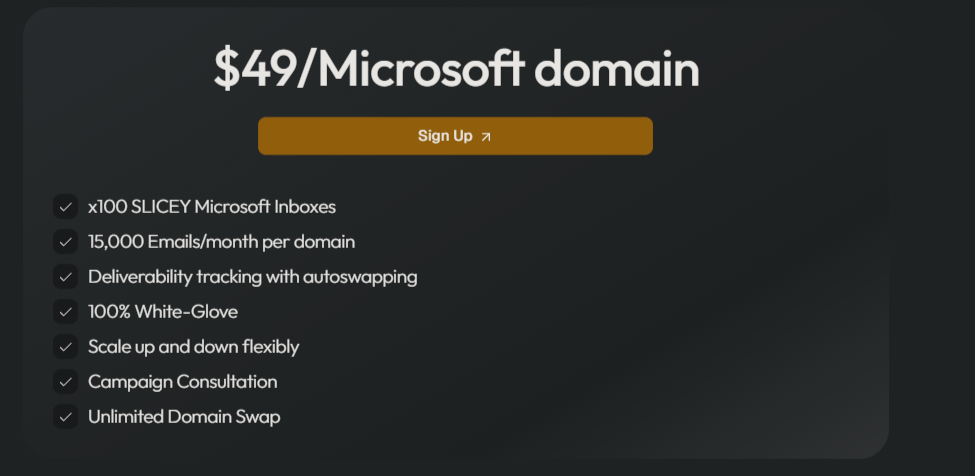
There’s also a plan card for $49 per Microsoft domain, including 100 inboxes, 15,000 emails per month, deliverability tracking with autoswapping, white-glove setup, campaign consultation, and unlimited domain swaps.
The math checks out: 100 inboxes at $0.49 is $49.
Custom volumes can go beyond 15,000 emails per day. For these plans, the FAQ says you’ll need to schedule a call.
The reviewer list answers the fit question. Emtoss, HGOmedia, Altbound, Actionleads, TalentHaul, brandvault360, genflowsagency, and leadnavigator are all outbound agencies.
The inbox numbers mentioned only make sense if you’re sending emails for clients.
High-volume senders with an existing email sequencer are the core audience. The configurator starts at 1,000 emails a day.
If you want sending and sequencing under one roof, Slicey stops at the inbox handoff.
If you want infrastructure that integrates with the rest of your outbound rather than stopping at the inbox, look at Mailforge.
Mailforge is Salesforge’s distributed email infrastructure.
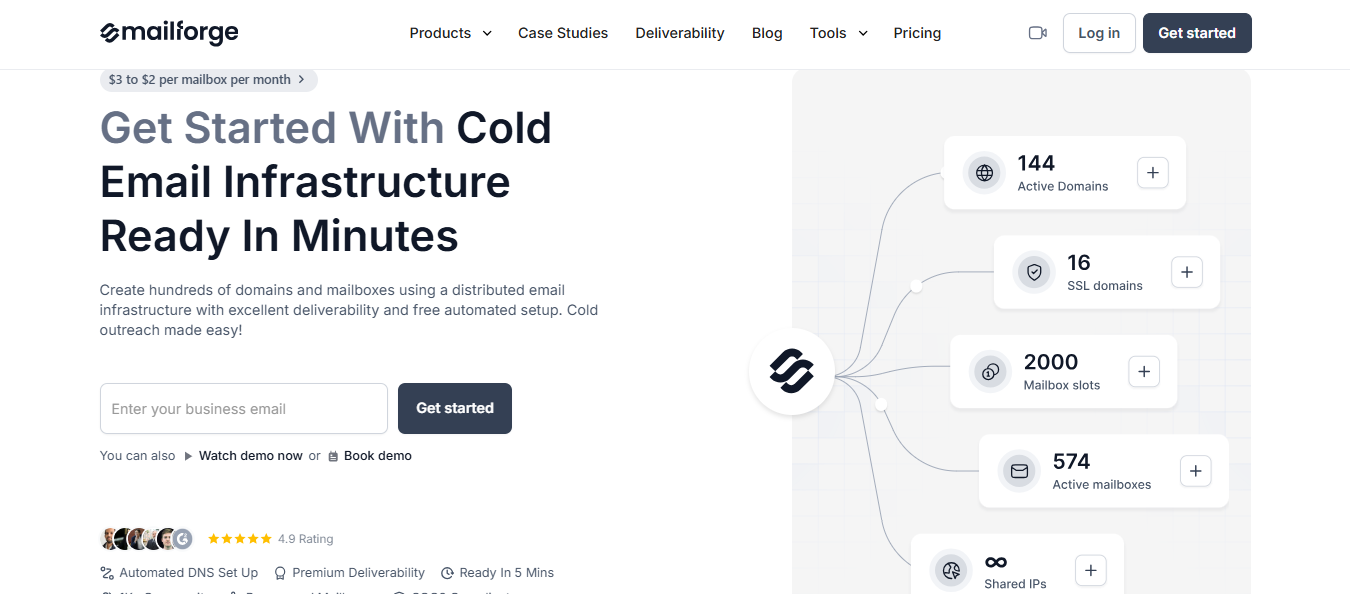
You buy domains and mailboxes; Mailforge sets up DMARC, SPF, DKIM, and a custom tracking domain for each one, then exports the credentials to whatever you send from.
Slicey makes you wait two to three weeks or pay for pre-warmed stock that might be sold out.
Warmforge warms your mailboxes for free, keeps your scoring domain and inbox health, runs placement tests, and alerts you before problems hit your campaigns.
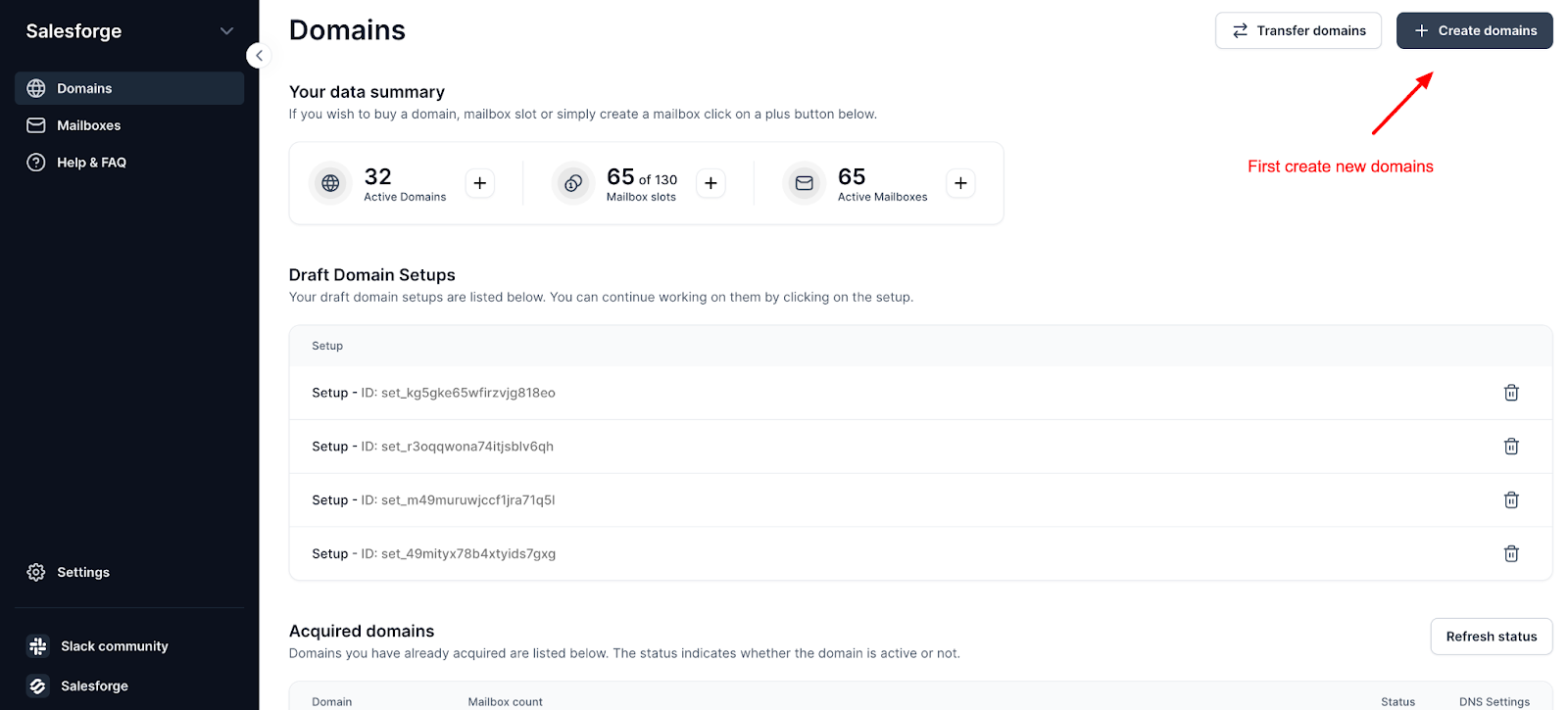
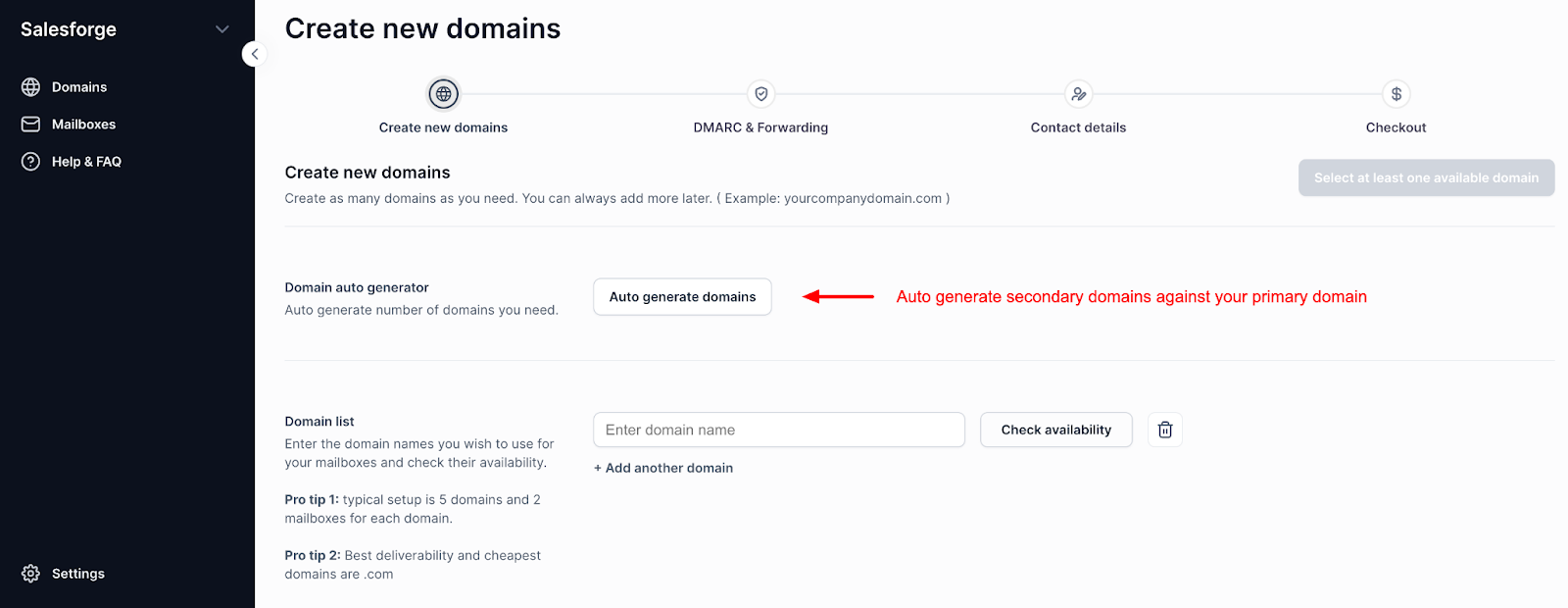
Auto-generate up to 100 secondary domains off your primary, check availability, then bulk-generate mailboxes with your own names and signatures.
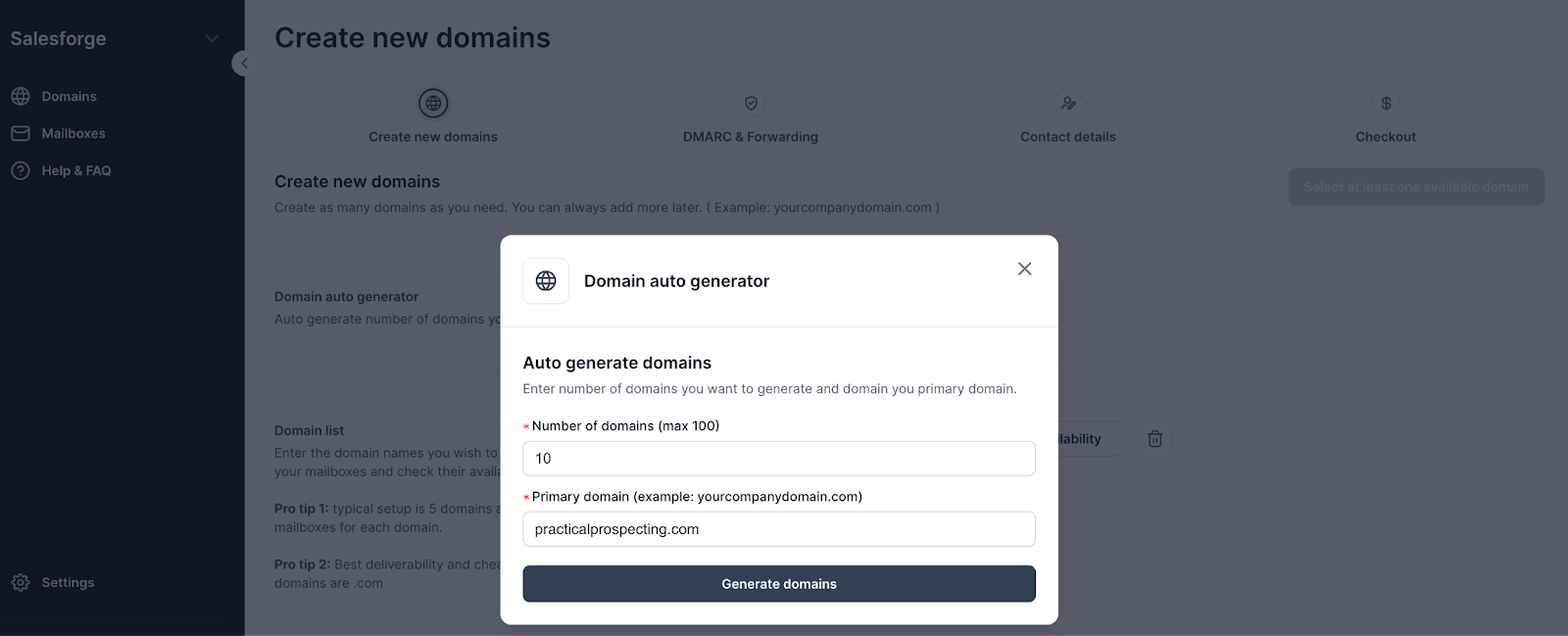
No order form, no waiting around for provisioning.
Automate Bulk Email Sending with Claude Code in 4 Steps
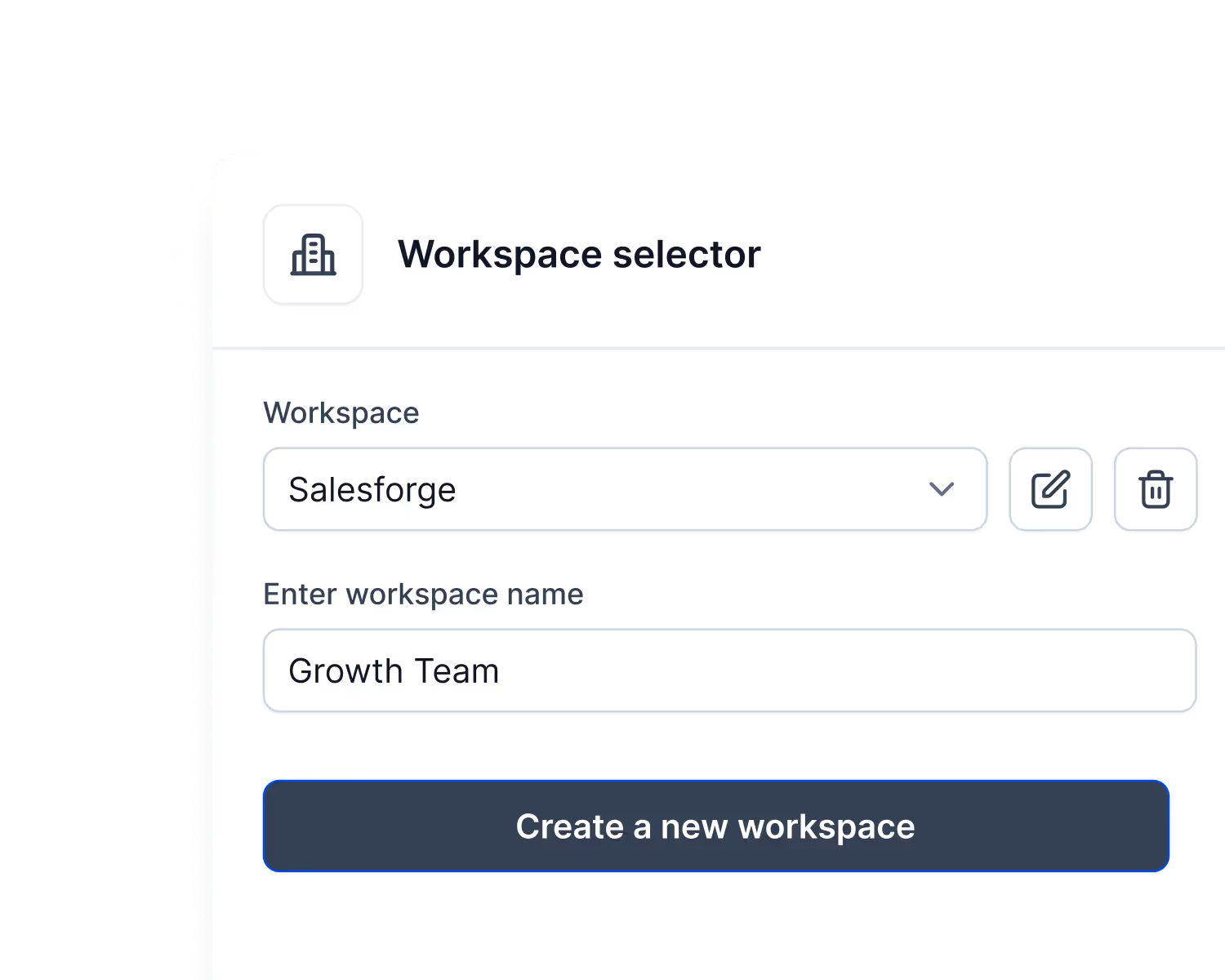
Create a workspace per client and move domains and mailboxes between them when accounts change hands. On Slicey, everything sits in one pile.
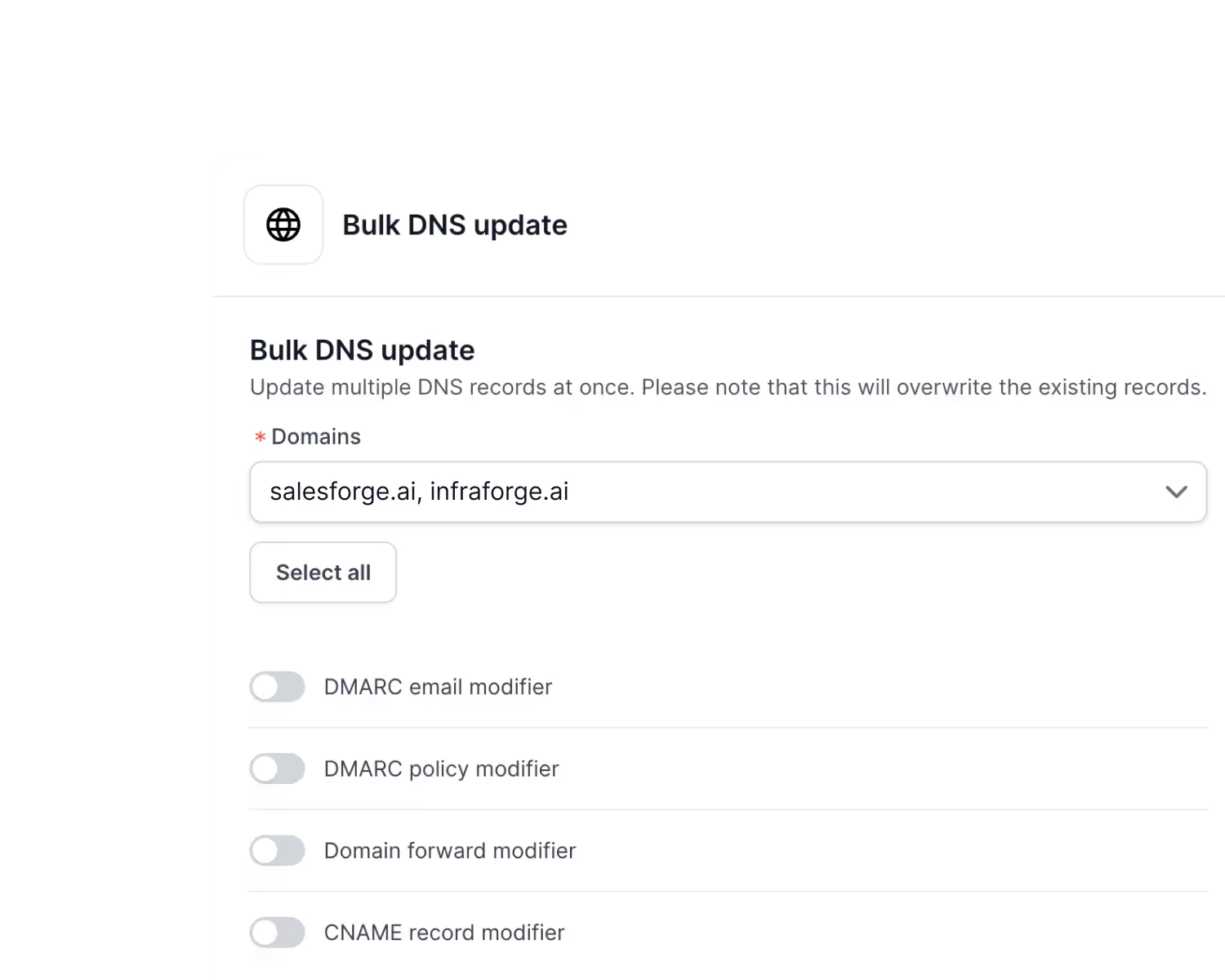
Update DMARC policy, forwarding, or CNAME records across every domain you pick at once, instead of one at a time.
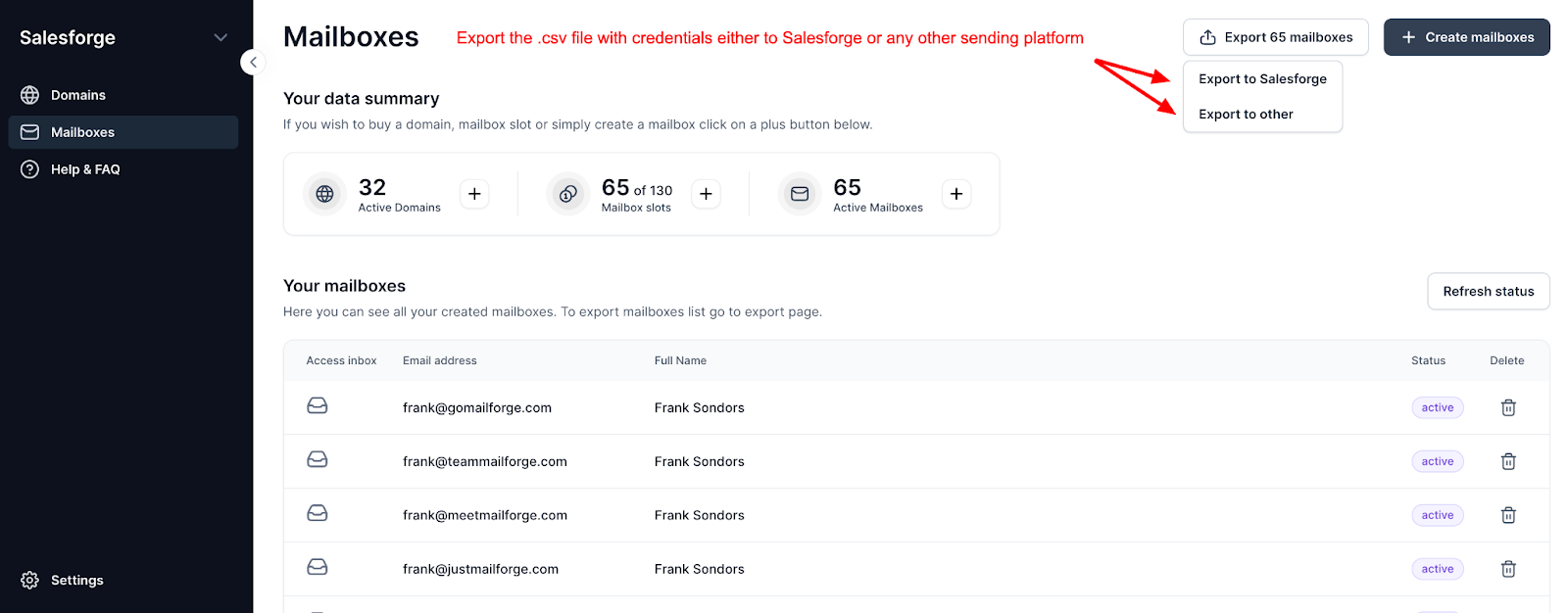
Export mailboxes as CSV to Smartlead, Instantly, ReachInbox, FirstQuadrant, or Salesforge, and move domains in or out whenever you want.
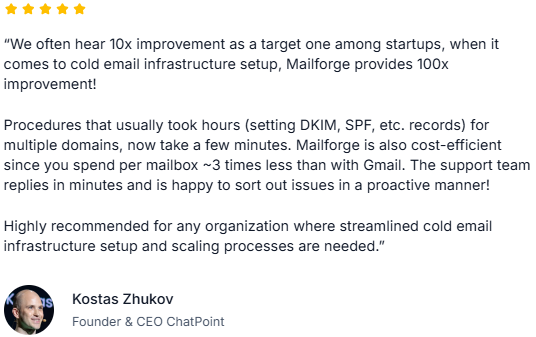
Kostas Zhukov, founder and CEO of ChatPoint, says setup work that used to take hours now takes minutes and that support replies within minutes.
Enter your email to get a custom plan & stack recommendation for your business
Please check your mailbox in 5 minutes

Yes, Slicey is worth it if you already use a sequencer and want someone else to handle inbox provisioning at scale. At $98 for 30,000 emails a month, the entry price is hard to beat.
The answer changes as you scale up. The cheapest tier puts your entire month’s sending behind just 2 domains, and paying for more protection bumps the price to $245.
If you add client accounts, you’ll end up tracking which domains belong to which clients in a spreadsheet.
If that situation sounds familiar, Mailforge offers similar infrastructure with free warm-up and a separate workspace for each client. Salesforge handles the sequencing on top.
Start your 14-day free trial and see what your current stack is really costing you in stitched-together tools.