Zapmail was one of the early Google Workspace and Microsoft 365 mailbox resellers built for cold email teams.
For a lot of outbound teams, that was enough to get started.
Zapmail offered pre-warmed inboxes, decent setup support, DNS help, and quick connections into common sending tools.
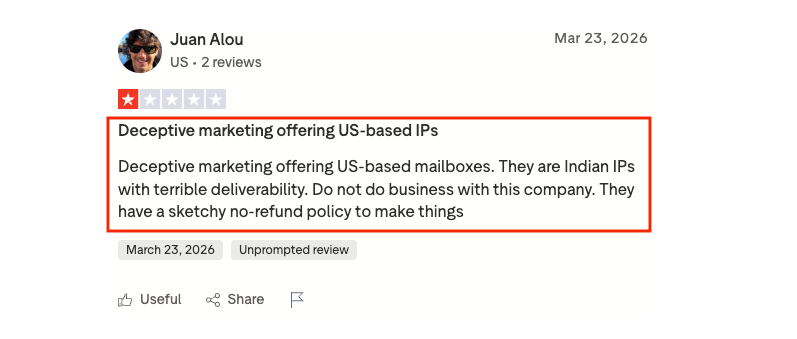
The rethink usually starts later, when a team checks the Google Admin Console billing or account trail and sees reseller details that do not match what they thought they bought.
If you expected US-based Google Workspace accounts and the account trail points to reseller infrastructure in India, the issue is not just price.
This image shows the Zapmail review about deceptive marketing
It is ownership, region transparency, replacement control, and whether the mailbox source fits your deliverability risk.
That is why most Zapmail alternatives should not be compared as a generic list. Compare them by switching reasons: cost, mailbox type, ownership, private infrastructure, or provider diversification.
Mailforge: best when you want lower-cost shared infrastructure that connects cleanly with the Forge Stack.
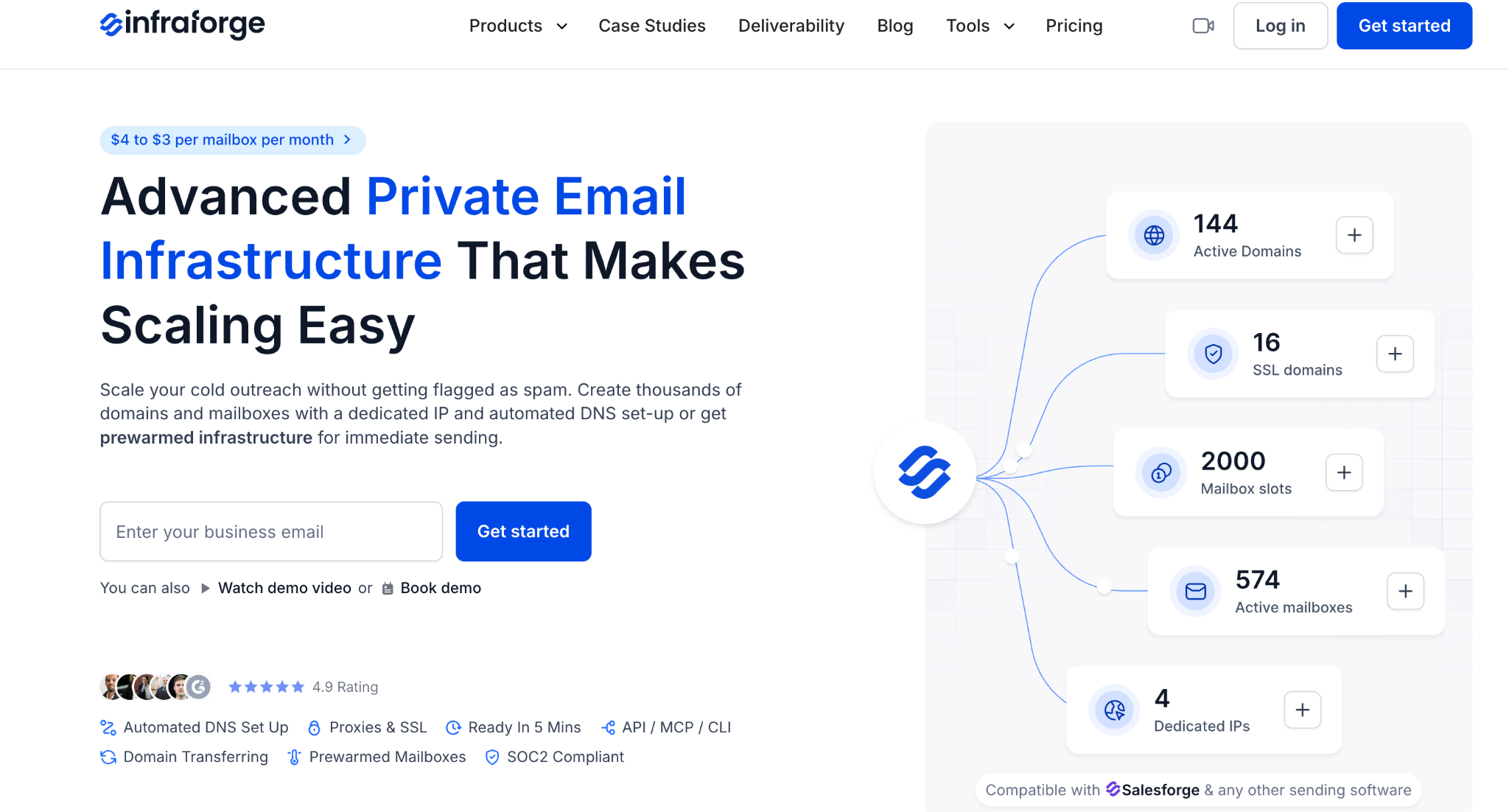
Infraforge: best when dedicated infrastructure, private IPs, and domain-level control matter more than the cheapest mailbox.
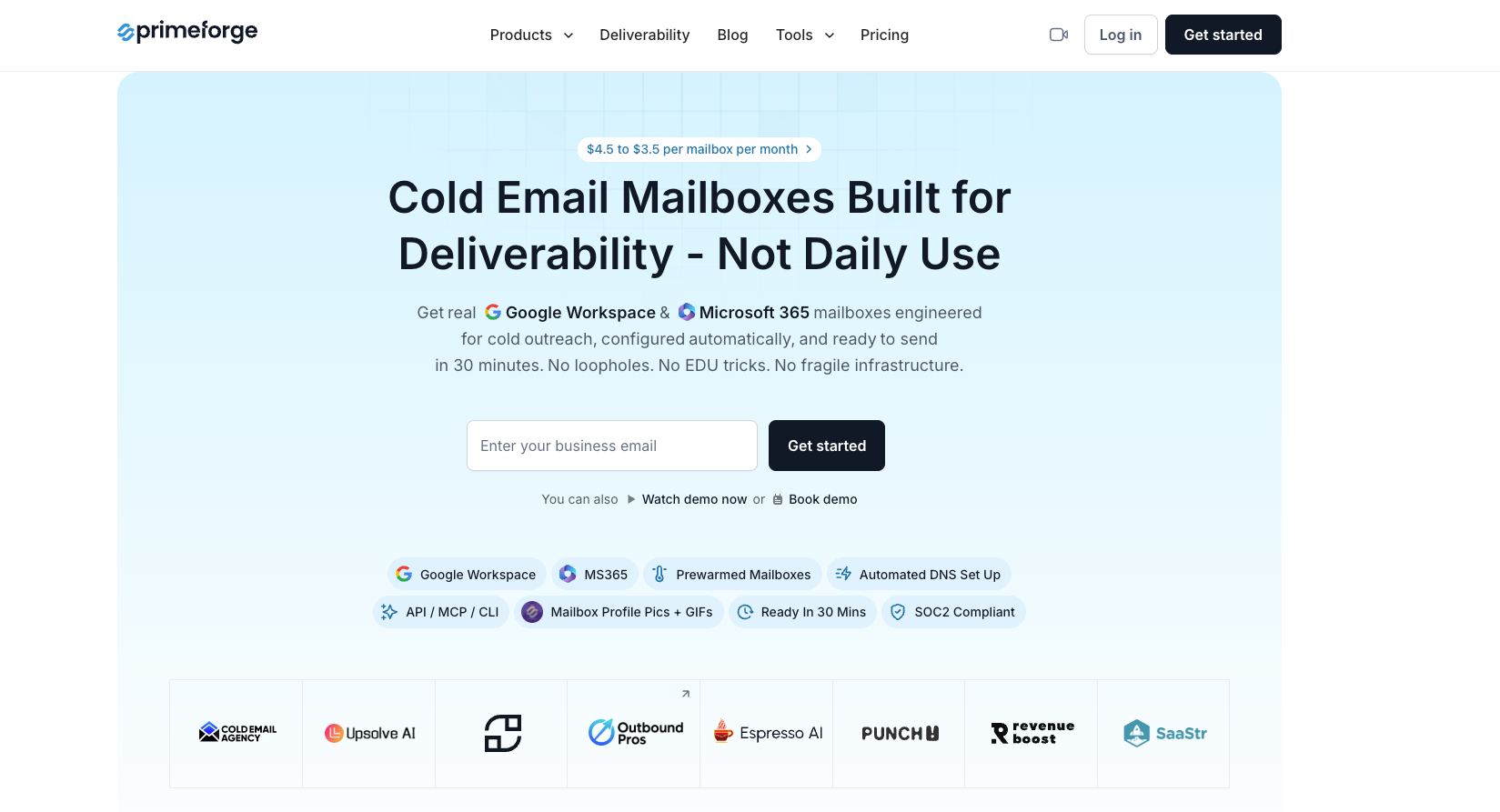
Primeforge: best when you want Google Workspace or Microsoft 365 style inboxes, bought and managed for outbound.
Maildoso: best when bundled domains and low headline pricing matter, and quarterly plans are acceptable.
Mailscale: best when you want a simple bundled inbox plan with warmup and deliverability support.
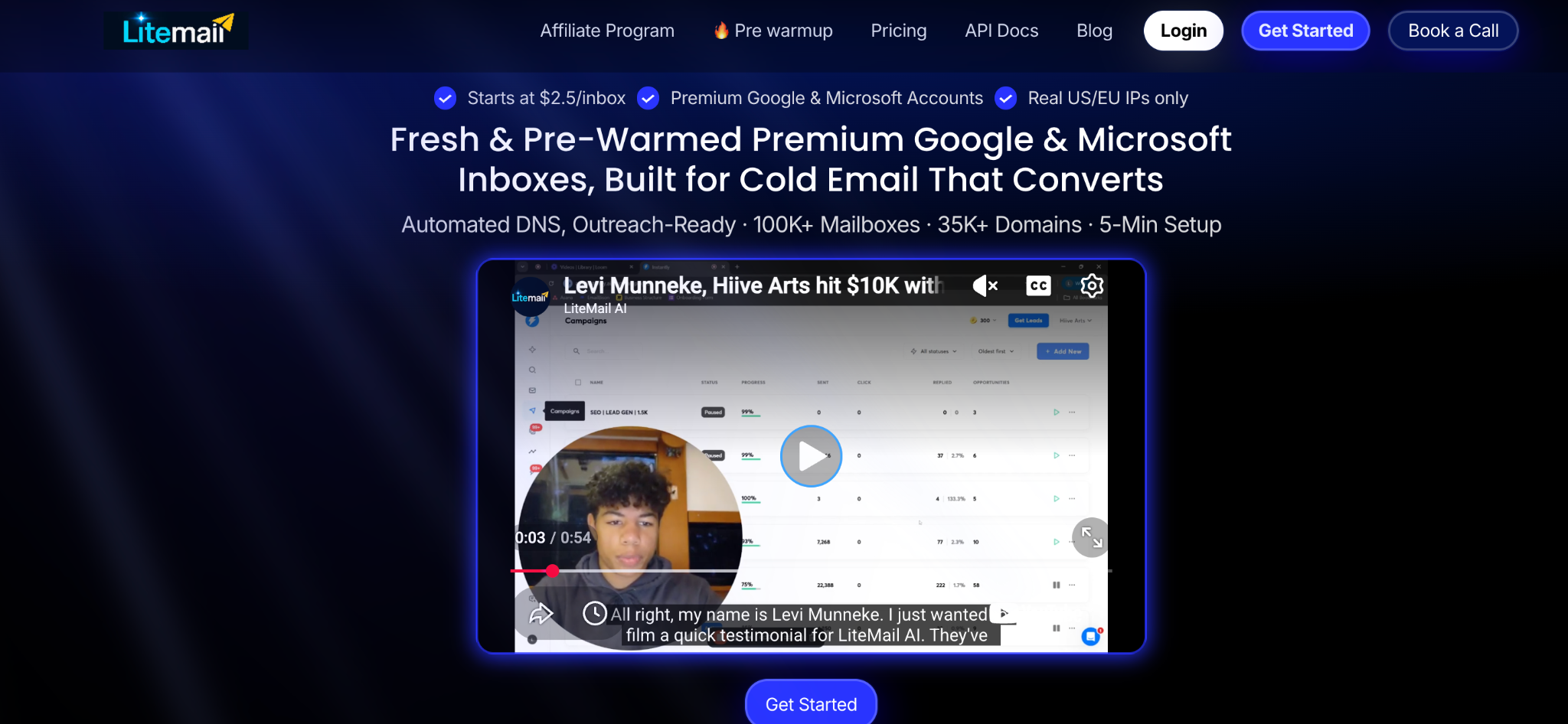
LiteMail: best as another Google Workspace or Microsoft 365 mailbox source to test for provider diversification.
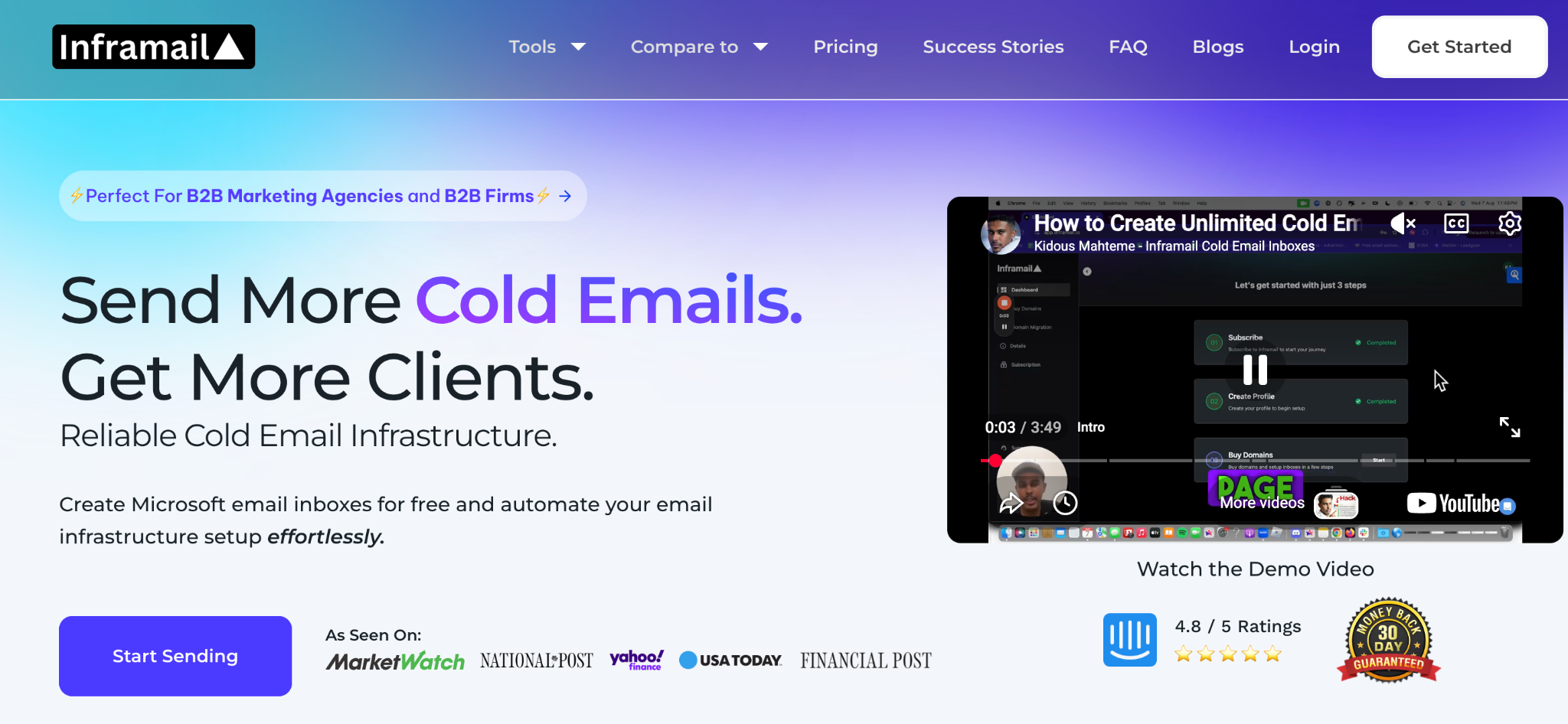
Inframail: best when flat-rate economics and dedicated IP positioning matter at larger mailbox counts.
QuickMail: best for small teams that want inboxes and cold email sending software from one vendor.
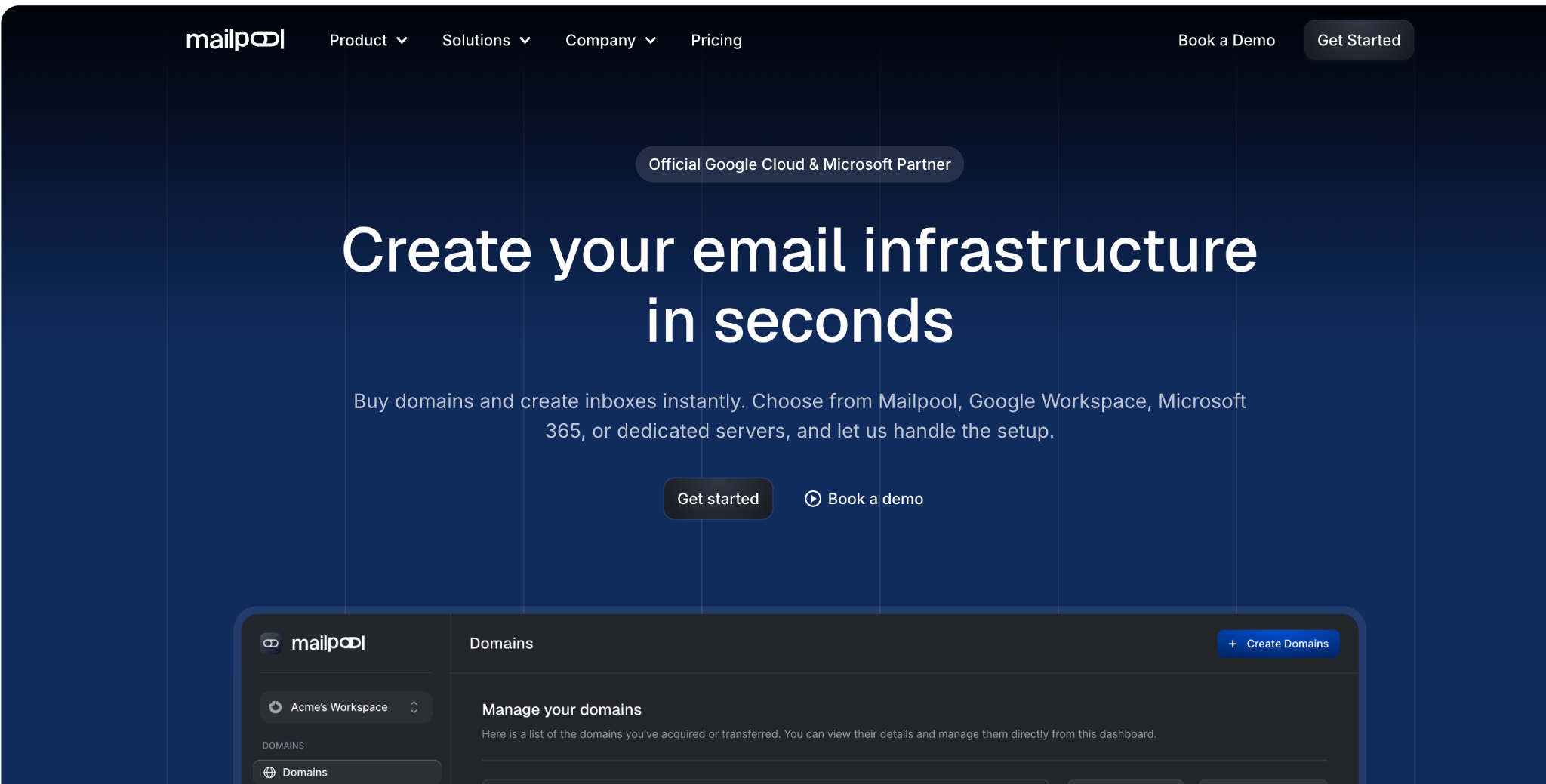
Mailpool: best for agencies that want another managed inbox provider to pilot.
Reconsider Zapmail if the admin console, billing trail, account region, or reseller relationship is not clear enough for your risk tolerance.
Stay with Zapmail if you only need a small set of Google or Microsoft mailboxes, want setup speed, and do not yet need private infrastructure, provider diversification, or tighter replacement terms.
Disclaimer: Cold email infrastructure tools do not guarantee inbox placement or legal compliance. Deliverability depends on DNS setup, sender reputation, list quality, message relevance, bounce handling, unsubscribe handling, and local laws. Confirm provider ownership terms, replacement policy, refund terms, and sending limits before purchasing.
Why teams look for a Zapmail alternative
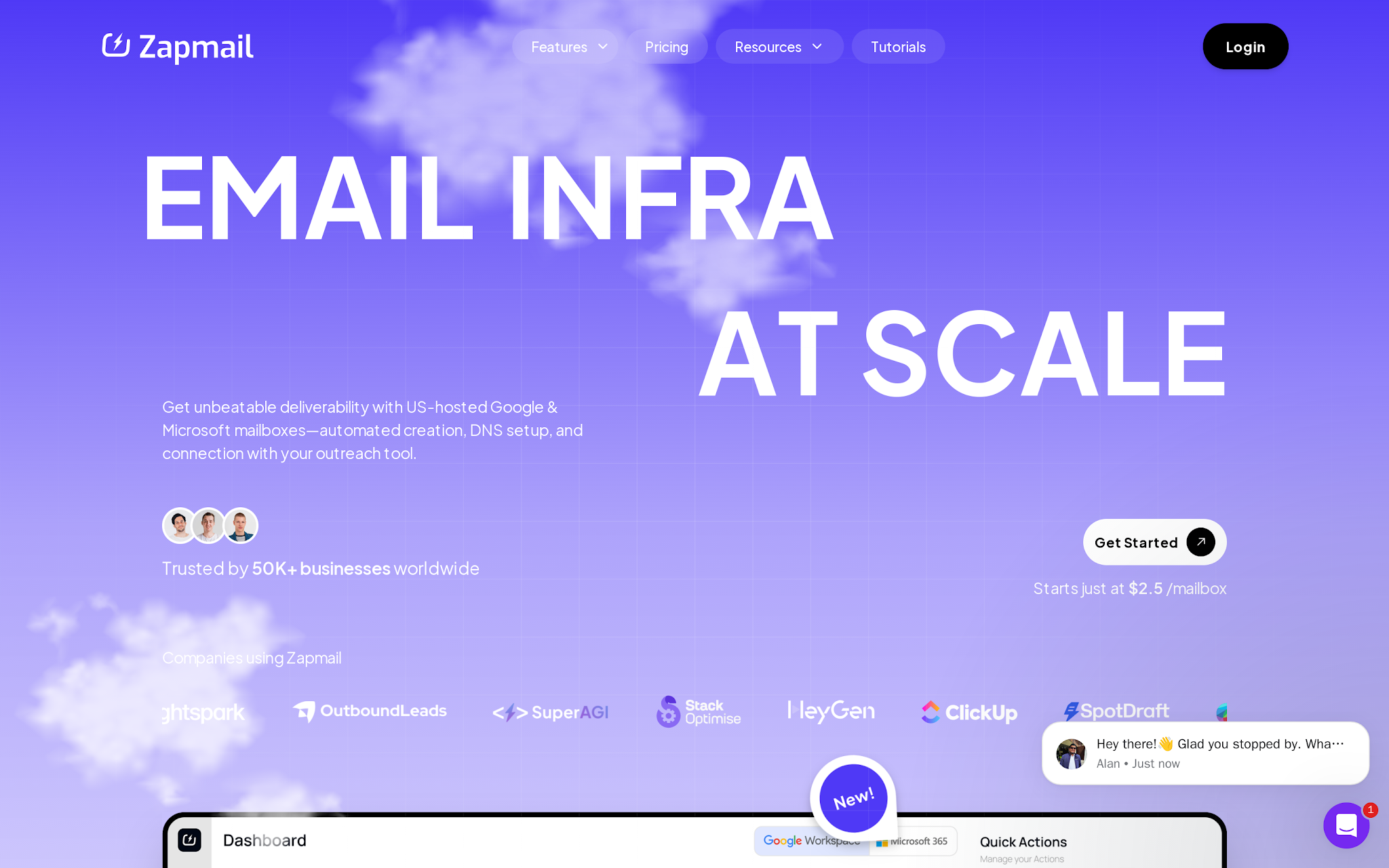
This image shows the Zapmail mailbox positioning
Zapmail is a cold email infrastructure provider, not a full deliverability or campaign platform.
Its job is to help teams launch Google Workspace and Microsoft 365 mailboxes faster, automate SPF, DKIM, and DMARC setup, organize domains and workspaces, and connect inboxes to outbound tools such as Instantly, Smartlead, ReachInbox, and Lemlist.
That is enough for a lot of teams. The mistake is treating setup convenience as proof that the underlying mailbox source, region, ownership, and replacement terms are right for scale.
The problem starts when mailbox count stops being a setup task and becomes an operating system.
At 10 inboxes, the question is “Who can get this working today?”
At 100 inboxes, the question becomes “Can we see what is breaking, replace accounts cleanly, control billing, isolate clients, and keep campaigns stable when reputation drops?”
Three Zapmail-specific friction points usually drive the switch:
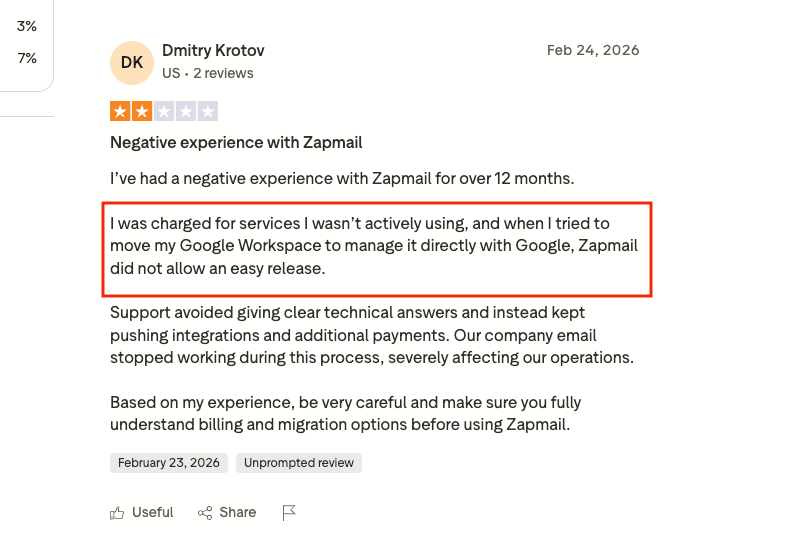
Billing and replacement control: A mailbox plan can look clean at launch, then get messy when a client scales from 20 inboxes to 200 or 500.
This image shows User review about Zapmail
Account ownership and admin visibility: Zapmail is strongest when the buyer wants managed Google or Microsoft mailbox creation. That is different from private infrastructure, dedicated IP control, or workspace-level ownership.
Region and reseller transparency: If the admin console shows a reseller or region that does not match what the buyer expected, verify account sourcing before adding more inboxes.
Post-setup deliverability burden: Pre-warmed inboxes do not guarantee inbox placement. Placement still depends on list quality, sending volume, domain reputation, copy, bounce rate, replies, and ongoing warmup discipline.
Other switching triggers sit underneath those three:
You need more than one mailbox source to reduce provider risk.
You need clearer replacement rules when inboxes fail.
You want better control over domain and admin ownership.
You need dedicated or private infrastructure instead of reseller-style mailbox setup.
You want a predictable cost at 100+ inboxes.
Mailbox disconnections from sequencers, sudden spam placement after months of stable sending, unclear region or ownership structure, stack fit with Salesforge or another sender, and client-level isolation for agencies can all point to the same problem: the mailbox source is now a scaling constraint.
Do not switch from Zapmail just because another provider has a lower monthly number.
How I evaluated Zapmail alternatives
I evaluated each Zapmail alternative by how well it solves a real cold email infrastructure problem after the easy setup stage is over.
The important question is not only “Can this vendor sell mailboxes?”
It is whether the team can control account type, domains, DNS, IP reputation, warmup, replacement, cost, and workflow fit as mailbox count grows.
Infrastructure model: Does the tool provide Google Workspace/Microsoft 365 mailboxes, shared SMTP infrastructure, private infrastructure, dedicated IPs, or only a sending layer?
Scale economics: What does the real cost look like at 30, 100, and 500+ mailboxes once domains, warmup, replacement, support, and billing terms are included?
Deliverability control: Can the team manage SPF, DKIM, DMARC, tracking domains, warmup, blacklist checks, inbox placement, IP reputation, and provider diversification?
Migration fit: Does it connect cleanly to Salesforge, Smartlead, Instantly, Lemlist, Reply, or the workflow the team already uses?
Operational risk: What remains risky after switching: shared IP neighbors, vendor-owned accounts, provider enforcement, unclear pricing, quarterly lock-in, support depth, or weak customer proof?
Best Zapmail alternatives for different scaling needs
1. Mailforge: Best for lower-cost shared infrastructure inside the Forge Stack
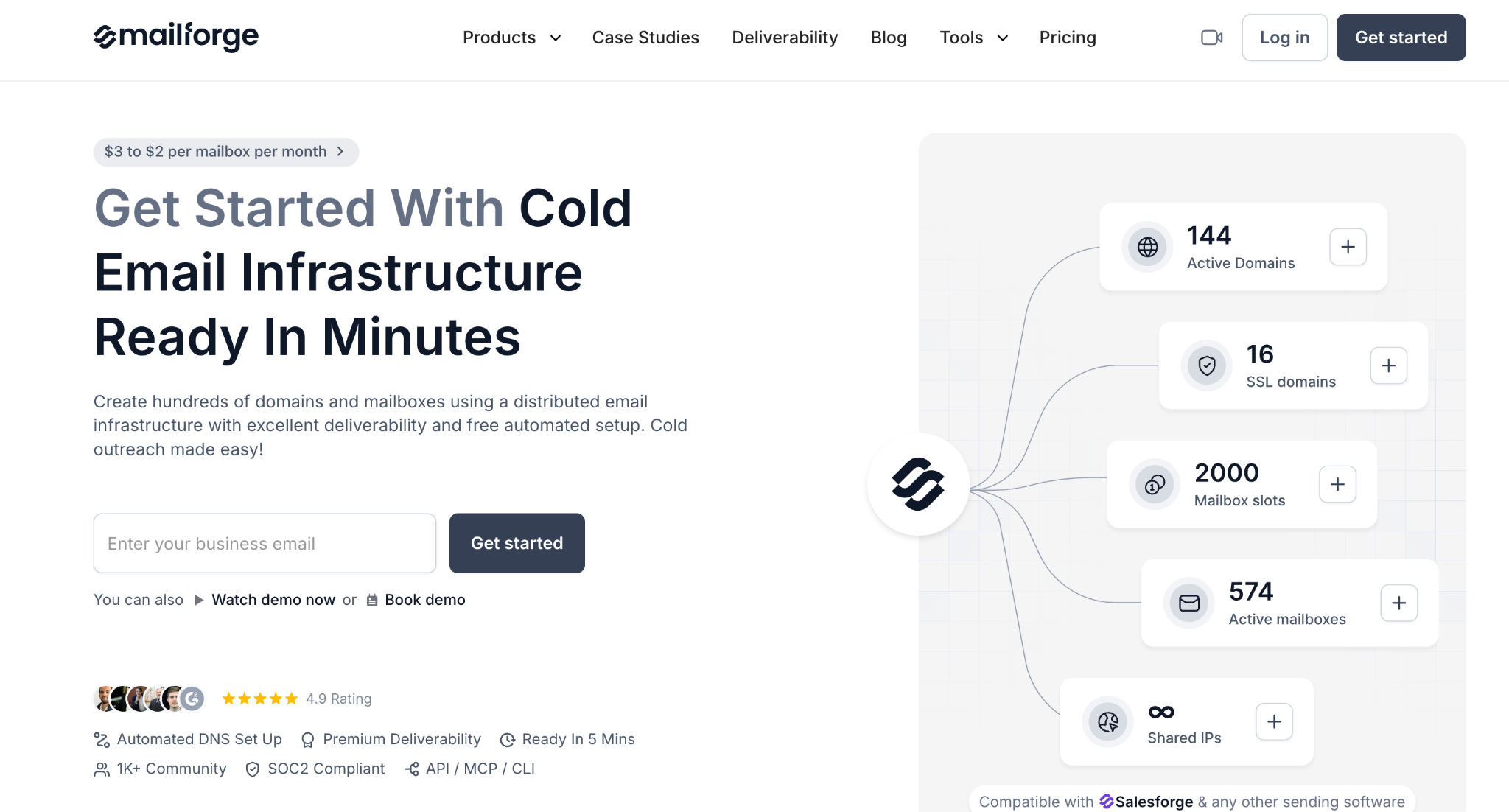
This image shows the Mailforge homepage
Mailforge is the first alternative when the buyer has outgrown basic mailbox purchasing and wants infrastructure built for outbound from day one.
It handles bulk domain and mailbox setup for cold email infrastructure, with SPF, DKIM, and DMARC configuration included in the setup.
Use it when you want infrastructure first, warmup second, list quality third, copy fourth, volume last. That is exactly where Mailforge fits inside the broader Salesforge email infrastructure guide.
One useful proof point: SalesCaptain moved 70% of cold email infrastructure to Mailforge and reported 280+ active sending domains, 600+ dedicated mailboxes, and 97-100% mailbox reputation scores; the company is verifiable through the SalesCaptain LinkedIn company page.
Key features
Bulk domain and mailbox creation for cold email infrastructure
Automated DNS setup for SPF, DKIM, and DMARC
Shared infrastructure model designed for outbound teams
Dedicated Zapmail comparison for buyers evaluating private infrastructure
Pricing: $99/month for 10 inboxes. Higher tiers add more inboxes and controls.
Pros
Stronger when private infrastructure is the switch reason, not mailbox setup speed.
More control for teams that need dedicated infrastructure rather than shared economics.
Easier to justify when client isolation, API access, and infrastructure ownership matter more than the lowest inbox price.
Cons
Infraforge is overbuilt if you only need 10 to 20 Google or Microsoft mailboxes.
The $99/month entry point is not the lowest headline cost
Dedicated infrastructure does not remove the need for warmup and monitoring.
Infraforge is not a sending platform; if you need sequencing, routing, and replies in the same interface, connect it to Salesforge or another sender.
3. Primeforge: Best for teams that still want Google or Microsoft mailboxes
This image shows the primeforge homepage
Primeforge is the direct alternative when the team likes Zapmail’s Google/Microsoft account model but wants another provider.
It supports Google Workspace, Microsoft 365, and SMTP mailbox options, which makes it more comparable to Zapmail than Mailforge or Infraforge for this specific switching reason.
Use Primeforge when the account type matters. If the team’s sender, CRM, client process, or buyer trust assumptions depend on Google Workspace or Microsoft 365, do not move to generic SMTP just to save a few dollars.
Key features
Google Workspace mailbox option
Microsoft 365 mailbox option
SMTP mailbox option for lower-cost infrastructure
4. Maildoso: Best for budget bundled domains and inboxes
This image shows the Maildoso homepage
Maildoso wins when the operator wants a budget-friendly bundle and accepts the tradeoffs of that model. Plans bundle domains, email accounts, forwarding, domain redirect, and API access.
That can fit agencies that care about headline cost and bundled setup. It is weaker when the team needs monthly experimentation or strict infrastructure ownership.
Key features
Bundled domains and email accounts
Standard plan with 12 domains and 36 email accounts
Pro plan with 24 domains and 72 email accounts
Quarterly pricing model
Domain redirect and forwarding features
API access on paid plans
Positioned for cold email infrastructure setup rather than sending sequences
Pricing: Standard is $57/month billed quarterly for 36 email accounts; Pro is $99/month billed quarterly for 72 email accounts (Maildoso pricing).
Pros
Low headline inbox economics when bundled domains fit the workflow.
Easier for teams that want domains and inboxes packaged in fixed bundles.
Cheaper when Google/Microsoft account type is not the deciding factor.
Cons
Quarterly billing reduces flexibility compared to monthly plans.
Fixed domain and mailbox bundles may not fit every team's infrastructure requirements.
Less suitable for teams that frequently adjust mailbox counts or domain allocations.
Focuses on bundled infrastructure rather than advanced infrastructure controls.
5. Mailscale: Best for simple inbox plans with warmup expectations
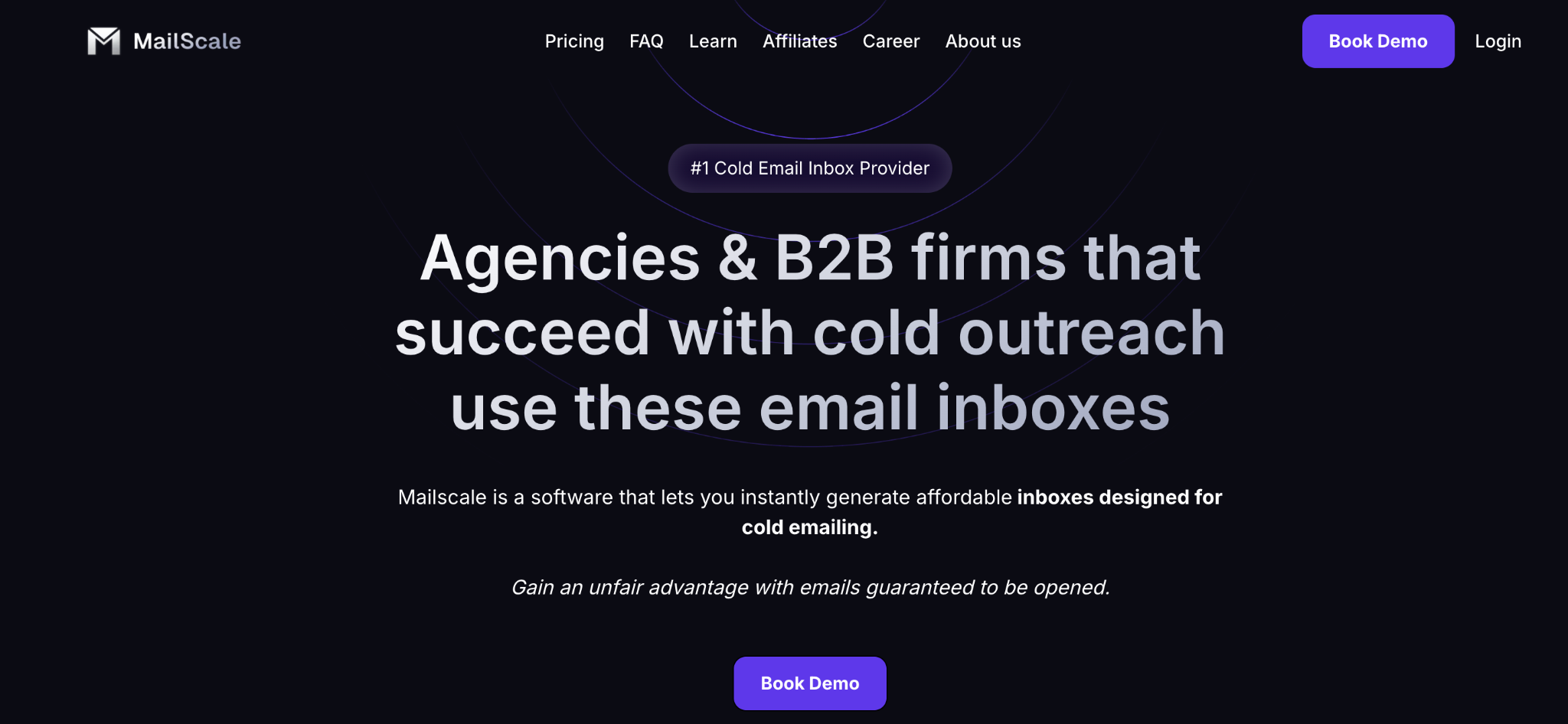
This image shows the Mailscale homepage
Mailscale is for buyers who want mailbox acquisition, warmup, and support wrapped in a simple plan. Packages run from 15 to 200 inboxes, with warmup and support attached to the offer.
That makes it reasonable when the buyer wants a managed path without private-infrastructure design.
Key features
Managed inbox packages
15, 50, and 200 inbox package signals
Warmup support
Deliverability support messaging
Simple plan structure for teams that do not want to design infrastructure
Useful for operators moving beyond manual account setup
More relevant as a mailbox provider than as a full outreach platform
Pricing: $79/month for up to 15 inboxes, $119/month for up to 50 inboxes, and $249/month for up to 200 inboxes (Mailscale pricing).
Pros
Attractive when warmup and managed support are part of the buying reason.
Simpler for teams that do not want private infrastructure decisions yet.
Easy to evaluate when package count matters more than exact account type.
Cons
Dedicated/private infrastructure control is less clear than with Infraforge.
Package pricing can hide the real per-mailbox economics if you need counts between tiers.
It is not a direct replacement for a sending platform.
If you need Google/Microsoft account specificity, Primeforge and Zapmail are closer matches.
6. LiteMail: Best for pre-warmed Google Workspace or Microsoft 365 accounts
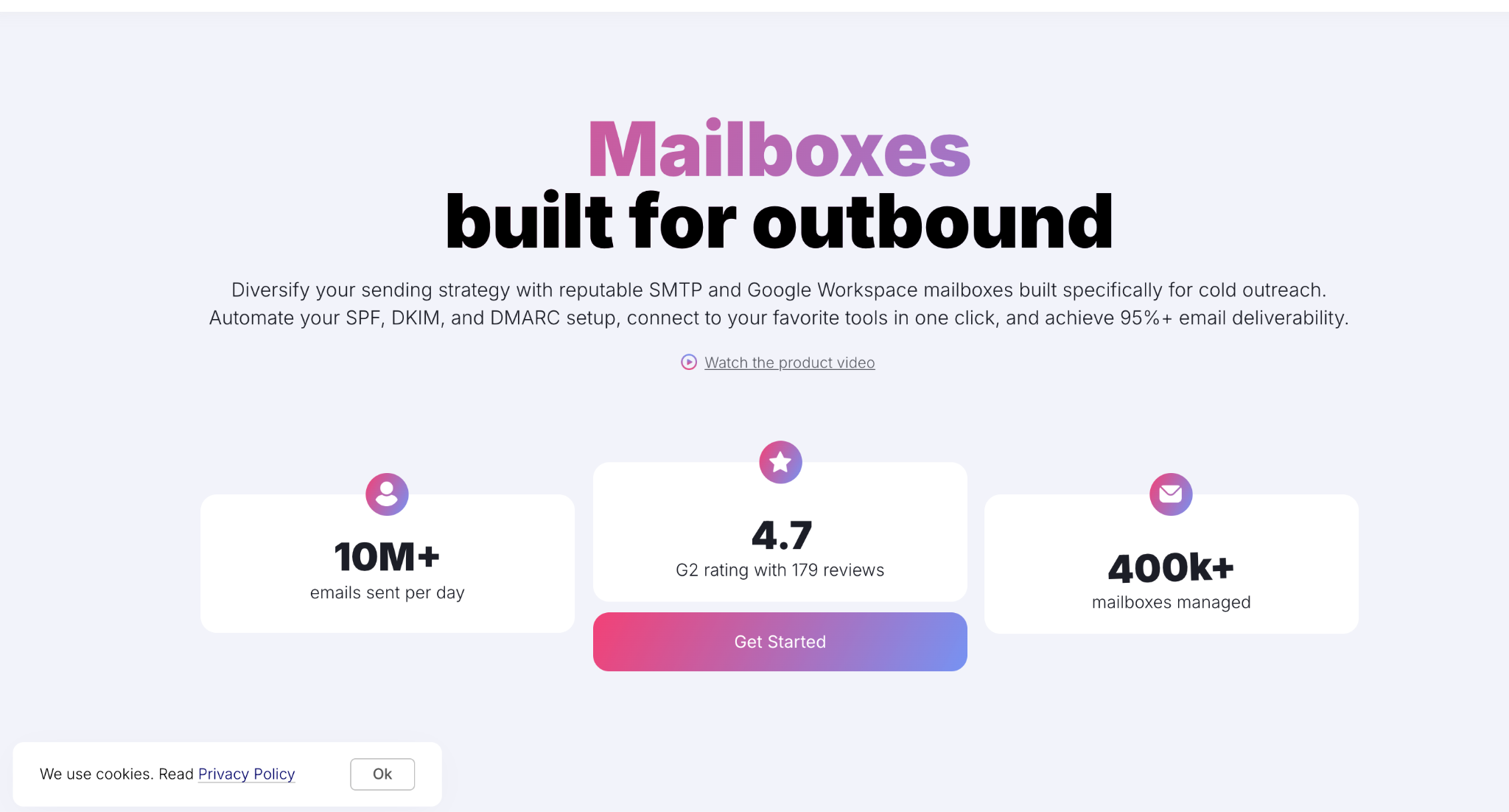
This image shows the Litemail homepage
LiteMail fits the buyer who wants something close to Zapmail’s account-type promise: fresh or pre-warmed Google Workspace/Microsoft 365 inboxes, positioned with US and EU IP options.
Use it when the team wants account familiarity and simple mailbox procurement more than private infrastructure.
Key features
Google Workspace inboxes
Microsoft 365 inboxes
Pre-warmed account positioning
US and EU IP positioning
Fresh inbox pricing and pre-warmed package pricing
Relevant for teams that want Gmail/Outlook-style accounts
Better as a mailbox source than as a full outbound stack
Pricing: Fresh inboxes start around $2.50/inbox/month. Pre-warmed Google Workspace/Microsoft 365 packages vary. Check the LiteMail pricing.
Pros
Better match when Google Workspace or Microsoft 365 account type is the requirement.
Simpler for teams that do not need private infrastructure.
Worth shortlisting when the buyer wants a similar mailbox model and needs another pricing/support option.
Cons
Focuses on mailbox provisioning rather than infrastructure ownership.
Pre-warmed mailboxes still require proper warmup, monitoring, and sending practices.
Long-term mailbox quality and replacement processes should be evaluated before large deployments.
Requires separate tools for sequencing, campaign management, and outbound operations.
7. Inframail: Best for flat-rate economics on dedicated IP infrastructure
This image shows the Inframail homepage
Inframail is interesting because it changes the pricing conversation. Instead of pricing every inbox separately, it uses flat-rate unlimited-inbox positioning with dedicated IP infrastructure.
That can attract high-volume teams, but unlimited inboxes do not mean unlimited sending volume or unlimited reputation.
Key features
Unlimited inbox positioning
Dedicated IP language
Flat-rate unlimited-inbox positioning
Cold email infrastructure focus
Useful for large mailbox counts where per-inbox pricing becomes expensive
Better as an infrastructure layer than a full sending workflow
Requires operators to manage volume and reputation responsibly
Pricing: Flat-rate unlimited-inbox pricing is around $99-$129/month depending on Inframail plan.
Pros
Strong when the buyer is scaling enough inboxes that per-mailbox pricing stops making sense.
Flat-rate pricing may be cheaper at high mailbox counts.
Less bundle-constrained if the unlimited model fits the operation.
Cons
Unlimited inbox plans do not remove the need for warmup, monitoring, or deliverability management.
Not designed around Google Workspace or Microsoft 365 mailbox identities.
Infrastructure requires responsible sending practices to maintain reputation.
Separate tools are still needed for sequencing, personalization, and campaign execution.
8. QuickMail: Best for small teams that want inboxes plus sending software
This image shows the Quickmail homepage
QuickMail is not a pure Zapmail replacement. It is a cold email sending platform with inbox and deliverability-related offers around the product.
That can fit a small team without Smartlead, Instantly, Salesforge, Lemlist, or Reply. It is weaker if you only want mailbox infrastructure.
Key features
Cold email campaign software
Pricing from $49/month
Built-in sending workflow rather than infrastructure-only positioning
Team and agency-oriented plans
Deliverability and inbox management features attached to the sender
Better for smaller teams that want one vendor for sending and setup
Not a direct one-for-one mailbox provider comparison
Lower-cost managed inbox source for a controlled pilot.
Closer to the infrastructure layer than the sending layer.
Easy to trial if current terms fit your mailbox count.
Cons
Best evaluated through a smaller pilot before becoming a primary infrastructure provider.
Focuses on mailbox provisioning rather than private infrastructure ownership.
Mailbox types and sourcing options should be verified before large deployments.
Requires separate tools for campaign execution and outbound workflow management.
Which Zapmail alternative should you choose?
The best answer depends on scale, not a generic ranking.
If you need fewer than 30 mailboxes
Stay simple. Zapmail may still be enough if you want Google Workspace or Microsoft 365 mailboxes, automated setup, and direct connection to your sender. LiteMail and Primeforge are worth comparing if you want the same account-type logic from another provider.
QuickMail can win here if you have not chosen a sending platform yet. One vendor for sending, inboxes, and deliverability workflow may be easier than stitching together infrastructure and software too early.
Avoid private infrastructure at this stage unless there is a clear reason. Infraforge is a strong product, but it is solving a different problem.
If you need 30 to 100 mailboxes
This is where mailbox cost starts to matter.
Shortlist Mailforge, Primeforge, Maildoso, and Mailscale.
Mailforge wins when you want shared infrastructure. Primeforge wins when Google Workspace or Microsoft 365 continuity matters. Maildoso wins on bundled prices if quarterly billing works. Mailscale wins when simple packages and warmup expectations matter more than private control.
If you need 100 to 500+ mailboxes
Do not rely on one provider.
At this scale, provider diversification is part of the system. You can use Mailforge for shared infrastructure economics, Primeforge for Google/Microsoft-style accounts, and Infraforge when private infrastructure is needed for a specific client, segment, or high-value motion.
That is not vendor hoarding. It is failure isolation.
If you run an agency or multi-client outbound operation
Prioritize separation before price.
You need client-level workspaces, clean domains, clear mailbox ownership, support response standards, and infrastructure that does not let one client’s bad data poison another client’s sending. Infraforge is the best here.
Mailforge can still carry lower-cost shared-infrastructure motions. Maildoso, Mailscale, Mailpool, or LiteMail can be tested as secondary providers if their account type and support fit the client profile.
Personalized Outbound Strategy
Get The Right Outbound Strategy In Minutes
Enter your email to get a custom plan & stack recommendation for your
business
It's being carefully crafted by AI
Please check your mailbox in 5 minutes
Final recommendation
If you are comparing Zapmail alternatives, start with the switching reason.
If you are leaving Zapmail for mailbox type, compare Primeforge and LiteMail. If you are leaving for cost, compare Mailforge, Maildoso, and Mailscale. If you are leaving for control, compare Infraforge and Inframail.
At 100+ inboxes, do not pick one provider only. Build a primary source plus a backup source so one pricing change, support delay, account issue, or provider policy shift does not stop the whole outbound system.
Zapmail can still be the right call for a small team that wants a quick Google/Microsoft inbox setup and is not ready to diversify. The mistake is switching blindly. Switch based on the failure mode: cost, mailbox type, ownership, private infrastructure, or diversification.