
Personalized Outbound Strategy
Get The Right Outbound Strategy In Minutes
Enter your email to get a custom plan & stack recommendation for your business
It's being carefully crafted by AI
Please check your mailbox in 5 minutes

Inboxology is one of several companies offering discounted Google Workspace and Microsoft 365 mailboxes for cold email. It promises to lower your email infrastructure costs, automate much of the setup, and give you full ownership of your workspaces instead of locking you into its own platform.
That sounds like a solid offer, but discounted mailboxes alone don't make a good cold email infrastructure provider. Deliverability, mailbox quality, setup, flexibility, and long-term scalability matter just as much.
To see whether Inboxology delivers where it counts, I reviewed its website, pricing, features, and documentation. In this review, I'll explain what it does well, where it falls short, and whether it's a tool I'd recommend for cold email in 2026.
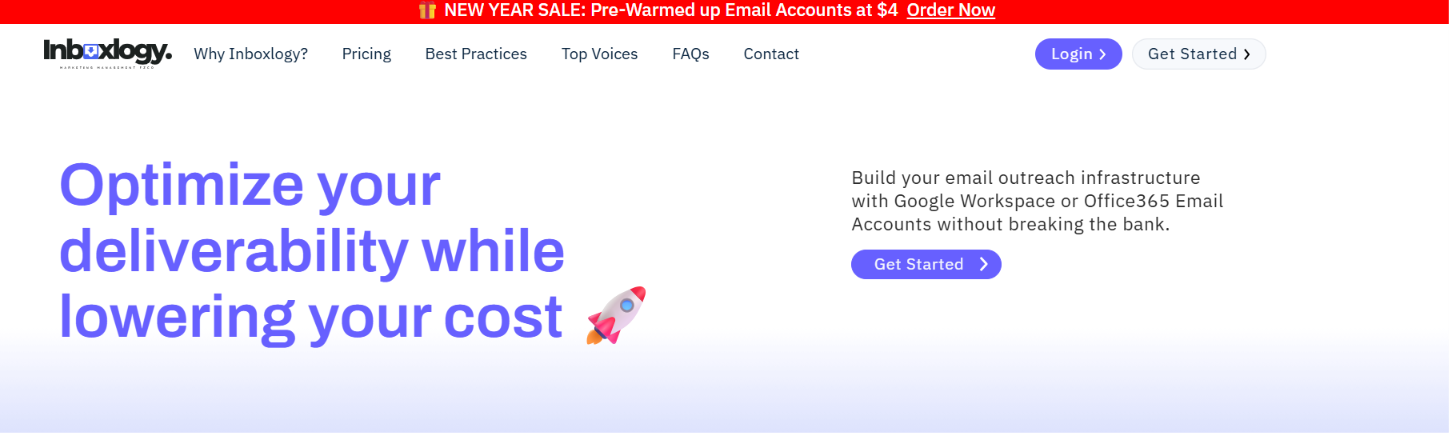
Inboxology is a cold email infrastructure platform that helps businesses buy, set up, and manage Google Workspace and Microsoft 365 email accounts for outbound campaigns.
Instead of purchasing licenses directly from Google or Microsoft, you can buy them through Inboxology at discounted prices while still keeping full admin ownership of your workspaces.
The platform also handles mailbox setup, including MX, SPF, DKIM, and DMARC configuration, so you can connect your accounts to popular cold email tools and start sending faster. It also offers additional tools like an email verifier, spam checker, and email health check to help improve deliverability.
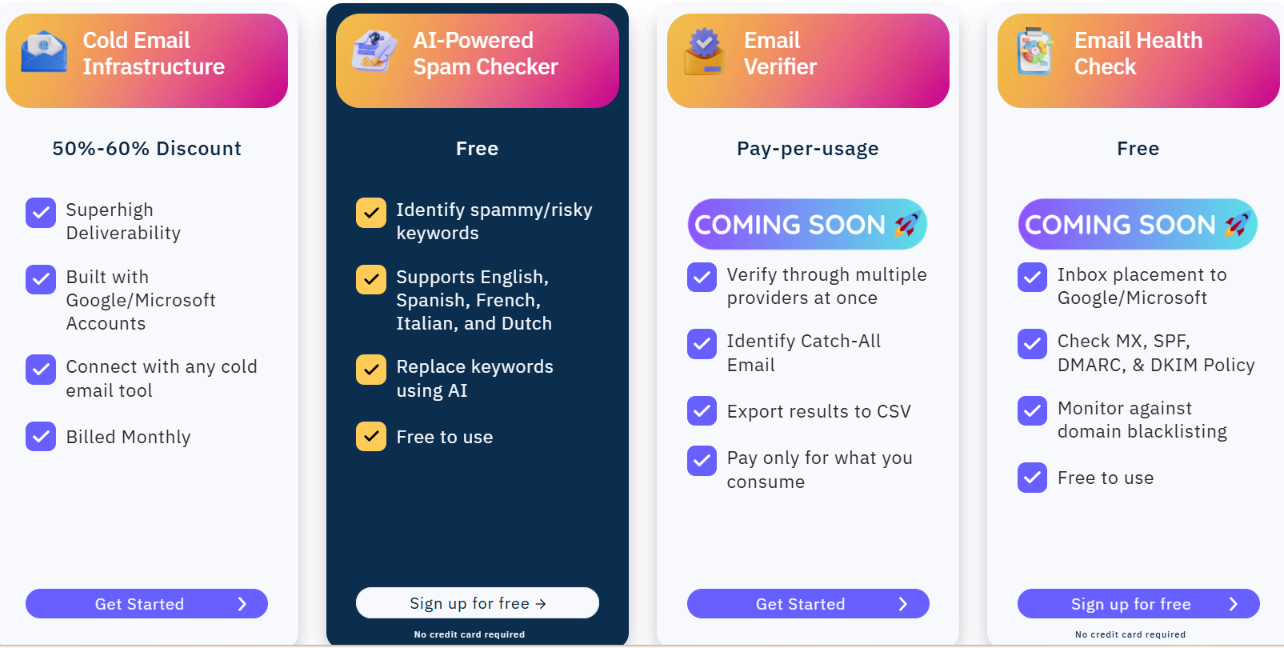
Inboxology focuses on helping businesses build and manage cold email infrastructure. After reviewing the platform, I found that most of its features are designed to reduce mailbox costs, simplify setup, and make it easier to manage Google Workspace and Microsoft 365 accounts at scale. Here are the features that stood out to me.
The biggest reason to consider Inboxology is its discounted mailbox pricing. The platform offers Google Workspace and Microsoft 365 email accounts at lower monthly rates, with prices starting at $3.50 per account and going as low as $2.60 per account for higher volumes.
This is useful if you're running cold email at scale because mailbox costs add up quickly. Instead of buying every license directly at standard pricing, Inboxology helps you reduce the cost while still using Google or Microsoft accounts for your outreach setup.
One feature I like is that Inboxology gives you full admin access to every workspace. That means you stay in control of your users, domains, and settings instead of relying on the provider to make changes for you.
If you ever decide to stop using Inboxology, you also have the option to move your billing directly to Google or Microsoft while keeping your workspaces. That gives you more flexibility than platforms that lock customers into their own ecosystem.
Setting up email authentication can be one of the most time-consuming parts of building cold email infrastructure. Inboxology handles the configuration of MX, SPF, DKIM, and DMARC records, so you don't have to set everything up manually.
I like that this removes a lot of the technical work, especially if you're creating multiple workspaces or managing outreach for clients.
Inboxology doesn't lock you into its own sending platform. Instead, you can connect your Google Workspace or Microsoft 365 accounts to popular cold email tools using OAuth or app passwords. The platform specifically mentions compatibility with Instantly, Smartlead, and ReachInbox, making it easy to continue using the software you're already familiar with.
The AI Spam Checker scans your email copy for spam-triggering words and suggests alternative wording using AI. It supports English, Spanish, French, Italian, and Dutch, making it useful for reviewing emails before sending.
Inboxology also provides a pay-as-you-go Email Verifier. It checks email addresses across multiple providers, identifies catch-all emails, and lets you export the results as a CSV file. If you're working with large prospect lists, this can help remove invalid email addresses and reduce the chances of high bounce rates before you start sending.

Inboxology uses a simple volume-based pricing model instead of multiple feature-based plans. The more Google Workspace and Microsoft 365 email accounts you purchase, the lower your cost per mailbox.
All pricing tiers include full admin ownership, user creation, MX, SPF, DKIM, and DMARC setup, domain authentication, domain forwarding, and warm-up activation.
Is Inboxology's Pricing Worth It?
Inboxology offers good value if your main goal is to reduce the cost of Google Workspace and Microsoft 365 mailboxes. The pricing is easy to understand, and the cost decreases as you purchase more mailboxes rather than unlocking different feature tiers.
That makes it a practical option for agencies and businesses managing larger outbound setups. If you're mainly looking for mailbox provisioning and email infrastructure, I think Inboxology's pricing is competitive.
After reviewing Inboxology, I think it is best suited for businesses that need affordable Google Workspace or Microsoft 365 mailboxes for cold email. The platform focuses on setting up and managing email infrastructure, so it works best if you already have a separate tool for running your outreach campaigns.
Choose Inboxology if you:
Consider another option if you:
If you're looking for Google Workspace or Microsoft 365 mailboxes built specifically for cold outreach, I'd recommend Primeforge. If you're open to distributed email infrastructure that's purpose-built for cold email, Mailforge is another excellent option.
Both are designed specifically for cold email infrastructure and offer additional capabilities for businesses that need more advanced outbound setups.
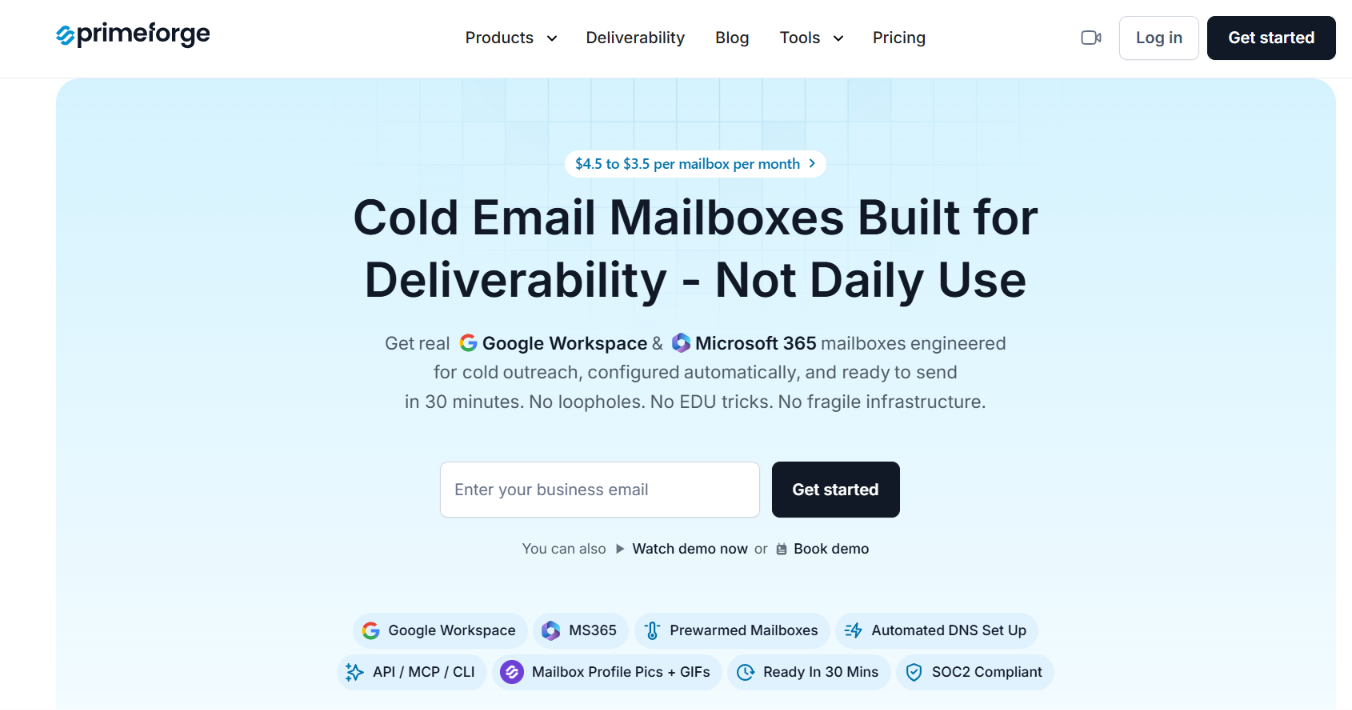
Primeforge is the better choice if you want Google Workspace or Microsoft 365 mailboxes that are built and optimized specifically for cold outreach. It provides Google Workspace and Microsoft 365 mailboxes with US IP addresses, automated DNS setup, bulk DNS updates, multiple workspaces, pre-warmed mailboxes, and API access. It also supports ESP Matching, allowing you to send from the same email provider your prospects use, which can help improve inbox placement and deliverability.
The platform works with any sending software, making it easy to add to your existing outbound workflow.
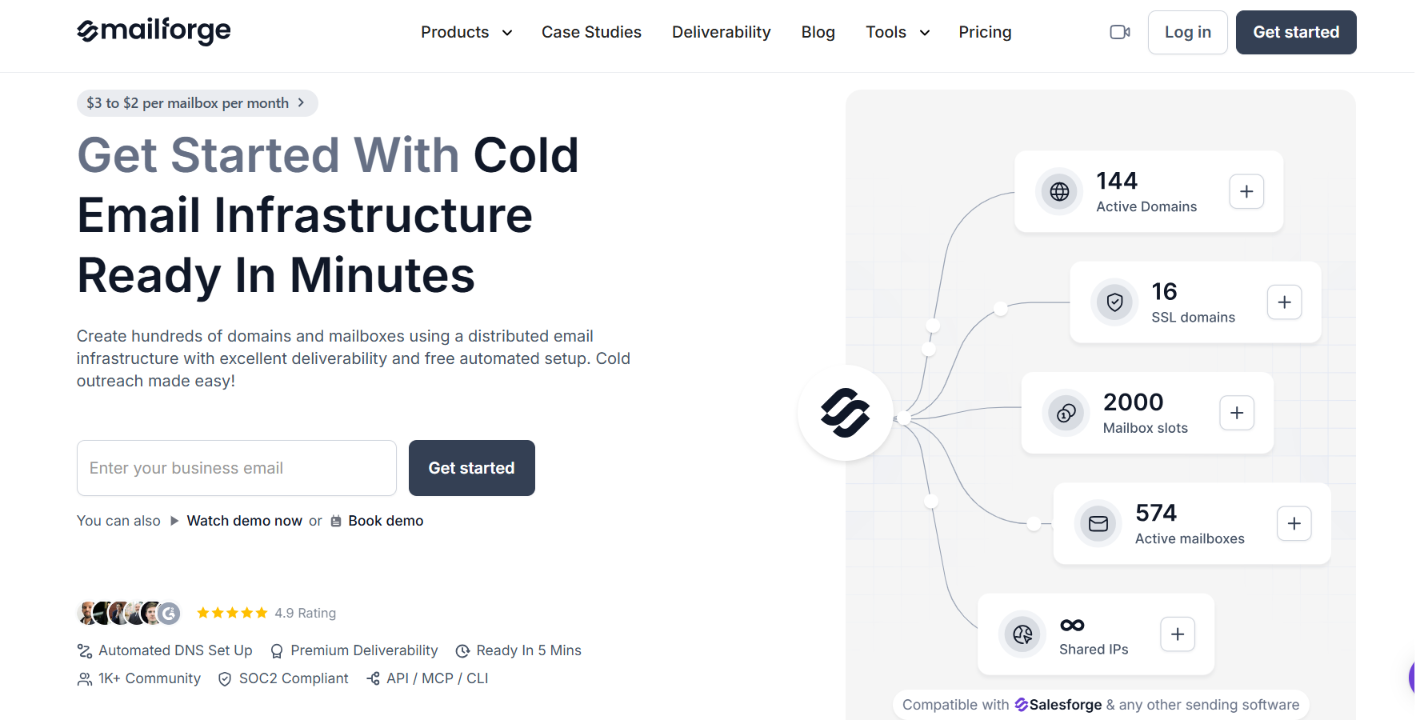
Mailforge is a better fit if you're looking for distributed email infrastructure built specifically for cold outreach. It includes automated DNS setup, bulk DNS updates, multiple workspaces, domain transfers, SSL & Domain Masking, and API, MCP, and CLI support.
It also works with any sending software, making it a strong choice for businesses that want infrastructure that's easy to automate and manage as they grow.
Which Alternative Would I Choose?
If you specifically want Google Workspace or Microsoft 365 mailboxes for cold outreach, I'd choose Primeforge because it's designed around those providers and includes features like ESP Matching, pre-warmed mailboxes, and bulk DNS management. If you'd rather use distributed email infrastructure with more automation and infrastructure management features, I'd choose Mailforge.
Both are worth considering if you're looking beyond discounted mailbox provisioning and want infrastructure built specifically for cold outreach.
Enter your email to get a custom plan & stack recommendation for your business
Please check your mailbox in 5 minutes

After reviewing Inboxology, I think it does a good job of making Google Workspace and Microsoft 365 mailboxes more affordable and easier to manage for cold email. If your goal is to reduce mailbox costs without handling the technical setup yourself, it's a platform worth considering.
However, if you're investing in your cold email infrastructure for the long term, I'd also look at the Forge ecosystem before making a decision. Primeforge is the better choice if you want Google Workspace or Microsoft 365 mailboxes optimized specifically for cold outreach, while Mailforge is a strong option if you prefer distributed email infrastructure with more automation and infrastructure management features.
If you're serious about improving deliverability and building infrastructure that can scale with your outbound campaigns, start by exploring Primeforge or Mailforge.