If you're using LinkedIn for B2B prospecting, finding the right people is just the beginning. You also need their contact details to turn those prospects into potential customers.
That's where LinkedIn email finder tools come in. They help you find business email addresses and phone numbers from LinkedIn profiles.
You can use these details to build prospect lists, reach decision-makers, and start conversations through cold email.
I've shortlisted seven LinkedIn email finder tools for this guide.
Let's look at what each one offers, how much it costs, and which tool makes the most sense for your prospecting needs.
Prospect list building, email verification, data enrichment, and CRM integrations
20 valid emails and 5 phone numbers
$49/user/month
7 Best LinkedIn Email Finder Tools in 2026
Let’s now understand each of these extensions in detail.
1. Salesforge LinkedIn Chrome Extension
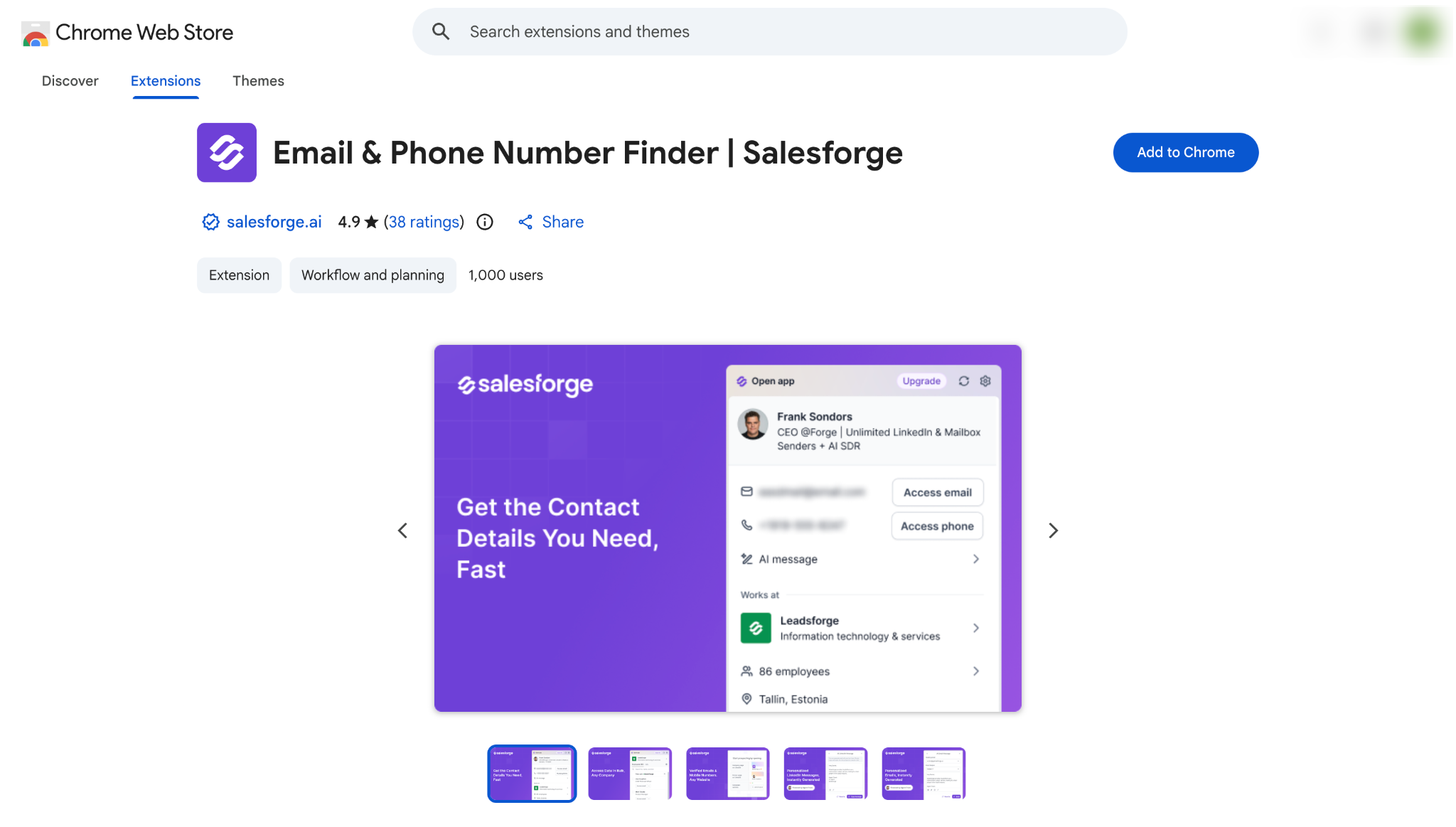
If you are looking for a LinkedIn email finder, Salesforge is a good option for finding contact details and managing your prospecting workflow.
Here are three reasons why:
Find email addresses and phone numbers: Find business email addresses and mobile phone numbers directly from LinkedIn profiles.
Bulk prospecting: Extract multiple leads from LinkedIn Sales Navigator and LinkedIn People Search without opening individual profiles.
Personalized outreach: Create personalized emails and add prospects to outreach sequences directly from the extension.
On top of that, you can find prospects from LinkedIn events and company websites. You can also enrich contact profiles, organize leads with tags, and sync them directly to your Salesforge account.
If you want to try the extension, you get 100 free credits to start prospecting. No credit card is required.
Key Features of Salesforge LinkedIn Chrome Extension
Find verified B2B email addresses and mobile phone numbers.
Extract leads in bulk from LinkedIn Sales Navigator and People Search.
Find and capture prospects from LinkedIn events.
Enrich prospect profiles with company and contact information.
Discover decision-makers and contact details from company websites.
Create personalized emails and trigger outreach sequences.
Save, tag, organize and sync prospects directly to your Salesforge account.
Pricing
Extension: The Chrome extension is free to install.
Free credits: Every new Salesforge account gets 100 free credits, with no credit card required.
Leadsforge Essential plan: The Leadsforge Essential plan costs $49 per month for 2,000 credits. With annual billing, it costs $588 per year for 28,000 credits.
2. Apollo.io
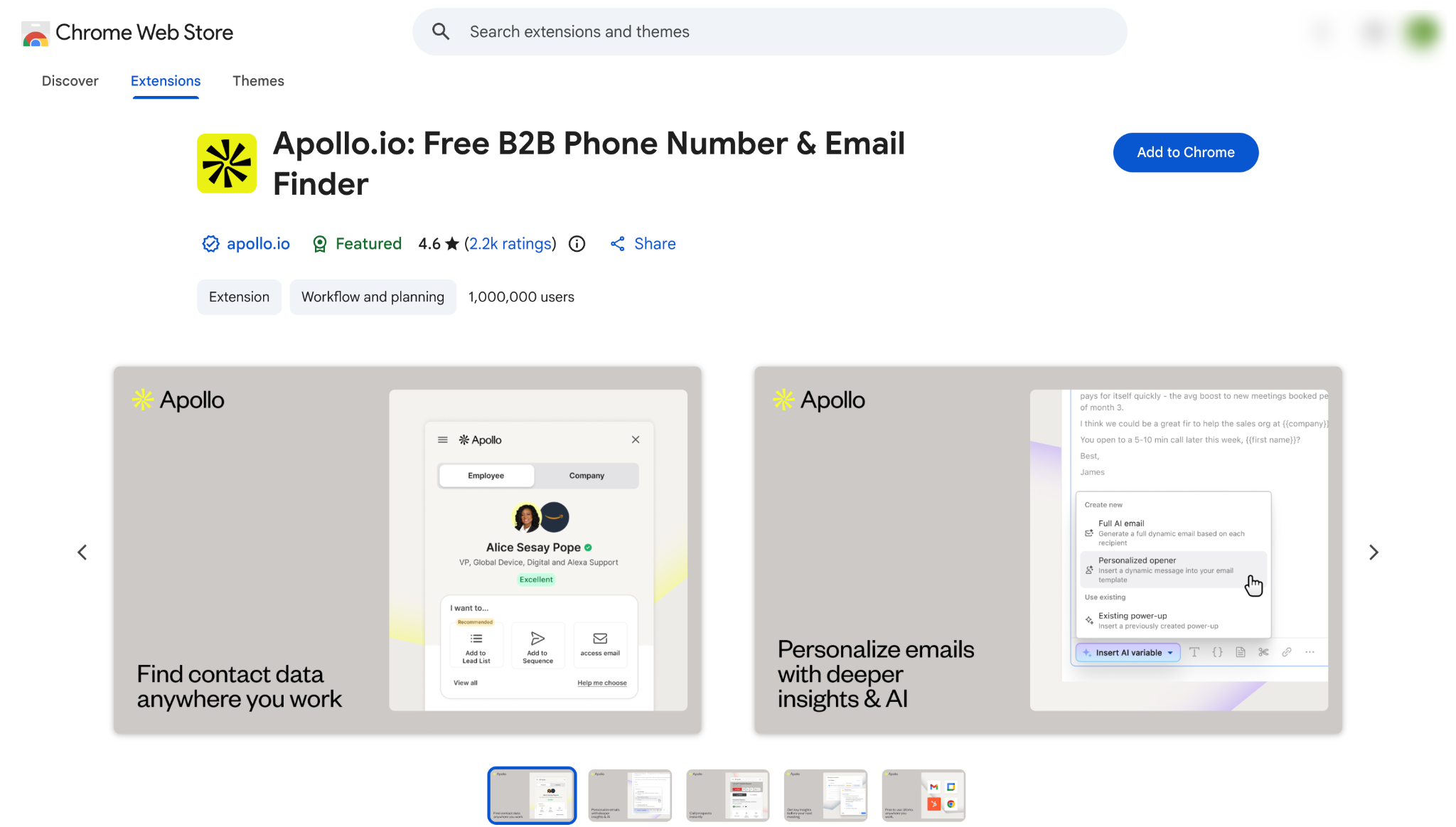
Apollo.io is a good option if you want a LinkedIn email finder and a sales tool in one place.
Along with the Chrome extension, you get a contact database, email sequences and a dialer. This makes it handy for SDRs who want to prospect and reach out without switching tools.
Here are three reasons why:
Find contact details on LinkedIn: See email addresses and phone numbers on LinkedIn profiles with the Apollo Chrome extension.
Search a large database: Build prospect lists with filters like job title, company size and industry.
Email and call prospects: Add prospects to email sequences and call them with the built-in dialer.
On top of that, you can record calls and use AI features on the Professional plan. Keep in mind that G2 reviewers mention outdated contacts and bounced emails, so it helps to verify your list before a big campaign.
If you want to try Apollo.io, the Free plan has no time limit.
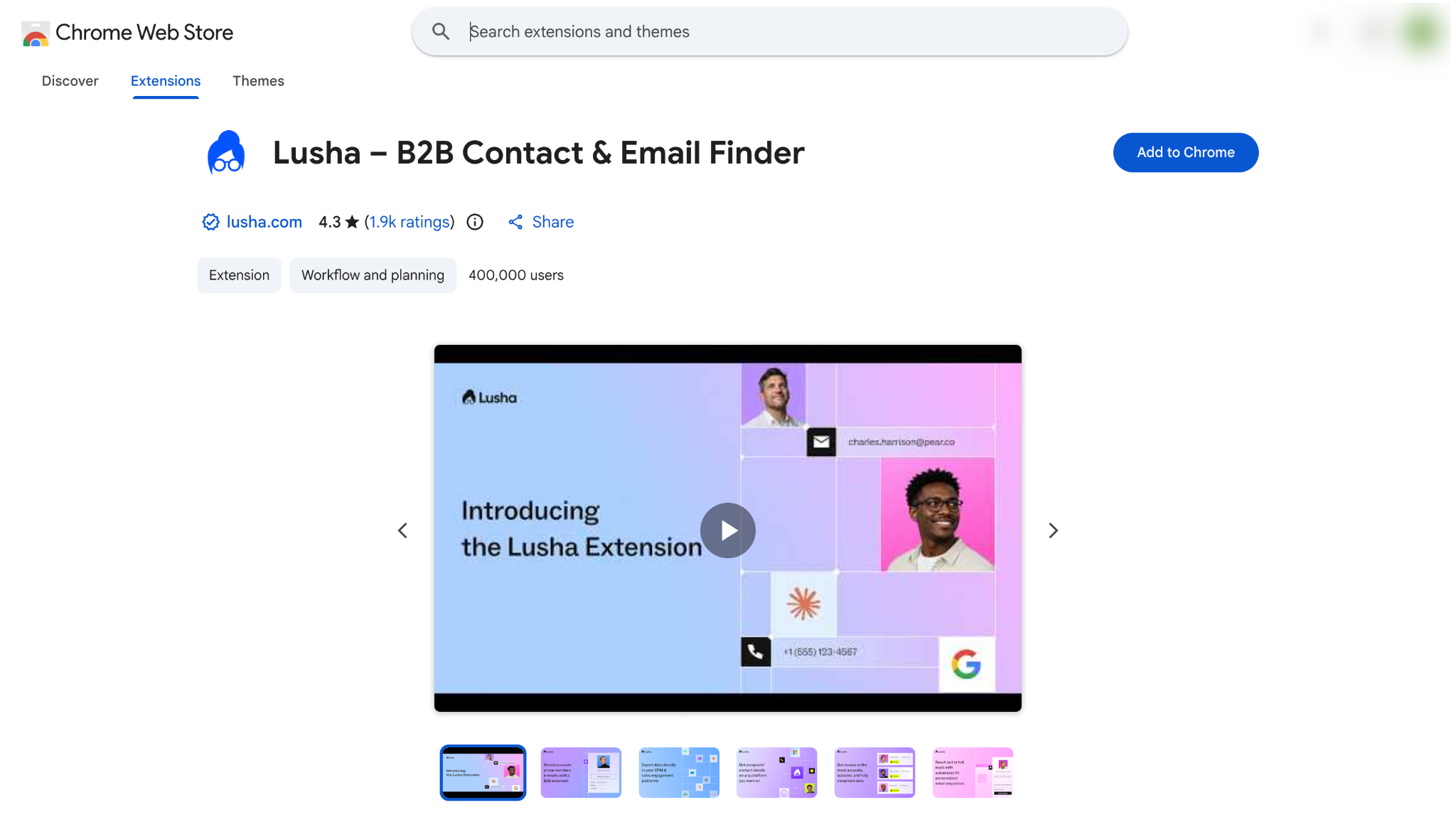
If you call prospects as often as you email them, Lusha is a good option. It shows a verified email address and a direct phone number in the same panel on LinkedIn.
Here are three reasons to consider it:
Get emails and phone numbers together: Reveal a verified email address and a direct phone number from one LinkedIn profile.
Prospect on more pages: Use the extension on LinkedIn, Sales Navigator and company websites.
Send contacts to your CRM: Connect Lusha to your CRM, even on the Free plan.
On top of that, you can search for prospects by role and company inside Lusha. An email costs 1 credit and a phone number costs 5 credits. So if you need mostly phone numbers, the Starter plan's 400 credits cover up to 80 numbers.
If you want to try Lusha, the Free plan gives you 40 credits every month.
Key Features of Lusha
Reveal verified email addresses and direct phone numbers.
Use the extension on LinkedIn, Sales Navigator and company websites.
Search for prospects by role and company.
Connect Lusha to your CRM on the Free plan and above.
Roll over unused credits on monthly plans, up to twice your plan limit.
Pick your credit volume on the Pro plan and the Premium plan.
Add 2 seats on the Pro plan or 5 seats on the Premium plan.
Pricing
Free plan: The Free plan costs $0 and includes 40 credits per month.
Starter plan: The Starter plan costs $37.45 per month with yearly billing, or $49.90 with monthly billing, for 400 credits per month.
Pro plan: The Pro plan starts at $52.45 per month with yearly billing, or $69.90 with monthly billing. It includes 600 credits per month and 2 seats.
Premium plan: The Premium plan starts at $299.95 per month with yearly billing, or $399.90 with monthly billing. It includes 3,400 credits per month and 5 seats.
Scale plan: The Scale plan has a custom quote. Lusha's sales team shares the price on request.
Free trial: Lusha does not offer a free trial. The Free plan can be used for as long as you want instead.
4. Snov.io
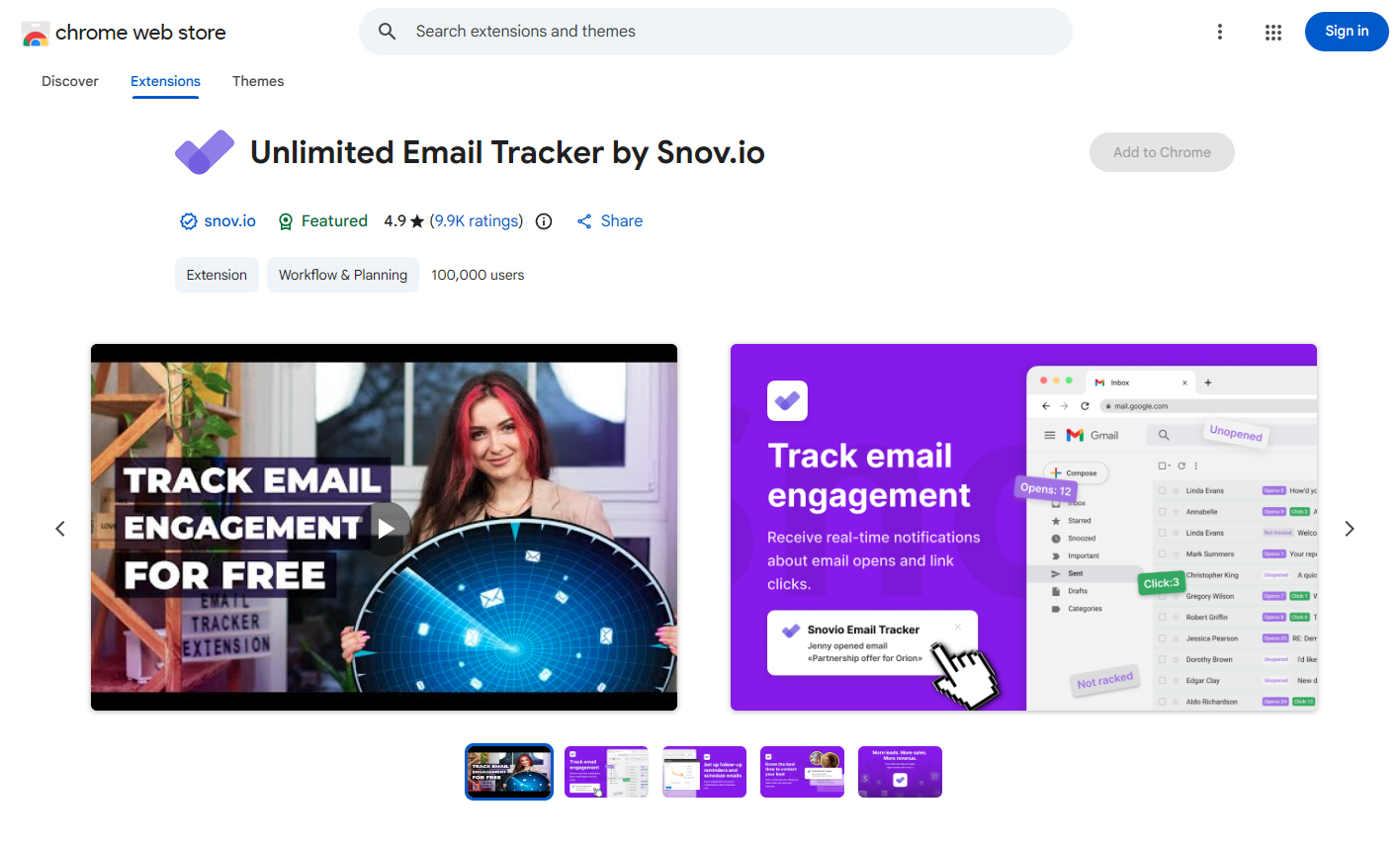
Snov.io is a good option if you want to find emails and send cold email campaigns from the same account. It is a good fit for founders and small sales teams, because there is no need for a separate verifier or sending tool.
Here is what makes it useful:
Find emails on LinkedIn: Find email addresses on LinkedIn profiles and Sales Navigator searches with the Chrome extension.
Verify emails before sending: Check every address with the built-in email verifier to keep bounces low.
Send drip campaigns: Create email campaigns with follow-ups that stop when a prospect replies.
On top of that, you can find emails on company websites and warm up a new mailbox with the included warmup slot. LinkedIn steps are available with the LinkedIn Automation add-on for $69 per month for each slot. G2 reviewers say its contact data is not as deep as Lusha's.
If you want to try Snov.io, the Trial plan gives you 50 credits every 30 days and never expires.
Key Features of Snov.io
Find emails on LinkedIn profiles and Sales Navigator searches.
Find emails on company websites.
Verify email addresses before you send.
Create drip campaigns with automatic follow-ups.
Warm up new mailboxes with the included warmup slot.
Add LinkedIn steps with the LinkedIn Automation add-on.
Save prospects to lists.
Pricing
Trial plan: The Trial plan costs $0 and renews every 30 days with 50 credits and 100 recipients.
Starter plan: The Starter plan costs $29.25 per month with annual billing, or $39 with monthly billing. It includes 1,000 credits and 5,000 recipients.
Pro S plan: The Pro S plan costs $74.25 per month with annual billing, or $99 with monthly billing. It includes 5,000 credits and 25,000 recipients.
LinkedIn Automation add-on: The add-on costs $69 per month for each slot, or $62 per month with annual billing.
Free trial: The Trial plan has no end date. The LinkedIn Automation add-on has a 7-day free trial.
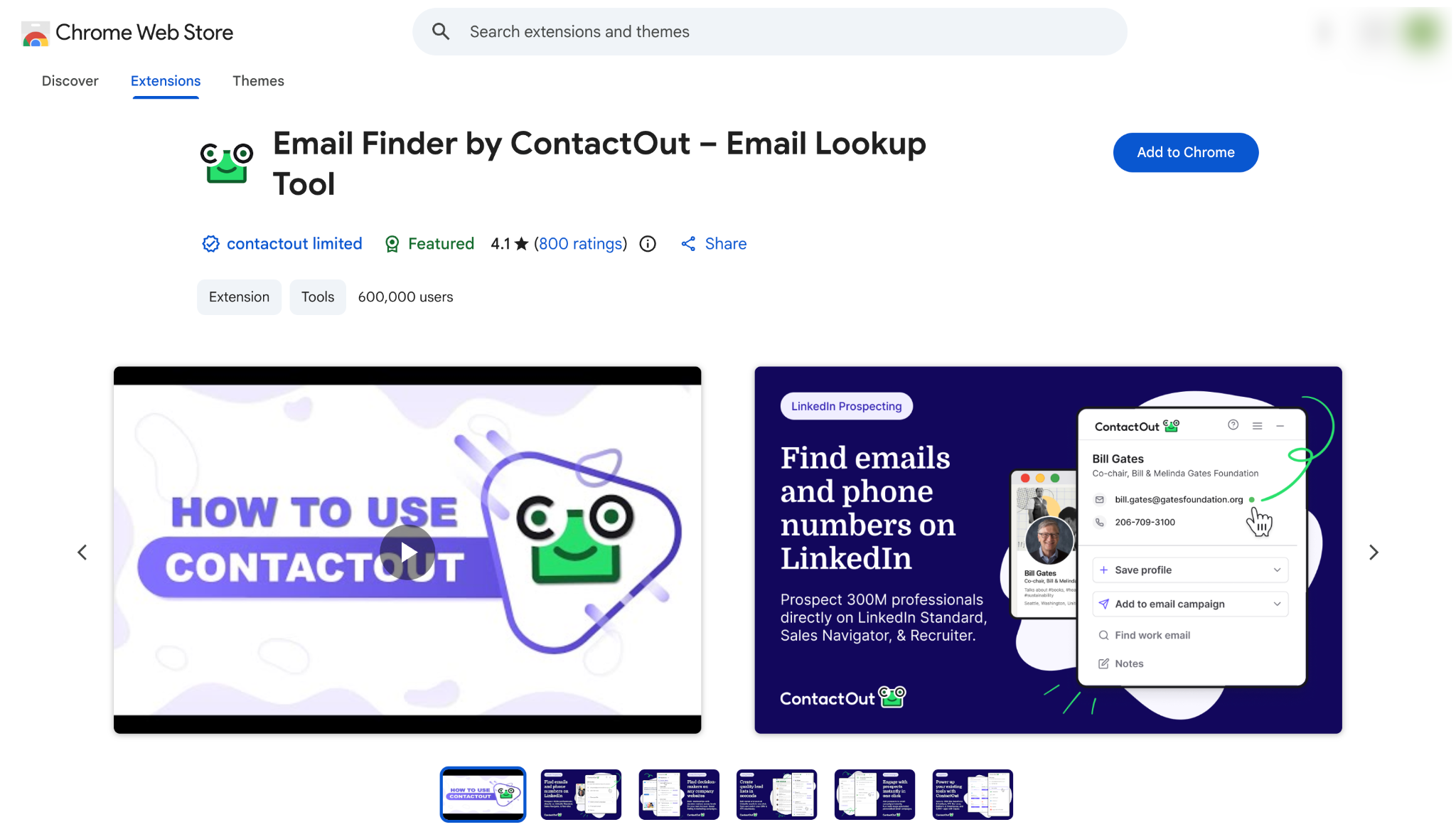
If you need personal email addresses as well as work emails, ContactOut is a good option.
This helps when a prospect has changed jobs and their old work email no longer works. It is also useful for recruiters who contact candidates outside their current job.
Here are three reasons why:
Find personal and work emails: See both email addresses on the same LinkedIn profile.
Use it on LinkedIn Recruiter: Find contact details on LinkedIn, Sales Navigator and LinkedIn Recruiter.
Write emails with AI: Draft outreach emails with the AI email writer on the Email + Phone plan.
On top of that, you can find mobile numbers on the Email + Phone plan and search for prospects in ContactOut's web portal. Keep in mind that exports are limited.
An export is a contact you move from ContactOut into a list or a CRM. The Email plan allows 300 exports per month, and the Email + Phone plan allows 600.
If you want to try ContactOut, the Free plan gives you 5 emails, 5 phone numbers and 5 exports every day.
Key Features of ContactOut
Find personal and work email addresses on LinkedIn.
Get mobile numbers on the Email + Phone plan.
Use the extension on LinkedIn, Sales Navigator and LinkedIn Recruiter.
Search for prospects by name, title or company.
Draft outreach emails with the AI email writer.
Choose data with or without US, UK and Canada contacts.
Connect to Salesforce and applicant tracking systems on the Team / API plan.
Pricing
Free plan: The Free plan includes 5 emails, 5 phone numbers and 5 exports per day at no cost.
Email plan: The Email plan costs $39 per month with annual billing, or $49 with monthly billing. It includes 300 exports per month.
Email + Phone plan: The Email + Phone plan costs $79 per month with annual billing, or $99 with monthly billing. It includes 600 exports per month.
Plans without US, UK and Canada data: Leaving those countries out lowers the Email plan to $25 per month and the Email + Phone plan to $49 per month with monthly billing.
Team / API plan: The Team / API plan has a custom quote. ContactOut's sales team shares the price on request.
Free trial: ContactOut does not offer a free trial. The Free plan can be used instead within its daily limits.
6. Kaspr
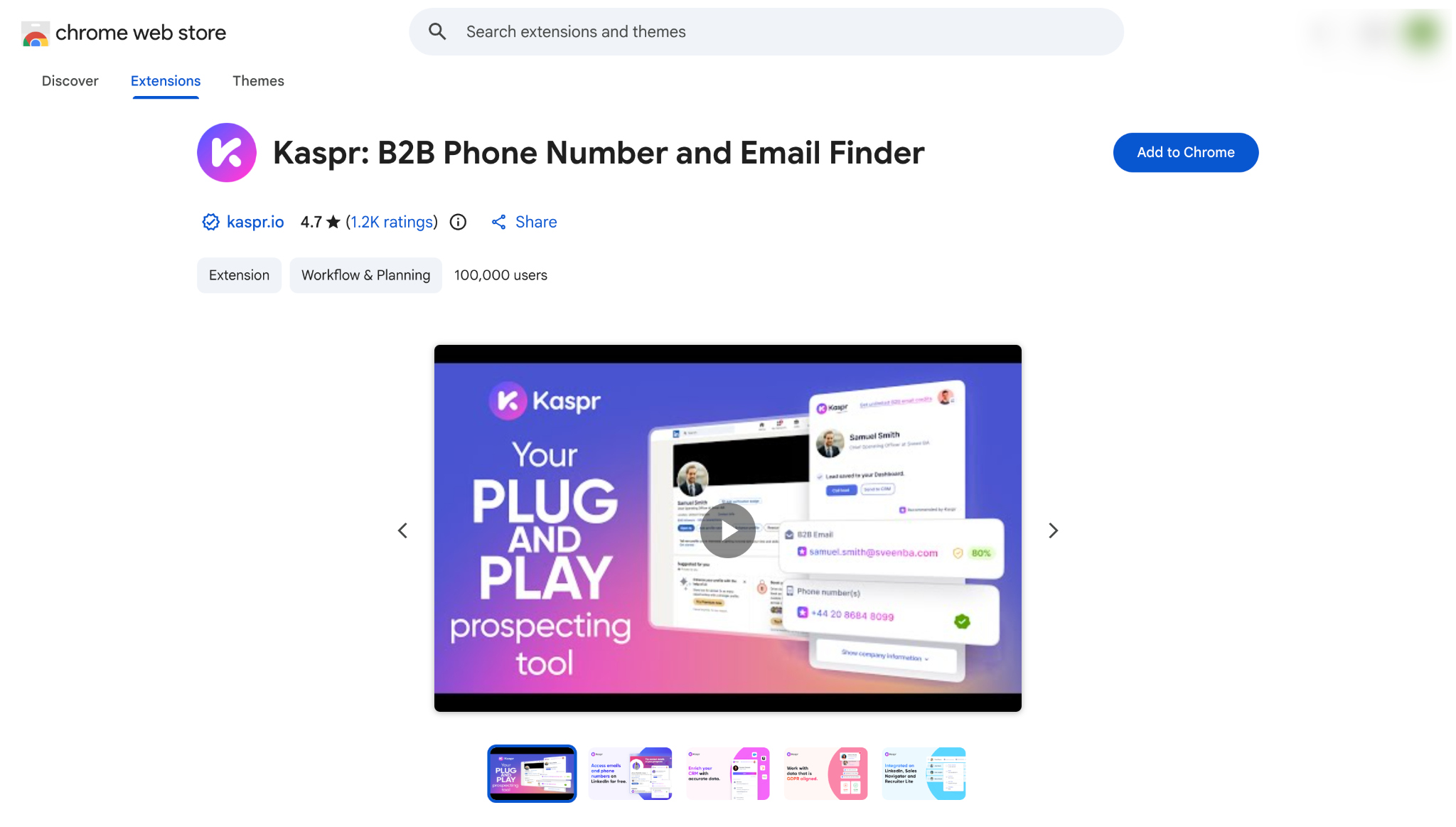
Kaspr is a good option if you look up a lot of LinkedIn profiles every day. Its paid plans include unlimited work email lookups, so you do not have to count credits for business emails.
Here are three reasons to try it:
Unlimited work emails: Find as many B2B email addresses as you need on the Starter plan and the Business plan.
Phone numbers for calls: Get phone numbers next to email addresses, with 100 phone credits per month on the Starter plan.
Sales Navigator and Recruiter Lite: Use the extension on Sales Navigator from the Starter plan and on Recruiter Lite from the Business plan.
On top of that, you can find personal emails with direct email credits and enrich a CSV file of contacts. Kaspr does not send emails, so you need an outreach tool such as Salesforge for that part. G2 reviewers also say the phone credit limits feel tight.
If you want to try Kaspr, the Free plan gives you 15 work email credits, 5 phone credits and 5 personal email credits every month. No credit card is required.
Key Features of Kaspr
Find work emails, personal emails and phone numbers on LinkedIn.
Look up unlimited work emails on paid plans.
Use the extension on Sales Navigator from the Starter plan.
Use the extension on Recruiter Lite from the Business plan.
Save leads to lists from the extension.
Enrich a CSV file with contact details.
Connect other tools with the API on the Business plan.
Pricing
Free plan: The Free plan costs $0 and includes 15 B2B email credits, 5 phone credits and 5 direct email credits per month.
Starter plan: The Starter plan costs $49 per user per month with annual billing, or $65 with monthly billing. It includes 100 phone credits per month and up to 12,000 exports per year.
Business plan: The Business plan costs $79 per user per month with annual billing, or $99 with monthly billing. It includes 200 phone credits and 200 direct email credits per month.
Enterprise plan: The Enterprise plan has a custom quote. Kaspr's sales team shares the price on request.
Free trial: Kaspr does not offer a free trial. The Free plan needs no credit card and can be used for as long as you want.
7. Wiza
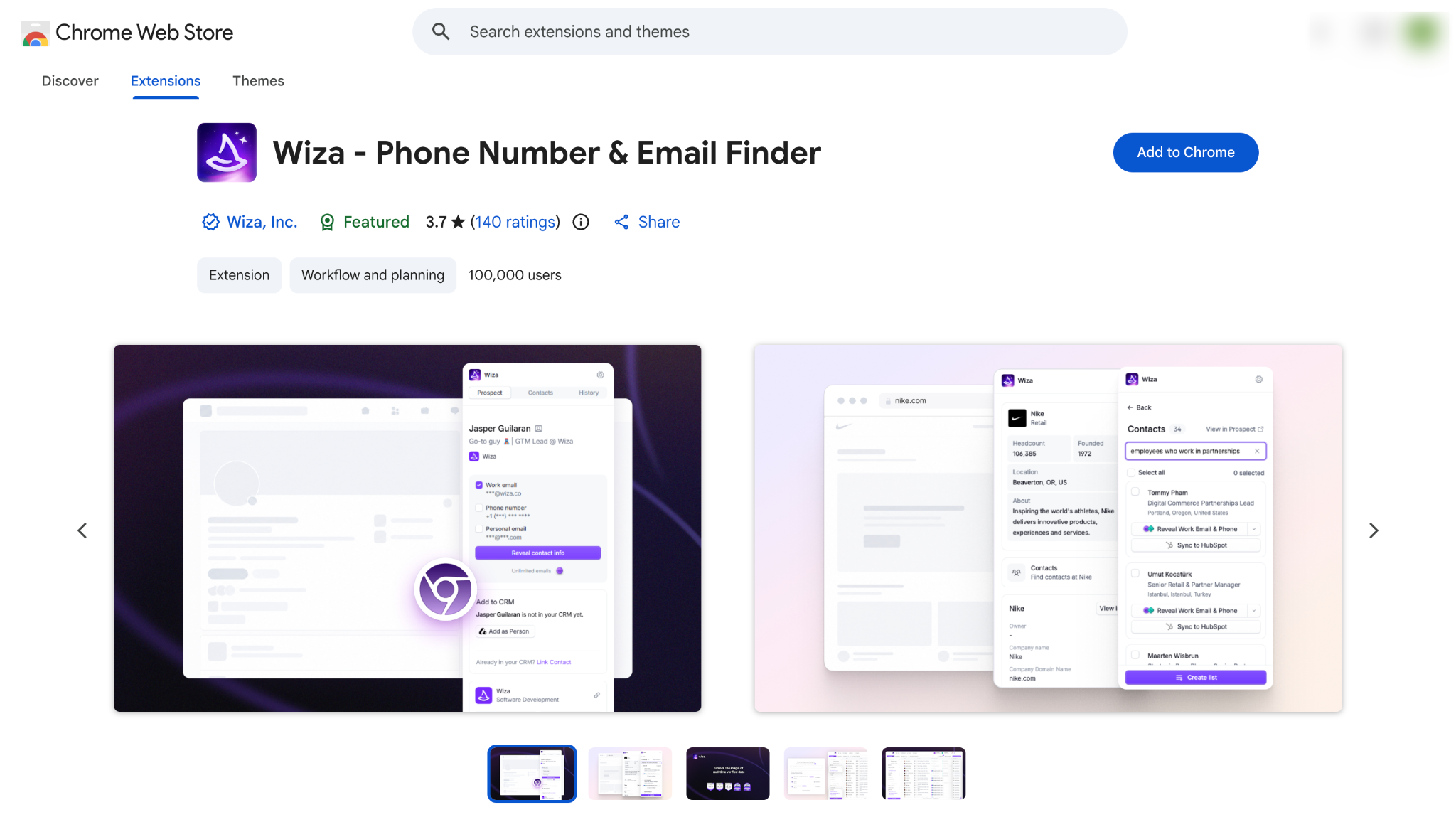
Wiza is a good option if you research one LinkedIn profile at a time and want every email verified.
It opens a side panel on the profile and shows the person's email and phone number. It is a good fit for SDRs who check each prospect before reaching out.
Here is why it is worth trying:
Find contacts from a side panel: Get email addresses and phone numbers on LinkedIn, Sales Navigator and Recruiter profiles.
Get verified emails: Wiza checks each email before it reaches your list.
Build lists with Wiza Prospect: Search Wiza's own contact database with filters to create prospect lists.
On top of that, you can enrich a CSV file or your CRM contacts and sync them to your CRM on paid plans.
Keep in mind that Wiza removed bulk export from LinkedIn, Sales Navigator and Recruiter search pages in August 2026. If your workflow depends on exporting full Sales Navigator searches, Wiza will not fit it.
If you want to try Wiza, the Free plan gives you 20 valid emails and 5 phone numbers.
Key Features of Wiza
Find emails and phone numbers on LinkedIn, Sales Navigator and Recruiter profiles.
Get every email verified before it reaches your list.
Build prospect lists with Wiza Prospect filters.
Enrich a CSV file with emails and phone numbers.
Import CRM contacts to fill in missing details.
Sync contacts to your CRM on paid plans.
Get unlimited reveals on the annual Email plan and the annual Email + Phone plan.
Pricing
Free plan: The Free plan costs $0 and includes 20 valid emails and 5 phone numbers.
Starter plan: The Starter plan costs $49 per user per month for 100 emails and 100 phone numbers per month.
Email plan: The Email plan costs $99 per user per month for 500 emails per month. With annual billing, it costs $990 per year with unlimited email reveals.
Email + Phone plan: The Email + Phone plan costs $199 per user per month for 500 emails and 500 phone numbers. With annual billing, it costs $1,990 per year with unlimited reveals.
Team plan: The Team plan has a custom quote for three or more users. Wiza's sales team shares the price on request.
Free trial: Wiza does not offer a free trial. The Free plan gives 20 valid emails to test with instead.
How to Choose a LinkedIn Email Finder
Before choosing a LinkedIn email finder, consider where your SDRs find prospects and how many contacts they need each month.
Count how many emails your SDRs need from LinkedIn each month.
Decide if your SDRs need phone numbers, because a phone reveal can use five times the credits of an email.
Check that the tool works on Sales Navigator or LinkedIn Recruiter if your SDRs prospect there.
Confirm that the tool can still find emails from a Sales Navigator search, because Wiza removed its bulk export in August 2026.
Check that each email is verified before it reaches your list, since every bounce counts against the sending domain.
Decide if your SDRs need personal emails, which ContactOut and Kaspr return next to work addresses.
Calculate the monthly cost with your own numbers by including seats, credits, phone reveals and export limits.
Check how found contacts reach your outreach tool, such as a one-click push or a CSV export.
Review LinkedIn's User Agreement, which restricts third-party software that scrapes or automates activity on LinkedIn.
Test the free plan on 20 prospects you already know, then compare how many verified emails each tool returns.
If you want to find contact details and start an email sequence from the same sidebar, I'd recommend the Salesforge LinkedIn Chrome Extension.
You can find business emails and phone numbers, collect prospects in bulk from LinkedIn Sales Navigator and People Search, enrich contact profiles, and add leads to your Salesforge account.
You can also find prospects from LinkedIn events and company websites, organize them with tags, and add them to outreach sequences.
The extension gives you 100 free credits to get started, with no credit card required.
1. What is the best LinkedIn email finder in 2026?
The Salesforge LinkedIn Chrome Extension is my top pick for sales teams that email the contacts they find. It verifies each email before showing it and sends the contact into a Salesforge sequence from the sidebar. Apollo.io is a good second choice for SDRs who also want a dialer.
2. Is there a free LinkedIn email finder?
Yes. The Salesforge extension is free to install and comes with 100 free credits on a new account. The other six tools on this list each offer a free plan with a monthly or daily limit. For example, Lusha's Free plan includes 40 credits per month.
3. Can a LinkedIn email finder find personal email addresses?
Some can. ContactOut returns personal emails next to work addresses, and Kaspr reveals personal addresses with direct email credits. Personal emails carry stricter privacy rules in places such as the EU.
4. Is using a LinkedIn email finder against LinkedIn's rules?
LinkedIn's User Agreement restricts third-party software that scrapes data or automates activity on its site. Wiza's help center says LinkedIn has tightened what extensions can do, and Wiza removed its bulk export in August 2026. I see less account risk in a tool that reads one profile at a time.
5. How accurate are LinkedIn email finder tools?
Accuracy depends on the region, the company size and how recently a prospect changed jobs. G2 reviewers of Apollo.io, Lusha and Kaspr each mention outdated or inaccurate contacts. Pick a tool that verifies each email, then test it on 20 prospects you already know.
6. Can I still export a Sales Navigator search to get emails?
It depends on the tool. Wiza removed bulk export from Sales Navigator search pages on August 19, 2026. The Salesforge extension finds emails in bulk on LinkedIn pages, and Kaspr supports Sales Navigator on its Starter plan. LinkedIn's limits on extensions keep changing, so check each vendor's help center before buying.
7. Should I send cold emails from my main domain after finding emails on LinkedIn?
No. Cold email belongs on separate outbound domains, so a spam complaint or a bounce spike stays away from the domain your customers use. Mailforge sets up those domains and mailboxes with SPF, DKIM and DMARC in minutes. Warmforge then warms the mailboxes for free inside Salesforge before the first campaign.