

Personalized Outbound Strategy
Get The Right Outbound Strategy In Minutes
Enter your email to get a custom plan & stack recommendation for your business
It's being carefully crafted by AI
Please check your mailbox in 5 minutes
Setting up hundreds of cold email inboxes in about five minutes sounds almost too good to be true.
But that is exactly what Mailpool claims you can do once you choose your domains and the type of inboxes you need.
You can create Mailpool, Google Workspace, or Microsoft 365 accounts, while the platform handles mailbox creation and automatically configures SPF, DKIM, and DMARC.
For teams managing hundreds of inboxes, this could eliminate hours of manual work. The bigger question is whether those inbox connections remain reliable over time.
One user reported dealing with the same connection bug repeatedly, while another wanted a built-in warm-up service for the inboxes they purchased.

Does that mean you will have to keep reconnecting Mailpool inboxes after adding them to your sending platform?
In this Mailpool review, I’ll examine its setup process, inbox options, integrations, deliverability, pricing, and user feedback to show where its five-minute setup saves time and where issues may still arise.
Mailpool gives you several ways to build your cold email infrastructure. You can create Mailpool inboxes, Google Workspace inboxes, Microsoft 365 inboxes, or use dedicated servers.
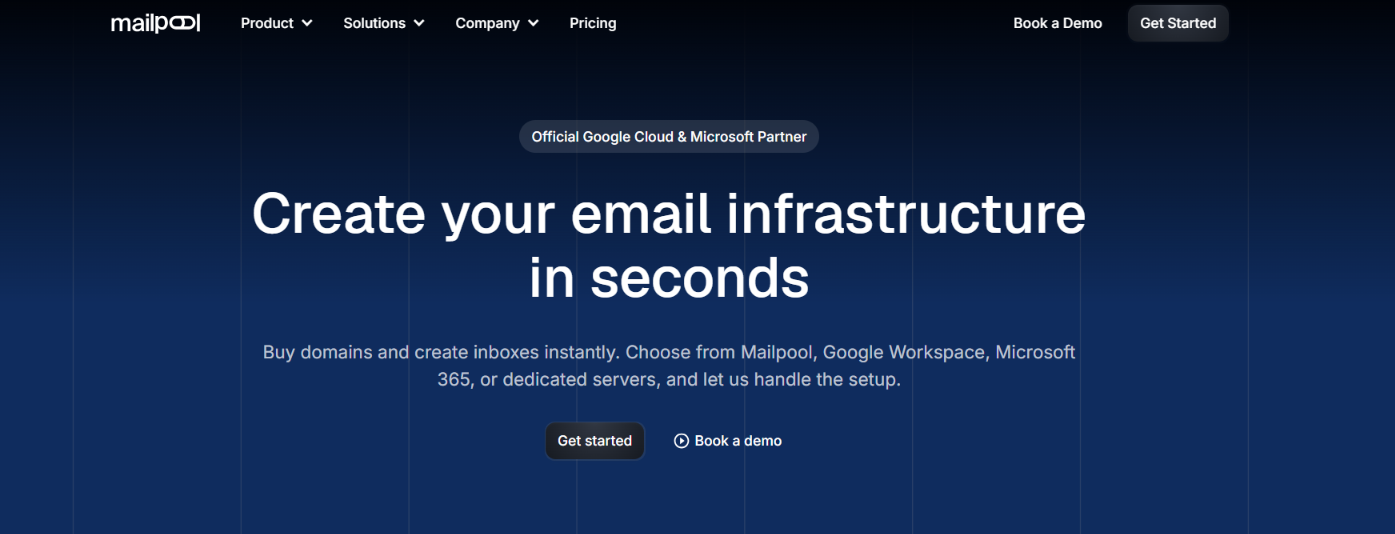
It also handles the technical setup for you. SPF, DKIM, and DMARC are set up automatically, and you get blacklist monitoring and a deliverability audit with more than 250 checks. Once your inboxes are ready, you can export them to your cold email sending tool.
The main difference with Mailforge is the type of infrastructure you get. Mailpool gives you several infrastructure choices in one platform. Mailforge focuses on its own shared, distributed email infrastructure built for cold outreach.
So the choice is quite specific. Mailpool gives you more infrastructure options in one place, including Google, Microsoft, and dedicated servers. Mailforge is more focused on shared cold email infrastructure, with pre-warmed mailbox options and automated setup.
Mailpool has strong ratings so far, but most of the detailed feedback comes from G2. Trustpilot has far fewer reviews, so I would give more weight to the G2 feedback.
Mailpool has a 4.9/5 rating from 23 reviews on G2.
The most common positive point is customer support. Several users say the team responds quickly and helps them fix setup or connection problems. Users also like how quickly they can create inboxes, connect them to outreach tools, and manage Google Workspace and Microsoft 365 accounts.
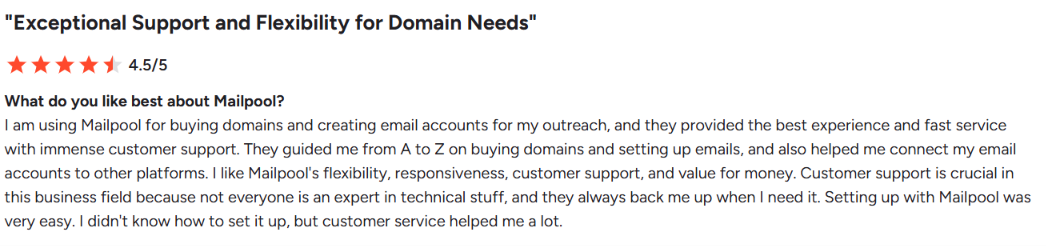
The complaints are more specific. One user said the same connection bug kept happening, while another said some parts of the UI could be easier to use. One reviewer also said the API documentation could be better, and another felt the pricing was a little high compared with other providers.

So the G2 feedback is mostly positive, but it also shows that the platform still has some rough edges around connections, the UI, and API documentation.
Mailpool has a 4.0/5 TrustScore on Trustpilot, but this is based on only four reviews.
Users mention quick setup, support, pricing, API access, and deliverability as positives. One reviewer said setting up infrastructure took only a couple of minutes compared with hours with other providers.
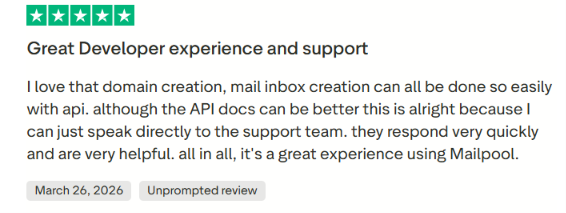
So, while the Trustpilot feedback is positive, the sample is still too small to show how Mailpool performs across a wider group of customers.
Mailpool brings the main parts of cold email infrastructure setup into one workflow. You can buy or import domains, create inboxes, set up email authentication, and then connect those inboxes to your sending tool.
Here is how the process works.
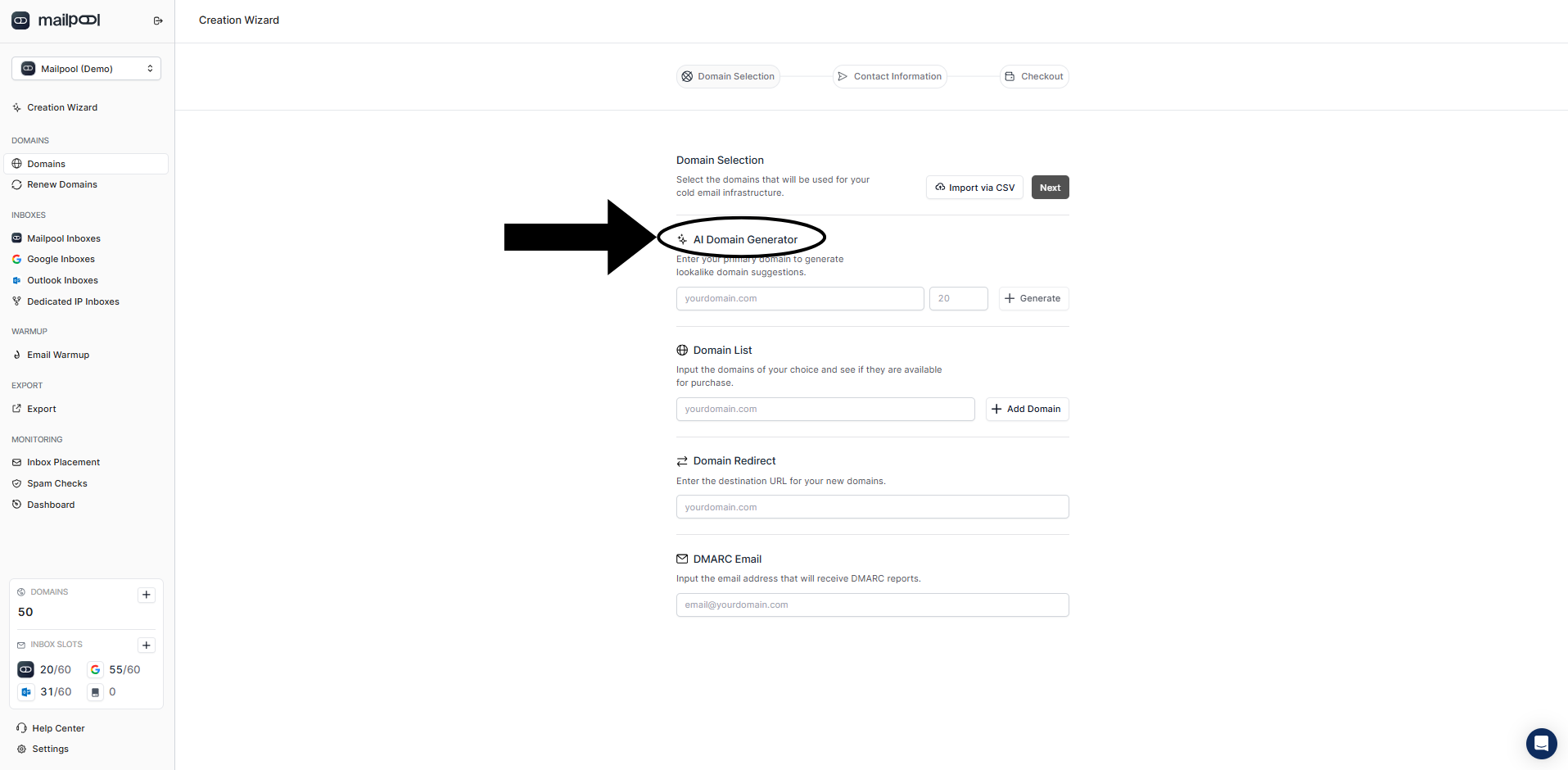
You start by adding the domains you want to use for cold outreach. You can buy domains directly through Mailpool, import domains you already own, or use its AI Domain Generator to find available domain names. You can also add multiple domains at once instead of setting them up one by one.
Mailpool can also redirect these secondary domains to your main website.
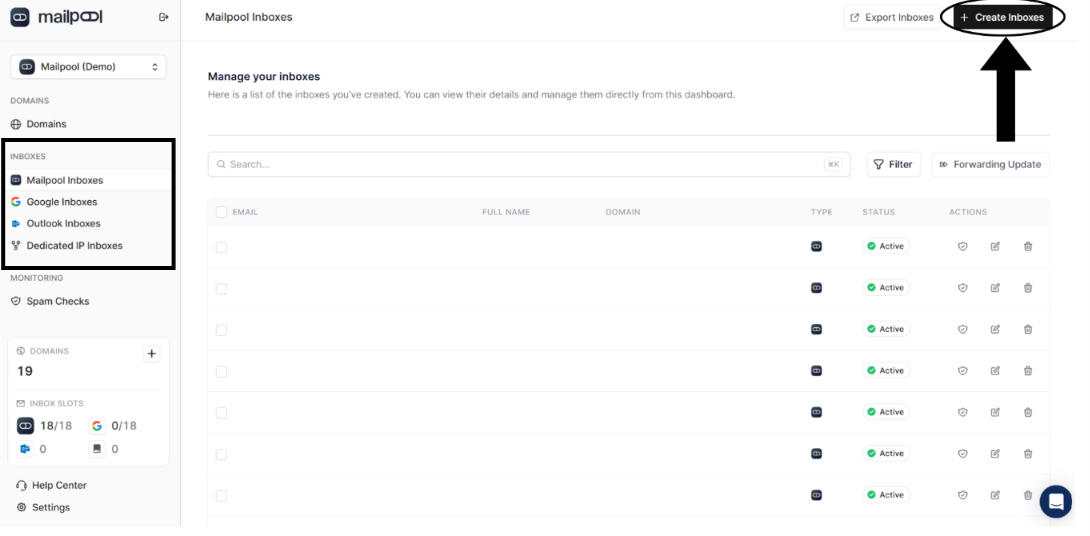
Next, you choose what type of inboxes you want to create.
Mailpool supports Mailpool inboxes, Google Workspace, Microsoft 365 Outlook, dedicated IPs, and dedicated infrastructure. You can create multiple inboxes at once and choose the sender names you want to use.
You can also add email signatures and set a forwarding address for incoming replies.
Once your domains and inboxes are created, Mailpool handles the main email authentication setup. It automatically configures SPF, DKIM, and DMARC, so you do not have to add these DNS records manually.
Mailpool also monitors your domains and IPs for blacklist issues and runs a deliverability audit with more than 250 checks.
The final step is moving your inboxes into the tool you use to run cold email campaigns.
Mailpool supports bulk exports, so you can connect multiple inboxes without adding each one manually. It lists integrations with tools such as Instantly, Smartlead, Reply, Saleshandy, ReachInbox, and FirstQuadrant.
Once your inboxes are connected, you can use your cold email platform to run and manage your campaigns.
Mailpool gives you several inbox options, so you can choose the type of infrastructure that fits your cold email setup.
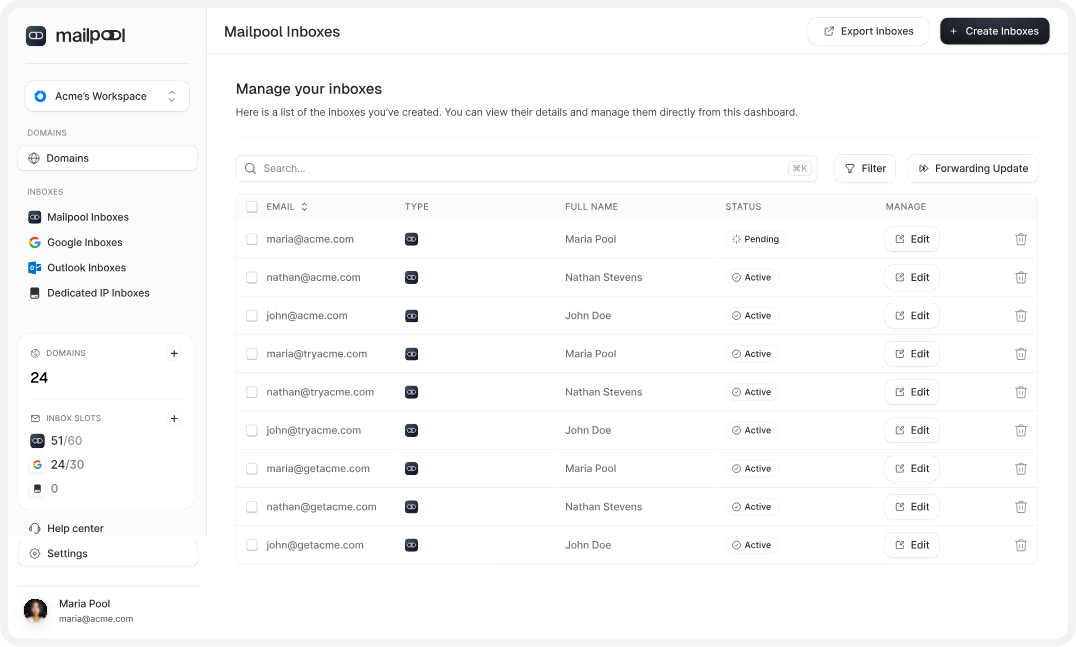
Mailpool inboxes are the lowest-cost option and run on Mailpool's shared infrastructure.
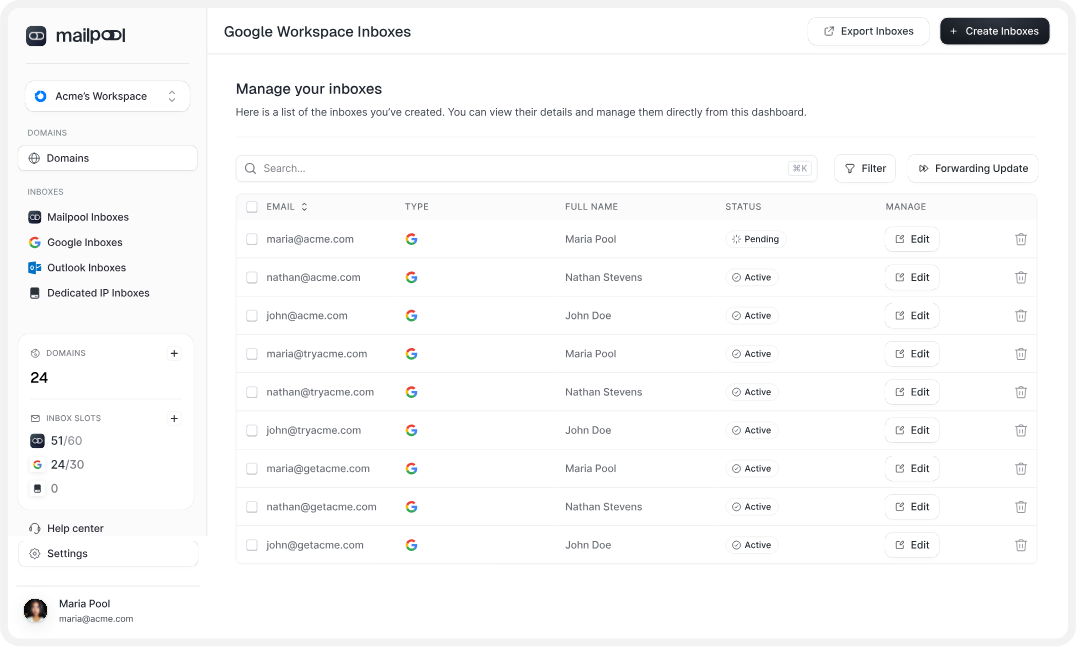
These give you Google Workspace inboxes while Mailpool handles the setup for you.
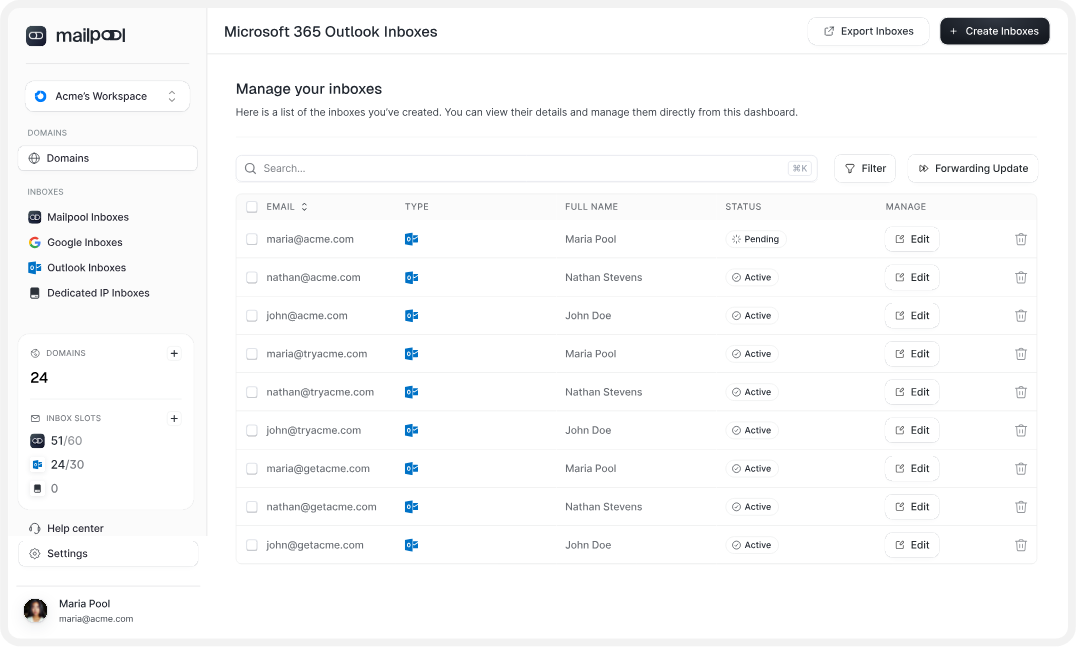
This option gives you Microsoft 365 inboxes without having to set up each account yourself.
Mailpool also offers dedicated IP and dedicated infrastructure options if you do not want to use its shared IP setup.
So, Mailpool inboxes are the lower-cost shared option, Google and Microsoft give you provider-based inboxes, while the dedicated options give you dedicated or custom IP infrastructure.
Mailpool brings domains, inboxes, DNS setup, deliverability monitoring, integrations, and team management into the same platform.
Here are the main features you get.
The main advantage here is that you can manage most of the infrastructure work from one place instead of using separate tools for domains, inbox creation, DNS setup, and monitoring.
Mailpool gives you a strong technical setup for deliverability, but that does not mean every cold email will automatically land in the inbox.
For the setup itself, Mailpool handles SPF, DKIM, and DMARC automatically. It also monitors spam rates and checks whether your domains or IPs appear on major blacklists.
You also get a deliverability audit with 250+ checks. These look at areas such as DNS records, domain health, email content, IP reputation, and sending behavior. This can help you spot problems before they start hurting your campaigns.
The infrastructure also changes depending on the inbox type you choose. Mailpool inboxes use shared IPs, while Google Workspace and Microsoft 365 use their respective provider infrastructure. Mailpool also offers dedicated IPs if you want a dedicated option.
So, Mailpool covers the technical setup and monitoring needed to support deliverability. Your actual results will also depend on how the inboxes are warmed up, your sending activity, and sender reputation.
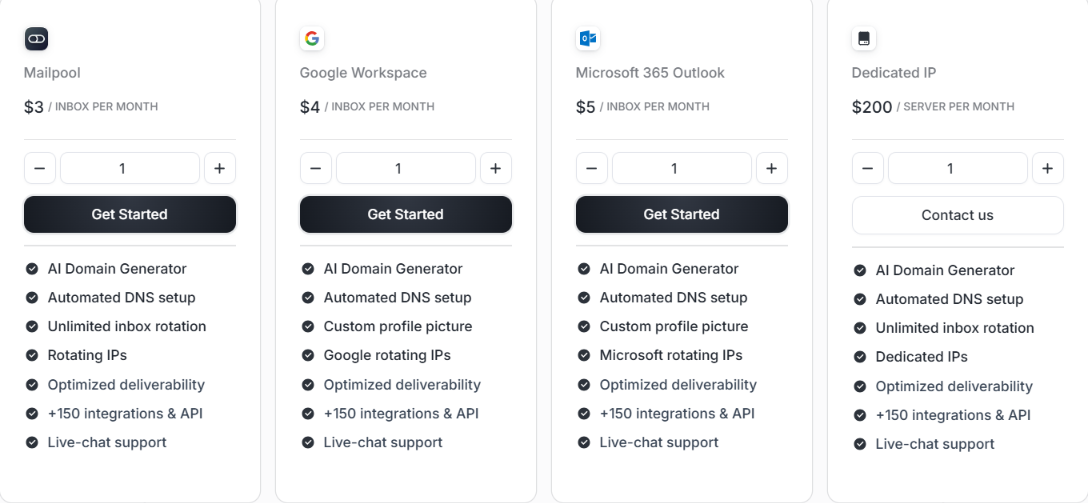
Mailpool does not have one fixed price for every inbox. What you pay depends on whether you choose Mailpool, Google Workspace, Microsoft 365, or dedicated infrastructure.
Here is the current pricing:
The $3 Mailpool inbox is the cheapest monthly option. If you want Google Workspace, the price moves to $4 per inbox, while Microsoft 365 costs $5 per inbox.
Dedicated infrastructure works differently. A dedicated IP costs $200 per server each month, or $170 per month with annual billing. Mailpool's fully dedicated infrastructure is priced on request and lists custom IP infrastructure, extended API access, a white-label option, and a dedicated CSM.
There is no free trial. You can start with one Mailpool inbox for $3, and Mailpool says there are no separate setup or onboarding fees. It also offers volume discounts and custom pricing for agencies or teams managing a large number of mailboxes.
So, your cost can change quite a bit depending on the infrastructure you choose. Mailpool's own inboxes are the lower-cost option, while Google Workspace, Microsoft 365, and dedicated infrastructure cost more depending on the type of infrastructure you want to use.
Mailpool makes the most sense when you need to set up many domains and inboxes for cold email. It handles domain purchases, inbox creation, SPF, DKIM, DMARC, and inbox exports, so you do not have to set up each part separately.
Mailpool lets you build your setup using Mailpool inboxes, Google Workspace, Microsoft 365, or dedicated infrastructure. That gives you more choice, but it also means deciding which type of infrastructure you want to use.
If you do not need those different options and simply want to buy domains, create mailboxes, and get them ready for cold outreach, Mailforge is a more focused alternative.
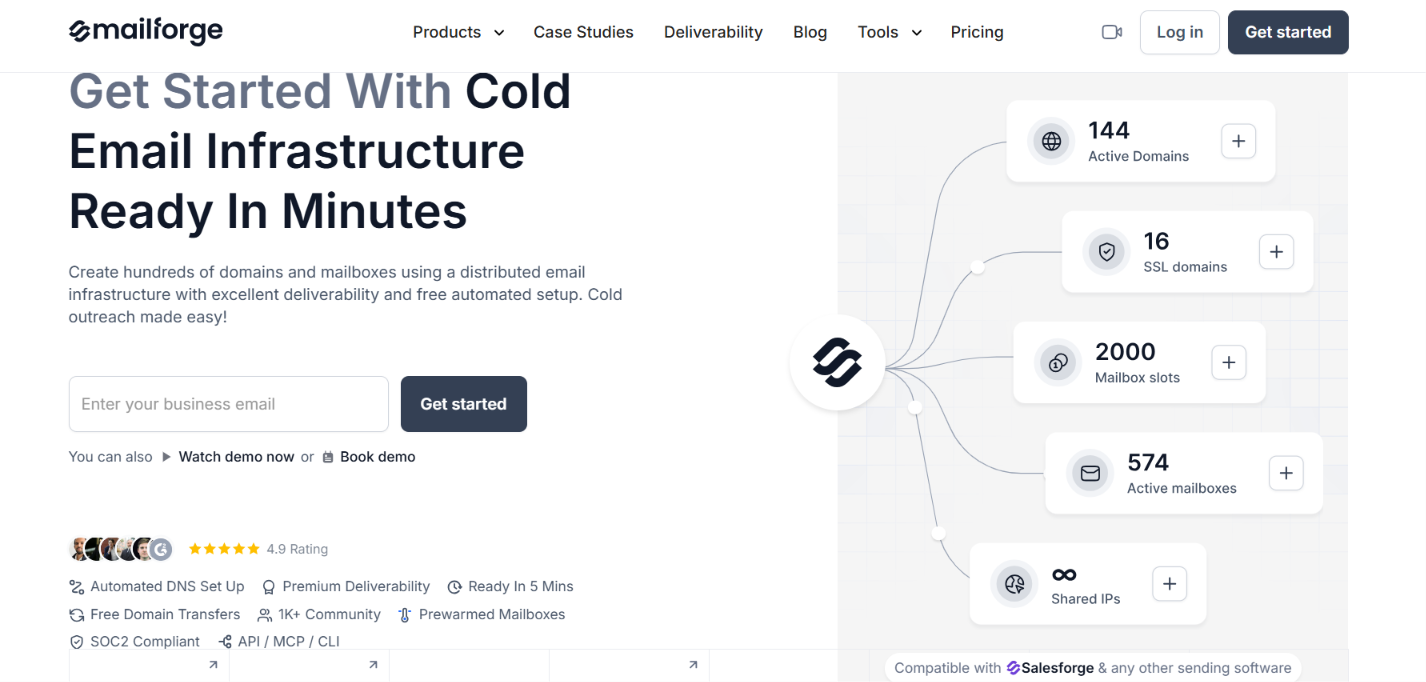
Mailforge provides its own distributed shared email infrastructure built for cold outreach. In simple terms, you create your mailboxes on Mailforge's distributed shared infrastructure instead of choosing Google Workspace or Microsoft 365 as the mailbox provider.
You also get:
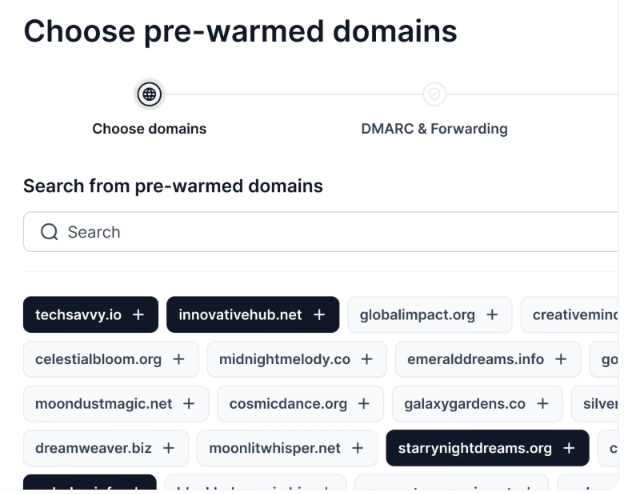
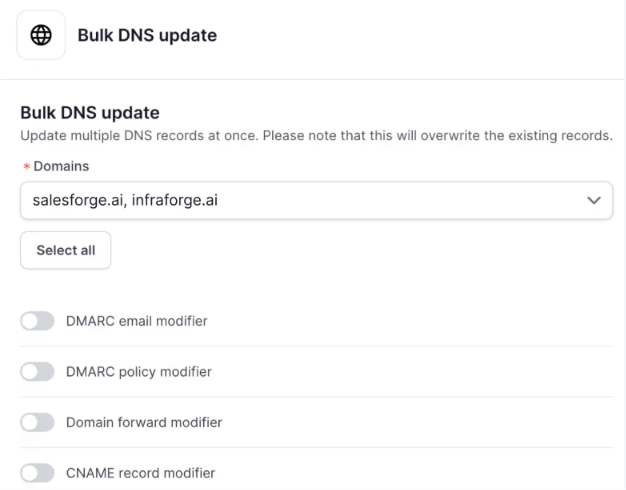
So the reason to consider Mailforge is simple. If you specifically want Google Workspace, Microsoft 365, or dedicated infrastructure, Mailpool gives you those choices.
If you just want shared mailbox infrastructure built specifically for cold email instead of choosing between different mailbox providers, Mailforge gives you that setup directly.
Enter your email to get a custom plan & stack recommendation for your business
Please check your mailbox in 5 minutes

Yes. Mailpool is a good choice if you want to create Mailpool, Google Workspace, Microsoft 365, or dedicated inboxes from one place. It also handles mailbox creation and DNS setup, which saves time when you need hundreds of inboxes.
But if you are buying these inboxes mainly to send cold emails, Mailforge has a better offer. Its mailboxes are built specifically for cold outreach, cost between $2 and $3 per month, and work with the sending tool you already use.
You can also get pre-warmed domains and mailboxes. This means you have the option to buy a setup that has already been warmed instead of starting every new domain and mailbox from the beginning.
So, if you want to skip the Google and Microsoft options and simply want affordable mailboxes made for cold email, get started with Mailforge.