
Personalized Outbound Strategy
Get The Right Outbound Strategy In Minutes
Enter your email to get a custom plan & stack recommendation for your business
It's being carefully crafted by AI
Please check your mailbox in 5 minutes

A lot of teams look at MightyMail when they need more cold email inboxes without dealing with the setup themselves. The challenge is that scaling outbound is not just about adding more inboxes. Managing hundreds of mailboxes, configuring infrastructure, and keeping everything ready for sending can quickly become difficult.
MightyMail solves this by providing 99 Microsoft Azure-powered Outlook inboxes per domain and handling the infrastructure behind them.
But is this approach actually worth it? In this MightyMail review, I’ll break down how it works, what you get, its pricing, and whether it is the right choice for scaling cold email campaigns.
MightyMail’s Microsoft Azure mailboxes are worth considering if you need a large-scale outbound setup without managing hundreds of inboxes yourself. The platform handles mailbox provisioning and infrastructure management while giving teams access to 99 Outlook inboxes per domain.
MightyMail is a good fit for:
It may not be the right choice for:
My Rating: 7.5/10
Alternative - Primeforge
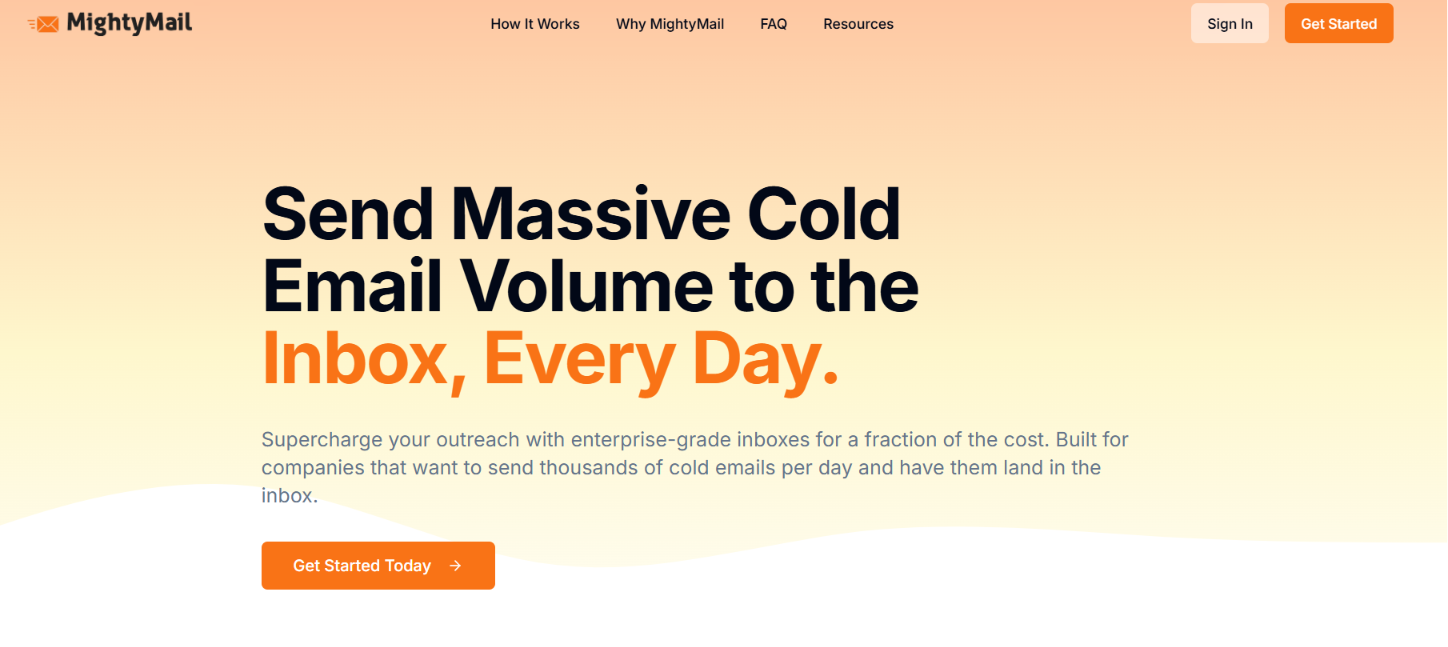
MightyMail is a cold email infrastructure provider that helps businesses set up and manage Microsoft Azure-powered inboxes for outbound campaigns. Instead of creating multiple mailboxes manually, users submit their domains and MightyMail creates 99 Outlook inboxes per domain using Microsoft Azure infrastructure.
The platform handles mailbox setup, monitors the infrastructure, and maintains the inboxes so teams can focus on running their outreach campaigns. It is built for companies that need to send high volumes of cold emails using Microsoft-powered inboxes.
MightyMail also connects with popular cold email platforms like Salesforge, Smartlead, Instantly, and Lemlist, allowing teams to use these inboxes with their existing sending tools.

MightyMail keeps the setup process simple. You bring your own domains, and the platform creates Microsoft Azure-powered Outlook inboxes, prepares the infrastructure, and keeps everything running for your outbound campaigns.
Here's how it works:
MightyMail focuses on simplifying Microsoft-based cold email infrastructure. Instead of offering sequencing or prospecting features, it helps teams provision, manage, and maintain Outlook inboxes for outbound campaigns.
Here are the key features of MightyMail:

MightyMail does not publicly disclose its pricing. The website explains what you get, including 99 Microsoft Azure-powered Outlook inboxes per domain, managed setup, infrastructure monitoring, and cold email guidance, but it does not list any plans or subscription costs.
To get pricing, you'll need to contact the MightyMail team directly. Before purchasing, it's worth confirming:
Since there is no public pricing, it's difficult to compare MightyMail's overall value with other cold email infrastructure providers before speaking with the sales team.
After looking at how MightyMail works, I think its biggest appeal is the simplicity it brings to Microsoft-based cold email infrastructure. Instead of building and managing a large mailbox setup yourself, MightyMail handles the provisioning and maintenance process.
MightyMail also publishes inbox placement examples showing emails landing in the inbox across both Google and Microsoft providers.

While these results are encouraging, they are MightyMail's own published examples. As with any cold email infrastructure, your actual deliverability will also depend on factors like domain reputation, email quality, warmup, and sending practices. What I like about MightyMail:
The main thing to consider is that MightyMail is built for teams that need a managed Azure mailbox solution. If you only need a few inboxes or want complete control over building your own infrastructure, it may not be the right fit.
Overall, MightyMail makes sense for companies that want a scalable Microsoft-powered inbox setup without dealing with the technical side of mailbox management.
MightyMail is built around Microsoft Azure-powered Outlook inboxes, making it a good choice for teams that want a managed Microsoft setup. But if you don't want to limit your outbound infrastructure to Outlook alone, Primeforge is a strong alternative.
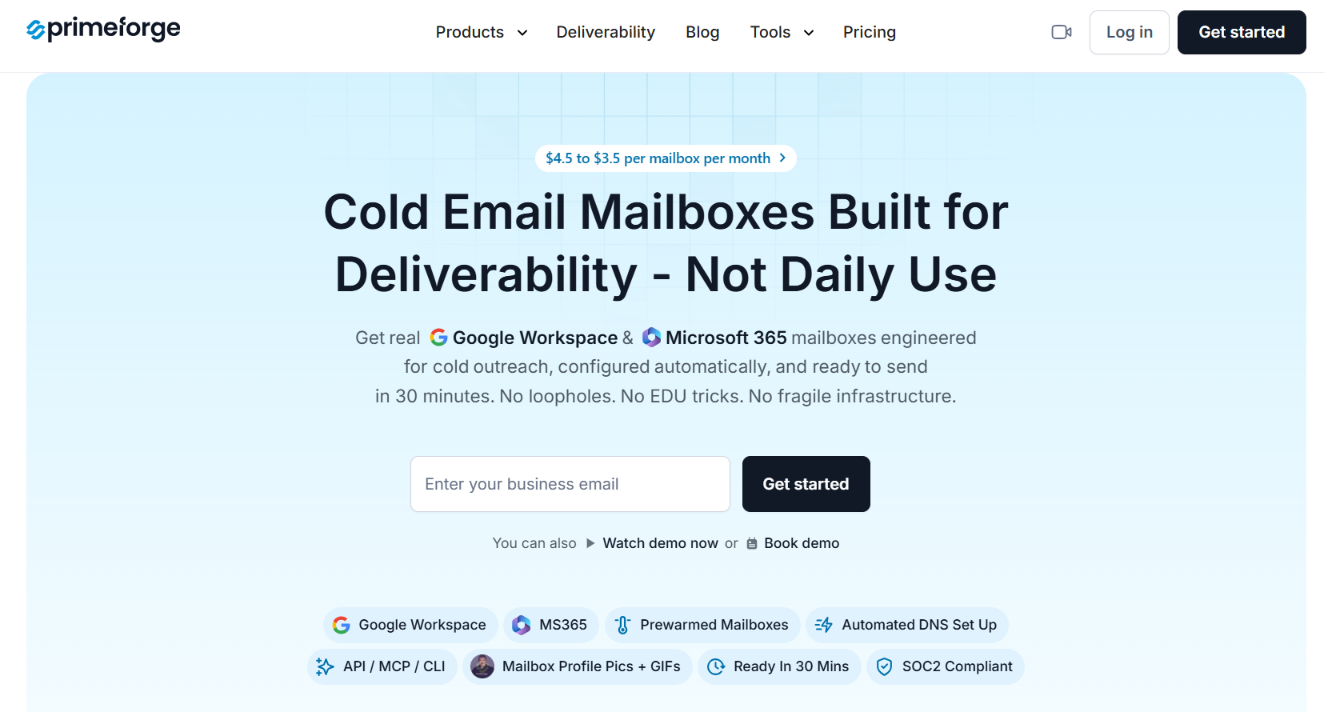
Unlike MightyMail, Primeforge lets you choose between Google Workspace and Microsoft 365 mailboxes, so you can build your outbound infrastructure around the email providers your prospects already use. It automates DNS configuration, mailbox provisioning, and setup, making it faster to get new mailboxes ready for sending.
Primeforge also includes pre-warmed mailboxes, bulk DNS updates, multiple workspaces, and API, MCP, and CLI support for teams managing outbound at scale. Here's how the two platforms compare:
If your prospects mostly use Google Workspace or Microsoft 365, Primeforge is the better fit because it lets you send from the same email providers they use. If, instead, you're looking for distributed shared email infrastructure rather than Google or Microsoft mailboxes, Mailforge is also a great option.
Azure Mailboxes vs Microsoft 365 for Cold Email: 10 Critical Differences
Enter your email to get a custom plan & stack recommendation for your business
Please check your mailbox in 5 minutes

MightyMail can be a good fit for teams that specifically want Microsoft Azure-powered Outlook inboxes. But before choosing a provider, compare the mailbox options, setup process, pricing, and scalability to find the best fit for your outbound strategy.
If you want Google Workspace or Microsoft 365 mailboxes that are built for cold outreach, Primeforge is worth exploring. It helps you get your mailbox infrastructure ready faster, so you can focus on running campaigns instead of managing setup.