
If you send cold email in 2026, warmup is not optional. Gmail and Microsoft have tightened filters every quarter since the February 2024 sender rules dropped, and a fresh mailbox with no sending history is the fastest way to land in Promotions or spam on day one.
The question is not whether to warm. It is which tool to trust with your sender reputation before you spend money running campaigns from that mailbox.
I connected mailboxes across five email warmup tools, watched heat scores climb over a 14-day window, and compared what showed up on the placement side once the mailboxes went live. Some of the tools are strong on the warmup engine but thin on visibility. Others give you a full deliverability center but cost more per mailbox. Below is what I found, what I would pick, and where each one fits.
Let's dive in.
Here are the 5 email warmup tools I tested, in order of overall fit for cold email teams. Each section covers what the tool does, pros, cons, and a two-column pricing table.
Warmforge is the best email warmup tool in 2026 because it bundles warmup, inbox placement testing, and SPF/DKIM/DMARC health checks into a single deliverability center built for cold email teams. Every other tool on this list gives you one or two of those pieces. Warmforge gives you all three in one dashboard.
I connected five mailboxes across Google Workspace and Microsoft 365 and had warmup running in under 10 minutes. The Heat Score is the metric I check first every morning. A score of 85 or higher means the mailbox is healthy and ready to send. Warmforge gets you there over a recommended 14-day warmup period, and the number tracks in real time so you know when a mailbox is safe to bring into a sequence.
The warmup engine uses AI-generated emails exchanged with a large pool of real mailboxes to build sender trust with ESPs. Warmup traffic runs across multiple languages, not just English, which reflects real-world sending patterns more closely than a Gmail-only pool. If a warmup email lands in spam, Warmforge automatically rescues it. That is the part most tools skip.
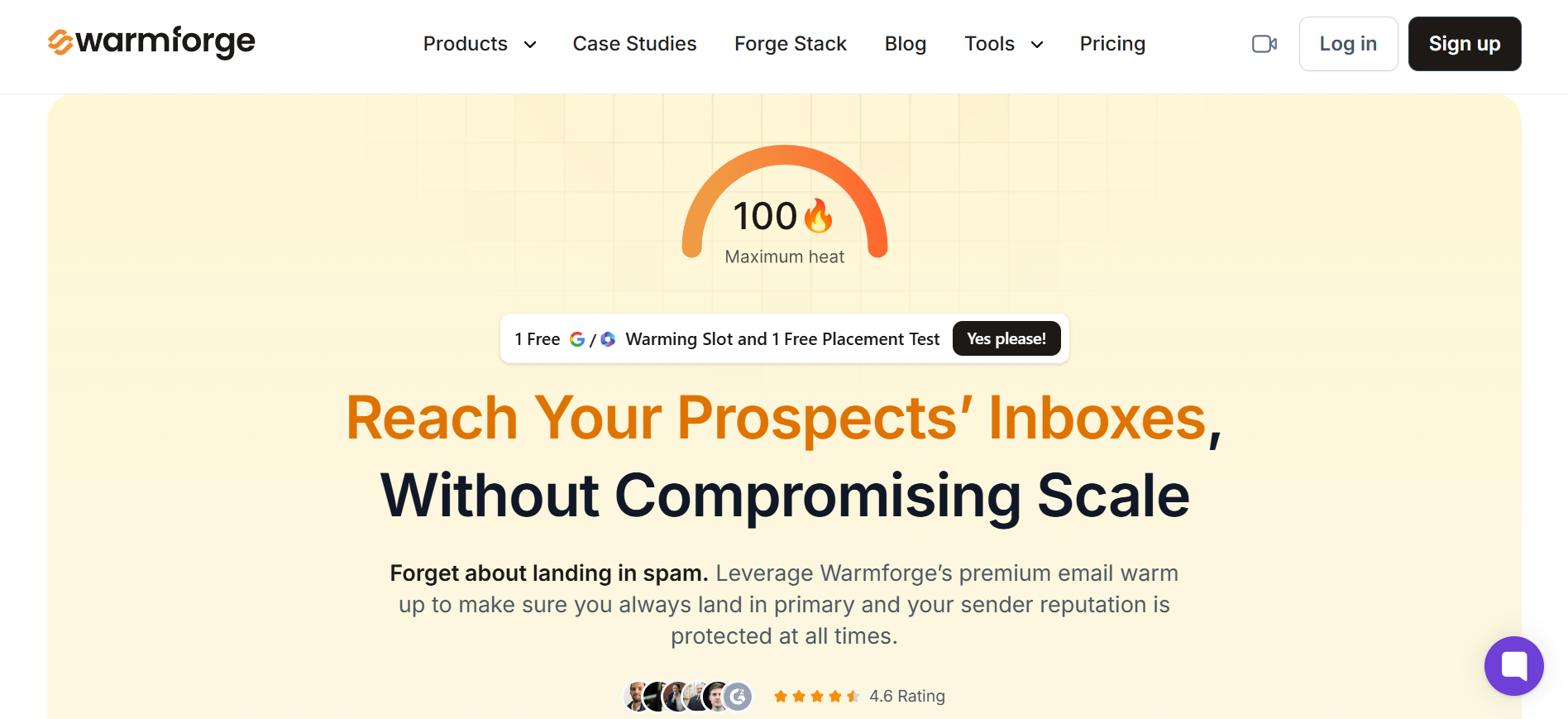
Placement testing is the second half of the product. Warmforge runs seed tests and reports how many warmup emails hit the inbox, got replies, or landed in spam, broken down by provider. Google and Microsoft mailboxes are both supported. The Health Checks panel monitors SPF, DKIM, DMARC, and MX records daily plus blacklist status, so I stopped switching between three tools every time a domain went sideways.
Warmforge is part of the Forge stack. I spin up domains and mailboxes in Mailforge or Primeforge, DNS gets auto-configured on the way in, and Warmforge takes over for warmup and placement testing. Same stack, different jobs. Once mailboxes hit 85+, they go into a Salesforge sequence for sending. It is the cleanest cold email workflow I have run.
If you sign up for Salesforge, Warmforge warmup slots are unlimited and free. That is the pricing angle worth flagging up front, because standalone per-mailbox pricing can look steep once you are past 20 inboxes.
Another email warmup tool worth testing is Mailivery, and its pricing model is the reason to look at it. Instead of charging per mailbox, Mailivery uses flat-rate tiers with unlimited connected mailboxes. If you are an agency running 20+ inboxes on a tight budget, the math flips in your favor fast.
I connected a Google Workspace mailbox using Google login and the setup took under three minutes. The reputation score sits per mailbox and tracks alongside domain reputation and spam-landing rate. Mailivery's warmup network is roughly 100K+ active mailboxes, which is one of the larger pools on this list, and reply rates on warmup emails cap between 30% and 55% depending on the plan tier.
The differentiator most agencies care about is that inbox placement testing is bundled at every tier. Starter comes with 10 placement-test credits per month, Professional with 30, Business with 100. Most competitors sell placement testing as a separate line item, which is why Mailivery shows up on shortlists of email testing tools even when the buyer went in looking for warmup only.
Blacklist monitoring is included, and the tier decides how many lists you monitor: 2 on Starter, 10 on Professional, 50 on Business. The dashboard shows spam-rate trends and a Gmail-versus-Outlook performance breakdown, though one G2 reviewer wanted the default date range extended from 7 to 30 days.
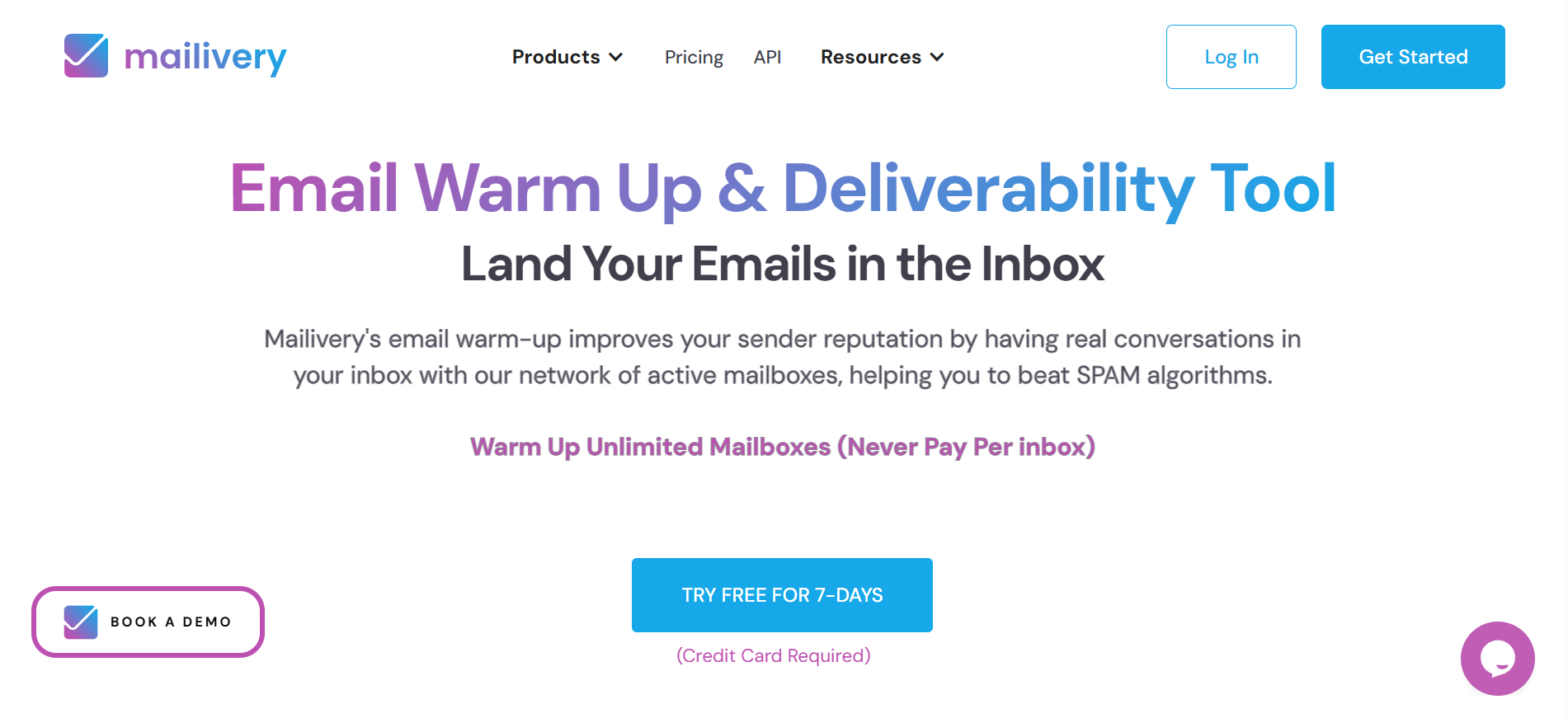
Coverage outside of Gmail has come up as a limitation in reviews. One G2 reviewer said warmup felt "limited to Gmail and not many other popular services" in practice, so if your infrastructure runs heavily on Zoho, Amazon SES, or SMTP-only providers, test the trial before committing.
Next on my list is Warmup Inbox, and it takes a different angle on warmup than the first two tools. Instead of leading with score dashboards, Warmup Inbox leads with named, granular blacklist monitoring and the largest openly published provider list I have seen in this category.
The network sits at 30,000+ real human inboxes across 25+ email providers, including Gmail, Google Workspace, Outlook, Microsoft 365, Yahoo, Zoho, ProtonMail, Fastmail, iCloud, AWS SES, and Mailgun. If your infrastructure spans multiple providers, that mix matters. Warmup emails coming from and going to a diverse pool signal your sender is real to a wider set of ESPs.
Blacklist monitoring is where Warmup Inbox differentiates hardest. It monitors 100+ blacklists daily, including specifically named lists like Spamhaus Zen, Barracuda, SpamCop, and SORBS. When a domain gets listed, the tool auto-triggers a rescue workflow. Most competitors either skip blacklist monitoring or list a vague count without naming which lists they check.
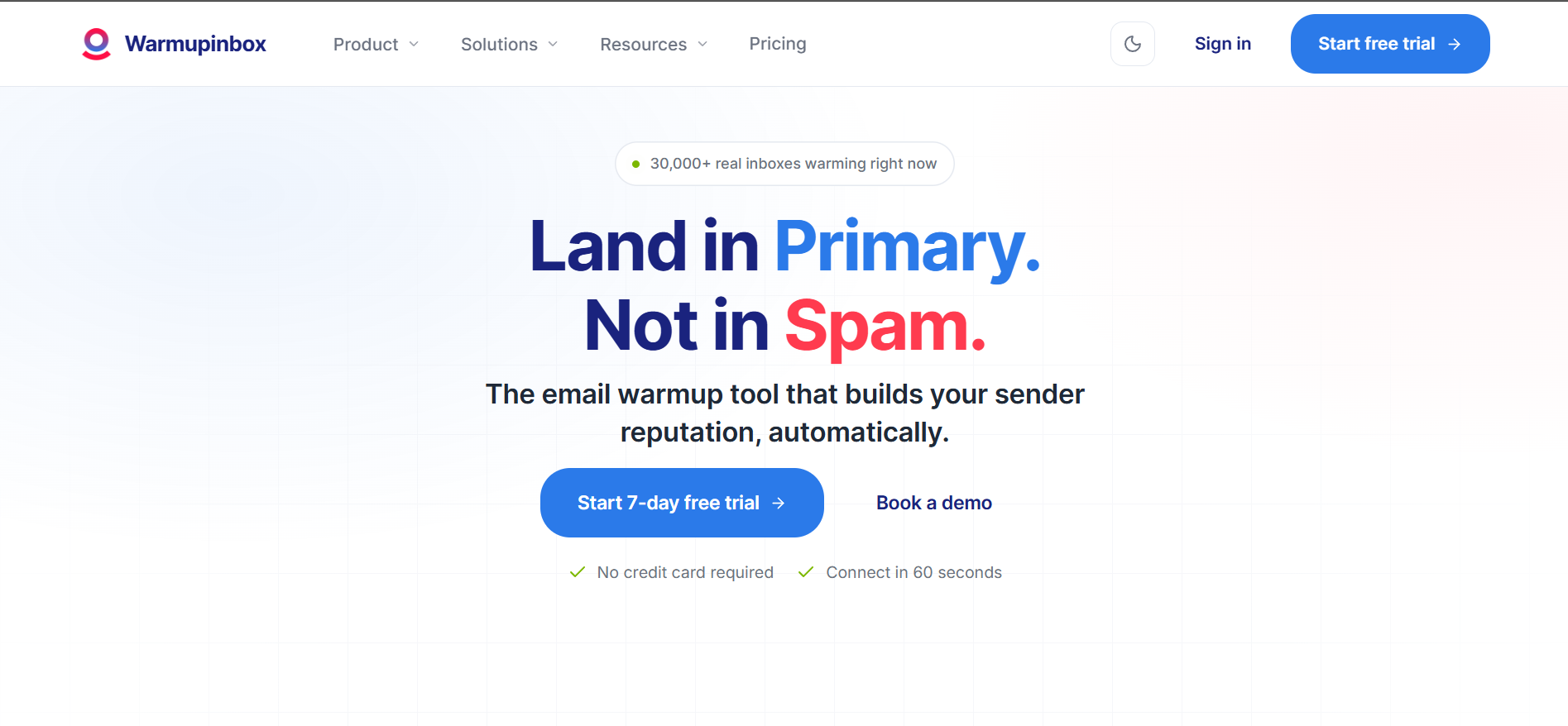
The reputation score sits on a 100-point scale, with the example on their marketing pages showing a 92/100 "Strong" rating. The dashboard tracks inbox versus spam versus bounce rate, plus placement splits across Primary, Promotions, and Spam. There is also a free 60-second placement test tool you can run without an account, which is one of the reasons Warmup Inbox lands on most shortlists of inbox placement tools.
The pricing model is per-inbox, which is where the math gets tight if you are running 20+ mailboxes. Basic at $15/inbox/month covers 75 warmup messages per day, Pro at $49/inbox/month covers 250, and Max at $79/inbox/month covers 1,000. There is a 20% annual discount across the board.
If you already run outreach in Lemlist, Lemwarm is worth testing before you go shopping for a standalone warmup tool. It comes free with any Lemlist subscription, and warmup pauses automatically when your live campaigns run so you are not competing with yourself for sending capacity.
The warmup network sits at 20,000+ real domains across 100+ countries. That is smaller than Warmup Inbox or Mailivery, but the country spread is genuinely useful for teams running outreach into non-US markets where warmup traffic that comes only from US IPs looks less natural.
Supported mailbox types cover Gmail, Outlook, Zoho, FastMail, and Proton Mail. The daily deliverability score is the core metric, and Lemlist recommends around 4 weeks of warmup before adding 2 more weeks prior to launching real campaigns, so plan for a longer runway than the 14 days Warmforge suggests.
The technical setup check covers SPF, DKIM, DMARC, and MX records. That is the piece I liked most from a deliverability standpoint. Most warmup tools ignore authentication entirely and let you warm a mailbox with broken DKIM for weeks before you find out. Lemwarm surfaces the problem before you waste the warmup cycle.
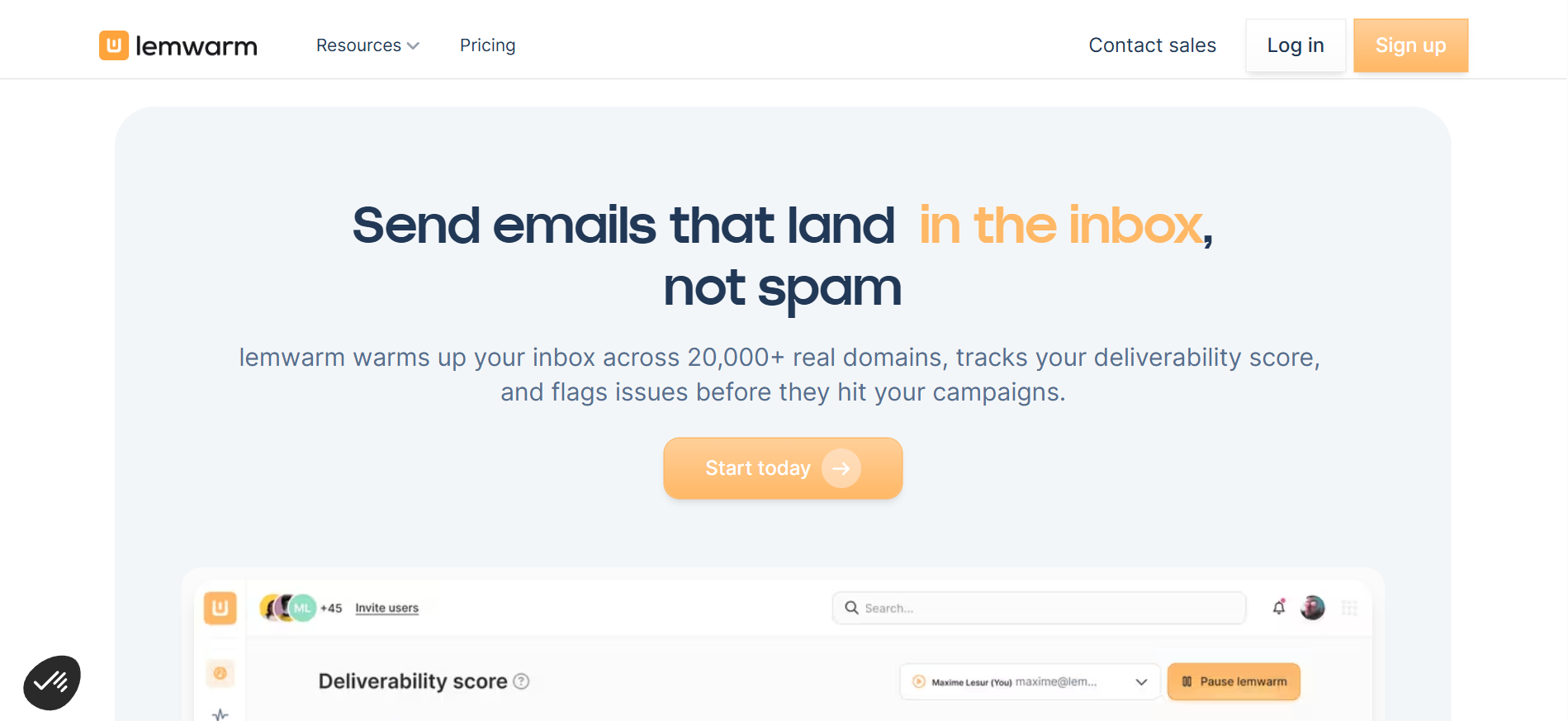
Where Lemwarm falls short is standalone pricing. At $29/month for Essential and $49/month for Smart, it costs more per mailbox than Warmforge or Warmup Inbox unless you are already paying for lemlist. Reviews also flag the lack of a free trial, which frustrates prospective buyers who want to test before paying. If you are shopping the outreach layer at the same time, my Lemlist alternatives breakdown compares the full sequencers rather than just the warmup piece.
The last email warmup tool on my list is TrulyInbox, and it earns the spot because it is the only tool here with a genuine free-forever tier. If you are an individual sender or a founder running your first cold email motion, you can connect 1 mailbox and warm 10 emails per day at no cost.
The paid tiers stack up well on the pricing side too. Starter at $29/month covers 200 emails per day with unlimited mailboxes, Growth at $99/month covers 1,000, and Scale at $199/month covers 3,000. Unlike per-inbox tools, you can spread that volume across as many mailboxes as you want. That is why TrulyInbox works best for teams scaling from 3 to 50 mailboxes.
The warmup network sits at 40,000+ active warming accounts sending 40,500+ daily warmup emails. The provider breakdown is roughly 21,000 Google, 9,000 Microsoft, 760 Zoho, and 10,000 others. Supported mailbox types run 18+ providers, which is one of the widest coverage lists in the category.
Where TrulyInbox is genuinely interesting is the algorithm choice. You pick between Progressive (gradual ramp), Randomized (fluctuating human-like pattern), or Flat (fixed volume) warmup strategies, plus AI-generated content across 50+ industries in 12 languages. The Deliverability Score sits on a 0 to 100 scale, and the Outreach Readiness status tags each mailbox as Ready for Outreach, Warming Up, or Needs Recovery. That last tag is what I check before adding a mailbox to a sequence.
The G2 rating is 4.2 out of 5 across 44 reviews, which is the lowest on this list. Support responsiveness is the top complaint in negative reviews, with one reviewer noting they wrote in on June 18 and had not received a reply. Worth verifying during your free trial. TrulyInbox also powers the warmup layer inside Saleshandy through a partnership, so if you already use Saleshandy, you may be running TrulyInbox warmup without knowing it.
Warmforge is the best email warmup tool in 2026. It is the only one on this list that combines warmup, inbox placement testing, and DNS health checks into a single deliverability center built specifically for cold email teams. The Heat Score is tightly calibrated, the warmup pool runs across multiple languages, and the Health Checks catch broken SPF or DKIM before they burn a warmup cycle.
Warmup Inbox is a strong pick if named blacklist monitoring is your top priority, and Mailivery is the cost winner for agencies running 20+ mailboxes on flat-rate pricing. Lemwarm and TrulyInbox each own a specific niche: lemlist-native workflow and free-tier entry, respectively.
For most cold email teams, the workflow that actually protects deliverability is: set up your mailboxes in Mailforge, warm them with Warmforge over the recommended 14-day window, then plug into your sequencer of choice
I broke down the strongest sending platforms in my cold email service provider comparison. That is the stack I run.
An email warmup tool builds sender reputation for a new or inactive mailbox by gradually sending small volumes of email to a network of real inboxes that open, reply, and mark the messages as important. This activity signals to ESPs like Gmail and Microsoft that the sender is legitimate. Without warmup, a fresh mailbox sending cold email volume on day one gets filtered to spam or Promotions, because ESPs have no history to trust.
The industry standard in 2026 is a minimum of 14 days of warmup before sending cold email from a new mailbox. Warmforge is calibrated to that 14-day window. Lemwarm recommends around 4 weeks plus 2 more weeks before campaigns, which is more conservative. If your mailbox sits on a brand new domain, err on the longer side and add a domain-aging period before warmup starts.
A Heat Score is a per-mailbox rating that measures deliverability health, calibrated on a scale where 85 or higher means the mailbox is ready to send cold email. Warmforge tracks Heat Score in real time and moves the number based on how warmup emails are landing, whether authentication passes, and whether the domain sits on any blacklists. If your Heat Score drops below 85 after launch, that is the signal something changed with your sending pattern or your domain reputation.
Yes, ongoing warmup is still worth running even on established mailboxes. Sending patterns change, campaigns pause, mailboxes go quiet for weeks, and any of those events can dent your reputation. Continuous background warmup keeps engagement signals steady and gives ESPs consistent activity to score against. It also catches SPF, DKIM, or DMARC breakage early through daily health checks, which matters more than most senders realize.
Warmup builds sender reputation over time by generating positive engagement signals with a network of real mailboxes. Inbox placement testing shows you where your emails actually land right now, broken out by provider (Gmail Primary, Promotions, Spam, Outlook Focused, Other). Warmup is the ongoing background activity. Placement testing is the point-in-time diagnostic. The best deliverability tools ship both, which is why Warmforge bundles placement testing directly into its Deliverability Center rather than selling it as a separate product.
Manual warmup is possible but not practical past 3 mailboxes. You would need to send small volumes of email daily from each mailbox to real recipients who open and reply, gradually ramping over 14 to 30 days while tracking placement across ESPs. The time cost outweighs the tool cost by a wide margin. Any of the five tools in this guide handles the warmup engine for less than what you would spend on your own time. If you want to skip the warmup phase entirely, pre-warmed email accounts are the other option worth comparing.
