
Personalized Outbound Strategy
Get The Right Outbound Strategy In Minutes
Enter your email to get a custom plan & stack recommendation for your business
It's being carefully crafted by AI
Please check your mailbox in 5 minutes

Puzzle Inbox stands out for its low per-inbox price, as we found in our Puzzle Inbox review. The problem starts when you plan a real sending day around it.
Say you want to send 1,000 cold emails a day. Outlook inboxes are listed at 3 cold emails a day, so you'd need 334. At $0.35 each, that's only about $117 a month.
The workload is what gets expensive. You have to connect and warm 334 inboxes, and if ten burn in a week, replacements can take 24 to 72 hours, at Puzzle Inbox's discretion.
Google inboxes bring that number down to 84, at 12 cold emails a day and $3 each. But standard inboxes arrive without warm-up, and pre-warmed ones don't list how long they've been warmed.
Refunds are available only within 24 hours of payment, leaving little time to test whether new inboxes land.
The Puzzle Inbox alternatives worth switching to address at least one of these issues:
If you want to stick with Google and Microsoft, I'd start with Primeforge. It recommends about 30 cold emails a day per Google mailbox and gets mailboxes ready in 30 minutes.
Here's how the seven tools compare with Puzzle Inbox on mailbox type, price, daily sending limits, and warm-up.
Primeforge is my top pick if you want Google and Microsoft mailboxes you control. Infraforge is my pick if you're ready to use a dedicated IP.
Puzzle Inbox's prices look low per inbox, so I compared these tools on cost per cold email sent and on what happens after checkout. I used six criteria.
Some prospects sit on Google or Outlook, and some tools sell only SMTP mailboxes on their own servers. I checked whether each tool offers Google Workspace, Microsoft 365, SMTP, or a mix, so you can match your sending to your list.
A cheap inbox that sends 3 cold emails a day can cost more per email than a pricier one sending 30. I compared each tool's daily limit or recommended volume, then calculated the cost for the same daily send.
If a provider holds your domains or admin rights, you can't fix DNS, add tools, or leave cleanly. I gave credit for domains in your name, full DNS control, and admin access to every workspace or tenant.
A 72-hour delivery plus weeks of warm-up can push a launch back by a month. I checked delivery time, whether warm-up is included, and whether a pre-warmed option states its warm-up age.
At volume, mailboxes get suspended, and narrow refund and cancellation terms leave you paying for dead inboxes. I looked at replacement terms, refunds, trials, contracts, and cancellation.
Without bounce data or an API, every fix starts with a support ticket. I checked for mailbox analytics, an API, or an MCP server, and direct export to sending tools like Smartlead and Instantly.
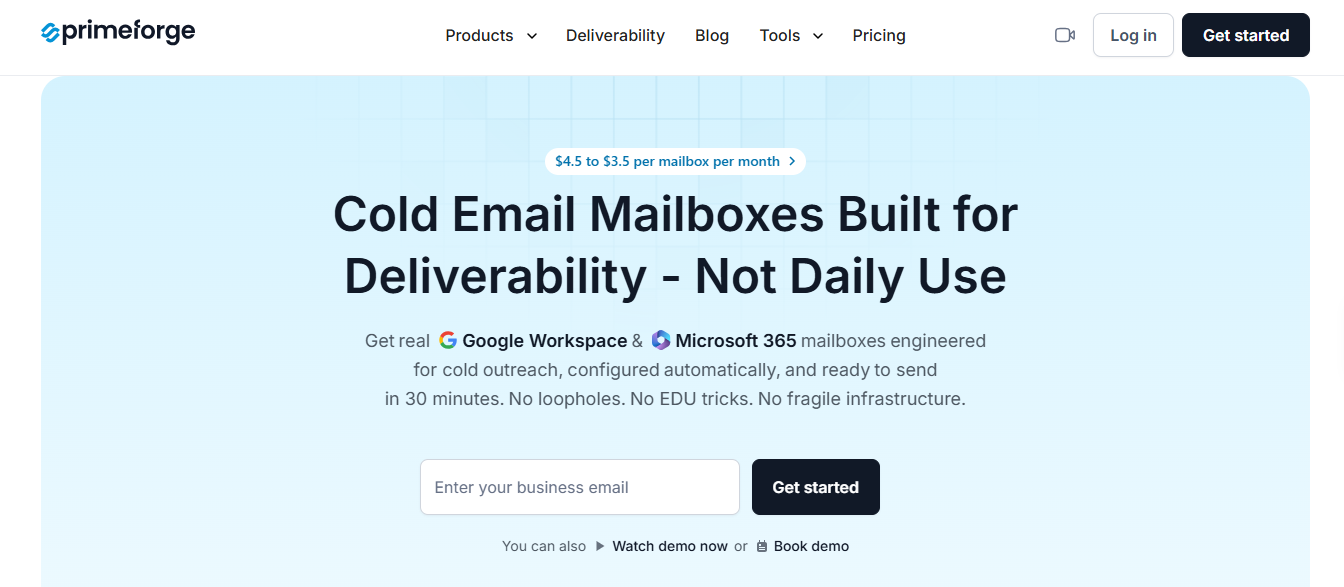
The first thing I'd compare between Puzzle Inbox and Primeforge is who controls the mailboxes. Puzzle Inbox's pages don't say who owns the domains or provide details about admin access, an API, or support channels.
With Primeforge, each domain runs as its own Google Workspace with a dedicated Super Admin account. Each Microsoft 365 domain gets its own tenant.
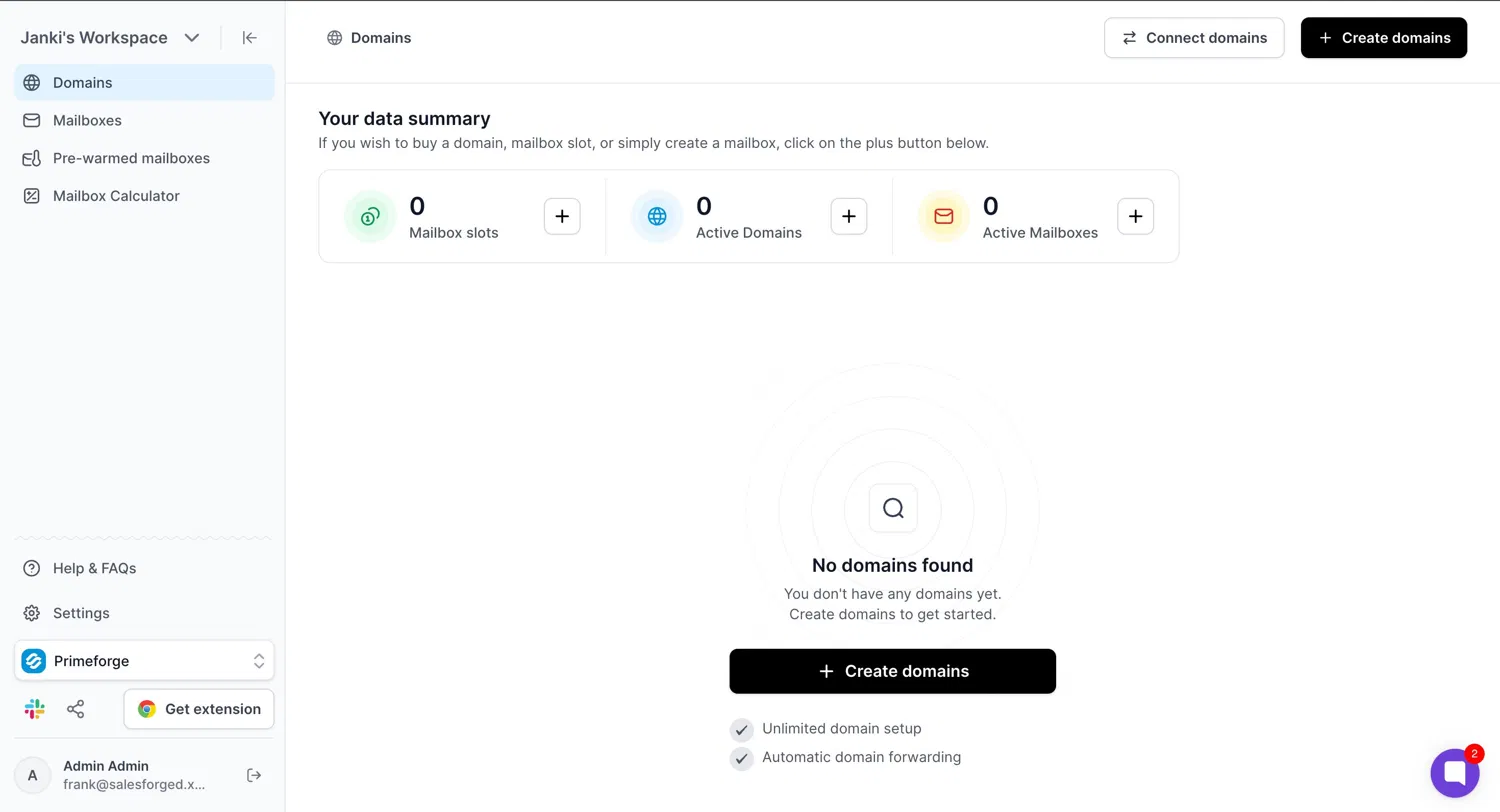
That admin access gives me more than control over settings. I can set up Domain-Wide Delegation and send through the Gmail API from my own systems, without an intermediary sending platform. That's useful if I run an AI SDR pipeline or build my own outreach tool.
Next, I'd compare what I can see once campaigns are running. Puzzle Inbox lists Google Postmaster Tools and Microsoft SNDS checks for the first 30 days.
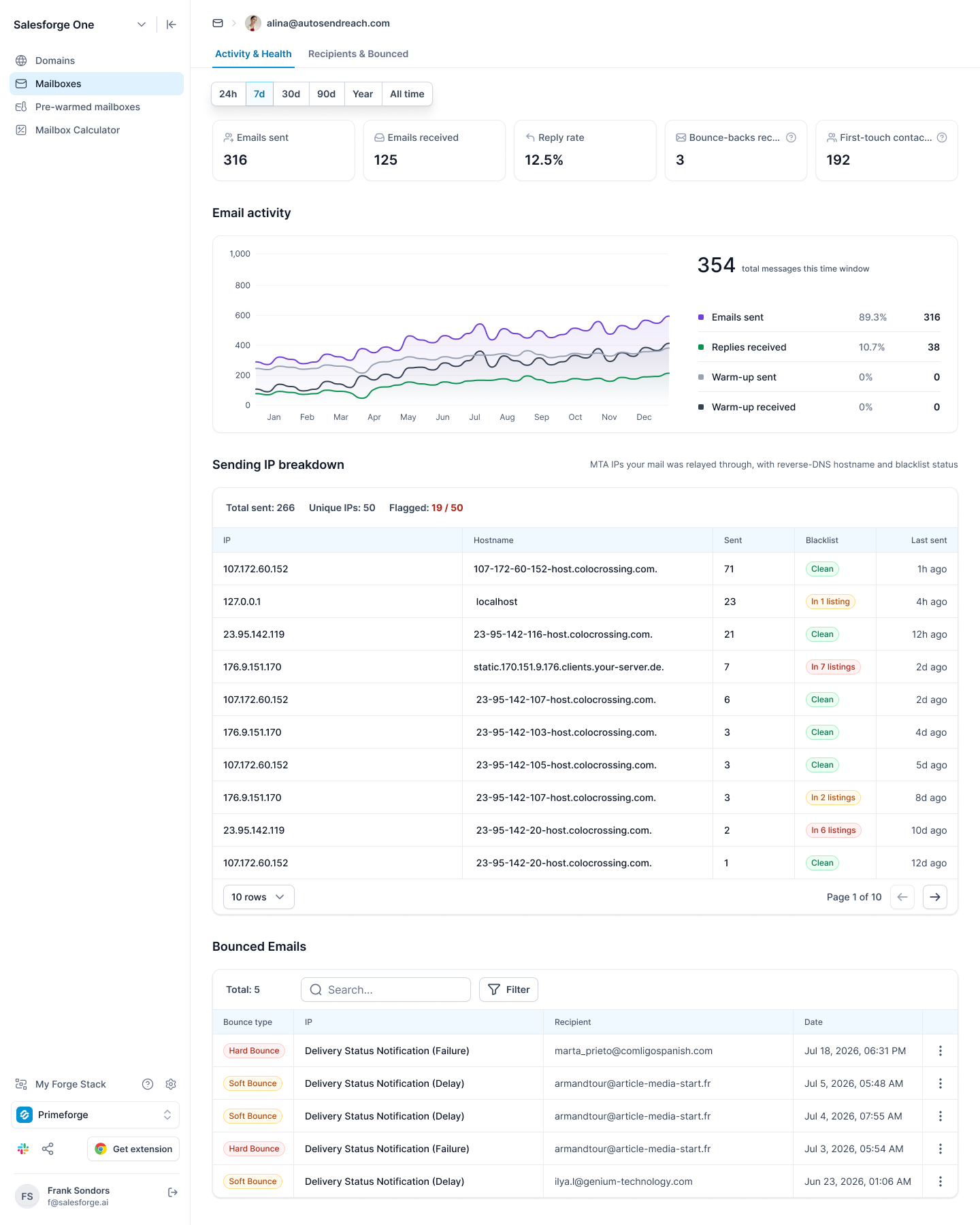
Primeforge provides analytics for every mailbox, including sending IPs and their blacklist status, the reason for each bounce, and reply rates by prospects' email provider.
Speed is another difference. Primeforge mailboxes are ready to send in 30 minutes, while Puzzle Inbox lists delivery in 24 to 72 hours. Our Primeforge review covers the full setup.
Puzzle Inbox keeps Google and Outlook prices low, but its published details don't explain ownership, admin access, or mailbox data. Primeforge provides all three, along with more sends per mailbox.
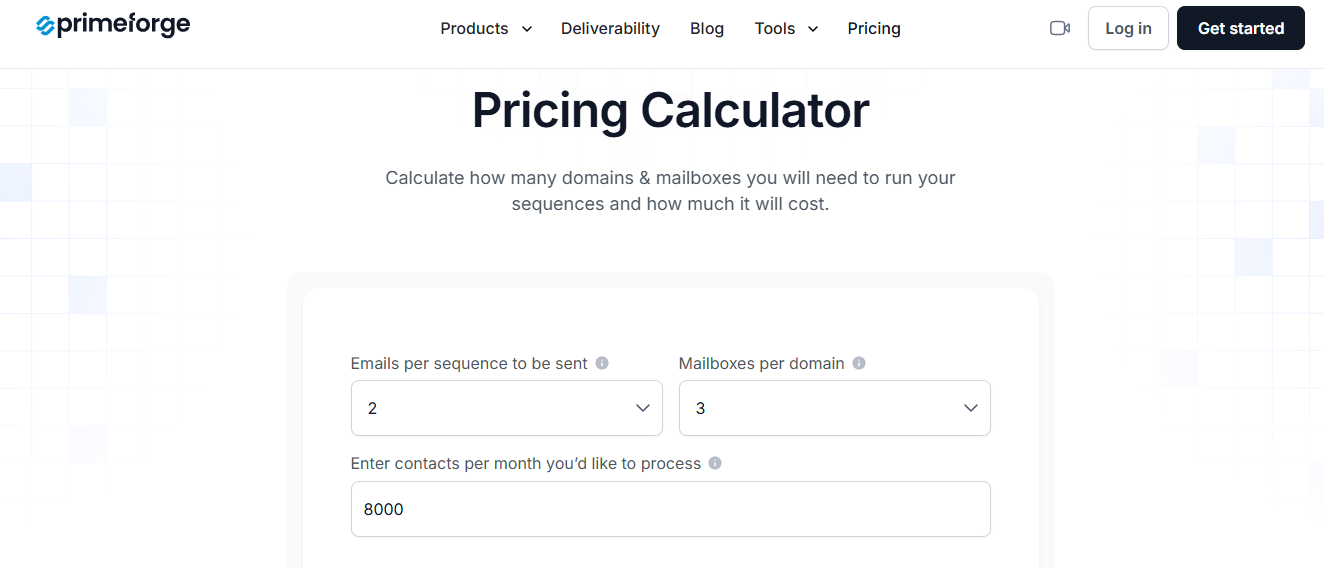
Primeforge pricing is per mailbox, with separate pricing for domains and pre-warmed mailboxes.
A Primeforge mailbox costs more than Puzzle Inbox's $3 Google inbox, so I compare the cost by daily sends. At 600 cold emails a day, I'd use 20 Primeforge mailboxes at 30 a day for $90 a month. Puzzle Inbox's Google inboxes, limited to 12 a day, would require 50 inboxes and cost $150.
Enter your email to get a custom plan & stack recommendation for your business
Please check your mailbox in 5 minutes
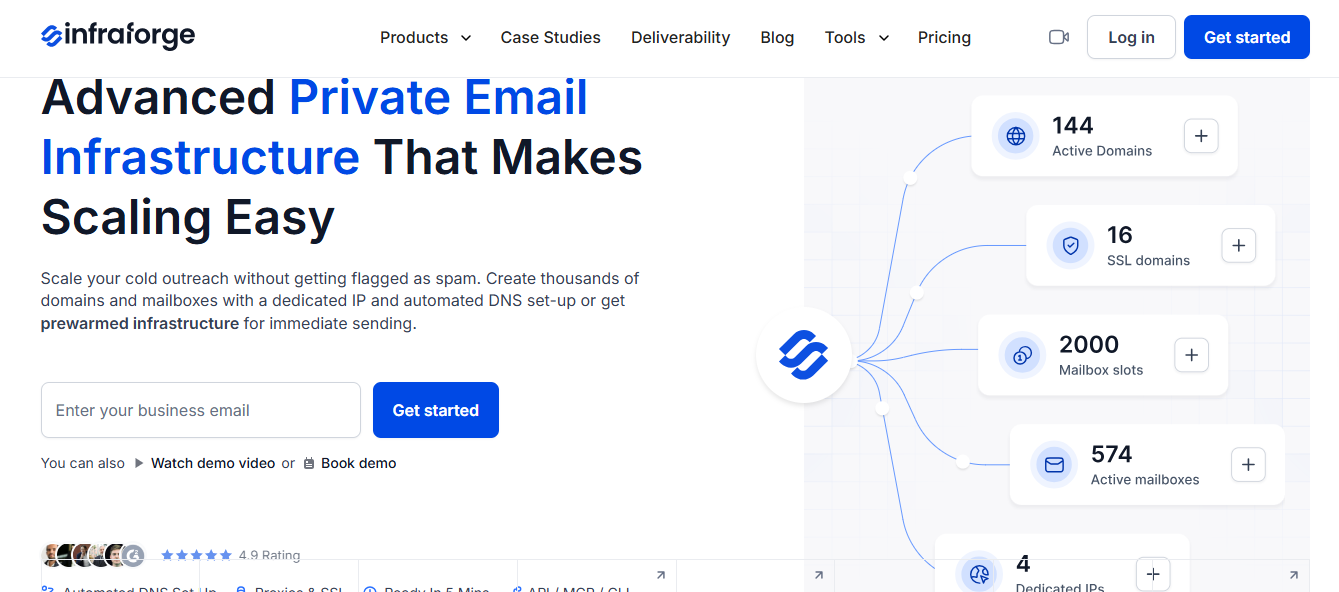
The first thing I'd ask about Puzzle Inbox is who else shares my IP. It's a classic dedicated IP vs shared IP split: Puzzle Inbox lists shared IPs, while Infraforge gives each workspace its own.
That means another sender's poor campaign won't drag down my numbers.
The next question is how many emails each mailbox can send. Puzzle Inbox lists 3 cold emails a day per Outlook inbox and 12 per Google inbox. Infraforge lets me send up to 30 cold emails a day per mailbox and place up to 40 mailboxes on one IP. That IP can handle about 1,200 cold emails a day.
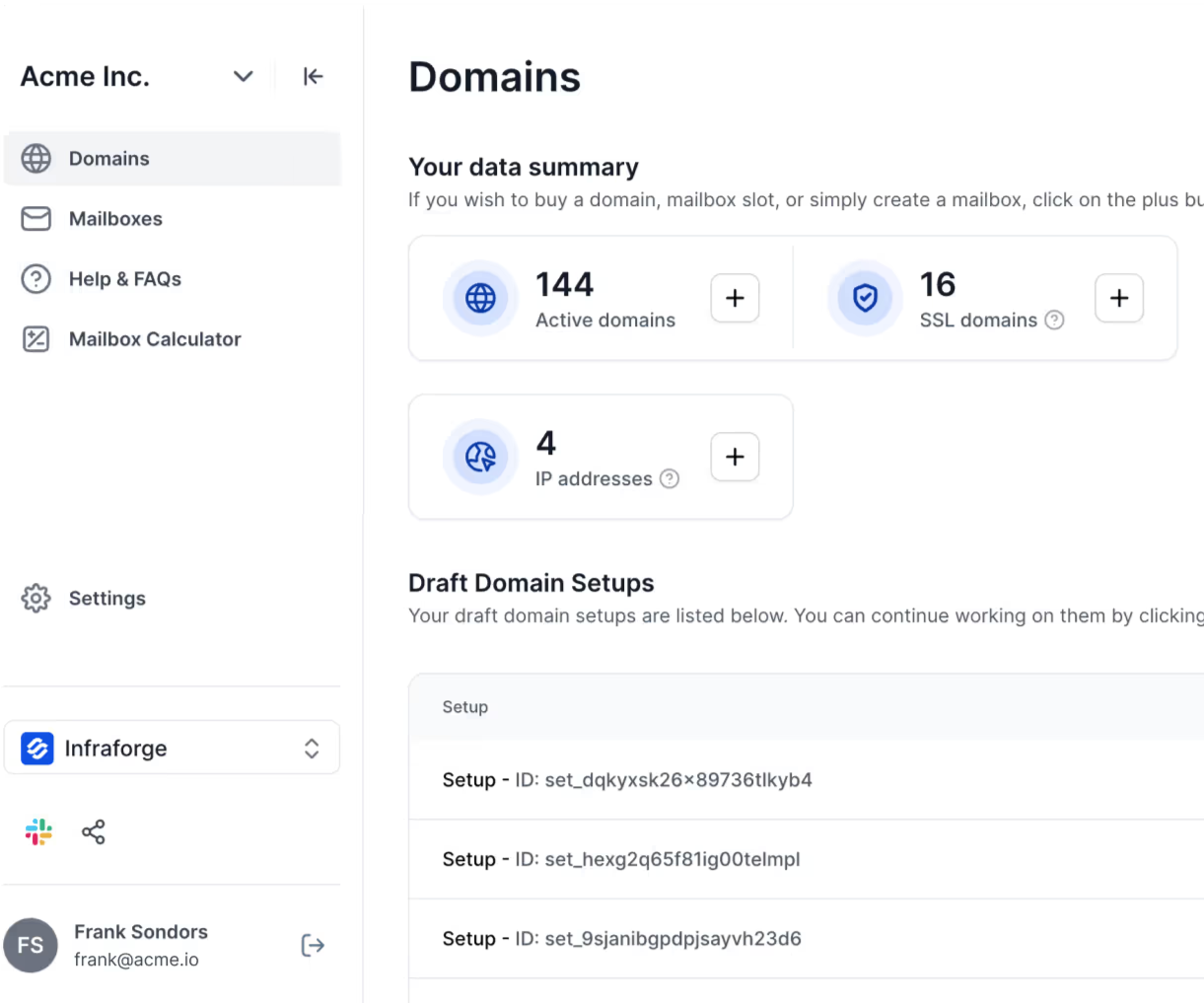
Domains are another difference. Puzzle Inbox's standard inboxes require domains from a registrar you choose, while its pre-warmed inboxes use Puzzle Inbox domains.
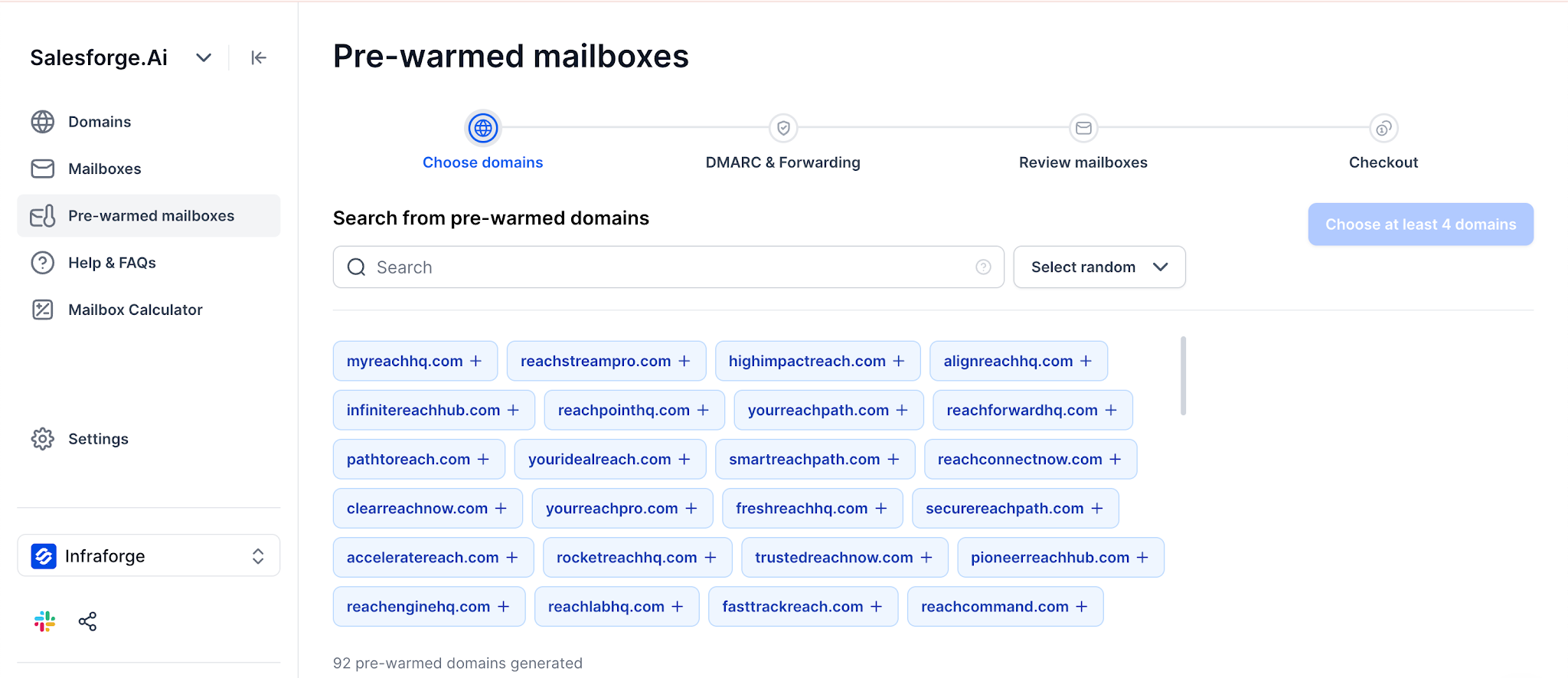
With Infraforge, I can buy domains in the app and have the DNS records set up automatically. Pre-warmed domains can also forward visitors to my main website.
Puzzle Inbox keeps prices low per inbox by spreading sends across shared IPs and many low-volume inboxes. Infraforge gives me fewer inboxes that send more, each using an IP dedicated to my campaigns.
Infraforge charges separately for mailboxes, domains, and IPs.
At 1,200 cold emails a day, I'd run 40 Infraforge mailboxes for $160 a month before domains. Puzzle Inbox's Google inboxes at 12 a day would need 100 inboxes, which comes to $300 a month at $3 each.
Before checking out, I'd ask support whether a new account includes the first IP. The purchase flow only shows additional IPs.
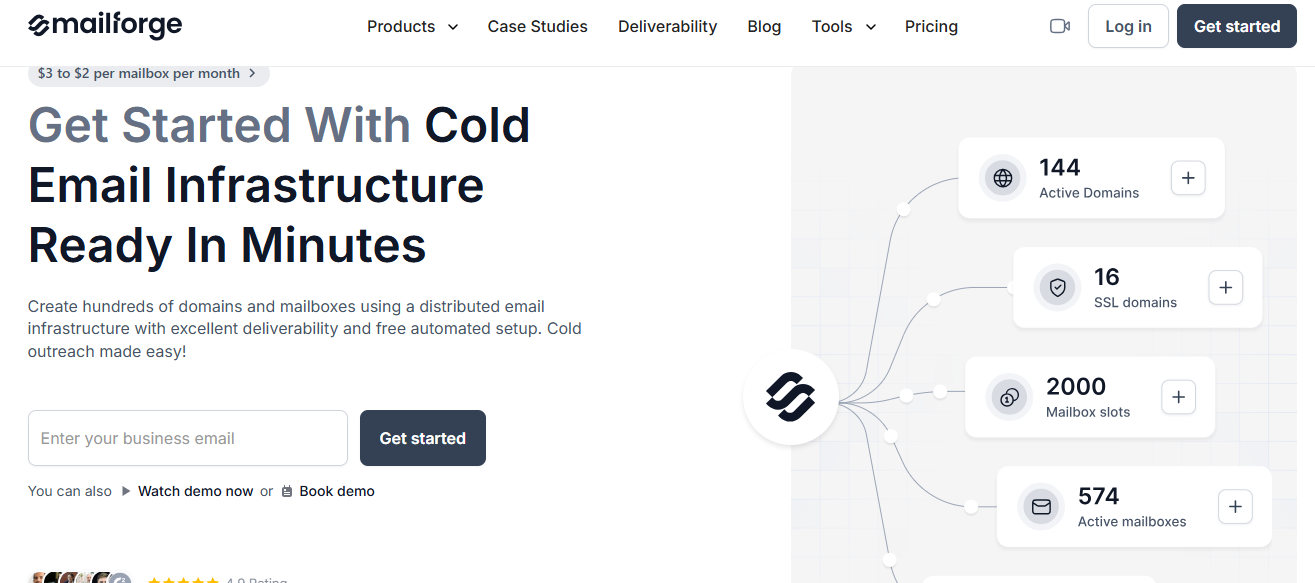
Mailforge and Puzzle Inbox both send through shared IPs. The differences become clear after purchase: what happens when a mailbox burns, when I need more domains, and when I want to cancel.
Start with a burned mailbox. Puzzle Inbox replaces inboxes suspended through no fault of your own within 24 to 72 hours, at its discretion, but doesn't offer replacements if your sending caused the suspension.
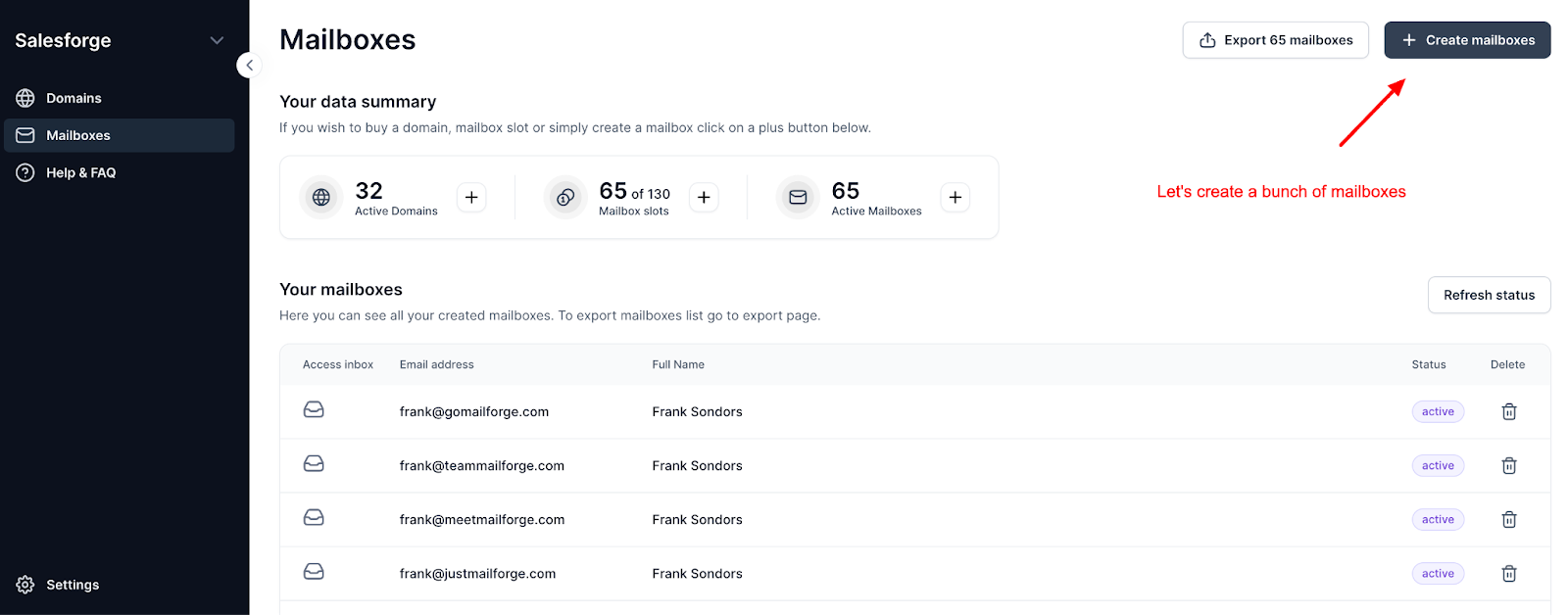
Mailforge sells mailbox slots instead. If a mailbox burns, I can delete it and create another in the same slot at no extra cost, often the same day.
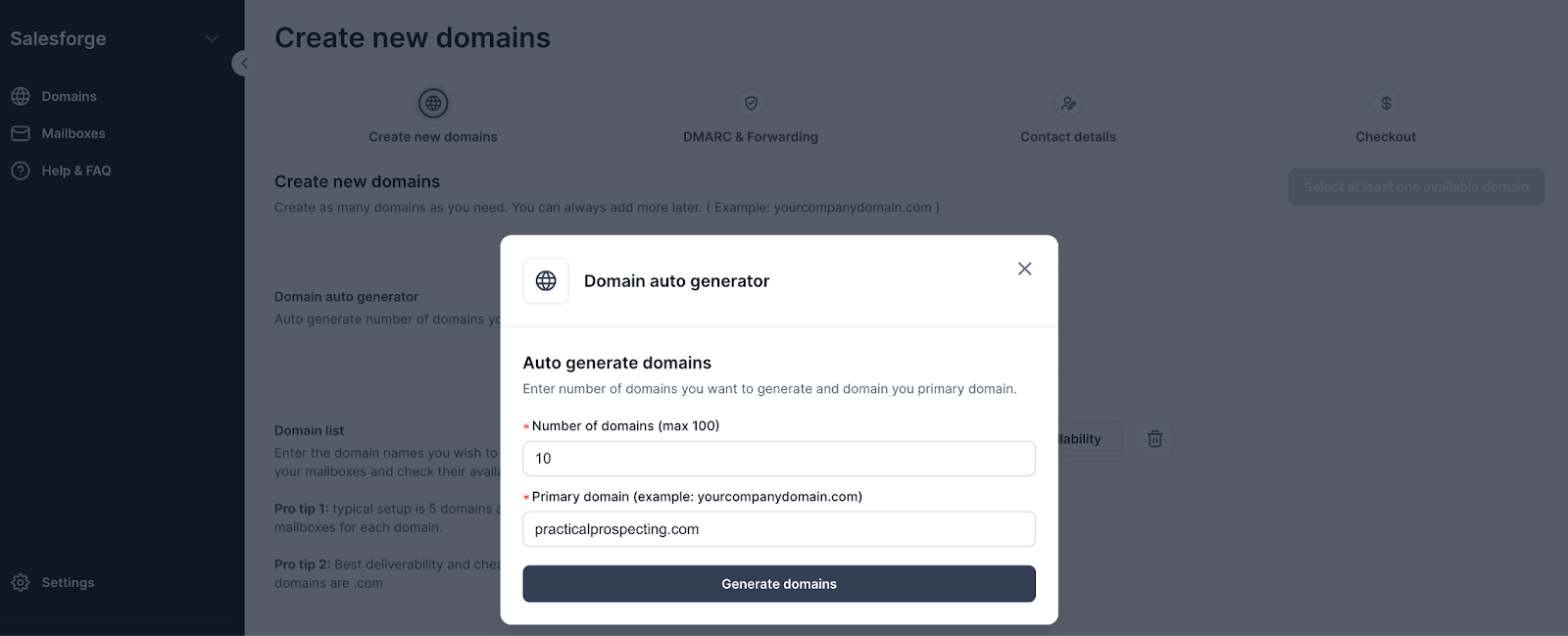
Next, consider domains. Puzzle Inbox's standard inboxes require domains from a registrar you choose.
With Mailforge, I can generate secondary domains in bulk from my primary domain and buy them in the app. DMARC, SPF, DKIM, and custom tracking are set up for free, and I keep full DNS control, just as I would with any registrar.
It's also worth considering how to leave. Puzzle Inbox asks you to cancel through WhatsApp at least 5 days before renewal, then deletes canceled inboxes about 48 hours before renewal. Mailforge has no contract, lets me cancel in the app, and allows me to transfer my domains out.
Puzzle Inbox handles setup through an onboarding form, while domain purchases and cancellations happen elsewhere. Mailforge puts all of these tasks in one app, where I can handle them in minutes.
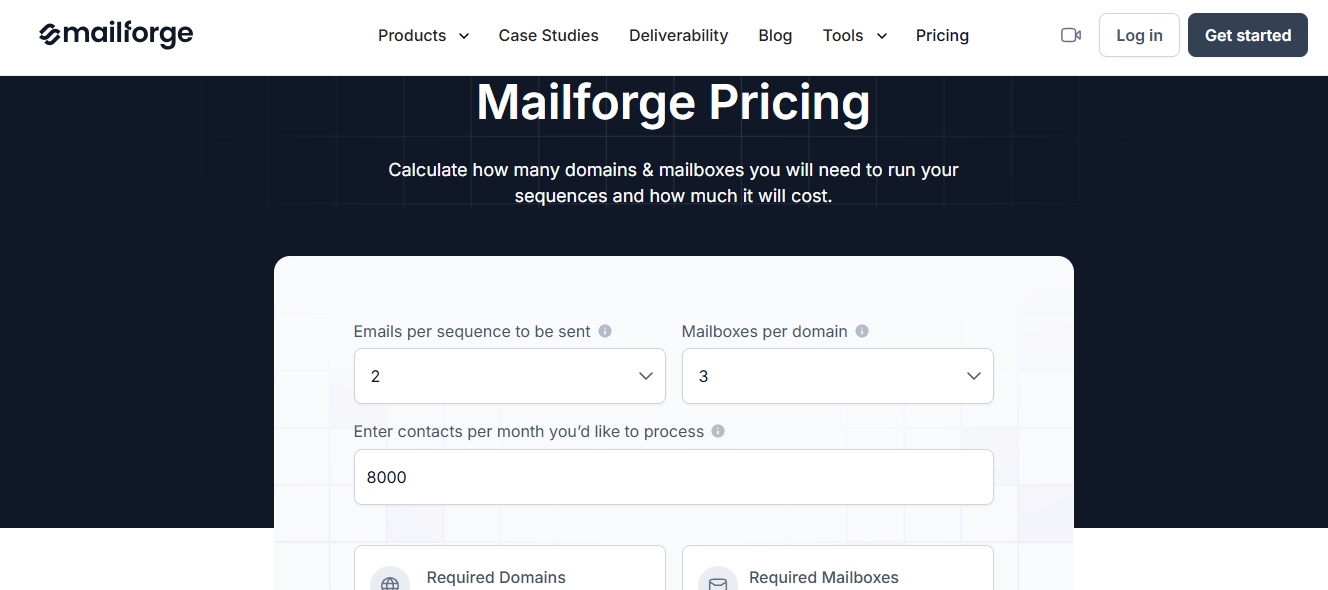
Mailforge charges for mailbox slots, domains, and optional add-ons.
At its highest rate, a Mailforge mailbox costs the same as a standard Google inbox on Puzzle Inbox ($3), and the price drops to $2 at volume. I can buy domains in the same app, without needing a separate registrar.
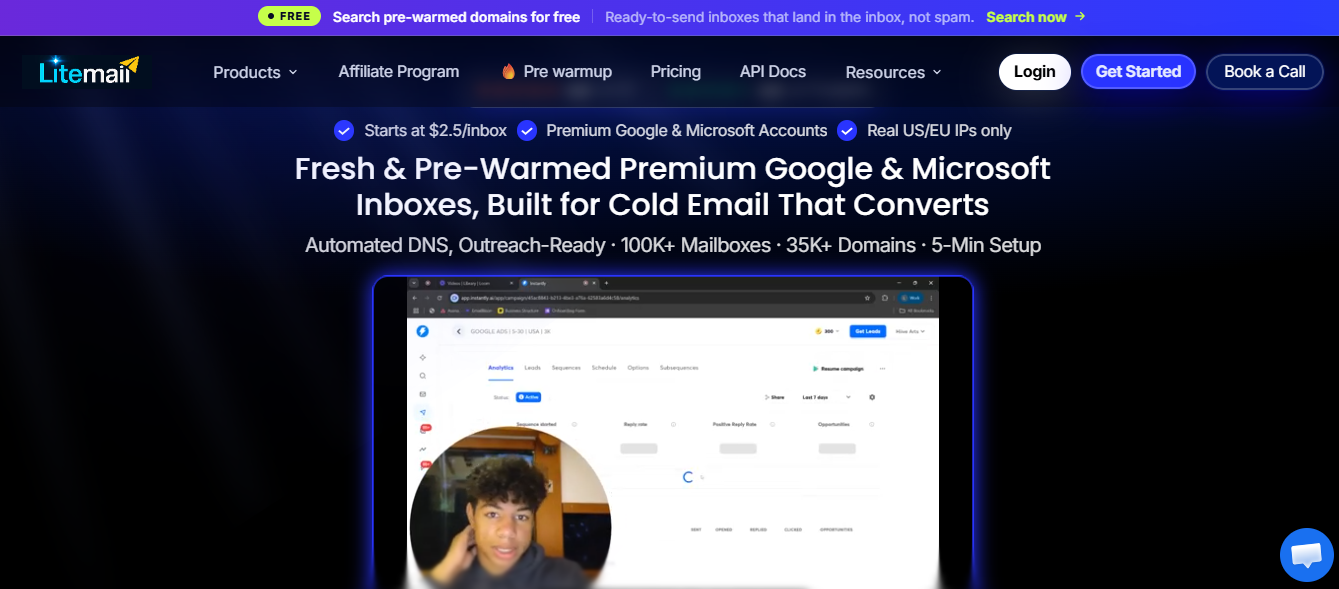
When comparing pre-warmed email accounts, the first thing I want to know is how long they've been warming. Puzzle Inbox doesn't say. LiteMail does: each pre-warmed inbox comes with 4 to 12 weeks of warm-up history.
That makes a difference when planning a launch. With a clear warm-up history, I can decide on day one how quickly to ramp up a new batch. Without that information, I'd have to treat the inboxes as new and ramp up slowly, losing much of the value of the pre-warmed price.
Timing is another difference. LiteMail inboxes are ready to send within minutes of setup. Puzzle Inbox quotes 24 to 72 hours, so an inbox ordered on Monday might not be ready until Thursday.
Price is the main drawback. Pre-warmed LiteMail inboxes cost more than Puzzle Inbox's at every plan size. The extra cost is worthwhile only when speed and a known warm-up age matter to your campaign, which our LiteMail review looks at in detail.
Puzzle Inbox sells cheaper pre-warmed inboxes, but doesn't state how long they've been warmed or list an API. LiteMail provides both details.
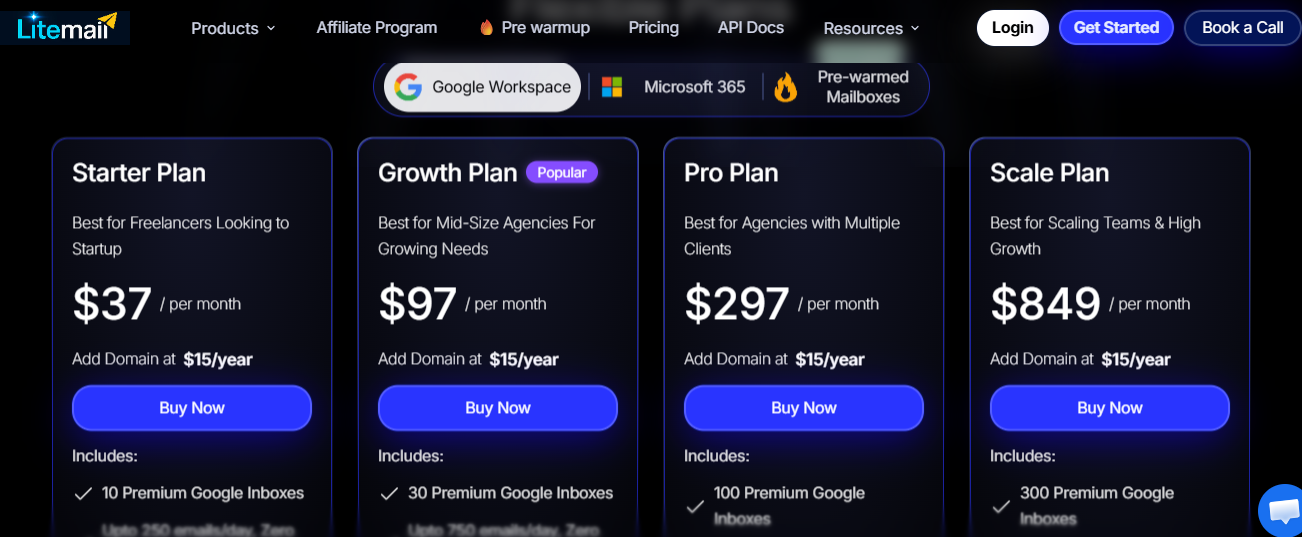
LiteMail sells inboxes in fixed plans, with pre-warmed inboxes costing more than fresh ones.
Pre-warmed plans:
The first month costs more because it includes domains: $54, $149, $269, and $479 for the four plans.
Fresh plans:
Domains on fresh plans cost $15 per year.
Even on the Scale plan, a pre-warmed LiteMail inbox costs $4.98. Puzzle Inbox charges $4.50 for a pre-warmed Google inbox, making 60 inboxes about $29 more per month on LiteMail.
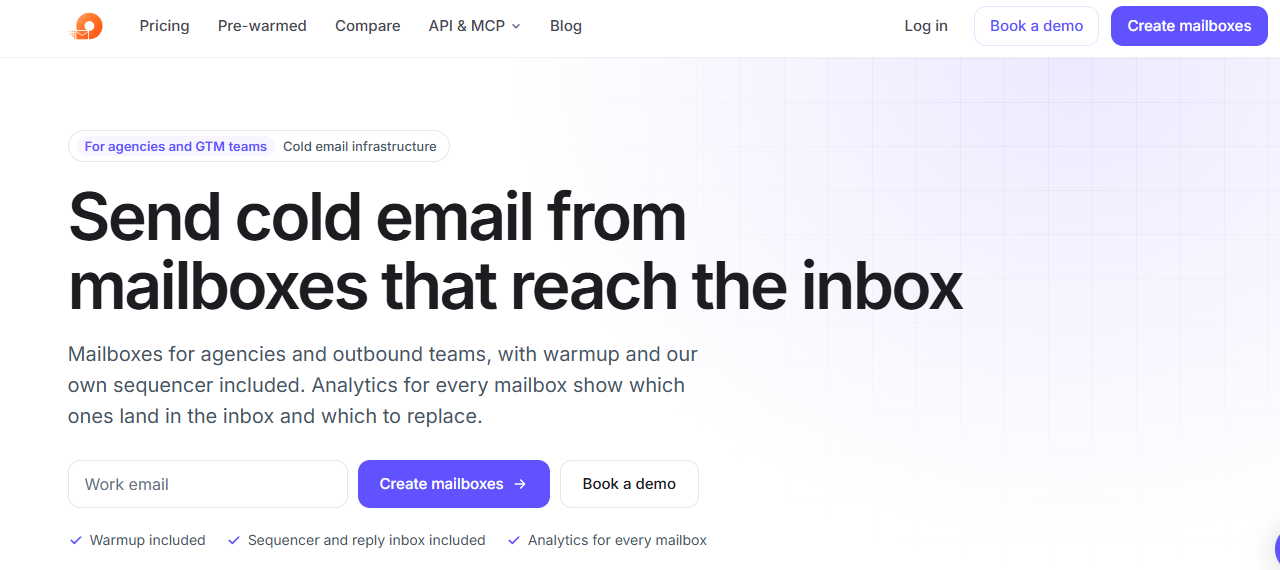
The first thing I'd check is whether the mailbox type fits my campaign. Outreach2day offers SMTP/IMAP mailboxes on my domains, but no Google Workspace or Microsoft 365 seats.
If my campaigns rely on Google or Outlook mailboxes, I'd rule it out.
If they don't, the volume math looks very different. Puzzle Inbox lists 3 cold emails and 3 warm-up emails a day per Outlook inbox, and 12 of each per Google inbox.
Outreach2day mailboxes can send 25 cold emails per day starting on day 14. For the same daily volume, I can manage far fewer mailboxes, domains, and logins.
The trade-off is a short wait. New mailboxes warm for 14 days before cold sending, and warm-up continues afterward. Puzzle Inbox's standard inboxes arrive without warm-up, so you have to warm them yourself or pay extra.
I'd also consider its track record. Outreach2day doesn't list its own ratings, offers no free trial, and requires at least 12 mailboxes. I'd start with the minimum order and check the results before moving to a full campaign.
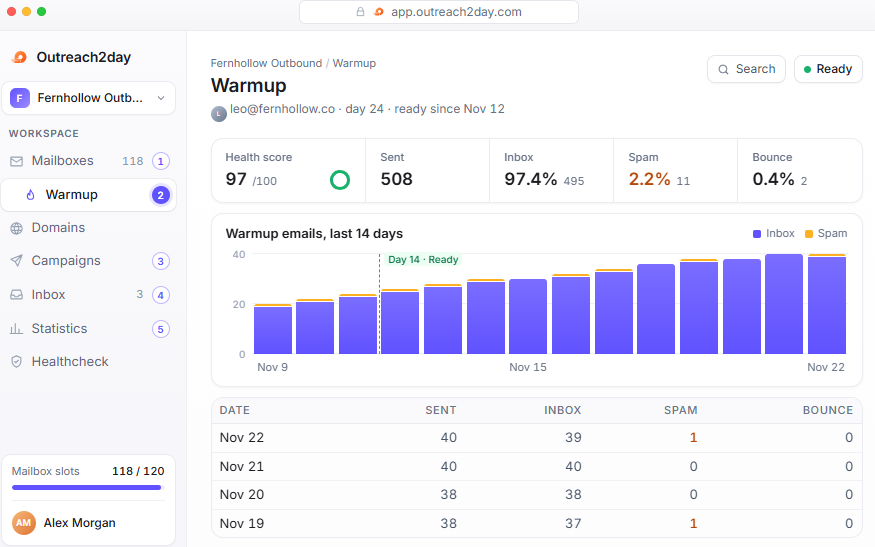
Puzzle Inbox requires hundreds of Outlook inboxes to reach real volume, since each sends just 3 cold emails a day. Outreach2day reaches the same volume with far fewer mailboxes and includes the warm-up and sending tools that Puzzle Inbox leaves to you.
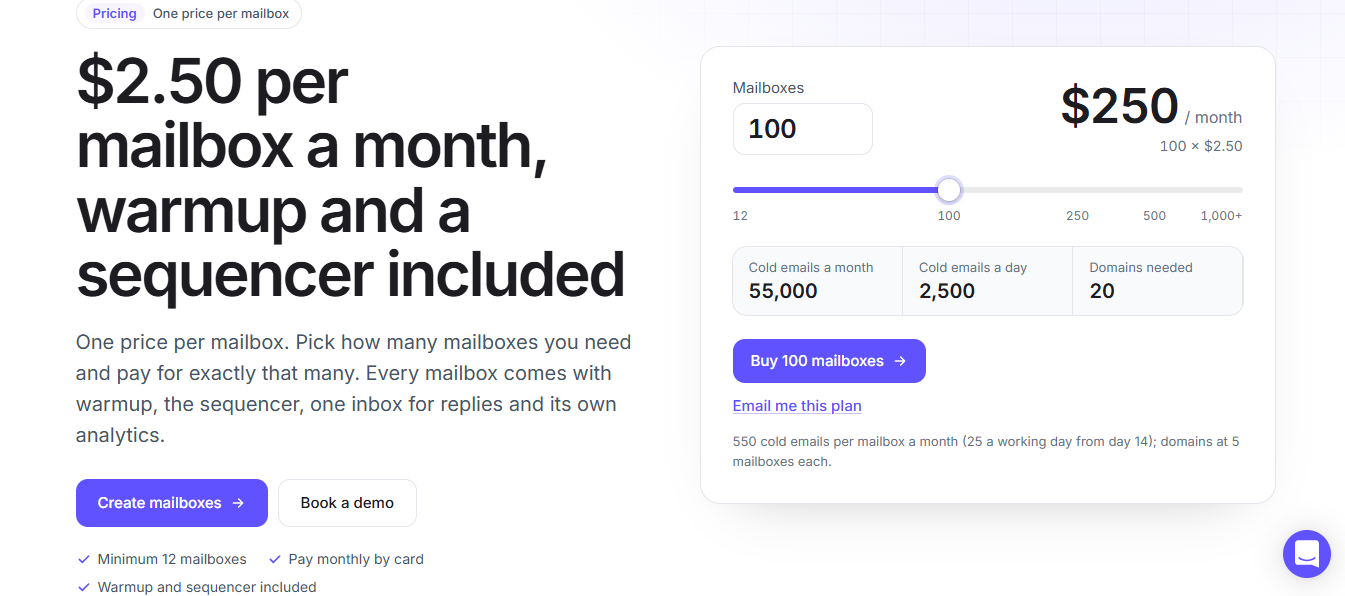
Outreach2day charges per mailbox, with lower prices at higher volumes.
Larger volumes go to an Enterprise plan.
At 2,500 cold emails a day, I'd need 100 Outreach2day mailboxes. That's $150 a month before domains, with warm-up and a sequencer included. The same volume on Puzzle Inbox takes 834 Outlook inboxes at 0.35(291.90) or 209 Google inboxes at 3(627), plus a sending tool.
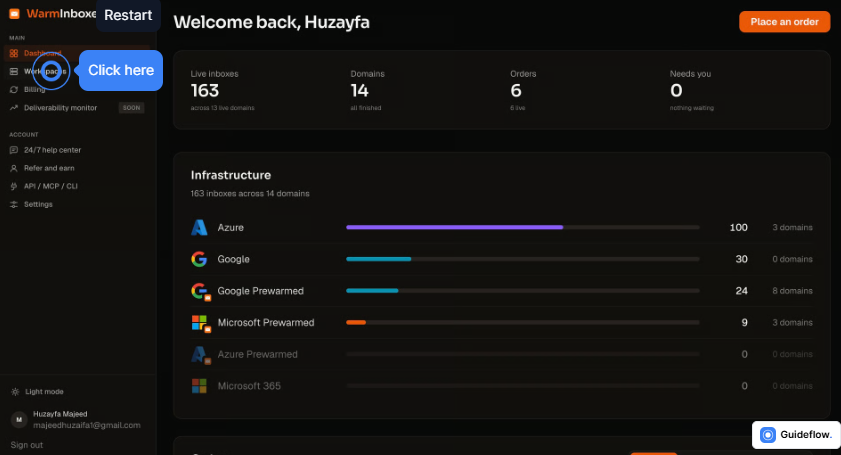
The first thing I want to know when buying Google or Microsoft inboxes from a reseller is whose account they're in. WarmInboxes provides licensed Google Workspace, Microsoft 365, and Microsoft Entra (Azure) tenants, isolated for each customer, with no shared tenants and admin access for every mailbox.
My mailboxes don't share an account with another sender, and I stay in control.
That's the first gap I'd want to address. Puzzle Inbox's pages don't publish details about domain ownership, an API, MCP, sequencer integrations, support channels, its replacement policy, or placement testing.
Next, I'd look for evidence. WarmInboxes publishes a dated inbox placement test log, a SURBL blocklist study, and a Google sender-reputation study by domain ending. Each includes sample sizes and stated limitations, so I can review inbox performance before spending anything.
Speed is a drawback. Orders arrive within 48 to 72 hours of payment. Pre-warmed inboxes can send as soon as they arrive, while technicians warm fresh inboxes for 14 to 21 days.
The terms also deserve a close look. Replacements aren't free, and refunds apply only if a license can't send outbound email or was never activated. Minimum orders and daily sending limits aren't listed, so I'd ask about both before placing my first order.
Puzzle Inbox lists Google and Outlook inboxes at low prices, but doesn't publish details on domain ownership, an API, or placement data. WarmInboxes provides all three.
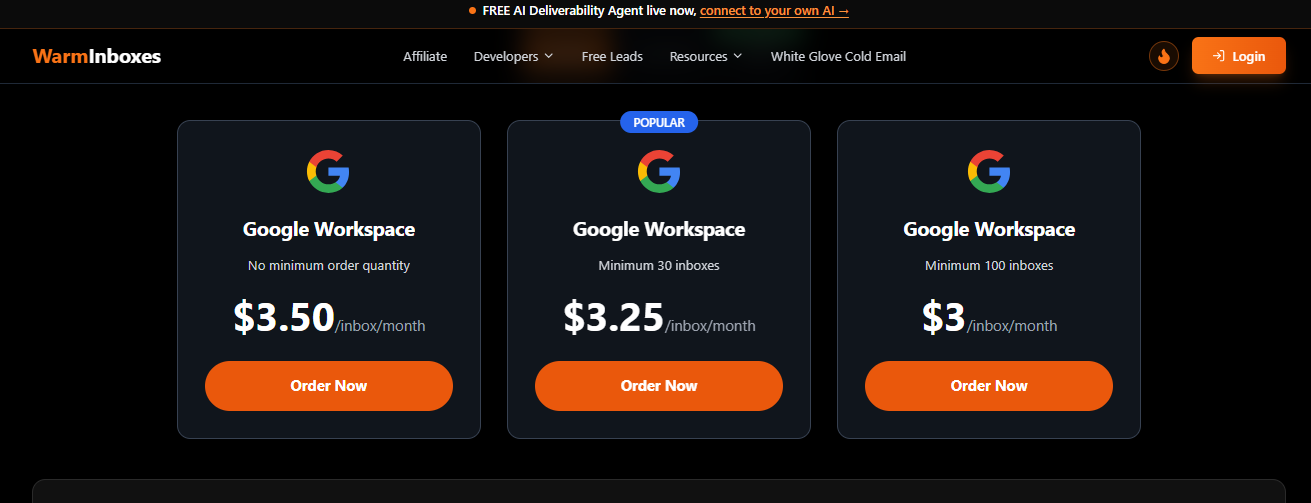
WarmInboxes prices inboxes by type and billing period.
A pre-warmed Google inbox costs $1.50 to $3.50 more per month than Puzzle Inbox's $4.50 option. For 50 inboxes, that adds $75 to $175 a month for an isolated tenant and published test data.
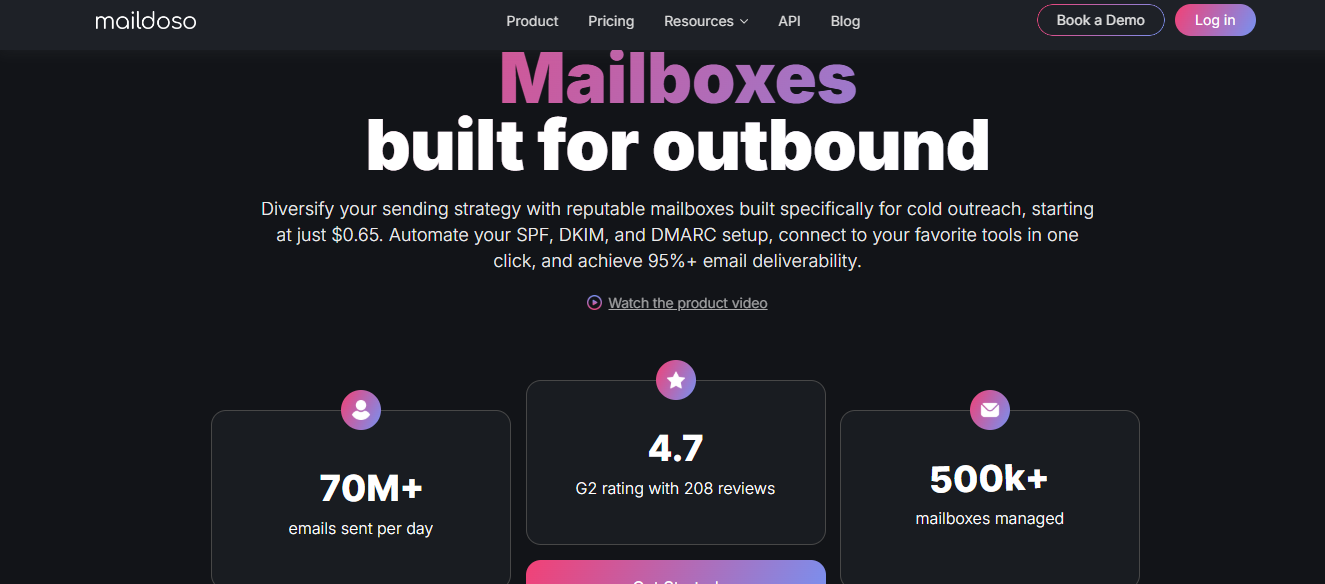
The hardest part of switching providers is paying before I know whether the inboxes perform. Maildoso removes much of that risk. Its trial includes 300 SMTP mailboxes for $0, with no credit card required, no contract, and the option to cancel anytime.
SMTP mailboxes also come with a public 30-day money-back guarantee. I can run a real campaign on its infrastructure before receiving my first invoice.
Maildoso uses dedicated IPs from day one, with IP rotation and self-healing mailboxes. Puzzle Inbox lists shared IP infrastructure, so with Maildoso my reputation depends on my own sending.
The number of sends per mailbox is another difference. An SMTP mailbox typically sends up to about 30 emails a day, compared with Puzzle Inbox's limit of 3 emails a day per Outlook 365 mailbox. Warm-up Text: Maildoso dashboard showing mailbox health and automatic replacement for cold email inboxes
Warmup is something I'd need to plan myself. Maildoso recommends using a sequencer or third-party service to warm mailboxes, and says this can also be done through Maildoso. I'd factor the warm-up period into my launch timeline before sending real campaigns.
For just one or two mailboxes, I'd look elsewhere. Maildoso's entry price is higher than shared-IP services, and a dedicated IP is worthwhile only once I'm sending at volume, a point our Maildoso review covers in depth.
Puzzle Inbox offers low-cost Outlook and Google inboxes on shared IPs, with no free trial and unclear API details. Maildoso lets me test dedicated-IP sending at scale for free and automate it from the start.
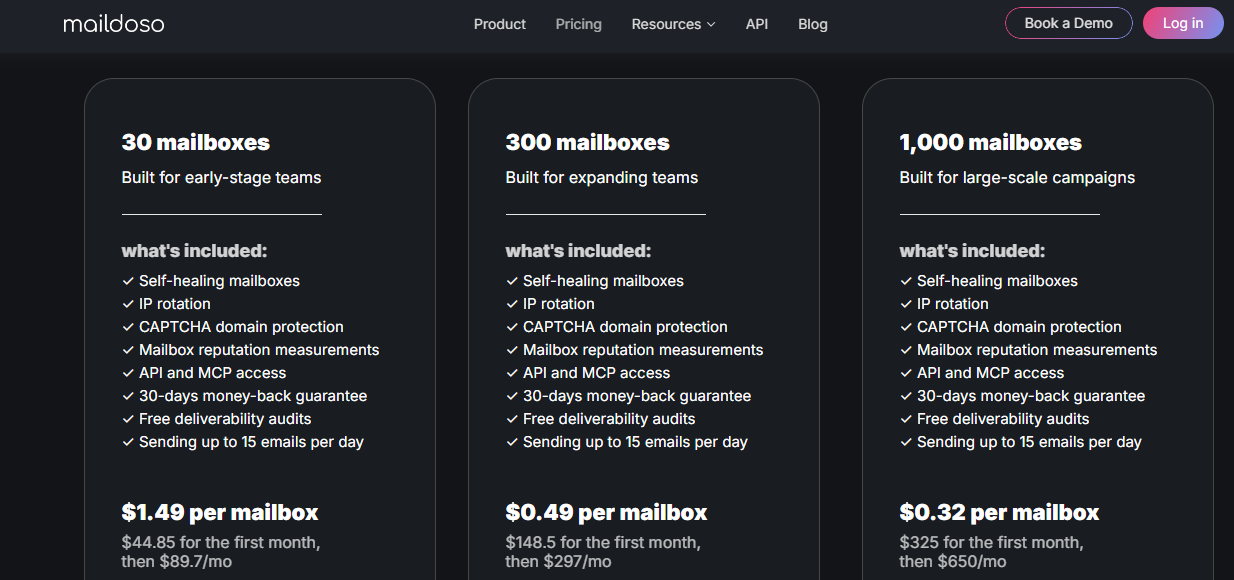
Maildoso charges per mailbox, with a minimum package for each mailbox type.
The Google Workspace minimum is less than half of Puzzle Inbox's. Puzzle Inbox lists Google Workspace at $3 to $4.50 per mailbox, with a $90 minimum, so I can start with a smaller Google test on Maildoso.
Enter your email to get a custom plan & stack recommendation for your business
Please check your mailbox in 5 minutes
Choose the tool that addresses the reason you're leaving.
If you're using hundreds of Outlook inboxes to reach your daily sending goal, you need fewer mailboxes that can each send more. If you're unsure about warm-up and ownership, look for admin access and data you can verify.
Primeforge covers both needs with Google and Microsoft. At 600 cold emails a day, you'd use 20 Google mailboxes instead of 50, each with its own Super Admin account.
Choose Infraforge if you want your own IP. Choose Mailforge if you'd rather manage domains and mailboxes on shared infrastructure.
To switch safely, order a small batch from Primeforge and run it alongside your Puzzle Inbox mailboxes for a month. Once Primeforge's mailbox analytics show better reply and bounce rates, move the rest.