
If you are looking for ZoomInfo alternatives, you are in the right place.
ZoomInfo is a genuinely strong tool. It holds 420M+ contacts, 145M+ companies, and 300+ filterable attributes, and 9,000 G2 reviewers rate it 4.5. Nobody builds a database that size by accident.
But strong does not always mean right for you.
Maybe the quote came back higher than your team can justify. Maybe the multi-year commitment is more than you want to sign. Or maybe you only use one slice of the platform and are paying for all of it.
And that is fair. The honest question is not whether ZoomInfo is good, it is whether you need everything it sells.
So I compared seven alternatives: Leadsforge, Apollo.io, Cognism, Lusha, Saleshandy, Demandbase, and 6sense. Pricing, database claims, enrichment methods, and compliance disclosures all came from each vendor's own site on October 28, 2026.
Where a vendor would not publish something, I wrote that down instead of guessing.
Here is how each one stacks up, and which fits the job you were paying ZoomInfo for.
I did not score these on feature counts, because feature counts do not predict whether your reps connect with anyone. I checked six things instead, and all of them came from official sites or G2.
A database claim is a marketing number. What matters is how the vendor fills a missing field, and whether anyone checks it before you export it.
So I looked for whether each tool runs waterfall enrichment across several providers or relies on one source.
Most teams leaving ZoomInfo want direct dials, and this is where credit pricing quietly punishes you. A phone number can cost ten times what an email costs on the same plan.
I recorded the credit cost per phone number wherever the vendor published it.
Published pricing is not a nice-to-have at this budget level. It decides whether you can compare two tools without sitting through two demos.
I only counted a price as published if it appeared on the vendor's own pricing page.
Four of the eight tools here will not tell you what they cost. If budget visibility is part of why you are shopping, your shortlist is already shorter than you thought, and the same pattern runs through outbound sales tools generally.
Plan price alone tells you very little. What tells you something is the price divided by what one usable contact costs in credits, which is the same math that decides whether you subscribe or buy email lists outright.
I worked that math out for every tool that published enough to allow it.
If you call European or Californian prospects, certification is not paperwork. It is the thing standing between you and a complaint.
I only credited certifications that the vendor names on its own site.
A low per-user price means nothing if the smallest unit you can buy is five seats. Several tools here advertise accessibility and then gate it behind a seat floor.
I noted every minimum I could confirm.
With that settled, here is how each tool actually performed.
I ranked these by how well each one replaces the specific job you were using ZoomInfo for. The first five compete on contact data directly, and the last two solve a different problem that I will flag clearly when I get there.
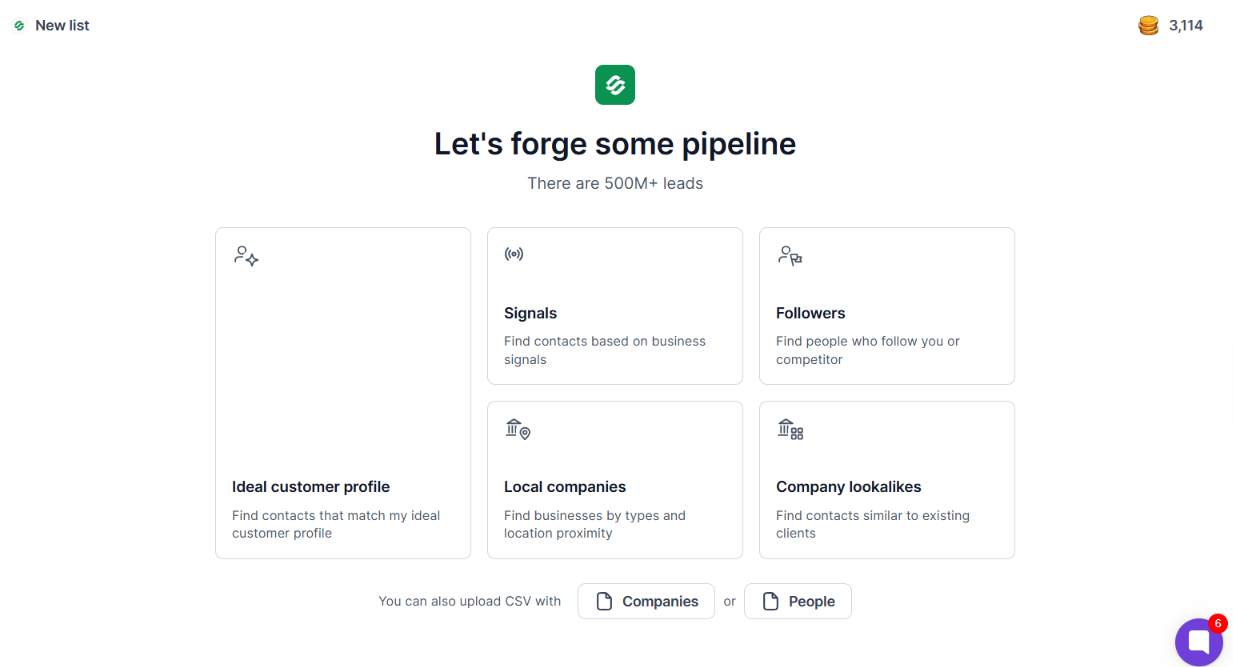
Leadsforge is the best ZoomInfo alternative for most outbound teams because it fixes the thing ZoomInfo buyers complain about most, which is contact records going stale between you and the dial.
Twenty-plus providers get checked in sequence for every record. If the first has no email, the next one runs, and so on down the chain.
ZoomInfo verifies at scale but on its own data, so when its coverage thins for a role or a region, you have nowhere else to go. A waterfall means one vendor's blind spot is not your blind spot.
The accuracy shows in testing. One reviewer who had bounced off several better-known tools reported that "The data has been around 95 percent accurate for me", specifically on bounce rates (review here).
Then there is how you find people. You describe the customer you want in plain language and get a list, instead of assembling filters across a dozen fields. Lookalikes take a won-account domain and return similar companies.
Competitor follower extraction pulls the people already following a rival's page. Signal-based prospecting watches funding rounds, hiring surges, job changes, acquisitions, and investor activity, so you reach accounts while something is actually happening.
That combination of targeting is what a mid-market reviewer kept it for after testing five or six tools in parallel, citing the lookalike feature and intent signals together (their review).
The commercial terms matter too, just not as the headline. Credits never expire, there are no seat fees, and export to Salesforge or CSV costs nothing extra. Against a platform where seats and multi-year terms drive the quote, a growing team does not trigger a renegotiation.
Bonus read: the Salesforge review covers what happens after the list is built, since that is where most Leadsforge exports end up.
The annual plan costs the same as paying monthly. What you gain is 4,000 extra credits for the year, not two free months, so pick annual only if the credit bump is what you need.
Try Leadsforge with 100 free credits, no credit card required
Nearly ten thousand G2 reviewers rate Apollo at 4.7, and that volume of feedback is itself a reason to take it seriously. Apollo.io bundles a 240M+ contact database with sequencing, a dialer, and a Chrome extension, so it replaces more of your stack than a pure database does.
Enrichment runs waterfall across more than twenty sources, and you can bring your own data vendor into the chain. Apollo claims 98 percent email accuracy and attaches 65+ data points to each record.
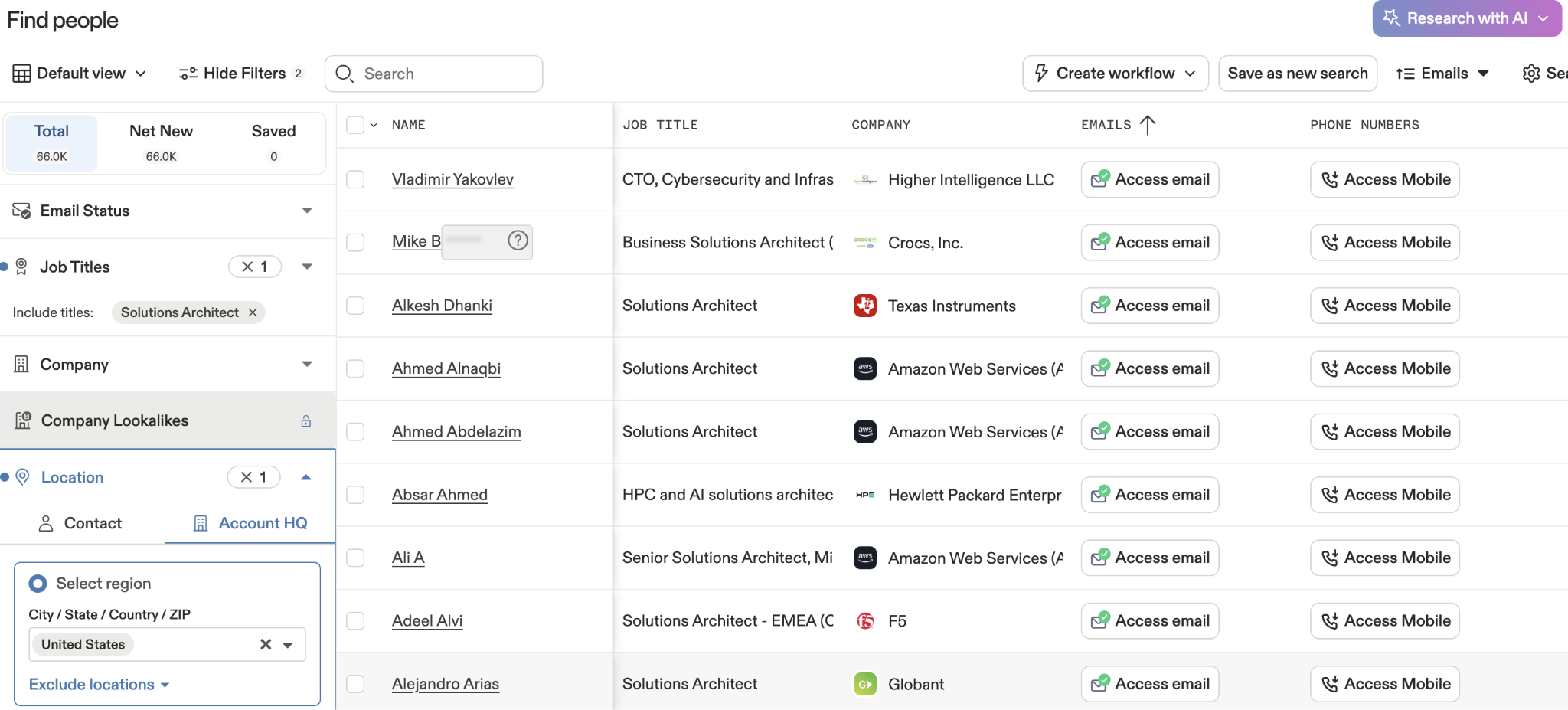
The catch is the pricing page. It did not render a single dollar figure on any fetch, and the plan prices I found sat on a secondary Apollo insights page rather than the canonical pricing URL.
Complexity is the trade-off for that breadth. One reviewer who found the search filters genuinely useful still said "the learning curve can be a bit steep at first", and flagged contact credit limits as restrictive on a small budget (their review).
If Apollo is already your front-runner, the Apollo.io review goes deeper on credits and deliverability, and the Apollo.io alternatives roundup covers the swaps teams usually consider.
If your reps dial European numbers, this is the one tool here built specifically for that problem. Cognism screens against do-not-call lists in sixteen countries and sells phone-verified mobile numbers as its headline product.
The verification claim is specific. Cognism states that 95 percent of its data refreshes every thirty days, and that director-level contacts and above sit on that same thirty-day cycle.
Compliance is where it separates from almost everything else on this list. GDPR and CCPA sourcing, ISO 27001, ISO 27701, and SOC 2 Type II are all named directly on the site.
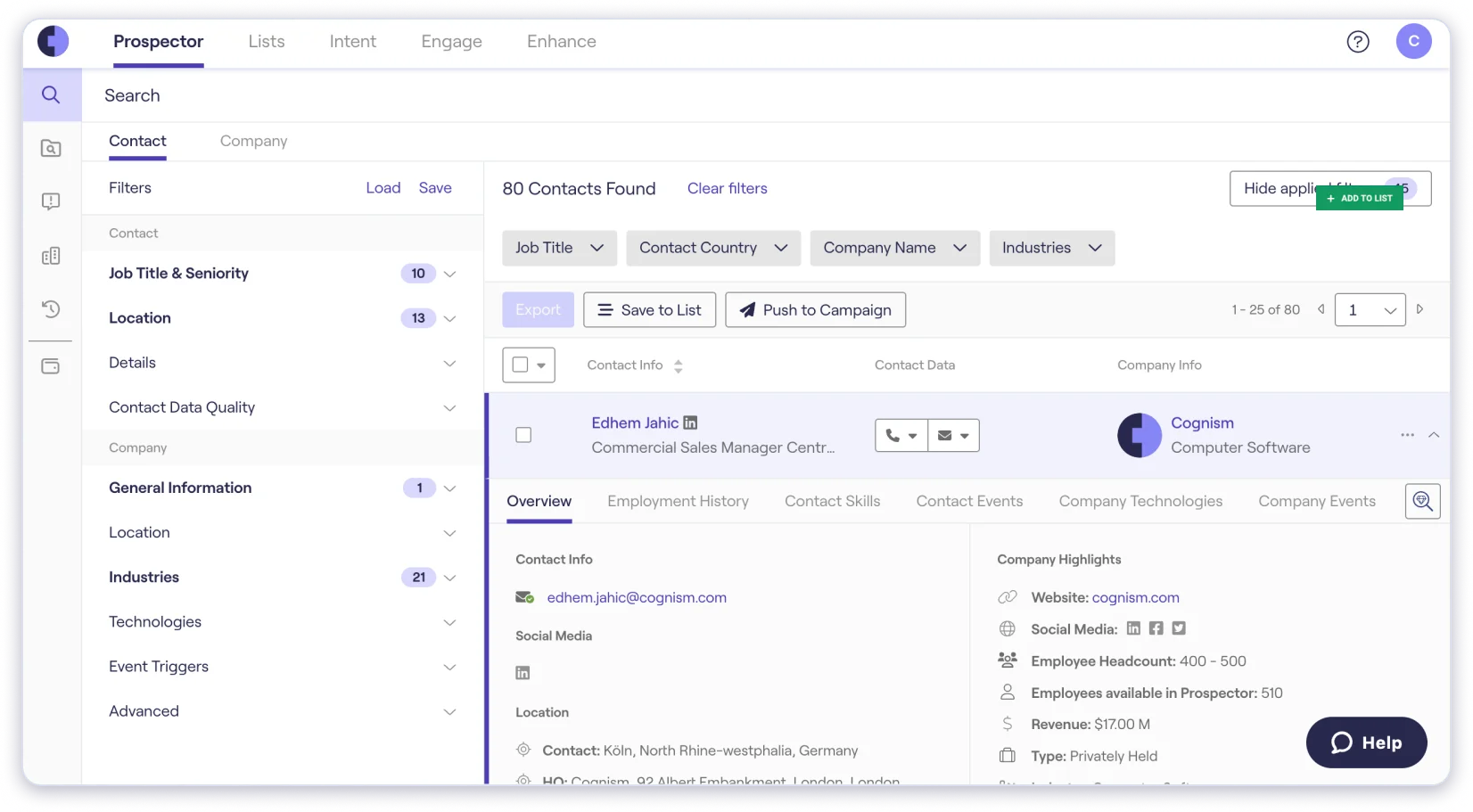
Reviewers back the core claim and then hit an export ceiling. One enterprise SDR called it "an essential part of my daily workflow" for verified mobiles, then flagged a 25-contact limit on saving and downloading at once (his review).
Data freshness is not uniform either. An enterprise reviewer who praised the European coverage specifically also reported outdated records and changed roles among the contacts returned (this review).
What it will not tell you is the price or the database size. Both plans include five seats, so the smallest purchase is a team purchase.
The compliance paperwork here is the most thorough on the list, and that is the reason to shortlist Lusha over cheaper options. GDPR certification from ePrivacyseal, CCPA validation from TrustArc, SOC 2 Type II, ISO 27001, ISO 27701, and California data broker registration are all named on the site.
Lusha also states where its data comes from, which almost nobody else does. It runs an opt-in community, licensed partner directories, and public business information, and states plainly that it does not scrape professional networks.
Accuracy claims are broken out by region rather than averaged into one number. Emails are claimed at 98 percent in North America and 95 percent in Latin America, with phone numbers at 86 percent globally.
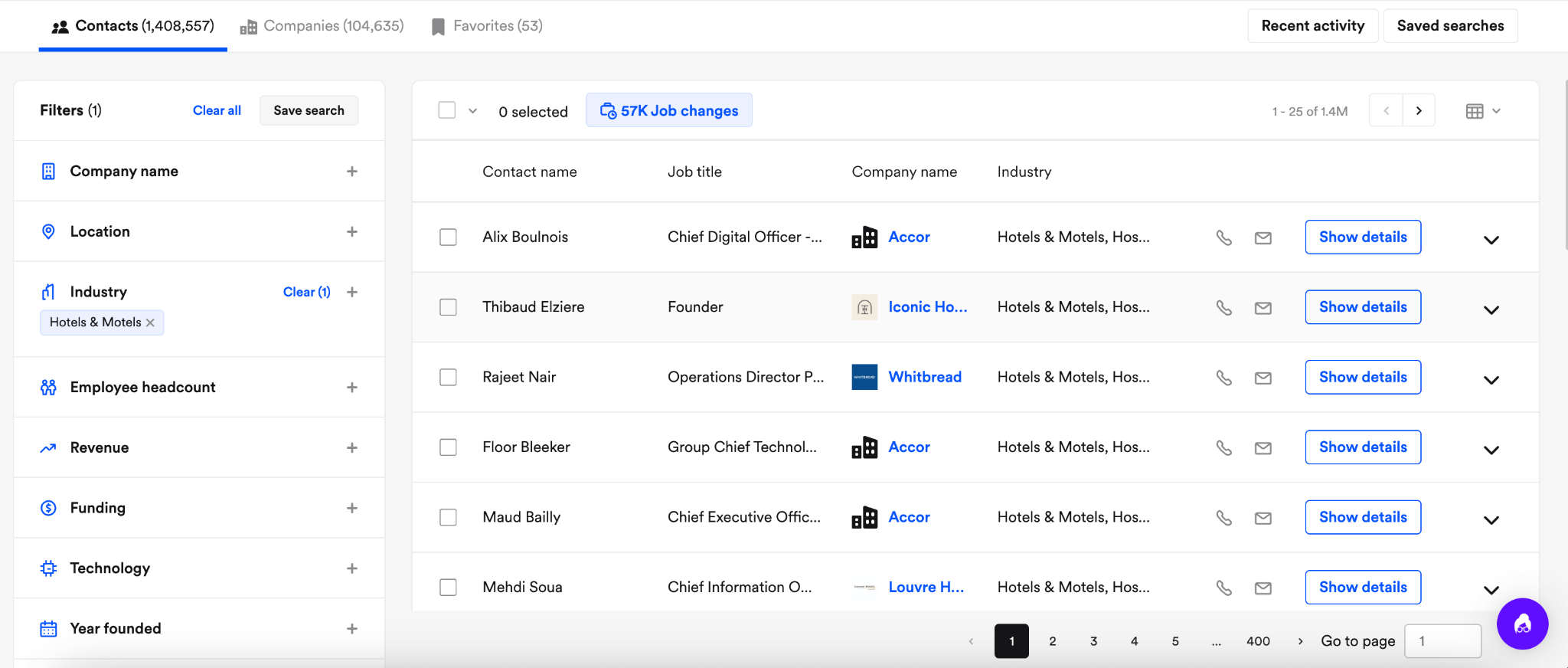
Coverage thins out at the small end of the market. One instructor running full-cycle outbound noted that "Some contacts at smaller companies don't have an email on the first pass", though a recheck routine filled most within a few weeks (his review).
Adoption speed is the consistent compliment. A startup founder found it quicker for new team members to learn than Apollo or ZoomInfo, while flagging no built-in dialer and a UI that freezes on large lists (her review).
The pricing page is the real problem. It runs on an interactive slider, and no dollar figure for Starter, Pro, or Premium appears in the page itself.
The only tool here that publishes every plan, every limit, and both billing cycles is also the cheapest entry point. Saleshandy claims 852M+ contacts, though the same homepage also shows an 800M+ figure in its metadata, so treat the number as approximate.
What makes it different is the bundle. The lead database sits alongside sending infrastructure, so you can buy domains, auto-configure SPF, DKIM and DMARC, warm the mailboxes, and send from the same product.
That consolidation is what agencies single out. One agency owner said it "brings the main parts of cold email outreach together in one place" across eight sending accounts with rotation, while calling the interface scattered until setup is done (his review).
Sending limits are the constraint people hit first. A founder who imported nearly 1,200 contacts found the daily per-account limit low enough that lists above a thousand need several sending accounts, and noted verification credits are billed separately (this review).
The trade-off is that the database is a feature rather than the product. Lead finder credits start at 1,500 a month on Starter, and phone numbers cost six credits each.
For a wider view against sending-first tools, the Saleshandy alternatives comparison covers the eleven options teams weigh most often.
This one replaces a different part of ZoomInfo than everything above. Demandbase is an account-based platform combining intent data, a proprietary B2B advertising network, and analytics, so it answers which accounts to pursue rather than who to email.
It does not publish a database size, and its product pages never state whether it supplies emails or phone numbers at all. That is not an oversight, because contact data is not what it sells.
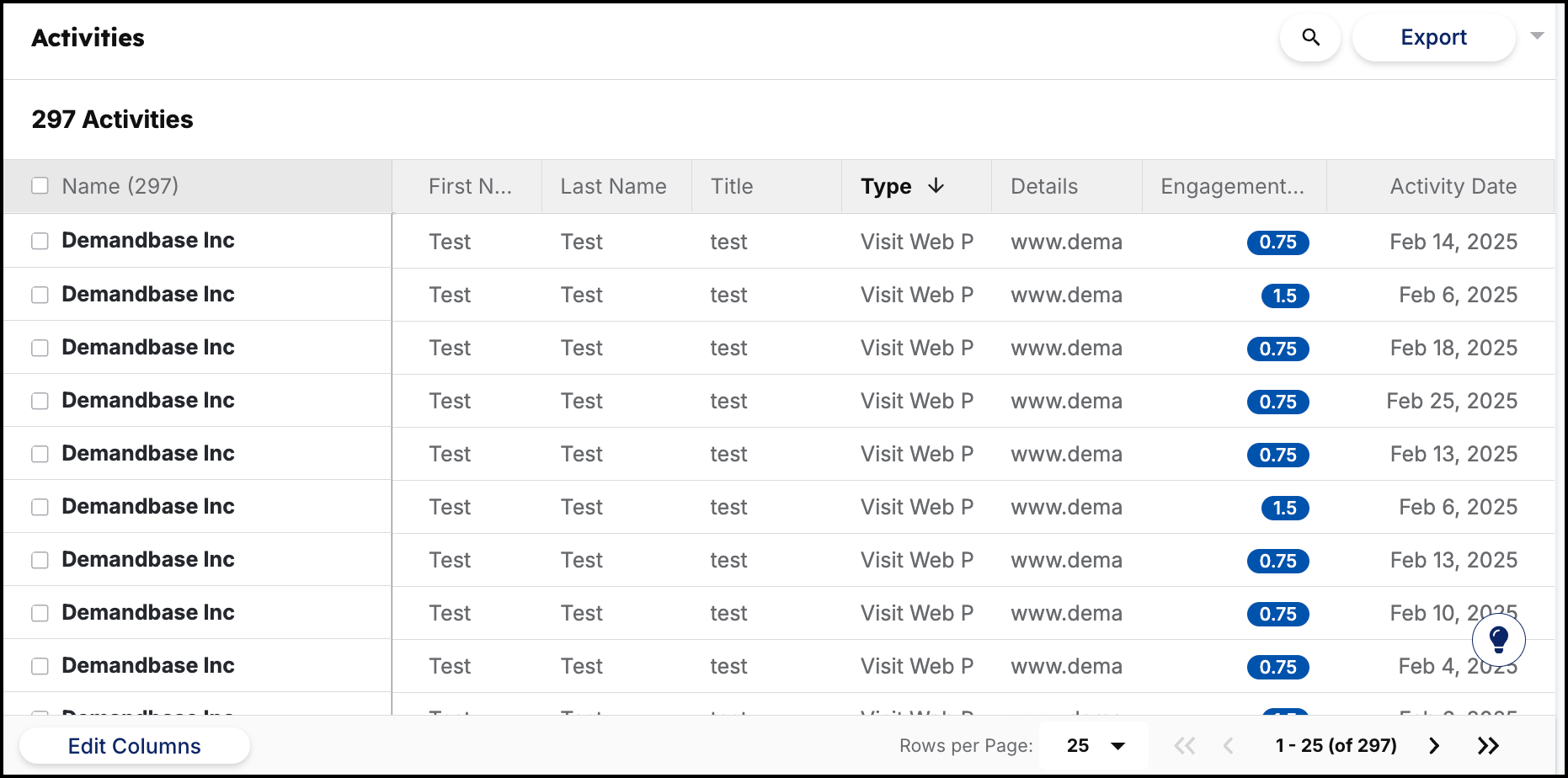
The unification is real and the usability is not. An EMEA demand generation lead valued how it connects signals from platforms that do not normally talk to each other, then found that for Buying Groups "the setup and practical application are not particularly straightforward", even after a session with the Demandbase team (her review).
Pricing works as a platform fee plus a flat fee per user, and marketing and sales cannot be bought separately.
Identifying buyers who have not filled in a form yet is the specific thing 6sense does better than anything else here. It tracks anonymous research activity across the web and scores which accounts are genuinely in market.
It claims 370M+ buyer profiles and does list emails, phone numbers, firmographics, and technographics. Even so, the contact database is supporting cast for the intent engine.

Reporting is where reviewers consistently push back. One associate consultant who valued the account intent depth also said "some reports and dashboards could offer more customization" for different teams (his review).
A telecommunications reviewer went further, describing analytics as limited enough that teams export into Excel or Power BI for deeper work (this review).
Pricing is demo-only. Three plan combinations are visible, none carries a figure, and a free option is linked in the navigation without any terms published anywhere.
Leadsforge is my pick for most teams, because checking twenty-plus providers per record is the most direct answer to the data decay people leave ZoomInfo over. The lookalike and signal targeting on top of that is what makes it a list builder rather than just a lookup tool.
Cognism wins on phone-verified mobiles and do-not-call coverage, and Lusha wins on audited compliance. Both make you book a call to learn what they cost.
If dialing European numbers is the job, take Cognism and accept the five seats.
Start with 100 free Leadsforge credits, no credit card required
Saleshandy has the lowest published entry price at $34 per user a month on annual billing. Leadsforge is $49 a month with no seat fees, which works out cheaper for teams of two or more.
Cognism sells phone-verified mobile numbers as its core product and screens against do-not-call lists in sixteen countries. Lusha publishes 117M+ verified phone numbers at a claimed 86 percent global accuracy.
Three do. Saleshandy publishes every plan and limit, Leadsforge publishes its single tier, and Apollo publishes figures that did not render on its main pricing page. Cognism, Demandbase, 6sense, and ZoomInfo publish nothing.
Apollo and Lusha both run permanent free plans, with Lusha offering 40 credits a month. Leadsforge gives 100 free credits at signup with no card required, and Saleshandy offers a 7-day trial instead.
Waterfall enrichment checks several data providers in sequence until a field gets filled. One provider's coverage gap stops being your coverage gap, which is why Leadsforge, Apollo, and Lusha all run it.
Cognism and Lusha are the strongest. Cognism names GDPR and CCPA sourcing with ISO 27001, ISO 27701, and SOC 2 Type II, and Lusha adds independently audited GDPR certification and CCPA validation.
